☤ The Hermes Workshop v1 · device index
A device showcase · October 2026

Every gadget,
one brain.

A catalog of 330 open, hackable, API-driven devices — one by one. Each has what it is, what makes it interesting, the use cases we worked up, and exactly how Hermes Agent plugs in and adds value. Browse them all, or filter by the protocol you want to talk over.

330devices & tools
1697worked-up ideas
30families
⚙◆⚿⚒⚖≋⚗✦◎⌂
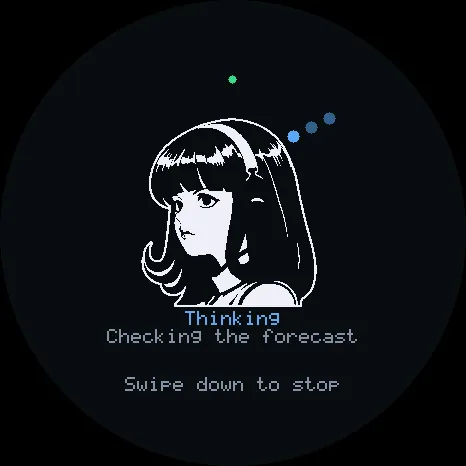
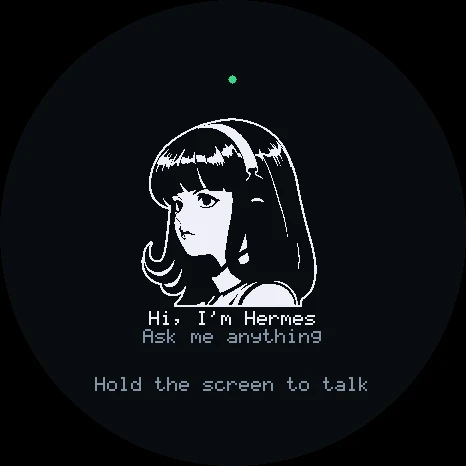
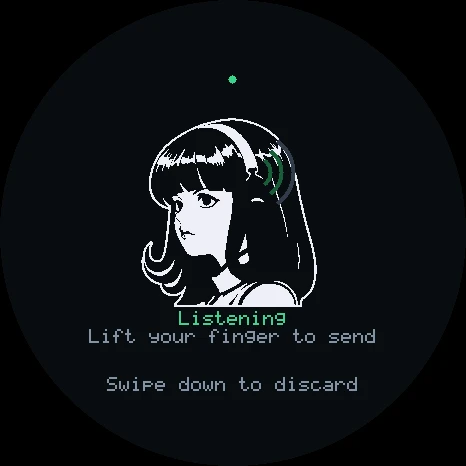
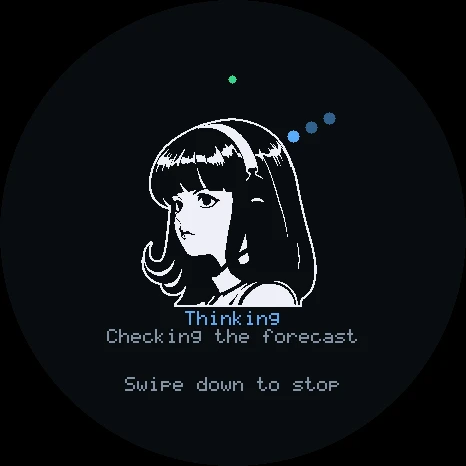
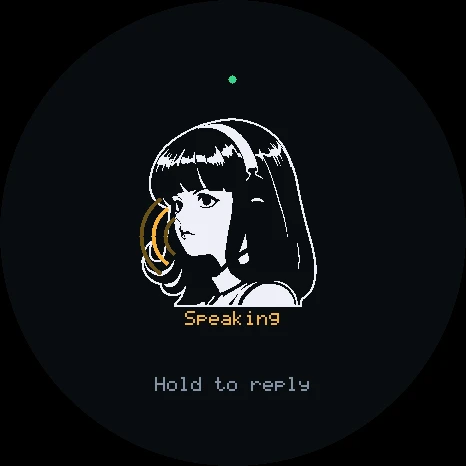
Hermes Gadget: ready Hermes Gadget: listening Hermes Gadget: thinking Hermes Gadget: speaking
Hermes Gadget · ready
THE RULE

Every device has a real local interface

REST, MQTT, MCP, SCPI, serial, ROS 2, or firmware Hermes can rewrite and flash. No vendor cloud in the loop where it can be avoided, so the agent reads state, acts, and checks the result itself.

THE BRAIN

Hermes owns, builds, maintains

It writes ESPHome YAML and Klipper macros, flashes boards over the air, watches printers and networks on cron jobs, remembers each device's quirks in a skill, and pings you when a human is needed.

THE VALUE

A gadget alone vs. a gadget with Hermes

A plug reports watts. With Hermes it becomes a rule. A printer has a camera. With Hermes it cancels its own spaghetti. Each card spells out that gap in the How Hermes plugs in note.

◎yougadget · voice · chat · cron
→
☤Hermes Agentmemory · skills · tools · approvals
→
⚙the deviceMCP · MQTT · REST · SCPI · serial · OTA
☤
01 / 30 · 5 devices

Hermes-Native Gadgets

Small boards built to be a body for Hermes Agent. Flash one and it registers as a gateway platform, so a pocket screen gets the same memory, approvals and tools as Telegram or the Desktop app. The firmware and agent projects that run on them are the last section of this page.

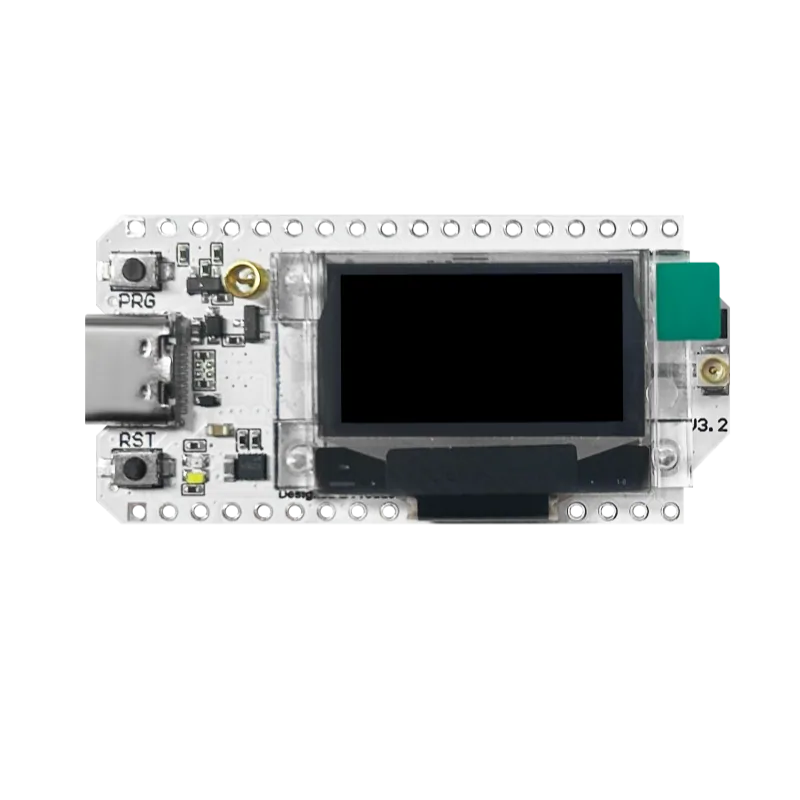
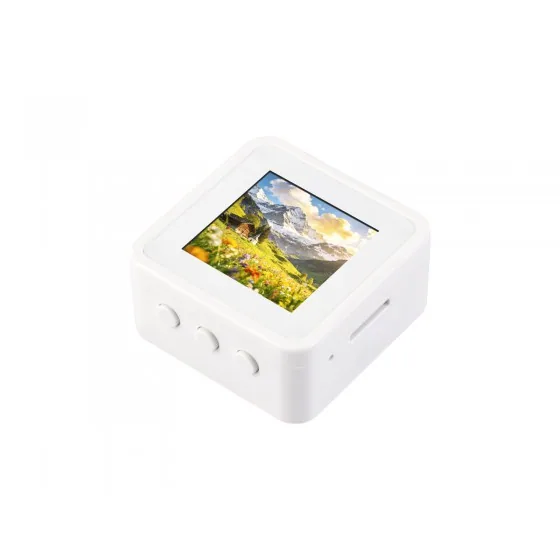
Waveshare ESP32-S3-LCD-1.54☤Hermes-nativePlug & play

Waveshare ESP32-S3-LCD-1.54

~$15-19
A cheap all-in-one ESP32-S3 voice board with a 1.54-inch screen.

An ESP32-S3R8 board (8 MB octal PSRAM, 16 MB flash) with a 240x240 ST7789 SPI LCD, an ES7210 ADC with two microphones, an ES8311 DAC, NS4150B amp and speaker, a QMI8658 6-axis IMU, TF slot, battery charger and BOOT/PLUS/PWR keys. A touch variant (ESP32-S3-Touch-LCD-1.54) adds a CST816 touchscreen.

Hermes GadgetESP-IDFESPHomeArduino
☤ HOW HERMES PLUGS INIt is a first-class Hermes Gadget SDK target (esp32s3-lcd-154): flash it from the browser installer, pair it with the Gadget gateway plugin, hold BOOT to talk and PLUS to cancel. Because it is a plain ESP32-S3 it also runs ESPHome, Arduino or ESP-IDF if you want Hermes to reach it over MQTT or the ESPHome API instead.

⚒ Use cases we worked up 4 ideas

  1. Make a sub-$20 Hermes voice remote that lives on the fridge.
  2. Use the IMU so picking the board up wakes the screen and starts a new Hermes turn.
  3. Give a kid a battery-powered 'ask Hermes' homework buddy with a friendly face.
  4. Run several around the house as gadget DMs so Hermes can push timers and alerts to the right room.

✦ Good to know

  • It needs no wiring at all: mics, speaker, screen and battery charging are all on the board.
  • Gadget SDK docs note Waveshare's demo drives the ES7210 in TDM mode while the SDK uses standard I2S, a handy debugging tip.
  • Its official wiki page was still a placeholder when checked, so the SDK's hardware doc is one of the better pinout references.
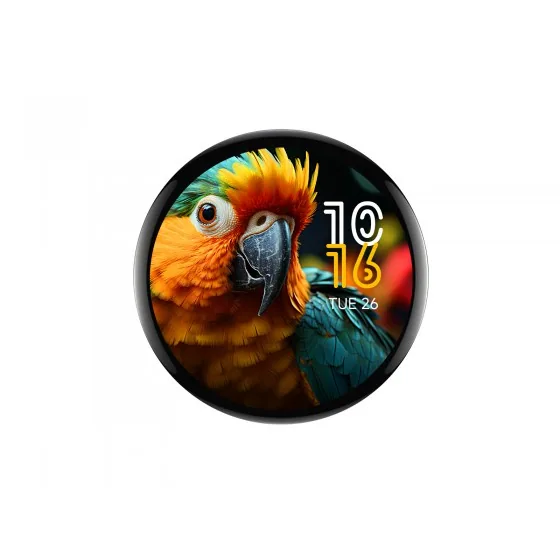
Waveshare ESP32-S3-Touch-AMOLED-1.75☤Hermes-nativePlug & play

Waveshare ESP32-S3-Touch-AMOLED-1.75

~$30-40
A gorgeous round 466x466 AMOLED ESP32-S3 with mics and IMU.

An ESP32-S3R8 board (8 MB PSRAM, 16 MB flash) with a 1.75-inch round 466x466 AMOLED driven by a CO5300 over QSPI, a CST9217 capacitive touch controller, a dual microphone array, speaker connector, QMI8658 6-axis IMU, PCF85063 RTC, AXP2101 PMU with Li-ion charging, and a TF slot. The 1.75C variant adds an onboard speaker.

Hermes GadgetESP-IDFLVGLArduino
☤ HOW HERMES PLUGS INSupported by the Hermes Gadget SDK, where you hold the screen to talk; the SDK's desktop simulator even has a 466x466 round profile matching this panel. Outside the Gadget SDK it is a normal ESP32-S3, so ESP-IDF, Arduino or LVGL apps can report to Hermes over MQTT or WebSocket.

⚒ Use cases we worked up 4 ideas

  1. Build a smartwatch-style Hermes face that shows your agent's status ring and next calendar event.
  2. Make a round desk clock where a Hermes cron job updates a daily quote or headline.
  3. Use the IMU for tap-to-talk and flip-to-mute gestures.
  4. Run it on battery as a portable voice notebook that syncs notes to Hermes memory.

✦ Good to know

  • AMOLED means true blacks, so a dark UI on a round screen looks like a floating face.
  • It runs from a 3.7V cell through the AXP2101, which also powers the RTC for timekeeping while off.
  • The Gadget SDK's round simulator profile (sim-466x466-round) is sized for this panel.
Waveshare ESP32-S3-Touch-LCD-2.8☤Hermes-nativePlug & play

Waveshare ESP32-S3-Touch-LCD-2.8

~$20-26
A 2.8-inch touch ESP32-S3 board, home of the Hermes Familiar.

An ESP32-S3R8 board (16 MB flash, 8 MB PSRAM) with a 2.8-inch 240x320 IPS touchscreen (ST7789 panel, CST328 5-point touch), PCM5101 audio DAC with an included 8-ohm 2W speaker, QMI8658 IMU, PCF85063 RTC, TF slot and Li-ion charging. It exposes UART and I2C headers and native USB.

USB serialESP-IDFArduinoESPHome
☤ HOW HERMES PLUGS INThis is the verified board for the Hermes Familiar plugin, which drives it over USB serial with a newline-JSON protocol (or TCP/WebSocket when untethered) to show live agent state and resolve real gateway approvals. It also takes ESP-IDF, Arduino or ESPHome builds if you prefer MQTT.

⚒ Use cases we worked up 4 ideas

  1. Flash the Hermes Familiar and get a desk companion that shows tool activity and approval prompts.
  2. Use the larger screen as a Hermes cron and gateway health dashboard.
  3. Play short SD-card animations when Hermes finishes a long task.
  4. Build a touch control panel where each tile triggers a Hermes skill.

✦ Good to know

  • The Familiar's author documented the touch pins and a color-calibration quirk (LCD inversion on, byte-swapped image buffers).
  • It has a hardware volume knob on board, unusual for an ESP32 display dev board.
  • No microphone is listed in Waveshare's spec, so it suits display and approval roles more than voice capture.

the Familiar's board

Espressif ESP32-S3-BOX-3☤Hermes-nativePlug & play

Espressif ESP32-S3-BOX-3

~$50
Espressif's open-source AIoT voice box with touchscreen and dock.

Announced in August 2023, the BOX-3 pairs an ESP32-S3 with 16 MB quad flash and 16 MB octal PSRAM, a 2.4-inch 320x240 SPI touchscreen, two digital microphones, a speaker and USB-C, plus a high-density PCIe-style connector for accessories like the DOCK (Pmod headers) and SENSOR (temp/humidity, IR, radar) bases. It runs ESP-SR for offline wake word and over 200 custom command words, and supports Matter.

Hermes GadgetESPHomeESP-IDFMatter
☤ HOW HERMES PLUGS INIt is an experimental Hermes Gadget SDK target (hold the screen or BOOT to talk). It also has official ESPHome voice-assistant firmware for Home Assistant, so Hermes can reach it through the Home Assistant plugin, MQTT, or ESPHome's native API.

⚒ Use cases we worked up 4 ideas

  1. Turn it into a Hermes kitchen terminal with an offline wake word that only wakes the cloud brain when needed.
  2. Add the SENSOR base and let Hermes learn room occupancy from the radar.
  3. Use the IR emitter so Hermes can control an old TV or air conditioner.
  4. Make it a Thread border router plus voice front-end for a Matter smart home that Hermes manages.

✦ Good to know

  • Espressif's launch announcement pitched it, paired with Home Assistant, as a local controller that rivals Amazon Echo and Google Home.
  • It can act as a Matter end device, Thread border router or Matter gateway depending on firmware.
  • Espressif published ChatGPT demos for it the year it launched, so LLM-on-a-box was part of the pitch from day one.
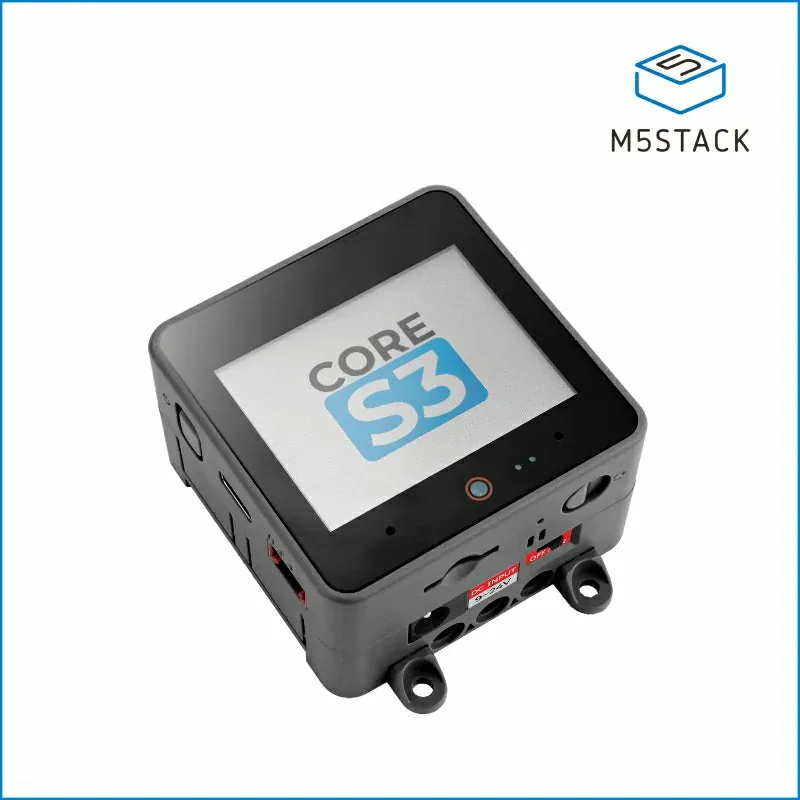
M5Stack CoreS3☤Hermes-nativePlug & play

M5Stack CoreS3

~$60
M5Stack's sensor-packed ESP32-S3 cube with camera, mics and battery.

The third-generation M5Stack Core: ESP32-S3 at 240 MHz, 16 MB flash, 8 MB PSRAM, a 2.0-inch 320x240 touch IPS, GC0308 0.3 MP camera, LTR-553 proximity/light sensor, BMI270 IMU, BMM150 magnetometer, BM8563 RTC, ES7210 dual mics and an AW88298 amp with 1W speaker. It has an AXP2101 PMU, a 500 mAh battery, microSD, and ships with a DIN-rail base that accepts 9-24V.

Hermes GadgetUiFlow2ESP-IDFArduinoMQTT
☤ HOW HERMES PLUGS INAn experimental Hermes Gadget SDK target (hold the screen to talk, with onboard battery management), and the hardware family the ESP-Hermes channel plugin is built around. It also runs UiFlow2, Arduino, ESP-IDF and ESPHome, so Hermes can control it via MQTT or a custom MCP server.

⚒ Use cases we worked up 5 ideas

  1. Use the camera so Hermes can glance at your workbench and describe what changed.
  2. Mount it on a DIN rail in a server closet as a Hermes status panel and voice interface.
  3. Have the proximity sensor wake the screen and greet you with Hermes' morning briefing.
  4. Build a Hermes-powered Grove sensor hub that logs readings and alerts on anomalies.
  5. Make a talking compass-and-IMU field logger that syncs to Hermes when it hits Wi-Fi.

✦ Good to know

  • Long-pressing RESET enters download mode through a custom delay circuit, so you rarely need the BOOT pin dance.
  • Its USB-C supports OTG, so it can host USB devices as well as be flashed.
  • The included DinBase means it can go straight into an industrial panel.
◆
02 / 30 · 19 devices

Microcontrollers & Dev Boards

The chips Hermes flashes. Hermes writes the code, compiles it on the shop server, pushes it over USB or OTA, and keeps a skill per board with its pinouts and quirks.

◆
◆MicrocontrollersTinker

ESP32-P4

Espressif's 400 MHz RISC-V muscle chip for screens and cameras

The ESP32-P4 is a dual-core RISC-V SoC at up to 400 MHz with FPU and AI instruction extensions, plus a 40 MHz LP core, 768 KB on-chip SRAM and support for external PSRAM. It adds MIPI-DSI and MIPI-CSI with an integrated ISP (up to 1080p), an H.264 encoder (1080p@30fps), a pixel processing accelerator, USB 2.0 OTG High-Speed, Ethernet and 55 GPIOs. It has no radio of its own: Wi-Fi/BLE comes from a companion ESP32-C/S chip over SDIO/SPI via ESP-Hosted.

ESP-IDFESPHomeMIPI-DSI/CSIUSB 2.0 HSMCP
☤ HOW HERMES PLUGS INHermes can build and flash P4 firmware from its terminal with ESP-IDF (idf.py set-target esp32p4 build flash) or register ESP-IDF's own MCP server (idf.py mcp-server) so the build/flash loop becomes native tools. For no-code paths, Hermes can write ESPHome YAML (variant: esp32p4 plus the esp32_hosted component for the C6 radio), push it OTA, and then read and drive the device through its Home Assistant tools.

⚒ Use cases we worked up 5 ideas

  1. A 7-inch kitchen panel where Hermes renders the day's calendar, weather and cron-job results as LVGL screens pushed over ESPHome.
  2. A MIPI camera doorbell that H.264-encodes clips locally and hands keyframes to Hermes for vision analysis before pinging you on Telegram.
  3. A wired-Ethernet status board for your GPU rack that Hermes updates with training-run loss curves and node health.
  4. A Hermes Gadget port: wake word and audio on the P4, with the agent loop running on your Hermes server.
  5. A USB-HS host bridge that lets Hermes talk to lab instruments plugged into the P4 and report readings over the network.

✦ Good to know

  • Unlike earlier Espressif SoCs it has no radio at all, a deliberate split that turns cheap C-series chips into Wi-Fi co-processors.
  • Hardware H.264 encoding at 1080p30 on a microcontroller-class part was previously the domain of Linux-capable camera SoCs.
  • A dedicated Key Management Unit lets private keys be generated inside the chip so software never sees them in plaintext.

big-screen/camera class

ESP32-C6◆MicrocontrollersTinker

ESP32-C6

Cheap RISC-V chip that speaks Wi-Fi 6, BLE, Thread and Zigbee

The ESP32-C6 is Espressif's first Wi-Fi 6 SoC: a 160 MHz RISC-V core plus a 20 MHz low-power RISC-V core, 512 KB SRAM, and radios for 2.4 GHz 802.11ax, Bluetooth 5 (LE) and IEEE 802.15.4. That last radio makes it a native Thread or Zigbee end device and a Matter-ready building block, and Wi-Fi 6 Target Wake Time enables long battery life while staying connected. It also commonly serves as the wireless co-processor for the radio-less ESP32-P4.

ESPHomeThreadZigbeeMatterMQTT
☤ HOW HERMES PLUGS INHermes can generate ESPHome YAML for a C6 (including the openthread component for Thread) and flash it, after which every sensor and switch shows up in Home Assistant, where Hermes queries and controls it with ha_get_state and ha_call_service. For custom firmware Hermes drives ESP-IDF or the ESP-IDF MCP server, and it can publish/subscribe on MQTT topics the board exposes.

⚒ Use cases we worked up 5 ideas

  1. A fleet of battery-powered Thread sensors whose readings Hermes summarizes in a nightly cron report.
  2. A Zigbee sniffer/bridge that Hermes uses to inventory every Zigbee device in the house and flag new ones.
  3. Matter smart plugs built from bare C6 modules that Hermes schedules around electricity prices.
  4. A Wi-Fi 6 TWT experiment where Hermes logs power draw over weeks and tunes wake intervals.
  5. A low-power co-processor that wakes on the LP core and only pings Hermes when a threshold trips.

✦ Good to know

  • It packs three radio stacks (Wi-Fi 6, BLE 5, 802.15.4) on one low-cost die, which is why it shows up in so many Matter and Thread products.
  • The 20 MHz LP RISC-V core can keep running sensor logic while the main core sleeps.
  • Paired with a second Espressif chip it can form a Thread Border Router or Zigbee-to-Matter bridge.

Wi-Fi 6 + Thread/Zigbee

Waveshare ESP32-P4 7" touch◆MicrocontrollersTinker

Waveshare ESP32-P4 7" touch

~$47-56
Seven-inch ESP32-P4 touchscreen built to hang on a wall

Waveshare's ESP32-P4-WIFI6-Touch-LCD-7B pairs an ESP32-P4 (32 MB in-package PSRAM, 32 MB NOR flash) with an ESP32-C6-MINI over SDIO for Wi-Fi 6 and BLE 5, driving a 7-inch 1024x600 IPS panel with 5-point GT911 capacitive touch. It adds an ES8311 codec, ES7210 echo-cancellation front end with dual mics, a speaker header, MIPI-CSI camera input (a -C version ships with an OV5647), USB 2.0 OTG HS, a TF slot, and PH2.0 headers for RS485, CAN, I2C and UART.

ESPHomeESP-IDFLVGLRS485/CANWi-Fi 6
☤ HOW HERMES PLUGS INHermes can author ESPHome YAML (esp32p4 variant, esp32_hosted for the C6, MIPI-DSI display and LVGL pages) and flash it OTA, turning the panel into a Home Assistant dashboard that Hermes rewrites whenever you ask. With custom ESP-IDF firmware it becomes a voice-and-touch front end that streams audio to the Hermes API server and shows the agent's replies on screen.

⚒ Use cases we worked up 5 ideas

  1. A wall-mounted Hermes console that shows running cron jobs, subagent status and the latest gateway messages.
  2. A voice terminal using the dual-mic echo-cancelled input, with Hermes as the brain and the screen as its face.
  3. An RS485/Modbus energy dashboard where Hermes reads your inverter and explains the day's solar output.
  4. A CAN-bus car or e-bike telemetry display that Hermes annotates with plain-English diagnostics.
  5. A camera-equipped hallway screen that greets family members by name after Hermes analyzes snapshots.

✦ Good to know

  • Waveshare lists it in its AI Chat category and advertises hooking it to online LLM platforms out of the box.
  • It ships with industrial RS485 and CAN headers, unusual on a hobbyist touchscreen board.
  • The echo-cancellation chip means it can listen while its own speaker is talking, the key to barge-in voice UX.

wall dashboard

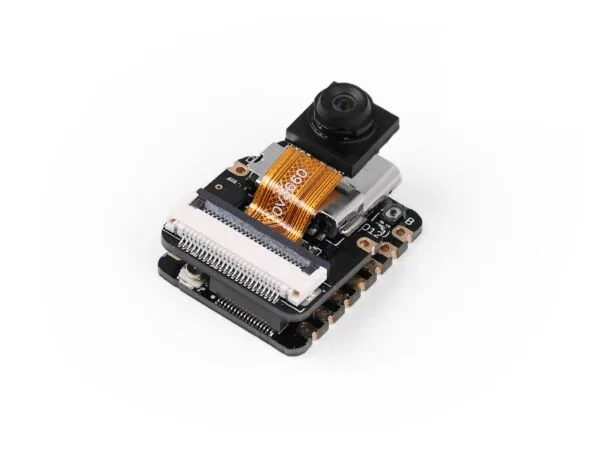
Seeed XIAO ESP32S3 Sense◆MicrocontrollersTinker

Seeed XIAO ESP32S3 Sense

~$14
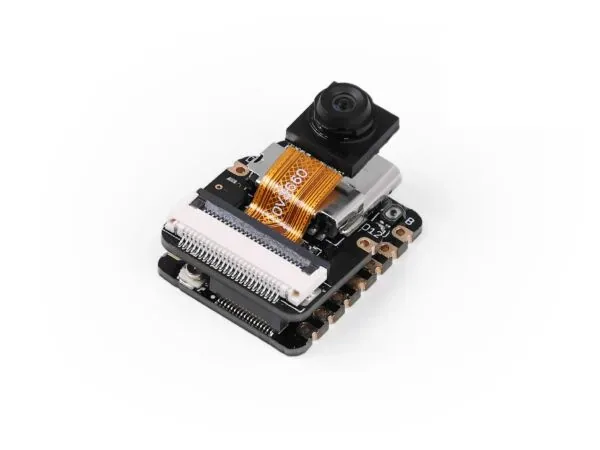
Thumb-sized ESP32-S3 with camera, microphone and SD slot

The XIAO ESP32S3 Sense is a 21 x 17.8 mm board built on the ESP32-S3R8 (dual-core Xtensa LX7 at 240 MHz, 8 MB PSRAM, 8 MB flash) with Wi-Fi, BLE 5 and LiPo charging. A detachable expansion board adds a camera sensor, a digital microphone and a microSD slot, making it a popular platform for tiny vision and voice ML projects. Seeed notes the original OV2640 camera has been discontinued and newer units ship with an OV3660.

ESPHomeArduinoMicroPythonHTTP/MJPEGBLE
☤ HOW HERMES PLUGS INHermes can flash it with ESPHome (esp32_camera) or the Arduino CameraWebServer sketch, then pull JPEG snapshots over HTTP on a cron schedule and run them through its vision tool. For audio, a small firmware can stream mic captures to the Hermes API server, and Hermes can manage code and logs over USB serial from its terminal.

⚒ Use cases we worked up 5 ideas

  1. A bird-feeder cam where Hermes identifies species from hourly snapshots and keeps a running life list in memory.
  2. A 3D-printer spaghetti detector that Hermes checks every few minutes and pauses the print via your printer's API.
  3. A pocket voice recorder that uploads clips for Hermes to transcribe and file into notes.
  4. A plant time-lapse rig where Hermes stitches images and comments on growth each week.
  5. A battery-powered mailbox sensor that wakes, snaps one photo, and lets Hermes tell you what arrived.

✦ Good to know

  • The whole camera-plus-mic stack fits on a board about the size of a thumbnail.
  • Seeed publishes KiCad files, schematics and 3D models for the XIAO ESP32-S3 family.
  • Base-board deep sleep is listed by Seeed at around 14 microamps.

thumb-sized, camera + mic

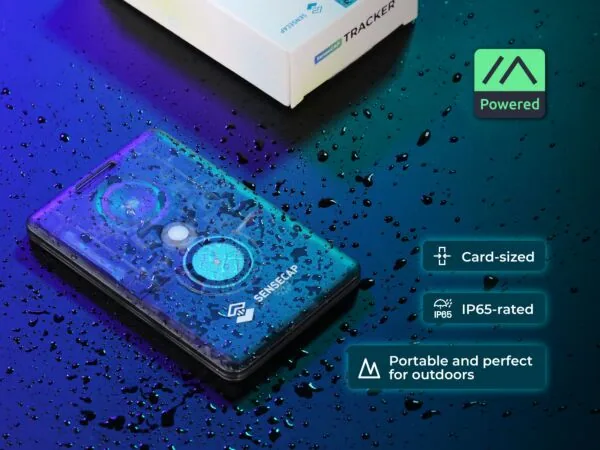
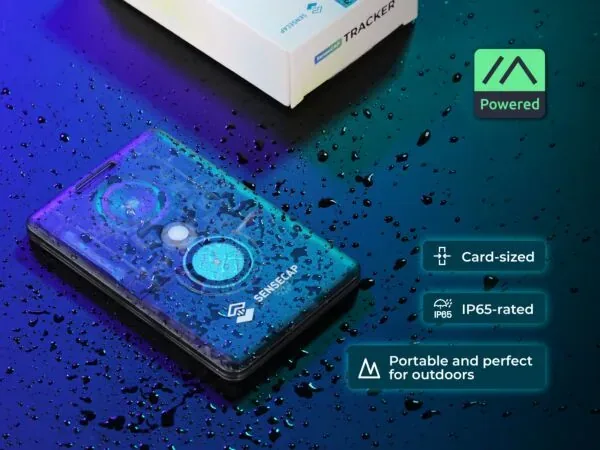
SenseCAP Watcher◆MicrocontrollersPlug & play

SenseCAP Watcher

~$61
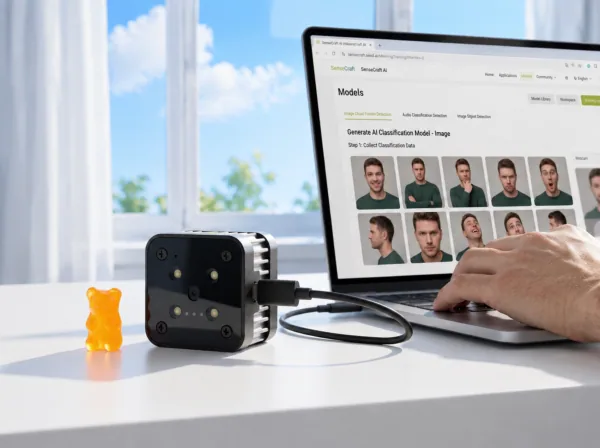
A desk-sized camera robot Seeed sells as a physical AI agent

SenseCAP Watcher W1-A combines an ESP32-S3 (8 MB PSRAM, 32 MB flash) with a Himax WiseEye2 HX6538 AI chip (Arm Cortex-M55 + Ethos-U55 NPU) for on-device vision. It has an OV5647 120-degree camera, a 1.45-inch 412x412 round touchscreen, a scroll wheel, microphone, 1 W speaker, RGB LED, microSD slot, a Grove I2C port and a 400 mAh backup battery. Tasks are assigned by voice or the SenseCraft app, and alerts can go out over UART, an HTTP proxy, Home Assistant or Node-RED.

Home AssistantHTTPUARTMCP (xiaozhi)Node-RED
☤ HOW HERMES PLUGS INHermes can receive Watcher events through its Home Assistant integration (the gateway subscribes to HA state changes) or via the Watcher's HTTP proxy notifications forwarded to a Hermes endpoint, then decide what to do with them. Because Watcher is a supported xiaozhi-esp32 board, it can also be reflashed so its voice loop and device-side MCP tools are backed by a server you point at Hermes.

⚒ Use cases we worked up 5 ideas

  1. A front-desk sentry that detects a person, sends the frame to Hermes, and has Hermes decide whether it is a courier worth messaging you about.
  2. A pet watcher that tells Hermes when the dog is on the couch, and Hermes logs it and plays a recorded 'off' command.
  3. A meeting-room occupancy sensor whose counts Hermes rolls into a weekly utilization report.
  4. A talking desk companion that reads you Hermes cron results and accepts voice tasks.
  5. A workshop safety monitor that alerts when nobody is near a running tool for too long.

✦ Good to know

  • The Himax HX6538 runs detection models locally at low power, so the ESP32-S3 can mostly handle UI and networking.
  • Seeed sells a 'Watcher for XiaoZhi' variant aimed at the open-source xiaozhi voice firmware.
  • It mounts on a 360-degree wall bracket or a standard 1/4-inch tripod thread.

ESP32-S3 + Himax AI chip, camera, mic; sold as a "physical AI agent"

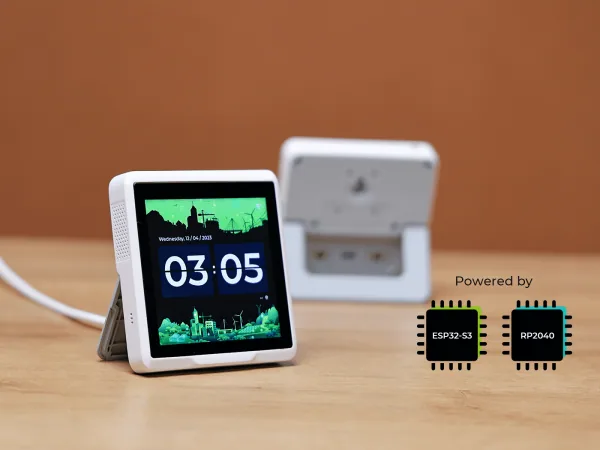
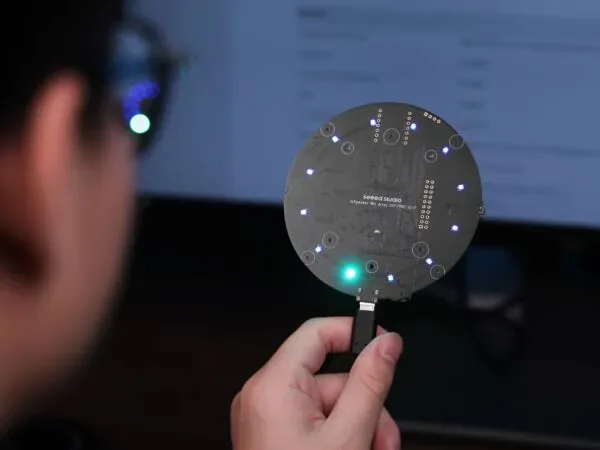
SenseCAP Indicator D1◆MicrocontrollersTinker

SenseCAP Indicator D1

~$49
Four-inch square touch panel with ESP32-S3 and RP2040 inside

The SenseCAP Indicator is a 3.95-inch 480x480 capacitive touchscreen device driven by two MCUs: an ESP32-S3 (240 MHz, 8 MB flash, Wi-Fi and BLE 5) handling the display and networking, and an RP2040 handling two Grove ports (I2C and ADC), a buzzer and a microSD slot. It is USB-C powered with no battery and fully open source. The base D1 omits extras; the D1S adds SCD41 CO2 and SGP40 tVOC sensors, the D1L adds an SX1262 LoRa radio, and the D1Pro has both.

ESPHomeMQTTLVGLGrove I2CWi-Fi
☤ HOW HERMES PLUGS INHermes can flash it with ESPHome (a documented device config exists on devices.esphome.io) so it becomes a Home Assistant panel that Hermes reads and controls with its HA tools. Alternatively Hermes can maintain ESP-IDF/LVGL firmware that subscribes to an MQTT topic, letting cron jobs push status cards to the screen.

⚒ Use cases we worked up 5 ideas

  1. A desk 'agent inbox' that shows the last three things Hermes did for you, with tap-to-approve buttons.
  2. A Grove-sensor air-quality station whose readings Hermes trends and explains on demand.
  3. A home-lab status tile that Hermes updates with disk, GPU and service health from its terminal checks.
  4. A one-button 'run my morning briefing' trigger that kicks off a Hermes cron job via HA.
  5. With a D1L, a LoRa-to-Wi-Fi hub that relays remote sensor packets for Hermes to log.

✦ Good to know

  • The split-brain design keeps time-critical I/O on the RP2040 while the ESP32-S3 drives the 480x480 display.
  • Seeed warns not to flash Meshtastic onto non-Meshtastic Indicator units because it can damage hardware; a dedicated Meshtastic edition exists.
  • Seeed offers ODM customization of the design for scale-up.

4" touch panel

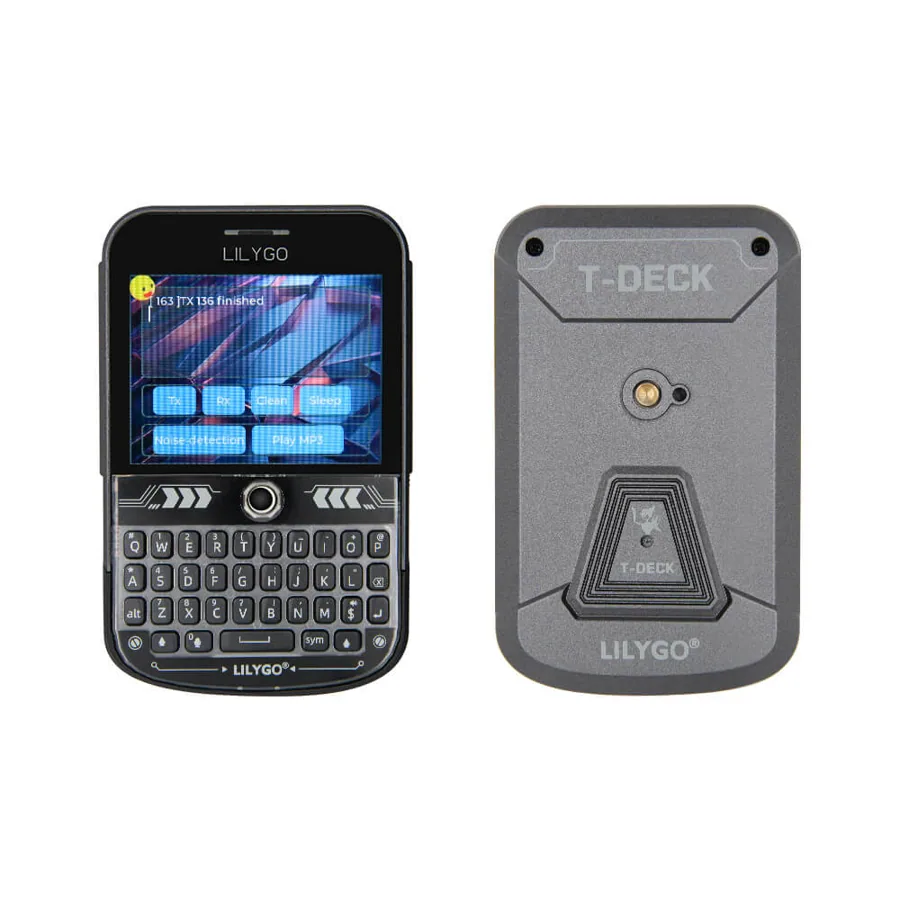
LilyGO T-Deck Plus◆MicrocontrollersTinker

LilyGO T-Deck Plus

~$71
Pocket BlackBerry-style LoRa communicator with keyboard, GPS and battery

The T-Deck Plus is an ESP32-S3 (16 MB flash, 8 MB PSRAM) handheld with a 2.8-inch 320x240 IPS screen, a physical QWERTY keyboard (run by its own ESP32-C3), a trackball, microphone, speaker, microSD, GPS and a built-in 2000 mAh battery. Its SX1262 LoRa radio (433/868/915 MHz, up to +22 dBm) makes it a standalone off-grid messenger with Meshtastic or MeshCore firmware, and it is programmable with Arduino, PlatformIO or MicroPython.

MeshtasticLoRaUSB serialPlatformIOBLE
☤ HOW HERMES PLUGS INHermes can join the mesh through a base Meshtastic node attached to its host, using the meshtastic Python library over USB serial, TCP or BLE, so the T-Deck becomes an off-grid terminal for talking to your agent. Hermes can also build and flash custom T-Deck firmware with PlatformIO from its terminal.

⚒ Use cases we worked up 5 ideas

  1. An off-grid Hermes chat: type a question on the T-Deck while camping, a home base node relays it to Hermes, and the answer comes back over LoRa.
  2. A mesh bot that Hermes runs to answer weather, sunset and trail-condition queries for nearby Meshtastic users.
  3. A GPS breadcrumb logger whose tracks Hermes turns into a trip summary and map.
  4. A pocket terminal that triggers Hermes cron jobs or home-automation scenes over Wi-Fi.
  5. An emergency check-in device that pings Hermes, which escalates to SMS or Telegram if you miss a check-in.

✦ Good to know

  • The keyboard is a separate ESP32-C3 acting as an I2C slave, so you can reprogram the keyboard itself.
  • Meshtastic's firmware maps alt-key shortcuts on it, such as toggling GPS or notifications.
  • Users report the Wadamesh firmware is a popular choice for running MeshCore on it.
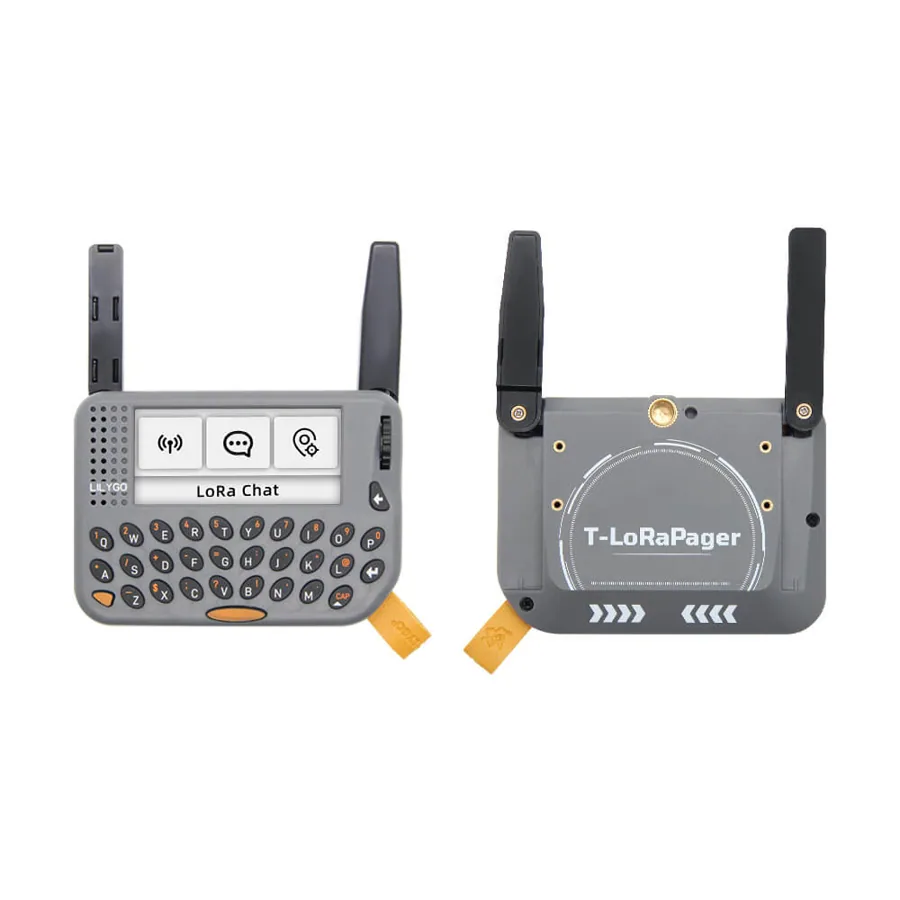
LilyGO T-Lora Pager◆MicrocontrollersTinker

LilyGO T-Lora Pager

~$87
A hackable LoRa pager with keyboard, GPS, NFC and IMU

The T-Lora Pager is an ESP32-S3 (16 MB flash, 8 MB PSRAM) handheld with a 2.33-inch 480x222 IPS display, QWERTY keyboard, rotary encoder, u-blox MIA-M10Q GPS, ST25R3916 NFC reader, BHI260AP smart IMU, RTC, ES8311 audio with headphone jack, haptics and TI battery charger/fuel gauge. It ships with an SX1262 sub-GHz LoRa radio at 433/868/915/920 MHz, with LR1121 and 2.4 GHz nRF24L01 options, and is supported by Meshtastic, MeshCore and LilyGO's LilyGoLib for Arduino and ESP-IDF.

MeshtasticLoRaNFCPlatformIOUSB serial
☤ HOW HERMES PLUGS INHermes can treat it as a mesh endpoint via a home Meshtastic node and the meshtastic Python library, or as a Wi-Fi client that polls a Hermes API endpoint and shows short replies on its wide display. Hermes can also write and flash LilyGoLib firmware with PlatformIO, since Arduino-ESP32 includes a lilygo_tlora_pager board variant.

⚒ Use cases we worked up 5 ideas

  1. A literal pager for your agent: Hermes sends one-line alerts (build failed, package arrived) that buzz the haptic motor.
  2. An NFC tap-to-act device: tap a tag on your desk and Hermes starts your focus-mode routine.
  3. A hiking companion that logs GPS and IMU data and lets Hermes summarize elevation and pace afterward.
  4. A mesh relay testbed where Hermes analyzes RSSI and SNR logs to plan repeater placement.
  5. A keyboard-driven quick-capture device that sends notes into Hermes memory over LoRa or Wi-Fi.

✦ Good to know

  • The 480x222 screen is unusually wide and short, which suits pager-style scrolling text.
  • It packs NFC, an AI-capable Bosch IMU and a u-blox M10 GNSS into a pocket device.
  • Some reviewers say battery life is short for an ESP32-based portable, so plan for daily charging.
LilyGO T-Watch S3◆MicrocontrollersTinker

LilyGO T-Watch S3

~$43
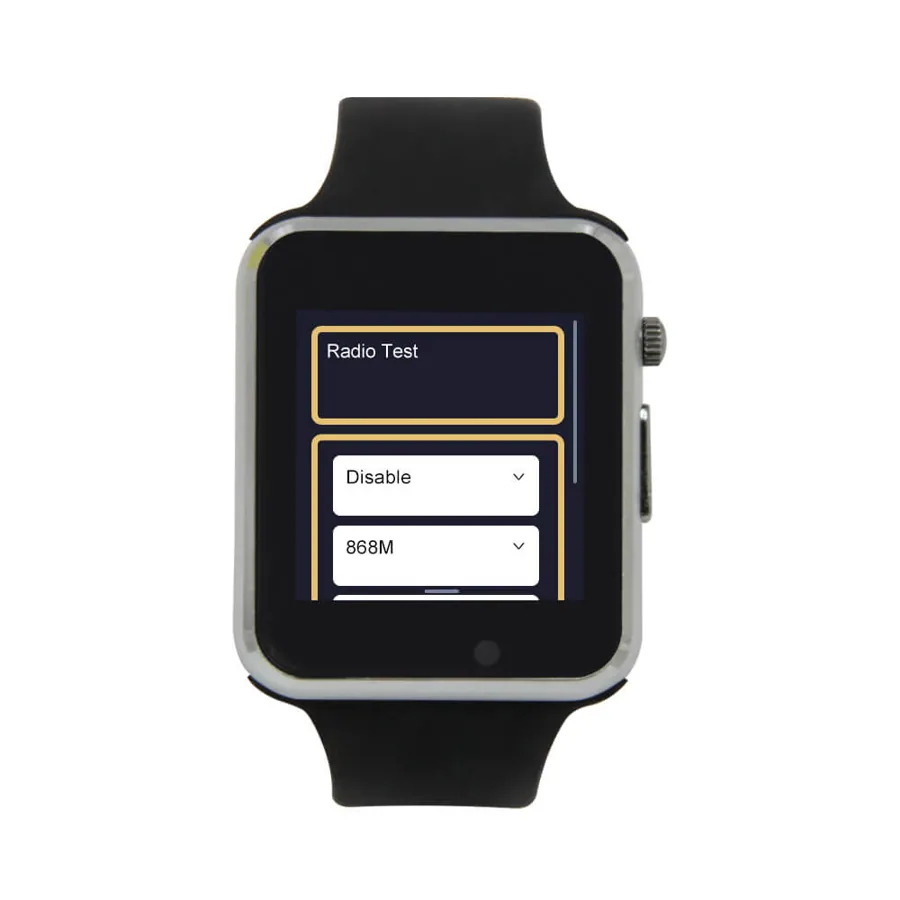
Open-source ESP32-S3 smartwatch with LoRa built in

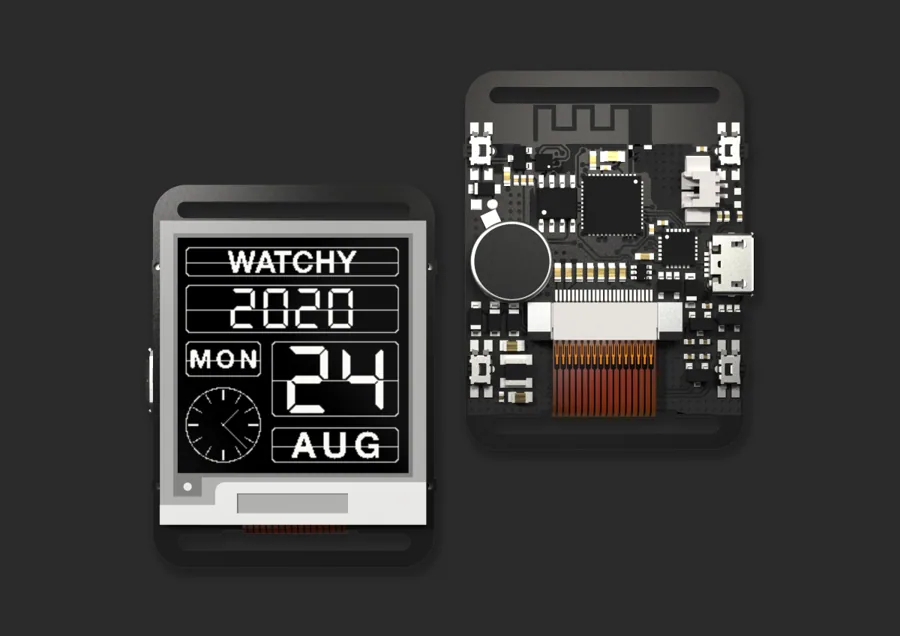
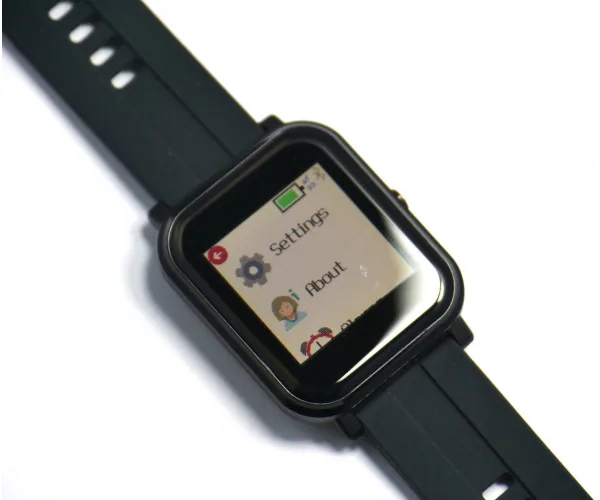
The T-Watch S3 is a programmable wrist device with an ESP32-S3 (16 MB flash, 8 MB PSRAM), a 1.54-inch 240x240 IPS touchscreen, Wi-Fi, BLE 5 and an SX1262 LoRa radio at 433/868/915 MHz. It includes an AXP2101 PMU, BMA423/BMA456 accelerometer, PCF8563 RTC, DRV2605 haptic driver, PDM microphone, MAX98357A speaker amp and an IR transmitter. It runs Arduino, ESP-IDF or MicroPython and is supported as a Meshtastic node.

LoRaBLEMicroPythonPlatformIOMeshtastic
☤ HOW HERMES PLUGS INHermes can push notifications to it over Wi-Fi (MQTT or a small HTTP endpoint on the watch) or over LoRa via a Meshtastic base node and the meshtastic Python library. Hermes can also maintain the watch firmware with PlatformIO and LilyGoLib, iterating on apps from its terminal over USB serial.

⚒ Use cases we worked up 5 ideas

  1. A wrist buzz from Hermes when a long training run finishes or a cron job fails.
  2. Push-to-talk: hold a button, record from the mic, and have Hermes transcribe and act on the request.
  3. An IR universal remote where Hermes sends the right TV or AC code based on time of day.
  4. A step and activity log that Hermes summarizes into a weekly health note in memory.
  5. An off-grid wrist messenger for group hikes over Meshtastic.

✦ Good to know

  • It is a direct descendant of the T-Watch 2020 line, which built a large hobbyist smartwatch community.
  • It has an IR LED, so it doubles as a programmable TV remote.
  • LilyGO has moved its watch support code into the unified LilyGoLib, which also covers T-Deck and T-Lora Pager.
Adafruit ESP32-S3 Feather◆MicrocontrollersPlug & play

Adafruit ESP32-S3 Feather

~$25
Feather-format ESP32-S3 with a built-in color TFT

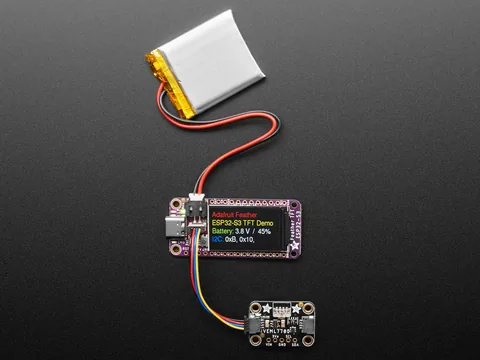
Adafruit product 5483 is the ESP32-S3 TFT Feather: a 240 MHz dual-core ESP32-S3 with Wi-Fi and BLE, 4 MB flash and 2 MB PSRAM, native USB, and a 1.14-inch 240x135 IPS TFT. It has LiPo charging, a battery fuel gauge (MAX17048 on current revisions), a STEMMA QT/Qwiic I2C port with switchable power, a NeoPixel, and deep sleep around 80-100 uA. It works with CircuitPython, Arduino and ESP-IDF and plugs into the whole FeatherWing ecosystem.

CircuitPythonArduinoSTEMMA QTWi-FiUSB HID
☤ HOW HERMES PLUGS INWith CircuitPython, Hermes can edit code.py directly on the CIRCUITPY USB drive (it auto-reloads) or push files over Wi-Fi through the CircuitPython Web Workflow REST API. The TFT makes it a tiny status display that Hermes updates via MQTT or HTTP polling, and STEMMA QT sensors give Hermes plug-in inputs without soldering.

⚒ Use cases we worked up 5 ideas

  1. A desk badge that shows Hermes's current task and token spend, refreshed every minute.
  2. A plug-in sensor node: Hermes picks a STEMMA QT sensor, writes the CircuitPython driver code, and logs data to a file.
  3. A USB HID macro pad where Hermes rewrites key bindings for whatever app you are in.
  4. A battery-powered fridge or freezer monitor that wakes, reports, and lets Hermes alert you on a temp spike.
  5. A teaching kit where Hermes walks a kid through CircuitPython lessons and checks their code.

✦ Good to know

  • Native USB means it can appear as a keyboard, mouse, MIDI device or disk drive.
  • Adafruit swapped the discontinued LC709203 battery monitor for a MAX17048 in a 2023 revision.
  • A GPIO-controlled second regulator can cut power to the TFT and STEMMA port for low-power sleep.
Adafruit Qualia ESP32-S3◆MicrocontrollersTinker

Adafruit Qualia ESP32-S3

~$20
ESP32-S3 board that drives big RGB-666 TTL displays

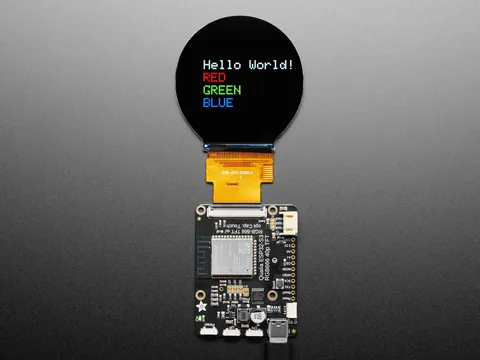
The Qualia ESP32-S3 uses an S3 module with 16 MB flash and 8 MB octal PSRAM to drive 'dot clock' RGB-666 TTL displays through the 40-pin connector, refreshing the full frame at about 30 FPS. It wires the panel's capacitive touch to I2C, adds a PCA9554 I/O expander for display init, a TPS61169 constant-current backlight driver, a STEMMA QT port and USB-C. Known-working panels include 2.1-inch 480x480 round, 4-inch 720x720 square and 4.6-inch 960x320 bar displays (sold separately).

CircuitPythonArduinoSTEMMA QTWi-FiMQTT
☤ HOW HERMES PLUGS INHermes can write CircuitPython or Arduino code for the panel, drop it onto the board over USB or the CircuitPython Web Workflow, and then feed the display live content over MQTT or HTTP. That makes it an easy way to give Hermes a large, unusual-shaped screen without building a display driver from scratch.

⚒ Use cases we worked up 5 ideas

  1. A round 480x480 'agent eye' that animates while Hermes is thinking and shows a glyph when done.
  2. A 960x320 bar display under your monitor with a scrolling Hermes ticker of PRs, alerts and calendar items.
  3. A square smart frame that cycles AI-generated images Hermes creates from your daily journal.
  4. A touch control panel for home scenes, with Hermes regenerating the layout when you add devices.
  5. A Mars-time clock (Adafruit has a Qualia space clock project) that Hermes extends with ISS pass alerts.

✦ Good to know

  • Adafruit calls the ESP32-S3 the first low-cost MCU with a built-in peripheral that can drive TTL RGB displays plus enough PSRAM to buffer them.
  • Almost every GPIO goes to the panel, so the I/O expander is what frees up SPI and touch.
  • Adafruit even demoed A/V playback with Cinepak video on it.

drives big RGB panels

◆
◆MicrocontrollersTinker

Raspberry Pi Pico 2

~$5
Five-dollar RP2350 board with Arm or RISC-V cores

Raspberry Pi Pico 2 is built on the RP2350, which lets you boot either dual Arm Cortex-M33 or dual open-hardware Hazard3 RISC-V cores at 150 MHz. It has 520 KB SRAM, 4 MB flash, 26 GPIO (3 ADC), 12 PIO state machines, USB 1.1 host/device, and a security architecture with Arm TrustZone, signed boot, 8 KB OTP and a hardware TRNG. Raspberry Pi commits to producing it until at least January 2040; the Pico 2 W variant adds 2.4 GHz Wi-Fi and Bluetooth 5.2.

MicroPythonUSB serialPico SDKPIOUF2
☤ HOW HERMES PLUGS INHermes can run MicroPython on it and drive it from the terminal with mpremote (exec, file copy, mount a host directory) over USB serial, or build C/C++ firmware with the Pico SDK and flash UF2 images. A Pico 2 W can report to Hermes over MQTT or HTTP on Wi-Fi.

⚒ Use cases we worked up 5 ideas

  1. A PIO-powered logic analyzer whose captures Hermes decodes and explains.
  2. A USB-attached GPIO and sensor bridge that Hermes controls via a MicroPython REPL tool.
  3. A Pico 2 W soil-moisture network that Hermes uses to decide when to water.
  4. A retro-input adapter where Hermes writes PIO programs to speak odd protocols like old keyboards or controllers.
  5. A secure-boot lab where Hermes walks you through signing firmware and locking OTP.

✦ Good to know

  • You can choose Arm or RISC-V cores at boot on the same chip.
  • The Hazard3 RISC-V cores are open hardware, designed in-house at Raspberry Pi.
  • Raspberry Pi ran a public hacking challenge with a cash bounty to break RP2350's secure boot and published the results.
◆
◆MicrocontrollersDeep hack

WCH CH32 RISC-V + ch32fun

~$0.10/chip
Ten-cent RISC-V microcontrollers with a no-HAL open toolchain

WCH's CH32V003 is a roughly ten-cent RISC-V (RV32EC) microcontroller at 48 MHz with 16 KB flash and 2 KB RAM, available down to an SOP-8 package. ch32fun, by Charles Lohr (cnlohr), is an MIT-licensed environment that skips the vendor HAL so a blink binary is about 500 bytes, and it now supports many other WCH parts (CH32X035, V20x, V30x, CH5xx BLE chips). Its minichlink programmer works with WCH-LinkE and DIY programmers and offers gdbserver debugging and fast printf over the single-wire SWIO pin.

SWIOC/MakeminichlinkGDBPlatformIO
☤ HOW HERMES PLUGS INHermes can do the whole loop in its terminal: write C against the reference manual, make in a ch32fun example, flash with minichlink, and read debug output with minichlink -T. Because the parts cost cents, Hermes can design and program swarms of single-purpose nodes and keep the firmware for each in a skill.

⚒ Use cases we worked up 5 ideas

  1. Sprinkle CH32V003s through the house as tiny sensor nodes, each with firmware Hermes wrote and versioned.
  2. Have Hermes generate a custom USB HID gadget using cnlohr's bit-banged rv003usb stack.
  3. A Hermes-driven test jig that flashes and verifies dozens of boards in a row with minichlink.
  4. Smart LED badges where Hermes writes the animation code and pushes updates.
  5. Ultra-cheap I2C co-processors that offload timing-critical tasks from an ESP32.

✦ Good to know

  • The CH32V003 costs about the same as a resistor network, so the chip is effectively free.
  • ch32fun's debug printf runs around 36 KB/s over a single wire.
  • The project was formerly named ch32v003fun before growing to cover WCH's wider RISC-V lineup.

10-cent MCUs; Hermes could sprinkle these everywhere

xiaozhi-esp32◆MicrocontrollersTinker

xiaozhi-esp32

Free (OSS)
Open-source ESP32 voice assistant firmware built around MCP

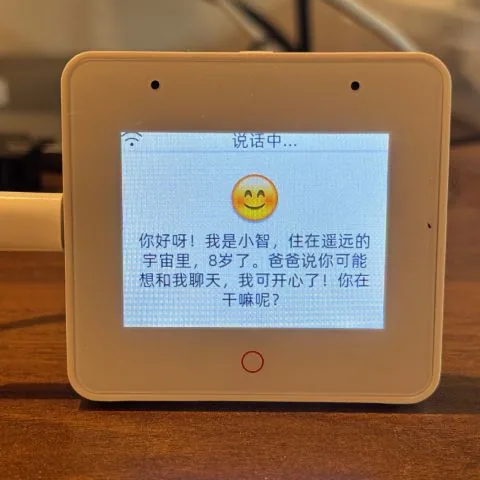
xiaozhi-esp32 is an MIT-licensed voice chatbot firmware (about 30k GitHub stars) for ESP32, C3, C5, C6, S3 and P4 boards, with 171 release variants across 138 board directories. It does offline wake-word detection with ESP-SR, streams Opus audio over WebSocket or MQTT+UDP to an ASR/LLM/TTS backend or a realtime model, and supports displays, cameras, speaker recognition and 4G. Device features are exposed as MCP tools over JSON-RPC 2.0, and the backend can add cloud-side MCP tools too.

MCPWebSocketMQTT+UDPESP-IDFOpus
☤ HOW HERMES PLUGS INSelf-hosted backends such as xinnan-tech/xiaozhi-esp32-server accept OpenAI-compatible LLM endpoints, so you can point one at the Hermes API server and every xiaozhi gadget becomes a voice front end for Hermes with its full toolset. The device-side MCP tools (registered with McpServer::AddTool, e.g. LEDs, servos, volume) are then callable by the backend, and the protocol docs are a ready-made template for porting a Hermes Gadget.

⚒ Use cases we worked up 5 ideas

  1. Turn a $15 ESP32-S3 board into a kitchen speaker whose brain is Hermes, including memory and cron jobs.
  2. Give a cheap robot dog device-side MCP tools and let Hermes drive it by voice.
  3. A bedside assistant that reads your Hermes morning briefing and accepts spoken todos.
  4. A kid-safe voice tutor where Hermes enforces topic rules and logs sessions.
  5. Use the 171-board matrix as a reference to port Hermes Gadget firmware to new hardware quickly.

✦ Good to know

  • It is one of the most-starred ESP32 projects on GitHub, with dozens of commercial boards shipping xiaozhi-compatible firmware.
  • It supports 'user-only' MCP tools hidden from the model, for actions like reboot or firmware upgrade.
  • Community clients exist in Python, Java, Go, Android and Linux.

MCP-based voice firmware, 171 board variants; good reference for porting Hermes Gadget

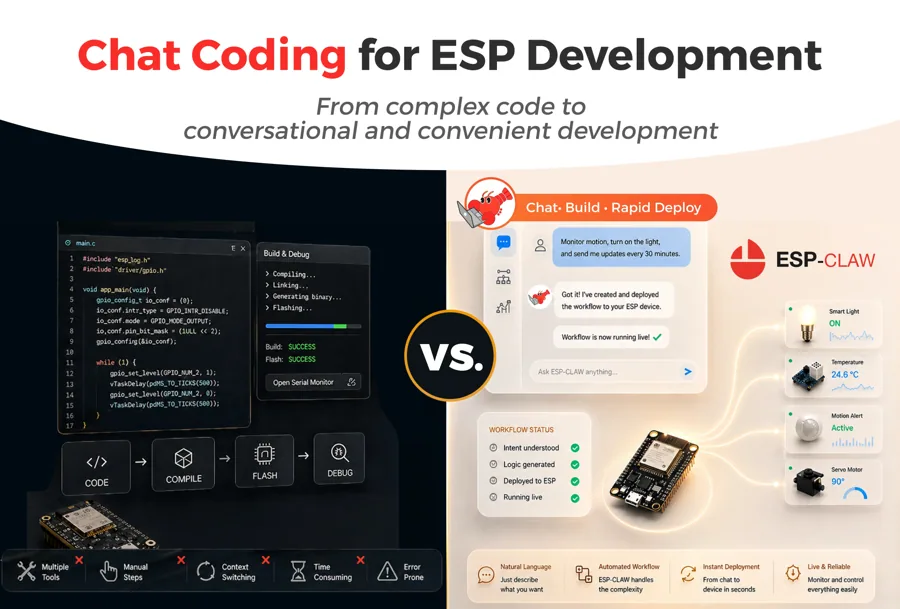
ESP-Claw◆MicrocontrollersTinker

ESP-Claw

Free (OSS)
Espressif's on-chip AI agent framework that is MCP server and client

ESP-Claw is Espressif's Apache-2.0 'Chat Coding' agent framework for ESP32-S3, P4, C5 and S31 boards, inspired by OpenClaw and written in C. You define device behavior by chatting over IM (Telegram, QQ, Feishu, WeChat); the LLM writes Lua scripts that are loaded dynamically and then run locally as deterministic rules, even offline. It includes an event router, structured memory, skills, a scheduler, and MCP in both directions: cap_mcp_client calls remote MCP tools and cap_mcp_server exposes the device's capabilities over MCP SSE with mDNS discovery.

MCP (SSE)LuaESP-IDFTelegrammDNS
☤ HOW HERMES PLUGS INHermes can add an ESP-Claw device as an MCP server (an SSE url entry in mcp_servers, or hermes mcp add) and call its capabilities directly as tools. ESP-Claw also accepts OpenAI-style or Anthropic-style LLM endpoints with custom URLs, so the on-device agent can use Hermes's API server, and its MCP client can call MCP servers you expose from the Hermes side.

⚒ Use cases we worked up 5 ideas

  1. A two-tier agent: ESP-Claw handles millisecond local reactions while Hermes handles planning and memory over MCP.
  2. A fleet of mDNS-discoverable ESP-Claw nodes that Hermes inventories and orchestrates from one chat.
  3. Chat-programmed plant care: tell Hermes the rule, Hermes tells the ESP-Claw node, and the Lua rule keeps running offline.
  4. A Telegram-controlled garage door whose logic is written in conversation and then frozen into a Lua rule.
  5. Benchmark local Lua rules versus Hermes round-trips to decide which decisions belong on the device.

✦ Good to know

  • It runs a full agent loop on a chip that costs a few dollars, not on a Linux board.
  • Confirmed behaviors are compiled down to Lua rules, so the LLM is only needed for new decisions.
  • Pairing cap_mcp_client and cap_mcp_server lets several devices form a distributed agent network.

Espressif's on-device agent framework, MCP server and client

◆
◆MicrocontrollersDeep hack

ESP-IDF

Free (OSS)
Espressif's official SDK for every ESP32, now with an MCP server

ESP-IDF is the official open-source development framework for the ESP32, ESP32-S, -C, -H and -P series, built on FreeRTOS with drivers, Wi-Fi/BLE/802.15.4 stacks, OTA, security features and a component manager. Its idf.py front end wraps CMake, Ninja and esptool for configuring, building, flashing and monitoring. Recent releases ship an ESP-IDF MCP server (idf.py mcp-server) with tools to set the target, build, flash, clean and create projects, plus resources for project config, build status and connected devices.

MCPidf.py CLIC/C++FreeRTOSUSB serial
☤ HOW HERMES PLUGS INHermes can register the ESP-IDF MCP server in mcp_servers (for example running eim run "idf.py mcp-server" as a stdio command) so set-target, build and flash become first-class tools. For anything beyond those tools, Hermes calls idf.py menuconfig-free workflows directly in its terminal, such as idf.py build flash monitor, and parses the serial output.

⚒ Use cases we worked up 5 ideas

  1. A firmware CI loop where Hermes edits code, builds, flashes a bench board and reads the boot log until tests pass.
  2. Have Hermes port a driver from a datasheet into an ESP-IDF component and publish it to the component registry.
  3. A nightly cron job that rebuilds your device fleet against the latest IDF and reports breakages.
  4. Hermes-guided secure boot and flash encryption setup, with each step logged to memory.
  5. A crash triage skill that decodes panic backtraces from idf.py monitor and proposes fixes.

✦ Good to know

  • Espressif built an MCP server straight into the official toolchain, a sign of how fast agentic embedded dev arrived.
  • The same framework spans the original Xtensa ESP32 through the RISC-V C, H and P series.
  • Arduino-ESP32, ESPHome and many other frameworks build on top of ESP-IDF.

toolchain

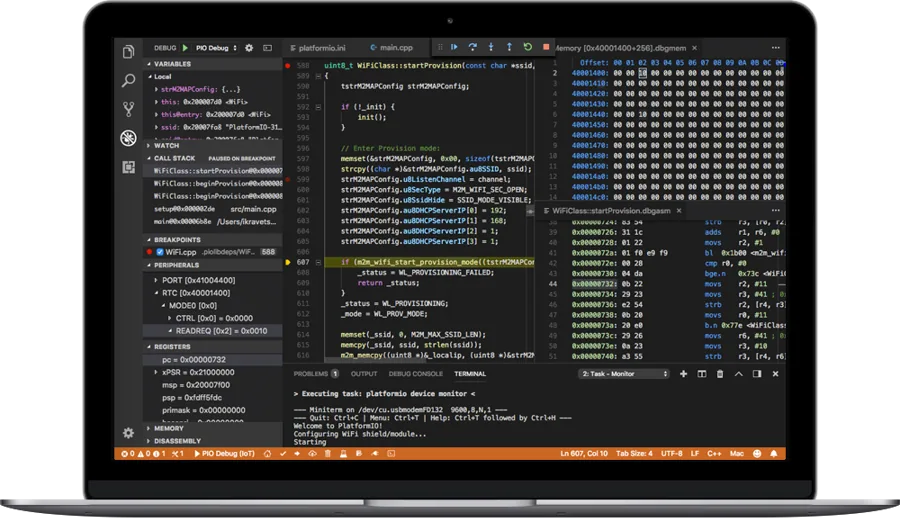
PlatformIO◆MicrocontrollersTinker

PlatformIO

Free (OSS)
One CLI to build and flash firmware for thousands of boards

PlatformIO is an open-source, cross-platform embedded build system and IDE layer that auto-installs toolchains, frameworks and libraries per project from a single platformio.ini. It lists 40+ development platforms and 2,000+ boards, and its Core CLI covers building, uploading, serial monitoring, unit testing, static analysis and remote development. Its VS Code extension has been installed by millions of developers.

pio CLIArduinoESP-IDFUSB serialUnit tests
☤ HOW HERMES PLUGS INPlatformIO is an ideal tool surface for Hermes because everything is a deterministic CLI: pio run -t upload, pio device monitor, pio test and pio pkg install. Hermes can scaffold a project for any supported board, iterate on code and tests in its terminal, and keep per-board recipes as skills.

⚒ Use cases we worked up 5 ideas

  1. Have Hermes port one sketch across ESP32, RP2040 and STM32 by adding environments to platformio.ini and building all of them.
  2. An on-target test loop where Hermes runs pio test on real hardware after every change.
  3. A hardware-in-the-loop bench that Hermes drives remotely with PlatformIO remote agents.
  4. Auto-generate a library for a new I2C sensor from its datasheet and publish it to the registry.
  5. A weekly cron job that bumps dependencies across your firmware repos and reports what broke.

✦ Good to know

  • Many vendor repos, including ch32fun, use PlatformIO for CI even when they also support plain Make.
  • It is open source and permissively licensed with no license fees.
  • One project file can target several boards and frameworks at once.
◆
◆MicrocontrollersPlug & play

MicroPython

Free (OSS)
Real Python 3 running bare-metal on microcontrollers

MicroPython is a lean, MIT-licensed implementation of Python 3 that runs on bare-metal microcontrollers in as little as 256 KB of code space and 16 KB of RAM. It provides an interactive REPL, an on-device filesystem, and hardware modules like machine for pins, I2C, SPI and PWM, with ports for ESP32, RP2040/RP2350, STM32 and more. The mpremote tool lets you run code, copy files and mount host directories over USB serial.

mpremoteUSB serialREPLMQTTWebREPL
☤ HOW HERMES PLUGS INHermes can use mpremote from its terminal to exec snippets, cp files, and mount a local directory so code runs on the device without flashing. That turns any MicroPython board into an interactive tool Hermes can probe, test and reprogram in seconds, with results returned as plain REPL text.

⚒ Use cases we worked up 5 ideas

  1. A 'hardware REPL' skill: Hermes scans the I2C bus, identifies sensors and writes drivers on the fly.
  2. Live-tune PID constants on a robot by having Hermes edit values via mpremote and read telemetry back.
  3. A MicroPython MQTT sensor node that Hermes writes, deploys and monitors over Wi-Fi.
  4. Turn a spare board into a Hermes-controlled relay bank for your lab bench.
  5. Teach Python on hardware with Hermes as the tutor reading the REPL alongside the student.

✦ Good to know

  • Damien George created it and launched it via a 2013 Kickstarter that shipped the pyboard.
  • The official pyboard is an STM32F405 board with an accelerometer, SD slot and four LEDs.
  • Adafruit's CircuitPython began as a fork of MicroPython.

toolchain

◆
◆MicrocontrollersPlug & play

CircuitPython

Free (OSS)
Adafruit's beginner-friendly Python for 600-plus boards

CircuitPython is Adafruit's education-focused derivative of MicroPython, supported on over 600 microcontroller boards. Boards show up as a CIRCUITPY USB drive: save code.py and it runs immediately, with a serial REPL and a library bundle of 500+ drivers. CircuitPython 8 added a Web Workflow with a REST API for editing files over Wi-Fi, and the Blinka library brings the same hardware APIs to Linux SBCs like the Raspberry Pi.

CircuitPythonUSB mass storageWeb Workflow RESTBlinkaUSB serial
☤ HOW HERMES PLUGS INHermes can write code.py straight to the mounted CIRCUITPY drive and watch the serial console, or on Wi-Fi boards use the Web Workflow REST API (enabled via settings.toml with CIRCUITPY_WEB_API_PASSWORD) to push files remotely. On a Raspberry Pi running Hermes, Blinka lets the same CircuitPython driver code run directly on the host.

⚒ Use cases we worked up 5 ideas

  1. Remote-update a fleet of sensor boards over Wi-Fi with Hermes using the Web Workflow API.
  2. Have Hermes pick the right driver from the library bundle and wire up a new sensor in one chat.
  3. A NeoPixel mood lamp whose color Hermes sets from your calendar and inbox state.
  4. A Blinka-powered Pi hat project where Hermes prototypes on a Feather, then moves the code to the Pi unchanged.
  5. A classroom kit where Hermes grades students' code.py files and suggests next challenges.

✦ Good to know

  • There is no compile step: code lives as a file on a USB disk and reloads on save.
  • The project explicitly credits Damien George and the MicroPython community as its foundation.
  • code.circuitpython.org lets you edit code over USB, Wi-Fi or Bluetooth with nothing installed.

toolchain

◇
03 / 30 · 12 devices

Single-Board Computers & Edge AI

Little Linux boxes Hermes can SSH into, provision and run as satellites: camera nodes, local inference, robot brains, fleet managers.

◇
◇SBCs & edge AITinker

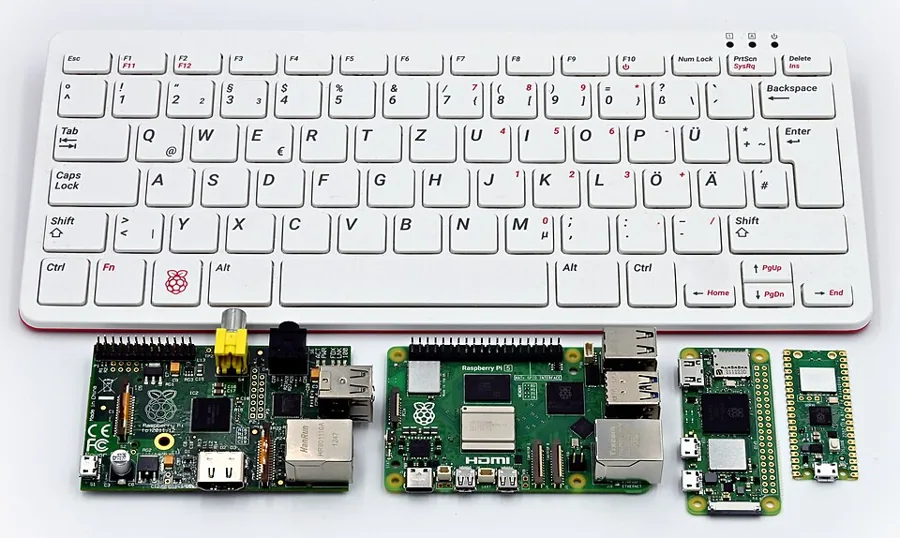
Raspberry Pi 5

From $45 (1GB); 16GB $305
The quad-core A76 Linux box that runs Hermes itself

Raspberry Pi 5 uses a Broadcom BCM2712 (quad Cortex-A76 at 2.4GHz, VideoCore VII GPU) with 1GB to 16GB of LPDDR4X, plus Raspberry Pi's own RP1 I/O controller. It adds a PCIe 2.0 x1 lane for NVMe or AI accelerators, dual 4Kp60 HDMI, two 4-lane MIPI camera/display ports, Gigabit Ethernet with PoE+ support, two USB 3.0 ports, dual-band Wi-Fi, Bluetooth 5.0, a real-time clock and a power button.

GPIOPCIePythonMQTTSSH
☤ HOW HERMES PLUGS INPi 5 is fast enough to run Hermes Agent natively on 64-bit Raspberry Pi OS, so the agent can drive the 40-pin header through gpiozero/libgpiod, grab frames with picamera2, and schedule hardware jobs with cron. It is also a supported Linux client for the Hermes Gadget SDK, and makes a good always-on host for the gateway, MCP servers added via hermes mcp add, and a local MQTT broker.

⚒ Use cases we worked up 5 ideas

  1. Run Hermes on a Pi 5 with an NVMe HAT as a fanless, always-on home agent that answers on Telegram and Discord.
  2. Point a Camera Module 3 at the front door and have a Hermes cron job caption visitors and log them to memory.
  3. Pair the Pi 5 with an AI HAT+ so Hermes can call local object detection as a tool rather than shipping frames to the cloud.
  4. Build a GPIO lab bench where Hermes toggles relays and reads sensors through gpiozero scripts it writes and tests itself.
  5. Host Mosquitto and Home Assistant on the same Pi and let Hermes act as the reasoning layer on top of your MQTT topics.

✦ Good to know

  • It is the first flagship Pi to use silicon designed in-house at Raspberry Pi: RP1 handles USB, Ethernet, camera, display and GPIO.
  • Because GPIO now goes through RP1, the old RPi.GPIO library does not work on Pi 5; gpiozero and lgpio/libgpiod are the supported paths.
  • The 2026 memory crunch pushed the 16GB board to $305, while Raspberry Pi held the 1GB model at $45.
Raspberry Pi Zero 2 W◇SBCs & edge AITinker

Raspberry Pi Zero 2 W

~$15
A $15 quad-core Linux computer the size of a gum pack

Raspberry Pi Zero 2 W puts the RP3A0 system-in-package (quad Cortex-A53 at 1GHz plus 512MB SDRAM) on the 65 x 30mm Zero footprint, up to five times faster than the original Zero. It has 2.4GHz 802.11n Wi-Fi, Bluetooth 4.2/BLE, mini HDMI, a micro USB OTG port, a CSI-2 camera connector and an unpopulated 40-pin header.

SSHMQTTGPIOWi-FiBLE
☤ HOW HERMES PLUGS IN512MB is too tight for a comfortable full Hermes install, so the Zero 2 W works best as a remote limb: Hermes reaches it over SSH with the terminal tool, or talks to it through MQTT topics published by a small Python daemon. Hermes can write, deploy and restart those scripts itself, which turns a pile of Zeros into a sensor and actuator fleet run by one agent on a bigger box.

⚒ Use cases we worked up 5 ideas

  1. Build a Wyoming voice satellite with a mic HAT that sends audio to a Hermes-backed voice assistant on your main server.
  2. Stick one behind an e-ink frame and let a Hermes cron job push a daily briefing image to it over SSH.
  3. Use USB gadget mode to make a pocket device Hermes can SSH into over a single cable for field data logging.
  4. Run a camera Zero in the garden and have Hermes pull a still each morning and keep a plant-growth diary in memory.
  5. Deploy several Zeros as MQTT room sensors and have Hermes notice and report anomalies like a window left open overnight.

✦ Good to know

  • RP3A0 stacks the SoC and 512MB of RAM in a single package, which is how a quad-core board fits the original Zero's footprint.
  • Raspberry Pi says the Zero 2 W stays in production until at least January 2030.
  • It escaped the 2026 memory-driven price rises because Raspberry Pi holds years of inventory of the LPDDR2 the Zero line uses.
◇
◇SBCs & edge AITinker

Raspberry Pi AI HAT+ 2

~$200
40 TOPS Hailo-10H with 8GB RAM for local LLMs on Pi 5

The AI HAT+ 2 pairs a Hailo-10H accelerator rated at 40 TOPS (INT4) with 8GB of dedicated on-board RAM, so small LLMs and vision-language models run on the HAT and leave the Pi 5's CPU and memory free. Vision performance is comparable to the 26 TOPS AI HAT+, and it plugs into Raspberry Pi's camera software stack via PCIe.

PCIeRESTPythonGStreamer
☤ HOW HERMES PLUGS INHailo's hailo-ollama server exposes an Ollama-style REST API (port 8000 in community setups), so Hermes can call the HAT as a private local model for cheap jobs like intent parsing, summarizing sensor logs or captioning camera frames. Its API is not exactly OpenAI's /v1/chat/completions, so a thin adapter or a custom Hermes tool is the clean way to wire it in, and Hermes keeps its main reasoning model for hard calls.

⚒ Use cases we worked up 5 ideas

  1. Have Hermes send each doorbell snapshot to a VLM on the HAT and only alert you when the caption mentions a person.
  2. Use a 1-1.5B model on the HAT as an offline triage model that sorts incoming messages before Hermes decides what to answer.
  3. Run speech-to-text on the HAT for a fully local voice front end that hands transcripts to Hermes.
  4. Build a privacy-first baby or pet monitor where frames never leave the Pi and Hermes only gets text descriptions.
  5. Benchmark local models on the HAT with a Hermes cron job and keep a running leaderboard in a skill file.

✦ Good to know

  • Unlike the earlier AI Kit and AI HAT+, it has its own 8GB of RAM, which is what makes generative models practical.
  • Hailo positions the chip's advantage as short time-to-first-token compared with running the same model on the Pi 5 CPU.
  • Raspberry Pi commits to producing it until at least January 2036.
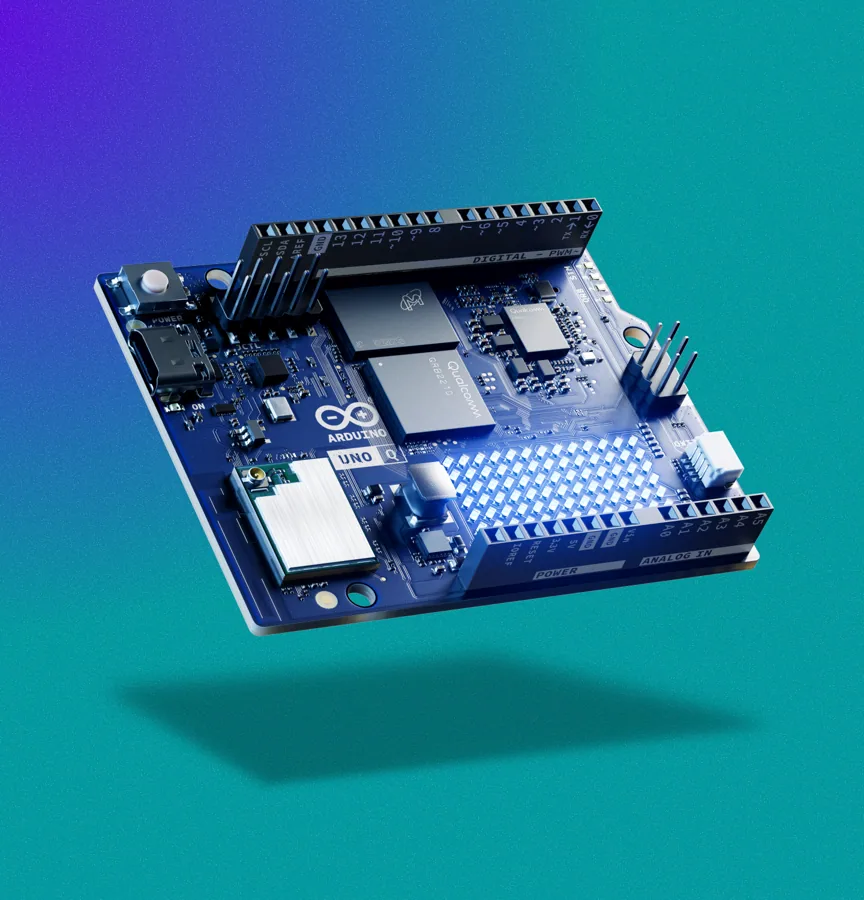
Arduino UNO Q◇SBCs & edge AITinker

Arduino UNO Q

$59 (2GB) / $79 (4GB)
An UNO with a Debian Linux brain and a real-time MCU

Arduino UNO Q pairs a Qualcomm Dragonwing QRB2210 (quad Cortex-A53 at 2.0GHz, Adreno GPU, dual ISP) running Debian with an STM32U585 Cortex-M33 microcontroller for real-time I/O, all in the classic UNO form factor. It ships with 2GB RAM/16GB eMMC or 4GB/32GB, Wi-Fi 5, Bluetooth 5.1, an 8x13 LED matrix, a Qwiic connector and a single USB-C port that handles power and peripherals.

SSHPythonRPCUSB-CQwiic
☤ HOW HERMES PLUGS INHermes can SSH into the Linux side like any Debian box, write Python, and reach the microcontroller through the Bridge RPC that the arduino-router daemon exposes to Python and other languages. That lets the agent split the job: high-level logic and network calls in Linux, timing-critical pin work in an Arduino sketch, both edited and redeployed by Hermes through App Lab or the CLI.

⚒ Use cases we worked up 5 ideas

  1. Have Hermes write a sketch for motor control on the STM32 and a Python service on Linux that takes commands from Hermes over MQTT.
  2. Turn the LED matrix into a status display that Hermes updates with build results, calendar alerts or weather.
  3. Plug in a USB webcam and have Hermes deploy a small vision model on the QRB2210 for a desk object counter.
  4. Use Qwiic Modulino sensors to build an environment station where Hermes reviews readings and flags trends.
  5. Make a retro handheld with the Linux side running emulators and the MCU reading buttons, with Hermes generating the config.

✦ Good to know

  • It was announced alongside Qualcomm's October 2025 deal to acquire Arduino, making it the first UNO with a Qualcomm processor.
  • The microcontroller side runs the Arduino core on Zephyr RTOS, while the MPU runs full upstream Debian with Docker Compose.
  • Despite the Linux processor, it keeps UNO shield and header compatibility, so many existing shields still fit.

Debian Linux Qualcomm MPU + real-time STM32 on one board

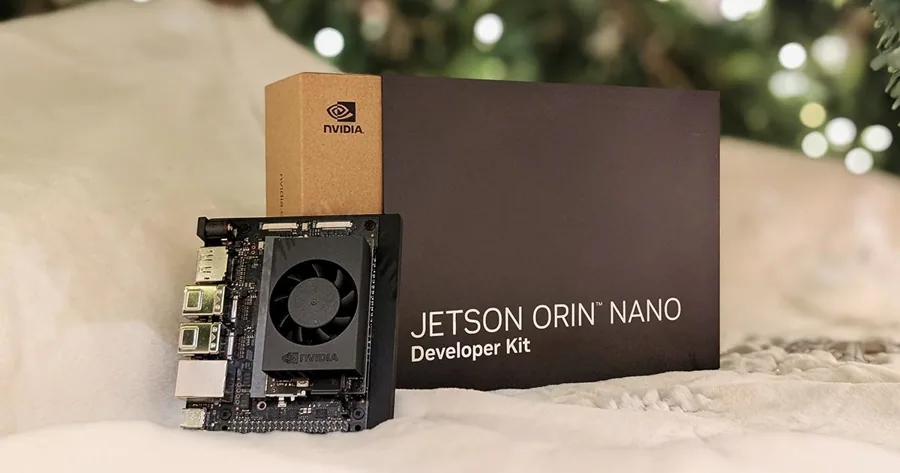
Jetson Orin Nano Super◇SBCs & edge AIDeep hack

Jetson Orin Nano Super

~$399 (launched at $249)
NVIDIA's palm-sized CUDA box for local generative AI

The Jetson Orin Nano Super Developer Kit delivers up to 67 INT8 TOPS from an Ampere GPU with 1024 CUDA cores and 32 Tensor cores, a 6-core Cortex-A78AE CPU, and 8GB of 128-bit LPDDR5 at 102GB/s, all in a 7-25W envelope. It boots from microSD or NVMe and runs the JetPack (Ubuntu-based) stack with CUDA, TensorRT and Isaac ROS.

CUDAROS 2RESTSSHPython
☤ HOW HERMES PLUGS INHermes can run directly on the Jetson's Ubuntu and use a local model served by llama.cpp or Ollama through their OpenAI-compatible endpoints as a custom provider. It also works as a remote GPU node: Hermes SSHes in to launch TensorRT pipelines, Isaac ROS 2 nodes or jetson-ai-lab containers, and checks thermals and power with tegrastats on a cron schedule.

⚒ Use cases we worked up 5 ideas

  1. Run a quantized small LLM on the Jetson as Hermes' offline fallback model when the internet is down.
  2. Build a robot base on ROS 2 where Hermes issues high-level goals and the Jetson handles perception and navigation.
  3. Process several camera streams with a TensorRT detector and have Hermes write plain-language incident summaries.
  4. Host Whisper and a TTS model on the Jetson for a local voice pipeline that feeds Hermes text.
  5. Have Hermes run nightly benchmarks across JetPack power modes and record tokens per watt in its memory.

✦ Good to know

  • The Super was a software upgrade: JetPack 6.2 raised existing Orin Nano dev kits from 40 to 67 TOPS and from 68 to 102GB/s.
  • Jensen Huang launched it in December 2024 at $249; NVIDIA quietly raised it to $399 in July 2026 amid the memory shortage.
  • Its A78AE cores are the automotive split-lock variant of the Cortex-A78, designed for functional-safety use.
Seeed reComputer J4012◇SBCs & edge AIDeep hack

Seeed reComputer J4012

~$1,450
Jetson Orin NX 16GB in a ready-to-deploy box

Seeed's reComputer J4012 packages an NVIDIA Jetson Orin NX 16GB module (rated 100 TOPS) in an enclosed edge computer with a 128GB NVMe SSD and JetPack 5.1.1 preinstalled. The carrier adds 4x USB 3.2, HDMI, Gigabit Ethernet, M.2 Key E for Wi-Fi, M.2 Key M for storage, an RTC, a CAN bus and a 40-pin header.

CUDACANSSHDockerGPIO
☤ HOW HERMES PLUGS INTreat it as a headless GPU server on your LAN: Hermes SSHes in to deploy Docker containers, TensorRT models or a local LLM, then polls health with tegrastats through scheduled jobs. The CAN port and 40-pin header mean Hermes can also drive vehicle or robot hardware through python-can or GPIO scripts it writes and tests on the box.

⚒ Use cases we worked up 5 ideas

  1. Run a larger local model than an Orin Nano can fit and expose it to Hermes as an OpenAI-compatible endpoint.
  2. Hook the CAN port to an e-bike or robot motor controller and let Hermes read telemetry and flag faults.
  3. Make it the analytics brain for a multi-camera shop floor, with Hermes producing shift reports from detections.
  4. Host a private RAG stack on the NVMe drive that Hermes queries through an MCP server.
  5. Run Isaac ROS perception on a mobile robot while Hermes plans missions over Wi-Fi.

✦ Good to know

  • Seeed marks this SKU 'Super Mode NOT supported', so it does not get the JetPack 6.2 Super uplift.
  • Its CAN bus makes it unusually suited to robots and vehicles compared with most Jetson dev kits.
  • After NVIDIA's 2026 price increase (Orin NX 16GB modules went from $599 to $999), the boxed unit now lists around $1,450.

Orin NX 16GB in a box

Hailo-8L◇SBCs & edge AITinker

Hailo-8L

~$70 (as Pi AI HAT+ 13 TOPS)
13 TOPS, 1.5W vision accelerator behind the Pi AI Kit

Hailo-8L is an entry-level edge AI accelerator rated at 13 TOPS with a typical power draw of 1.5W and no need for external DRAM. It comes as M.2 and PCIe modules, is rated for -40 to 85C, and is the chip inside the Raspberry Pi AI Kit and the 13 TOPS AI HAT+.

PCIeM.2PythonGStreamerMQTT
☤ HOW HERMES PLUGS INThe Hailo-8L runs vision models (compiled to .hef with Hailo's toolchain), so Hermes uses it indirectly: it calls HailoRT Python scripts or GStreamer pipelines as tools, or subscribes to Frigate's MQTT events when Frigate uses it as the detector. Hermes can then decide what a detection means, for example who to notify or which Home Assistant scene to trigger.

⚒ Use cases we worked up 5 ideas

  1. Use it as Frigate's detector and have Hermes turn the MQTT event stream into a daily 'who came and went' digest.
  2. Build a parcel watcher where detections trigger Hermes to check your tracking emails and confirm the delivery.
  3. Count birds at a feeder with a YOLO model and let Hermes keep a seasonal species log.
  4. Run pose estimation for a home workout coach where Hermes counts reps and adjusts the plan.
  5. Have Hermes A/B two .hef models on recorded clips and report which one gives fewer false alarms.

✦ Good to know

  • Frigate's docs list it at roughly 10ms per inference for SSD MobileNet v1 on a Raspberry Pi.
  • It carries no external DRAM, which Hailo pitches as protection from DRAM price swings and shortages.
  • The Raspberry Pi AI Kit that launched in 2024 at $70 was just an M.2 HAT+ with a Hailo-8L module pre-fitted.
◇
◇SBCs & edge AITinker

Google Coral

The Edge TPU that defined hobby AI, now an open NPU

Coral started as Google's Edge TPU line (USB Accelerator, M.2 and Mini PCIe cards, Dev Board): a 4 TOPS, roughly 2W ASIC that runs quantized TensorFlow Lite models. The old product site now redirects to developers.google.com/coral, which presents Coral NPU: open-source, Apache 2.0 RISC-V accelerator IP from Google Research, co-designed with Google DeepMind, with an MLIR/IREE toolchain for PyTorch, JAX and LiteRT.

USBM.2TFLiteMQTTRISC-V
☤ HOW HERMES PLUGS INFor legacy Edge TPU hardware the usual path is Frigate: Hermes subscribes to Frigate's MQTT events or Home Assistant entities and reasons about the detections. Hermes can also run pycoral or TFLite inference scripts over SSH on the host. Coral NPU is aimed at silicon designers, so Hermes' role there is driving the open simulator and compiler toolchain, not controlling a device.

⚒ Use cases we worked up 4 ideas

  1. Keep an existing Coral-powered Frigate install and add Hermes as the layer that explains and filters alerts.
  2. Have Hermes migrate a Frigate config from the Coral detector to a Hailo or OpenVINO detector and compare results.
  3. Use a USB Coral on a low-power box as an always-on wake-object detector that hands off to Hermes for anything interesting.
  4. Let Hermes build and run the Coral NPU simulator to profile a tiny model for a wearable concept.

✦ Good to know

  • Frigate now says the Coral is no longer recommended for new installs, but keeps supporting it because it is still one of the most power-efficient detectors.
  • Coral NPU (formerly codenamed Kelvin) was open-sourced in October 2025, and Synaptics' Astra SL2610 was the first chip to integrate it.
  • Google says the Coral NPU instruction set targets small generative models such as Gemma 270M/500M as well as classic CNNs.

the old product page now redirects here; older Frigate setups still use it

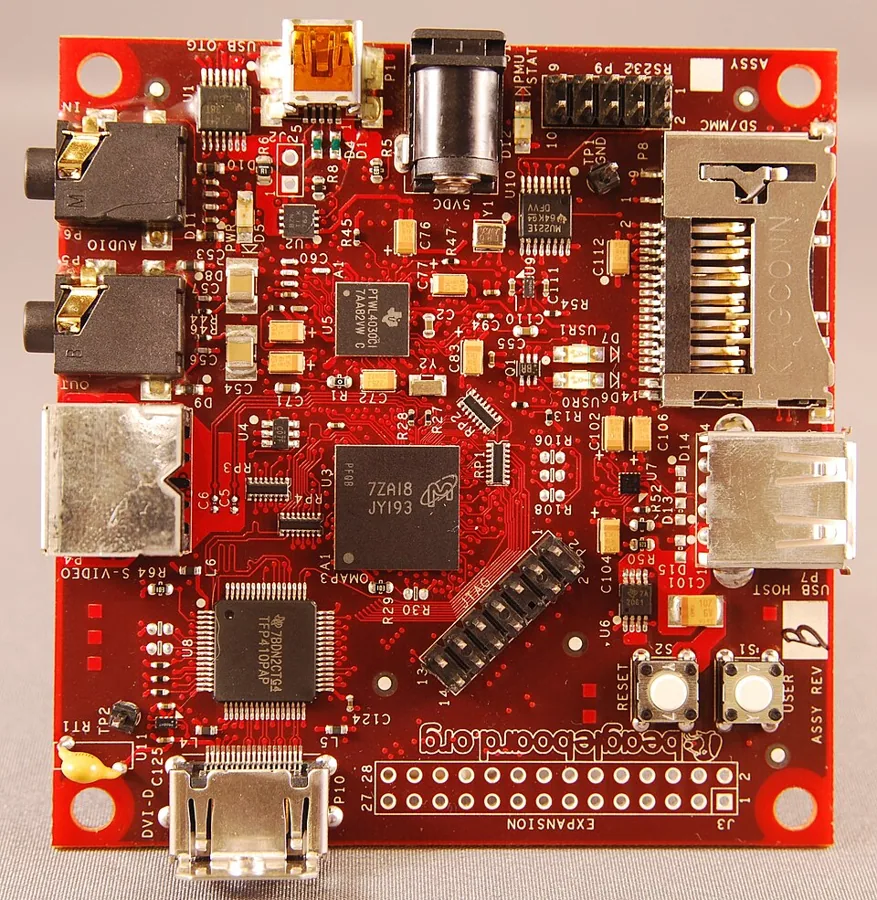
BeagleY-AI◇SBCs & edge AITinker

BeagleY-AI

~$70
Open-hardware Pi-shaped SBC with a 4 TOPS TI vision chip

BeagleY-AI uses a Texas Instruments AM67A: a quad Cortex-A53 at 1.4GHz, dual C7x DSPs with a matrix multiply accelerator rated at 4 TOPS, and a Cortex-R5 core for real-time I/O. The board has 4GB LPDDR4, Wi-Fi 6 and Bluetooth 5.4, Gigabit Ethernet (PoE+ via add-on), four USB 3 ports, PCIe Gen3 x1, two MIPI CSI inputs, three simultaneous display outputs and a Raspberry Pi-style 40-pin header.

GPIOSSHPythonPCIeONNX
☤ HOW HERMES PLUGS INIt runs Debian Linux, so Hermes manages it over SSH like any SBC, using libgpiod for the header and TI's Edge AI stack (TIDL with ONNX Runtime/TFLite delegates) for accelerated vision. The R5 core can handle timing-critical I/O, while Hermes owns the high-level loop: deploying models, reading results and publishing them to MQTT or Home Assistant.

⚒ Use cases we worked up 5 ideas

  1. Build a fanless smart camera where the C7x DSPs run detection and Hermes writes the incident log.
  2. Use the three display outputs for a multi-screen dashboard that Hermes fills with home, server and calendar status.
  3. Reuse a Pi HAT on the 40-pin header and have Hermes port the Python driver over to BeagleY-AI.
  4. Power it over PoE and mount it in the garage as a vehicle and door monitor reporting to Hermes.
  5. Drive a robot arm such as myCobot from the board while Hermes plans the pick-and-place tasks.

✦ Good to know

  • It is OSHWA-certified open-source hardware, with schematics and design files published by BeagleBoard.org.
  • It moved away from BeagleBone cape headers to the Raspberry Pi form factor to tap the existing HAT and case ecosystem.
  • BeagleBoard.org is a Michigan-based 501(c)(3) non-profit, and the board was built with TI and Seeed Studio.
Milk-V (RISC-V)◇SBCs & edge AIDeep hack

Milk-V (RISC-V)

From ~$5 (Duo); larger boards vary
RISC-V boards from a $5 Duo to a Mini-ITX workstation

Milk-V is a Shenzhen maker of RISC-V hardware that covers a very wide range. At the small end is the Milk-V Duo, a chewing-gum-sized Linux board (CV1800B, dual C906 cores at 1GHz/700MHz, 0.5 TOPS INT8 TPU) from about $5; the Duo 256M and Duo S add a Cortex-A53 you can switch to at boot. At the big end are the Jupiter2 (SpacemiT K3, 8-core X100 at up to 2.4GHz, RVA23, up to 60 TOPS, up to 32GB LPDDR5) and the Titan Mini-ITX board (UltraRISC UR-DP1000, 8 cores at 2.0GHz, DDR4 up to 64GB, PCIe Gen4 x16 slot).

SSHUSB serialGPIO/I2C/UARTLinuxMIPI CSI
☤ HOW HERMES PLUGS INThe larger boards (Jupiter, Jupiter2, Titan, Pioneer) run mainstream Linux like Debian, Ubuntu and Fedora. Hermes can SSH in from its terminal tool to build, benchmark and run things, or you can try running it on the board itself. The tiny Duo boards are better treated as peripherals: Hermes flashes a Buildroot image, drives GPIO/I2C/UART over SSH or USB serial, and keeps per-board notes in memory.

⚒ Use cases we worked up 5 ideas

  1. Have Hermes run a nightly cron that builds a list of Python wheels on a Jupiter2, logs which ones fail to compile on RISC-V, and opens a GitHub issue for each one.
  2. Turn a Milk-V Duo into a $5 sensor node that publishes I2C readings over MQTT, and let Hermes write and redeploy its C code whenever you ask for a new sensor.
  3. Use the Duo 256M's TPU and MIPI CSI camera for a tiny on-device person detector that wakes Hermes only when someone actually walks in.
  4. Build a RISC-V CI farm from a few Duo S boards, with Hermes splitting test shards across them over SSH and posting a pass/fail summary.
  5. Put a GPU in a Titan's PCIe Gen4 x16 slot and have Hermes benchmark local inference on RISC-V against an x86 box.

✦ Good to know

  • The Duo 256M and Duo S use Sophgo SG2002/SG2000 chips that pair RISC-V cores with an Arm Cortex-A53, so one board can boot either architecture.
  • Milk-V calls the Jupiter2 the first RVA23-compliant RISC-V SBC. RVA23 is the profile that major distros like Ubuntu are targeting.
  • The Titan supports UEFI and ACPI and installs operating systems from standard .iso images, much like an x86 PC, which is unusual for RISC-V.
◇
◇SBCs & edge AITinker

Framework Desktop

~$1,269-$3,449 (DIY, 32GB-128GB)
4.5L repairable Mini-ITX desktop with up to 128GB unified memory

The Framework Desktop is a 4.5-liter DIY desktop built on AMD Ryzen AI Max (Strix Halo) with soldered LPDDR5x-8000 on a 256-bit bus. The top Max+ 395 config has 16 Zen 5 cores, a 40-CU Radeon 8060S iGPU, a 50 TOPS NPU and 128GB of memory, most of which the GPU can use, so it can run 70B-class LLMs locally. It has a standard Mini-ITX mainboard, 2x NVMe, 2x USB4, 5GbE, Wi-Fi 7 and a 400W FlexATX PSU, and Framework now also offers a newer Max 400-series version with up to 192GB.

OpenAI-compatible APISSHROCm/VulkanUSB45GbE
☤ HOW HERMES PLUGS INUse it as the workshop's local inference server: run llama.cpp, Ollama or vLLM (ROCm/Vulkan) behind an OpenAI-compatible endpoint, then point Hermes at it as a custom provider so agent work never leaves the house. Hermes can also live on the box itself, running cron jobs, MCP servers and the messaging gateway around the clock while it SSHes out to the other boards on this list.

⚒ Use cases we worked up 5 ideas

  1. Run a 70B-class model in 128GB of unified memory and make it Hermes's default provider for private, offline coding and home-automation work.
  2. Keep several mid-size models loaded at once and have Hermes send cheap tasks to a small model and hard ones to a big model, all locally.
  3. Make it the house brain: Hermes gateway, Home Assistant MCP, Frigate and Jellyfin side by side on one quiet 4.5L box.
  4. Have Hermes run a weekly cron that benchmarks new GGUF quants in tokens per second and quality, then post a leaderboard to Discord.
  5. Let Hermes run a local fine-tuning or LoRA job overnight and report loss curves to your phone in the morning.

✦ Good to know

  • The memory is soldered because AMD said socketed modules could not reach LPDDR5x-8000 on a 256-bit bus. That trade-off is what gets it about 256 GB/s of bandwidth.
  • The mainboard is standard Mini-ITX and is sold on its own, so you can build a rackmount or clustered LLM node from bare boards.
  • Instead of a solid front panel, the case has 21 swappable tiles that people 3D-print in their own designs.

local LLM box for the workshop

◇
◇SBCs & edge AITinker

balena (fleet management)

Free (first 10 devices); paid plans from $159/mo
Docker-container fleet management and OTA updates for Linux devices

balena is a platform for deploying and managing fleets of embedded Linux devices. balenaOS runs Docker-compatible containers on 80+ device types, including Raspberry Pi and Jetson, and balenaCloud provides remote updates, monitoring, logs, SSH, env vars and a public URL per device. openBalena is the self-hostable open-source server, the company also makes the popular balenaEtcher image flasher, and the first 10 devices on balenaCloud are free.

REST APICLIPython SDKDockerSSH
☤ HOW HERMES PLUGS INHermes uses the balena CLI from its terminal (balena push, balena logs, balena ssh, balena env set) or the balena REST API and Python SDK (balena-sdk) to deploy, roll back and inspect every Pi on the bench. A cron job can watch device status and logs and alert you over the messaging gateway. On the device itself, containers can call the local Supervisor API to restart services or read state.

⚒ Use cases we worked up 5 ideas

  1. Tell Hermes 'ship the new e-ink dashboard to every Pi in the kitchen fleet', and let it build, balena push and confirm each device is running the new release.
  2. Have a Hermes cron check fleet health each morning and send a Telegram summary of devices that are offline, out of disk or crash-looping.
  3. Use a release-tag or env-var gate so Hermes canary-deploys firmware to one device, watches its logs for ten minutes, and then rolls out to the rest.
  4. Run Hermes in a container on each balena device so every gadget has its own agent, all updated from one fleet release.
  5. Flash new SD cards with balenaEtcher's CLI and let Hermes pre-load the WiFi config and device env vars.

✦ Good to know

  • The company was called resin.io until it rebranded to balena in 2018, and the 'balena' prefix now covers its whole product line (balenaOS, balenaEngine, balenaEtcher).
  • The free tier is 10 devices, which covers most home labs.
  • balenaEngine is a stripped-down container engine based on Moby, built for flaky networks and SD-card wear.
▚
04 / 30 · 8 devices

Retro, FPGA & Handheld Dev

Programmable play hardware: openFPGA you write Verilog cores for, handhelds with real SDKs or custom firmware, and FPGA platforms. Hermes builds cores, manages your own ROM libraries and automates sideloading.

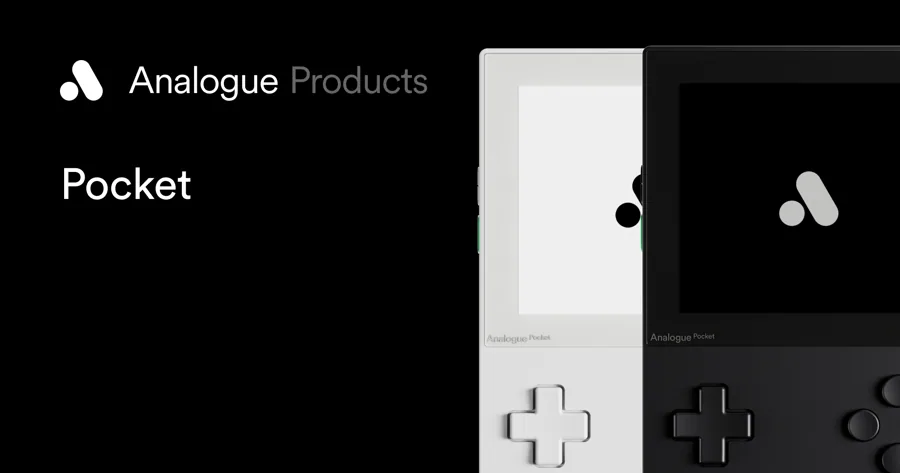
Analogue Pocket (openFPGA)▚Retro & FPGADeep hack

Analogue Pocket (openFPGA)

~$220
FPGA handheld that plays real cartridges and community Verilog cores

The Analogue Pocket pairs an Intel/Altera Cyclone V (49K logic elements, 3.4Mbit BRAM) with a secondary Cyclone 10, a 3.5-inch 1600x1440 LCD, and native Game Boy/GBC/GBA cartridge slots. Its openFPGA framework lets third parties ship hardware-level cores (NES, Genesis, arcade, even PDP-1 Spacewar!) loaded from microSD.

openFPGAVerilogQuartusSD-cardCLI
☤ HOW HERMES PLUGS INHermes drives a terminal toolchain to build openFPGA cores from Verilog/VHDL (Quartus synthesis) and packages them into the openFPGA manifest/bitstream layout on the microSD. A skill or cron job can sync the openFPGA-cores-inventory, stage cores and your own cartridge backups into the card's folder structure, and keep a build log in memory across runs.

⚒ Use cases we worked up 6 ideas

  1. Scaffold a minimal openFPGA core skeleton (manifest, video/audio interfaces) from a template and synthesize it in Quartus.
  2. Write a Hermes skill that pulls the latest community cores from the openFPGA inventory and lays them out correctly on the SD card.
  3. Build a CI-style cron that re-synthesizes your WIP core nightly and reports logic-element utilization against the Cyclone V budget.
  4. Port a small open-source MiSTer core to the openFPGA interaction layer and diff the two framework shims.
  5. Automate generating per-system display presets (palettes, pixel grids) and write them into the core's settings JSON.
  6. Create a manifest linter that validates core packages before you copy them to the Pocket.

✦ Good to know

  • openFPGA's launch flagship core was a recreation of 1962's Spacewar! on the PDP-1, framed by Analogue as the beginning of video games.
  • The 615ppi display is a near-exact 10x multiple of the original Game Boy's resolution, so classic sprites map cleanly with authentic pixel grids.
  • Cores run as reconfigured logic, not software emulation, so original timing and latency are reproduced at the hardware level.

FPGA handheld with openFPGA; write/load Verilog cores, Hermes manages cores & builds

ModRetro Chromatic▚Retro & FPGADeep hack

ModRetro Chromatic

~$200
FPGA Game Boy Color with fully open-source Verilog design files

The ModRetro Chromatic is an FPGA recreation of the Game Boy Color that plays original and new cartridges, built on a Gowin FPGA with a choice of Gorilla Glass or sapphire display. Its FPGA design is open-source (GPL-3.0 Verilog, built on the Game Boy MiSTer core) and reflashable over USB.

VerilogopenFPGALoaderGowin-IDEUSBCLI
☤ HOW HERMES PLUGS INHermes can clone ModRetro/chromatic_fpga, run git submodule update to pull the MiSTer Game Boy core, synthesize the evt1_x2 project in the Gowin IDE, and flash the resulting bitstream with openFPGALoader --write-flash --cable gwu2x --reset. It can also manage your cartridge-backup ROM library and bump the 14-bit FPGA version field in the RTL before each build so the official update tool still recognizes the device.

⚒ Use cases we worked up 6 ideas

  1. Clone the chromatic_fpga repo and do a clean synth-and-flash round trip to confirm your Gowin toolchain works.
  2. Fork the open RTL and patch in a custom boot splash or palette, then reflash over USB.
  3. Write a Hermes wrapper that automates openFPGALoader --detect/--write-flash with the gwu2x cable and logs bitstream versions.
  4. Diff the Chromatic's RTL against upstream MiSTer Game Boy to study what ModRetro changed for real hardware.
  5. Build a ROM-library manager for your own cartridge dumps that verifies headers before use.
  6. Set up a cron that watches the upstream repo and rebuilds the bitstream when the FPGA sources change.

✦ Good to know

  • ModRetro's FPGA design is openly published on GitHub under GPL-3.0 and literally submodules the Game Boy MiSTer project.
  • You can reflash the FPGA yourself over the Chromatic's USB interface using the open openFPGALoader utility, not just vendor tools.
  • A premium sapphire-crystal display option (hardness second only to diamond) is offered as a +$100 upgrade over Gorilla Glass.

FPGA Game Boy Color; community dev + cart tooling, Hermes manages ROMs/cores

▚
▚Retro & FPGATinker

MiSTer FPGA

~$200+
DE10-Nano FPGA that becomes hundreds of classic machines

MiSTer is an open-source project that recreates classic computers, consoles, and arcade machines on the Terasic DE10-Nano (Intel Cyclone V SoC) with HDMI out, expandable via a 128MB SDRAM module, USB hub, and digital or analog I/O boards. An ARM Linux side handles the menu and file loading while the FPGA fabric runs cycle-accurate cores.

SSHHTTPVerilogQuartusCLI
☤ HOW HERMES PLUGS INHermes manages a MiSTer over the network: SSH into the Linux side to run update scripts, edit INI settings, and move your ROM/arcade MRA files, or drive MiSTer_WebMenu over HTTP. It can automate core updates on a cron, organize your own game backups into the expected folders, and even compile or port cores via the DE10-Nano Quartus flow documented in the dev reference.

⚒ Use cases we worked up 6 ideas

  1. SSH in and script update_all on a weekly cron, reporting which cores changed.
  2. Build a Hermes skill that sorts your cartridge/arcade backups into MiSTer's folder and MRA conventions.
  3. Drive MiSTer_WebMenu over HTTP to launch games or swap cores programmatically.
  4. Follow the Porting Cores guide to bring a new arcade board to MiSTer and automate the Quartus build.
  5. Generate per-core video/scaler INI presets for a CRT via the Direct Video adapter.
  6. Mirror save files off the device over SSH into a versioned backup after each session.

✦ Good to know

  • MiSTer runs cores as logic on the FPGA, so games behave as on original hardware with controllers, keyboards and mice.
  • The same DE10-Nano can be anything from an Amiga or C64 to Neo Geo, CPS, Saturn, and PSX by swapping cores.
  • First-class analog/CRT output via the Analog I/O board and Direct Video adapter makes it a favorite for scanline purists.

DE10-Nano FPGA multi-system; scriptable over SSH/HTTP (MiSTer_WebMenu), Hermes automates cores/updates

Playdate▚Retro & FPGATinker

Playdate

~$229
Crank-equipped handheld with a full free C/Lua SDK

Playdate is Panic's handheld with a 1-bit reflective Sharp Memory LCD and a side crank as analog input. Its free official SDK offers both Lua and C APIs plus a Simulator with profiling for macOS, Windows, and Linux, and sideloading is supported directly.

SDKCLIUSBLuaC
☤ HOW HERMES PLUGS INHermes uses the Playdate SDK from the terminal to compile projects with pdc into .pdx bundles, run them in the Simulator for headless checks, and sideload builds to a USB-connected device. It can scaffold new game projects, manage asset pipelines, and keep a build/test loop on a skill so iterating on a Lua or C game is one command.

⚒ Use cases we worked up 6 ideas

  1. Scaffold a Lua game template and compile it to a .pdx with pdc in one Hermes command.
  2. Build a crank-driven mechanic prototype and auto-launch it in the Simulator for quick iteration.
  3. Write a skill that watches your source dir and recompiles/sideloads on every save.
  4. Author a C-based performance-critical module and benchmark it with the Simulator profiler.
  5. Generate 1-bit sprite assets from source art and wire them into the asset pipeline automatically.
  6. Try Pulp's web editor flow for a jam game and have Hermes archive/export the result.

✦ Good to know

  • The side crank is a genuine analog input designers build whole mechanics around, not a gimmick.
  • The 1-bit Sharp Memory LCD is reflective and needs no backlight, so it is sharp and readable in direct sunlight.
  • Panic ships Pulp, a browser-based editor with pixel art, chiptune music, and scripting, so beginners can build without any local toolchain.

Handheld with a full SDK (C/Lua) and sideloading; Hermes compiles & sideloads games

Anbernic RG35XXSP▚Retro & FPGATinker

Anbernic RG35XXSP

~$60
Clamshell handheld built for custom firmware like muOS

The Anbernic RG35XXSP is a clamshell (Game Boy Advance SP style) emulation handheld that runs custom firmware such as muOS, Knulli, and Batocera-based builds alongside stock. Configuration and your game library live on the microSD card.

SD-cardmuOSSSHCLI
☤ HOW HERMES PLUGS INHermes manages the device at the card level: it can write/flash a custom-firmware image to the microSD, lay out your own ROM backups into the per-system folders, apply themes, and sync save files. On CFW builds with networking it can also reach the device over SSH/FTP to push updates and pull saves without removing the card.

⚒ Use cases we worked up 6 ideas

  1. Flash a muOS or Knulli image to a spare microSD and have Hermes verify the partition layout before boot.
  2. Auto-sort your cartridge-backup library into the correct per-console folders with box art scraped from a local source.
  3. Write a skill that backs up save files and save states off the card after each session.
  4. Apply and version-control a custom theme pack across firmware updates.
  5. Build a per-emulator core-override generator for systems that need tuning.
  6. Over SSH on a networked CFW build, push a batch of new ports and restart the front-end.

✦ Good to know

  • The clamshell SP form factor folds shut to protect the screen, echoing the Game Boy Advance SP it is modeled on.
  • Because the whole OS lives on the SD card, you can keep stock firmware untouched and boot community CFW from a second card.
  • muOS, Knulli, and Batocera give the same cheap hardware very different front-ends, scrapers, and RetroAchievements support.

Runs custom firmware (muOS/Knulli/Batocera); Hermes manages ROMs & firmware over SD/SSH

Retroid Pocket 5▚Retro & FPGATinker

Retroid Pocket 5

~$199
Snapdragon 865 Android handheld, adb-scriptable for high-end emulation

The Retroid Pocket 5 is an Android 13 handheld with a Snapdragon 865 (Adreno 650), 8GB LPDDR4x, 128GB UFS 3.1, a 5.5-inch 1080p AMOLED, Hall-effect sticks, and a 5000mAh battery with active cooling. It reaches into GameCube, PS2, Dreamcast, PSP, and 3DS territory.

adbAndroidUSBCLI
☤ HOW HERMES PLUGS INHermes controls it over adb: adb install for emulators and launchers (ES-DE, Daijisho), adb push/pull to sideload your own game backups and sync save files, and shell commands to set per-app performance options. It can script full front-end setup, back up saves on a cron, and keep per-game configs in a version-controlled folder.

⚒ Use cases we worked up 6 ideas

  1. Script an adb install + config push that sets up ES-DE and your emulator stack in one run.
  2. Sync RetroArch/standalone save files to a backup folder over adb after each play session.
  3. Push a batch of your cartridge backups to the right per-system directories with adb push.
  4. Automate per-game resolution/driver overrides (e.g., Adreno/Turnip) for demanding titles.
  5. Build a skill that captures a logcat performance trace while a game runs and summarizes frame drops.
  6. Mirror the screen and automate screenshots over adb for a library catalog.

✦ Good to know

  • The Snapdragon 865 launched the first wave of flagship 5G Android phones in 2020, now repurposed for pocket emulation.
  • Hall-effect analog sticks read motion with magnets instead of contact wipers, so they resist the drift that plagues older sticks.
  • USB-C DisplayPort output lets it drive a 1080p TV, turning the handheld into a living-room emulation box.

Android handheld; adb-scriptable, Hermes sideloads & syncs saves over adb

Miyoo Mini Plus▚Retro & FPGAPlug & play

Miyoo Mini Plus

~$55
Tiny OnionOS handheld managed entirely from the SD card

The Miyoo Mini Plus is an ultra-compact vertical handheld famous for the OnionOS custom firmware, with a 3.5-inch IPS screen and Wi-Fi. Its entire system, ROM library, themes, and saves live on a single microSD card.

SD-cardOnionOSWi-FiCLI
☤ HOW HERMES PLUGS INHermes manages the card directly: it can write an OnionOS image, organize your own ROM backups into OnionOS's Roms folder structure, install themes and ports, and back up saves/states. With Wi-Fi enabled it can reach the device over the network to push content without pulling the card.

⚒ Use cases we worked up 6 ideas

  1. Write an OnionOS image to the card and verify the expected folder tree before first boot.
  2. Auto-populate the Roms folders from your cartridge-backup library with matching box art.
  3. Install and version a theme pack, then roll it forward across OnionOS updates.
  4. Script a nightly save/state backup off the card into a dated archive.
  5. Add homebrew ports (Doom, ScummVM-style engines) and keep an install manifest.
  6. Generate per-system emulator configs tuned for the SSD202D's PS1-class ceiling.

✦ Good to know

  • OnionOS turned a very modest dual-core handheld into one of the scene's most polished retro front-ends.
  • The whole experience runs off a single microSD, so swapping cards gives you an entirely different setup.
  • The Plus added Wi-Fi and a bigger battery over the original Miyoo Mini, cementing its first-handheld status.

Tiny handheld running OnionOS; Hermes manages ROM library & themes over SD

▚
▚Retro & FPGADeep hack

TinyTapeout

~$100+
Design your own real chip from Verilog for about a hundred dollars

TinyTapeout makes it cheap and accessible to fabricate your own ASIC tile on a shared multi-project shuttle, using open PDKs like SkyWater SKY130 (plus IHP and GF shuttles). You submit a small digital or analog design in Verilog, or draw logic in the Wokwi-based tool, and get silicon back on a demo board.

VerilogOpenLaneGDSCLIWokwi
☤ HOW HERMES PLUGS INHermes runs the open RTL-to-GDSII flow from the terminal: scaffold a tile from the template repo, simulate the Verilog with a testbench, harden it locally with OpenLane to generate the GDS, check it fits the tile's pin/area budget, and commit/push to submit via GitHub CI. A cron can re-run hardening and DRC on each change and report timing and utilization.

⚒ Use cases we worked up 6 ideas

  1. Scaffold a tile from the TinyTapeout template and run the Verilog testbench headlessly.
  2. Harden a small design with OpenLane locally and report cell count, area, and timing.
  3. Build a truth-table-to-Wokwi generator for a simple combinational tile.
  4. Add a CI-style cron that re-runs GDS generation and DRC on every RTL change.
  5. Design a tiny peripheral (UART, 7-seg driver) within the standard pin budget and simulate it.
  6. Automate updating the project documentation and submission metadata before the shuttle deadline.

✦ Good to know

  • A single TinyTapeout die is sliced into many tiny tiles so dozens of designers share one fabrication run and split the cost.
  • Beginners can design logic in a browser (Wokwi) with no HDL at all and still get it onto real silicon.
  • Shuttles have run on multiple open processes, including SkyWater SKY130 and IHP/GF nodes, across numbered runs like TT08 and TT09.

Design your own chip; CLI/GDS flow, Hermes can scaffold/submit a tile (note: also in PCB pipeline)

⚗
05 / 30 · 27 devices

Robots

Bodies for the agent. Open SDKs, ROS 2 and LeRobot mean Hermes can plan, call motion primitives, and record demos for training.

Reachy Mini⚗RobotsPlug & play

Reachy Mini

$499 Wireless / $399 Lite
Open-source expressive desk robot from Pollen Robotics and Hugging Face

Reachy Mini is a kit-built companion robot with a 6-DOF Stewart-platform head, a rotating body and two animated antennas, all driven by Dynamixel XL330/XC330 servos. It has a 12MP wide-angle camera (Sony IMX708), a 4-mic array based on the XMOS XVF3800, and a 5W speaker. The Wireless version adds a Raspberry Pi CM4, battery and Wi-Fi; the Lite runs everything from your computer over USB.

Python SDKRESTWebSocketWebRTC (JS SDK)MuJoCo sim
☤ HOW HERMES PLUGS INHermes can drive it from Python with the reachy_mini SDK (ReachyMini().goto_target(head=...)), or hit the daemon's REST/WebSocket API on port 8000 (GET /api/state/full, ws://<host>/api/state/ws/full) from tools or a skill. Wrap those calls in a small MCP server and register it with hermes mcp add, and the robot becomes Hermes's face and voice. Cron jobs can trigger emotes, and the repo ships an AGENTS.md written for coding agents.

⚒ Use cases we worked up 5 ideas

  1. Make Reachy Mini the physical avatar for Hermes, nodding and wiggling its antennas while Hermes streams a reply.
  2. Have a Hermes cron job check CI, inbox and calendar every morning, then have Reachy turn toward you and read out a spoken briefing.
  3. Build a desk-presence monitor: the camera notices when you sit down and Hermes resumes your last session's to-do list out loud.
  4. Have Hermes generate new emotion moves from a text prompt, record them as datasets and publish them to the Hugging Face move library.
  5. Point the mic array at a meeting and have Hermes write minutes, with Reachy looking at whoever is speaking.

✦ Good to know

  • Hugging Face acquired Pollen Robotics in April 2025, and Reachy Mini was announced the next month as its low-cost open robot.
  • Apps are distributed as Hugging Face Spaces and install with one click from the robot's dashboard. The community has published 60+ apps and 400+ recorded moves.
  • There is a MuJoCo simulation target, so you can write and test apps with no hardware at all.
LeRobot⚗RobotsTinker

LeRobot

Free (OSS)
Hugging Face's PyTorch library for real-world robot learning

LeRobot gives you one Python Robot interface across low-cost arms, mobile bases and humanoids, plus the LeRobotDataset format (Parquet + MP4) hosted on the Hugging Face Hub. It covers the whole loop: teleoperate, record, train and evaluate. Policies include ACT, Diffusion, VQ-BeT, Pi0/Pi0.5, SmolVLA and GR00T. Natively supported hardware includes SO-100/101, LeKiwi, Koch, HopeJR, Reachy 2 and Unitree G1.

PythonCLIHugging Face HubUSB serial
☤ HOW HERMES PLUGS INEverything is a CLI (lerobot-record, lerobot-train, lerobot-eval, lerobot-teleoperate), so Hermes can run the full data, train, deploy loop from its terminal tool and keep the exact flags in a skill. Hermes can kick off long training runs in the background, watch the logs, push datasets and checkpoints to the Hub, then roll the new policy onto the robot.

⚒ Use cases we worked up 5 ideas

  1. Have Hermes run nightly training cron jobs on the day's teleop episodes, then post eval success rates to Discord or Telegram in the morning.
  2. Build a Hermes skill that turns 'teach the arm to pick up the red block' into a scripted record session with prompts for each episode.
  3. Let Hermes pick the policy (ACT vs SmolVLA) from dataset size and GPU budget, train both, and keep whichever wins.
  4. Have Hermes curate Hub datasets: find bad episodes in the logs, delete them with the dataset tools, then re-train.
  5. Build a voice-commanded arm where Hermes maps speech to the task string a VLA policy is conditioned on.

✦ Good to know

  • LeRobot started at Hugging Face in 2024, led by ex-Tesla Optimus scientist Remi Cadene.
  • The Hub now hosts thousands of LeRobotDataset-format datasets, so you can stream someone else's teleop data straight into training.
  • A community plugin ecosystem extends it to UFACTORY xArm, Universal Robots and more without forking.
SO-101 arm⚗RobotsTinker

SO-101 arm

~$278 (Seeed Pro motor kit)
The $100-class 6-DOF arm that kicked off home robot learning

SO-101 is the open-source arm from TheRobotStudio and Hugging Face. It is designed as a leader/follower pair: you move the leader by hand and the follower copies you, which is how you record imitation-learning data. Every joint is a Feetech STS3215 serial bus servo on a single daisy-chained bus. The follower can use 12V 30 kg.cm servos for more torque. Seeed's Pro motor kit has the servos, adapter board and cables but no 3D-printed parts.

LeRobotPythonUSB serialFeetech bus
☤ HOW HERMES PLUGS INHermes controls it through LeRobot over USB serial (lerobot-teleoperate, lerobot-record --robot.type=so101_follower), or reads and writes servos directly with Feetech's scservo_sdk. A Hermes skill can hold calibration, port mapping and recording recipes, so 'record 50 episodes of folding a towel' becomes a single request.

⚒ Use cases we worked up 5 ideas

  1. Have Hermes run a policy that sorts LEGO by color after a vision model tags each brick.
  2. Build a Hermes skill that auto-detects the leader and follower USB ports, calibrates, and starts a teleop session.
  3. Make a desk butler: ask Hermes over Telegram to hand you the stapler and it runs the matching trained policy.
  4. Set up a cron health check where Hermes reads servo temperature and load over the bus and warns you before a joint cooks.
  5. Let two arms play chess, with Hermes as the engine that turns moves into pick-and-place targets.

✦ Good to know

  • SO-101 improved on SO-100 with better wiring, assembly that no longer requires removing servo gears, and updated leader-arm motors. The leader mixes STS3215 gear ratios (1/345, 1/191, 1/147) so it is easy to move by hand.
  • Kits are sold by many vendors worldwide (Seeed, PartaBot, WowRobo and others), and all of them build the same CAD from GitHub.
  • LeKiwi, HopeJR's arm and several community robots reuse the same STS3215 bus, so skills transfer between them.
LeKiwi (mobile SO-101)⚗RobotsDeep hack

LeKiwi (mobile SO-101)

~$480-$500 (DIY BOM)
SO-101 arm on a three-omni-wheel holonomic base

LeKiwi is a low-cost mobile manipulator from UIUC's SIGRobotics club: an SO-101 arm on a 3-wheel kiwi-drive base with omni wheels, so it can slide in any direction. A Raspberry Pi 5 on board streams joint states and two RGB cameras (front and wrist) to a laptop. Builds come in 5V, 12V and wired versions, and the published full BOM is about $480-$500.

LeRobotPythonRaspberry Pi 5Wi-Fi
☤ HOW HERMES PLUGS INIn LeRobot the Pi runs lerobot.robots.lekiwi.lekiwi_host and a client on your laptop or server sends actions over the network, so Hermes can be that client from Python or the terminal. Hermes can SSH into the Pi to manage the host process and keep teleop and record recipes in a skill.

⚒ Use cases we worked up 5 ideas

  1. Build a fetch robot: tell Hermes 'bring me the TV remote' and it drives over, runs a grasp policy and comes back.
  2. Run a nightly patrol cron where Hermes drives a route, snapshots the front camera at checkpoints and diffs the images for anything left out.
  3. Make a plant-watering rover that Hermes dispatches when soil sensors on your home MQTT broker report dry pots.
  4. Collect mobile-manipulation datasets with Hermes narrating each episode's task string so they are ready for VLA training.
  5. Turn it into a telepresence bot that Hermes drives from chat commands on Discord or Telegram.

✦ Good to know

  • Its base plates follow the Open Robotic Platform spacing (3.5mm holes on a 20mm grid), so third-party mounts bolt on.
  • There is a Dynamixel variant that uses a Koch v1.1 arm and XL430 wheel motors.
  • LeKiwi is natively supported in LeRobot, so a $500 home build can record the same dataset format used by research labs.
⚗
⚗RobotsDeep hack

HOPEJr (DIY humanoid)

~$3,000 (announced)
Open-source full-size humanoid from TheRobotStudio and Hugging Face

HOPEJr is a full-size open humanoid platform from TheRobotStudio (Rob Knight) and Hugging Face. It was announced in May 2025 at roughly $3,000, with 66 actuated degrees of freedom. The repo has the full humanoid body and URDF (now updated for Robstride 02 motors), plus a newer arm-and-hand package teleoperated by a wearable exoskeleton and data glove with 1:1 joint mapping. The arm and dexterous hand are integrated into LeRobot for recording, training and inference.

LeRobotPythonUSB serialURDF
☤ HOW HERMES PLUGS INHermes drives the LeRobot side from the terminal: lerobot-calibrate, lerobot-teleoperate --robot.type=hope_jr_arm / hope_jr_hand, lerobot-record and lerobot-train. A skill can capture the multi-port calibration dance (glove, exoskeleton, arm, hand) so Hermes runs it reliably. Hermes can also schedule and monitor training runs.

⚒ Use cases we worked up 5 ideas

  1. Use the glove to teach the hand sign-language letters, then have Hermes spell out chat messages with trained policies.
  2. Have Hermes manage a dataset campaign: prompt you for each grasp type, record, push to the Hub, and track coverage.
  3. Build a rock-paper-scissors opponent where Hermes reads your hand with a camera and the robot hand answers.
  4. Let Hermes run nightly policy evals on the hand and plot success rates on a dashboard.
  5. Pair it with a Reachy Mini head so Hermes has a face and a dexterous hand on one desk.

✦ Good to know

  • The teleop gear is nicknamed 'homunculus': a homunculus_glove and homunculus_arm exoskeleton.
  • Hugging Face announced HopeJR and Reachy Mini together on May 29, 2025.
  • The arm package needs no soldering; custom PCBs handle the wiring.
Open Duck Mini⚗RobotsDeep hack

Open Duck Mini

~$400 (DIY BOM)
A 42cm open-source take on Disney's BDX droid that learns to walk

Open Duck Mini v2 is a miniature bipedal recreation of Disney's BDX droid, about 42cm tall with legs extended, with a core BOM under $400. It runs on a Raspberry Pi Zero 2W with Feetech STS3215 serial bus servos and a BNO055 IMU. It walks using reinforcement-learning policies trained in MuJoCo (now MuJoCo Playground) and exported to ONNX. Expression features such as a projector, speaker and antennas are add-ons.

PythonONNXMuJoCoRaspberry PiFeetech bus
☤ HOW HERMES PLUGS INThe runtime is plain Python on the Pi (v2_rl_walk_mujoco.py --onnx_model_path ...), so Hermes can SSH in, start and stop policies, swap ONNX checkpoints and read IMU logs. Hermes can also run the training side on a GPU box (Open_Duck_Playground), then deploy and A/B new gaits automatically.

⚒ Use cases we worked up 5 ideas

  1. Make the duck Hermes's mascot: it waddles over and quacks a sound clip when a long Hermes job finishes.
  2. Build a sim-to-real loop where Hermes trains new gait policies overnight and tests them on the real duck in the morning.
  3. Replace the Xbox controller with chat: Hermes turns 'walk forward and look left' into velocity and head commands.
  4. Use the onboard speaker for an attention-seeking duck that waddles to you when your Hermes cron spots an urgent email.
  5. Have Hermes generate reference motions (dances, bows) with the motion generator and train them as imitation targets.

✦ Good to know

  • Creator Antoine Pirrone is a Pollen Robotics engineer, and the project became one of the best-known community sim-to-real legged builds.
  • Actuators were modeled with Rhoban's BAM (Better Actuator Models) to close the sim-to-real gap.
  • A pre-built Raspberry Pi OS image makes first boot close to plug and play once the hardware is built.

mini Disney BDX droid

Stack-chan⚗RobotsTinker

Stack-chan

~$99 (official M5Stack kit)
Super-kawaii M5Stack desk robot with a face, voice and servos

Stack-chan is an open-source palm-sized robot created by Shinya Ishikawa: an M5Stack (Basic, Core2 or CoreS3) shows an animated face on a 2-servo pan/tilt body. Its firmware is TypeScript/JavaScript on the Moddable SDK, supports Feetech, Futaba, Dynamixel and PWM servos, and does cloud TTS (VOICEVOX, ElevenLabs). M5Stack now sells an official co-created StackChan built on the CoreS3 (ESP32-S3) with touch, NFC, IR and RGB LEDs.

JavaScript (Moddable)ESP32Wi-FiUSB serialArduino
☤ HOW HERMES PLUGS INHermes can author and flash 'MODs' (small JS apps) with the npm build scripts in the terminal, or talk to a Wi-Fi-connected Stack-chan running a custom MOD that exposes HTTP endpoints for expressions and speech. Arduino-based AI Stack-chan forks already pipe speech to LLMs, so Hermes can be the brain behind that endpoint instead.

⚒ Use cases we worked up 5 ideas

  1. Give Hermes a cute face on your desk that changes expression with session status: thinking, done, or error.
  2. Have Hermes push cron alerts (CI failed, package delivered) to Stack-chan, which gasps and reads them aloud.
  3. Build a Pomodoro buddy where Hermes tracks focus blocks and Stack-chan glares when you open social media.
  4. Use NFC on the official StackChan so tapping a card runs a Hermes workflow, like starting your work playlist and standup notes.
  5. Have Hermes write new face themes and expression MODs from a text description and hot-flash them.

✦ Good to know

  • The name is often written in half-width katakana as スタックチャン, and the community gathers under #stackchan.
  • Flashing only the MOD (not the whole host firmware) is very fast, which makes iteration quick.
  • It went from a hobby project in Japan to an official M5Stack product launched through Kickstarter.

M5Stack desk robot face

⚗
⚗RobotsTinker

Anki Vector + wire-pod

Bring dead-cloud Anki Vectors back as local, hackable robots

Vector is Anki's 2018 home robot ($249.99 at launch) with an HD camera, four microphones, touch sensing, an IPS face display and a lift arm, built on a Qualcomm Snapdragon 212. Anki went bankrupt in 2019. wire-pod is a free, self-hosted voice server that makes every Vector 1.0/2.0 work again with no subscription, including production units that were never unlocked. It runs on Linux, Windows or macOS (x86_64 or aarch64).

Python SDKgRPCWi-FiOpenAI-compatible LLM
☤ HOW HERMES PLUGS INwire-pod can send transcribed speech to an LLM via OpenAI-compatible providers (OpenAI, Together, Ollama), so Hermes can sit behind that intent or knowledge path or handle custom commands. Bots authenticated to wire-pod keep working with the Python SDK (wirepod_vector_sdk), so Hermes can script movement, speech, camera grabs and animations from its terminal.

⚒ Use cases we worked up 5 ideas

  1. Hook Vector's 'I have a question' up to Hermes so it answers with your memory, calendar and tools instead of trivia.
  2. Have Hermes cron jobs make Vector announce the weather, build status and your next meeting when it sees your face.
  3. Turn Vector into a desk security cam: Hermes grabs camera frames on a schedule and alerts you if something changes.
  4. Write custom wire-pod commands that run Hermes skills, like 'Hey Vector, deploy staging'.
  5. Have Hermes play cube games with Vector as a reward when you clear your inbox.

✦ Good to know

  • wire-pod exists because Digital Dream Labs open-sourced the 'chipper' voice server. The community pulled the Escape Pod certificates out of DDL's Raspberry Pi images.
  • It has a built-in web app (port 8080 by default) that replaces the official mobile app.
  • Secondhand Vectors are cheap, and wire-pod turns them into fully local robots.

secondhand Vectors become local, scriptable

Petoi Bittle X⚗RobotsPlug & play

Petoi Bittle X

~$319-$469
Palm-sized ESP32 robot dog with voice commands and open firmware

Bittle X is Petoi's servo-driven quadruped on the ESP32-based BiBoard with Wi-Fi, Bluetooth and an offline voice module (35+ built-in voice commands plus up to 10 custom ones). It runs the open-source OpenCat firmware and can be programmed with blocks, Python or C++. It assembles in about an hour, an optional gripper arm is available, and a Raspberry Pi can be mounted for more compute.

USB serialBluetoothWi-FiPythonArduino/C++
☤ HOW HERMES PLUGS INOpenCat takes simple serial commands (over USB, Bluetooth or Wi-Fi) and Petoi ships Python modules in OpenCat/SerialMaster, so Hermes can send skill tokens like sit, walk or wave from a Python tool. Wrap that in an MCP server and Hermes can make the dog perform whenever it wants.

⚒ Use cases we worked up 5 ideas

  1. Have the dog stand up and wag (pose sequence) whenever Hermes finishes a long job.
  2. Build a Hermes skill that translates natural language ('do a little dance, then lie down') into OpenCat skill sequences.

  3. Mount a Pi with a camera and let Hermes play fetch-and-find with colored balls.
  4. Write a cron routine where Bittle 'walks you' to stretch every two hours with a spoken nudge.
  5. Have Hermes choreograph new tricks from a text prompt by generating joint-angle frames and uploading them.

✦ Good to know

  • OpenCat is also used by the cat-shaped Nybble, so skills and code mostly transfer between the two.
  • The voice module works without a wake word.
  • The alloy-servo versions are tougher and survive falls and tumbling better than the lite servos.
Unitree Go2 / G1⚗RobotsDeep hack

Unitree Go2 / G1

Go2 from $1,600; G1 from $13.5K
Consumer-grade robot dog and a 1.3m humanoid with developer SDKs

Go2 is a ~15kg quadruped with Unitree's 4D LiDAR L2 (360x96 degree view), Wi-Fi 6, Bluetooth and 4G, about 2-4 hours of runtime, and up to ~5 m/s in lab tests. Tiers are Air ($1,600), Pro ($2,800) and X ($4,500), plus a quote-only EDU. G1 is a 1.32m, ~35kg humanoid with 23-43 joints, a depth camera, 3D LiDAR, a 4-mic array and optional Dex3-1 force-controlled hands, from $13.5K.

DDSROS 2PythonC++WebRTC
☤ HOW HERMES PLUGS INThe official SDK is unitree_sdk2 (C++ over DDS) with unitree_sdk2_python (CycloneDDS) and ROS 2 support, so Hermes can run high-level motion and sensor scripts from its terminal. Full secondary development is officially reserved for EDU units. For Air/Pro, the community go2_webrtc_connect library uses the same WebRTC protocol as the phone app, so Hermes can send sport-mode commands without a jailbreak.

⚒ Use cases we worked up 5 ideas

  1. Use Go2 as a Hermes-dispatched home patrol: LiDAR mapping, a scheduled route and camera snapshots sent to chat.
  2. Have Hermes build a 'follow me to the garage and carry this' errand flow using Go2's side-follow and payload.
  3. Send G1 teleop and LeRobot data collection through Hermes, which then trains and deploys upper-body skills.
  4. Let Hermes act as a tour guide brain for G1: speech in through the mic array, answers and gestures out.
  5. Write a Hermes skill that converts natural-language waypoints into a LiDAR point-cloud path for Go2.

✦ Good to know

  • A Go2-class robot dog became a crowd favorite carrying discus and javelin implements at the Hangzhou Asian Games.
  • G1 is natively supported in Hugging Face LeRobot.
  • Both robots receive continuous OTA updates that keep adding gaits and features, such as Go2's 'Rage Mode'.
TurtleBot 4 (ROS 2)⚗RobotsTinker

TurtleBot 4 (ROS 2)

The reference ROS 2 learning robot, fully assembled

TurtleBot 4 is a fully assembled ROS 2 robot built on the iRobot Create 3 base, with a Raspberry Pi 4B (4GB) and an RPLIDAR A1. The Standard model has an OAK-D Pro, OLED screen and a payload plate; the Lite has an OAK-D Lite. It carries 9kg (15kg custom), tops out at 0.31 m/s and runs about 2.5-4 hours. Every sensor is exposed as a networked ROS 2 topic, and it ships with Gazebo simulation and tutorials.

ROS 2Nav2Python (rclpy)Gazebo
☤ HOW HERMES PLUGS INHermes uses the ros2 CLI and rclpy scripts from its terminal: echo topics, send Nav2 goals, start SLAM, read the dock state. A skill can wrap common missions such as mapping a room or going to the kitchen. Because the full stack runs in Gazebo, Hermes can test plans in simulation before touching the real robot.

⚒ Use cases we worked up 5 ideas

  1. Ask Hermes 'go check if the garage door is closed' and it sends a Nav2 goal, grabs an OAK-D frame and reports back.
  2. Have a Hermes cron build a fresh SLAM map weekly and flag furniture moves by diffing maps.
  3. Run a home inventory bot that photographs shelves on a schedule while Hermes logs what is running low.
  4. Write a Hermes skill that turns natural-language routes into waypoint lists and replays them.
  5. Do autonomous docking-aware scheduling: Hermes only dispatches tasks when the battery topic says there is enough charge.

✦ Good to know

  • A portion of each TurtleBot 4 sale goes to Open Robotics to support ROS.
  • Unlike earlier TurtleBots, the Create 3 base includes the battery and a charging dock.
  • It supports micro-ROS for attaching your own microcontrollers as ROS nodes.
⚗
⚗RobotsTinker

iRobot Create 3 (ROS 2)

~$300-$450
A Roomba-derived mobile base that speaks ROS 2 natively

Create 3 is iRobot's educational robot built on the Roomba platform without cleaning hardware. It has cliff, bump, IR, optical-flow and wheel sensors plus docking, wall-follow and hazard reflexes. Its firmware is entirely ROS 2: sensors publish topics, actuators are driven through topics, actions and parameters. It also offers Wi-Fi, BLE Python programming and a web server, and you can add a Raspberry Pi, Jetson or NavQPlus as a compute board.

ROS 2BLEPythonWi-Fi
☤ HOW HERMES PLUGS INHermes can publish cmd_vel, call actions like dock, undock and drive distance, and read odometry with the ros2 CLI or rclpy. For a lighter setup it can use iRobot's BLE Python SDK from a laptop. Simple scripts become Hermes skills such as 'drive a square' or 'go dock'.

⚒ Use cases we worked up 5 ideas

  1. Light-painting robot: Hermes generates a path from an SVG and the Create 3 drives it in a dark room for a long-exposure photo.
  2. Make a desk-delivery bot that Hermes undocks, drives to a named spot using odometry, then redocks.
  3. Run a classroom demo where students type a goal and Hermes writes and runs the ROS 2 action client live.
  4. Have Hermes log hazard events (bumps, cliffs) to a dashboard and propose furniture changes.
  5. Build a 'Roomba choir': Hermes sequences notes on several Create 3s' speakers.

✦ Good to know

  • It is the base of TurtleBot 4.
  • iRobot's lesson list includes a robot dance recital, light painting and an AirTable integration.
  • Launched in April 2022 at $299 in the US.
Waveshare UGV Rover ROS 2⚗RobotsTinker

Waveshare UGV Rover ROS 2

~$535-$727
Six-wheel all-metal ROS 2 rover with lidar and a depth camera

UGV Rover is a 6-wheel, 4WD all-metal robot with two controllers: a Raspberry Pi 4B/5 (or Jetson Orin Nano in other kits) for AI and planning, and an ESP32 for motors and sensors. The ROS 2 kit adds a D500 360-degree lidar and an OAK-D Lite depth camera. It runs ROS 2 Humble in Docker with Gmapping and Cartographer mapping, reaches 1.3 m/s, and has a browser control app and JupyterLab tutorials.

ROS 2JSON over UART/HTTPPythonESP32Jupyter
☤ HOW HERMES PLUGS INThe Pi talks to the ESP32 with JSON commands over UART, and those JSON commands can also be sent over USB or HTTP. That gives Hermes a dead-simple control surface from Python or curl, alongside the full ROS 2 stack. Hermes can SSH to the Pi to launch nodes, run notebooks or deploy new vision scripts.

⚒ Use cases we worked up 5 ideas

  1. Run a backyard explorer: Hermes schedules lidar mapping runs and stitches a map of the garden over a season.
  2. Use it as a security rover: Hermes drives a patrol route at night and runs object detection on the camera.
  3. Build a pan-tilt photographer that Hermes sends to frame and shoot objects you name in chat.
  4. Give a Hermes skill a JSON command cheat sheet so it can improvise maneuvers from natural language.
  5. Let Hermes reflash or retune the ESP32 firmware for new motor PID settings and test them.

✦ Good to know

  • The same ESP32 'general driver' JSON protocol is shared across Waveshare's UGV family, so code ports between chassis.
  • You can try basic ROS 2 functions from a browser without installing a VM on your PC.
  • The open-source repos include the URDF, kinematics and the ESP32 sub-controller code.
Waveshare UGV Beast⚗RobotsTinker

Waveshare UGV Beast

~$265-$502
Tracked off-road AI rover with suspension and a pan-tilt camera

UGV Beast is a tracked all-metal robot with independent stainless-steel suspension and the same dual-controller design as Waveshare's other UGVs: a Raspberry Pi 4B/5 for vision and planning, and an ESP32 for motion and sensors. The PT version adds a 2-axis pan-tilt (ST3215 30 kg.cm bus servos) with a 5MP 160-degree camera and a high-brightness LED. It runs on 3x 18650 cells, turns in place, and has 1020 aluminium rails for mounting lidar or other add-ons.

JSON over UART/HTTPPythonESP32Raspberry PiROS 2
☤ HOW HERMES PLUGS INLike the UGV Rover, the ESP32 takes JSON commands over UART, USB or HTTP, and the Pi runs a web app plus JupyterLab, so Hermes can drive it from Python, curl or SSH. Hermes can run OpenCV or YOLO on the Pi and close the loop between seeing and steering.

⚒ Use cases we worked up 5 ideas

  1. Build a trail scout: Hermes drives it outside, records the camera and summarizes what it found.
  2. Make a pet monitor that Hermes sends to find the cat and snap a photo with the pan-tilt.
  3. Have Hermes turn on the LED and patrol the yard at dusk, alerting you on motion.
  4. Rail-mount a sensor pack (air quality, temperature) and let Hermes log environmental surveys to a dashboard.
  5. Run a chat-controlled FPV rover for friends, with Hermes enforcing a safe speed limit.

✦ Good to know

  • Track width is 40mm with in-place (zero-radius) turning.
  • You can upgrade from the AI kit to lidar and ROS 2 later because the platform is shared with the UGV Rover line.
  • Pan-tilt control in the web app works like aiming in an FPS game, with mouse or touchpad drag.
myCobot 280 Pi⚗RobotsPlug & play

myCobot 280 Pi

~$799
Desktop 6-axis arm with a Raspberry Pi 4 built into the base

myCobot 280 Pi is Elephant Robotics' compact 6-axis arm with a 280mm working radius and 250g payload, with a Raspberry Pi 4B in the base. It supports drag-and-teach, gamepad and app control, Blockly, ROS1/ROS2 and Python. Grippers, suction pumps and camera modules are available as accessories.

Python (pymycobot)ROS / ROS 2Raspberry PiTCP socket
☤ HOW HERMES PLUGS INHermes can SSH into the onboard Pi and drive the arm with pymycobot (MyCobot280(...).send_angles(...)), or connect remotely with MyCobot280Socket over the network. Joint, coordinate and gripper calls fit cleanly into a small MCP server or a Hermes skill.

⚒ Use cases we worked up 5 ideas

  1. Build a desk barista helper: Hermes sequences grab-cup, place-under-spout and return moves on command.
  2. Draw with a pen: Hermes turns a text prompt into SVG strokes and the arm plots them.
  3. Use a camera and suction for pick-and-place sorting of screws or game pieces, with Hermes doing the recognition.
  4. Have Hermes record drag-and-teach demos, name them, and replay them as callable skills.
  5. Make a chess-playing arm where Hermes runs the engine and moves pieces on a real board.

✦ Good to know

  • Elephant Robotics says it has sold over 10,000 myCobot 280 units in 50+ countries.
  • Because the controller is a full Pi, the arm can run Hermes-side scripts with no host PC.
  • The same pymycobot API also covers the M5Stack, Jetson Nano and Arduino variants of the 280.
UFACTORY Lite 6⚗RobotsTinker

UFACTORY Lite 6

~$3,349
A real collaborative robot arm that fits on a desk

UFACTORY Lite 6 is a 6-DoF table-top cobot with a 440mm reach, 600g payload, plus or minus 0.5mm repeatability and 500 mm/s speed. It has brushless DC joint motors, a built-in control box and collision detection. Its controller hosts the browser-based UFACTORY Studio, and it talks Modbus TCP with I/O ports at the base and end effector.

Python SDKModbus TCPROS / ROS 2C++Ethernet
☤ HOW HERMES PLUGS INThe open-source xArm Python SDK (from xarm.wrapper import XArmAPI; arm = XArmAPI('192.168.1.x')) works over Ethernet, so Hermes can plan and execute motions from Python. ROS/ROS2 packages are also available. The SDK's collision detection and safety limits are good guardrails when an LLM is writing the motion code.

⚒ Use cases we worked up 5 ideas

  1. Run a lab automation helper: Hermes reads a protocol, then pipettes or moves sample tubes on a schedule.
  2. Build a touchscreen tester where Hermes runs UI test scripts by physically tapping a phone and checks results with a camera.
  3. Make a coffee-machine operator that Hermes triggers from chat.
  4. Use the Gripper Lite and a vision model for bin picking, with Hermes logging success rates.
  5. Collect high-quality teleop datasets for LeRobot (xArm is a supported plugin) with Hermes managing sessions.

✦ Good to know

  • UFACTORY rates it for at least 8,000 hours of full-time operation.
  • Any computer with a browser can program it in about a minute because the GUI runs inside the controller.
  • It is the smallest arm in a family that shares the same SDK as the xArm 5/6/7 and 850.

real cobot, Python SDK

Crazyflie 2.1 Brushless⚗RobotsTinker

Crazyflie 2.1 Brushless

~$480
34-gram open-source nano-drone built for swarms and research

Crazyflie 2.1 Brushless is Bitcraze's brushless upgrade to its open quadcopter. It has 08028 10000KV motors with BLHeli_S/Bluejay ESCs, about 10 minutes of flight and a 40g recommended payload. It runs an STM32F405 main MCU plus an nRF51822 radio MCU, with a BMI088 IMU and BMP388 barometer, and talks to a Crazyradio over a 2.4GHz link tested past 1km line of sight. Expansion decks add optical flow, Lighthouse/Loco positioning, an AI deck and more.

Python (cflib)Crazyradio 2.4GHzROS 2C firmware
☤ HOW HERMES PLUGS INHermes flies it with the cflib Python library over the Crazyradio USB dongle: connect, set high-level commander setpoints, log telemetry, fly swarms. ROS 2 support (Crazyswarm2) means Hermes can also orchestrate multi-drone missions from the terminal and keep vetted flight scripts as skills.

⚒ Use cases we worked up 5 ideas

  1. Run a choreographed indoor light show where Hermes generates trajectories from music and flies a small swarm.
  2. Run an inventory drone that Hermes sends along a shelf with the flow deck to read labels with the AI deck.
  3. Make a 'find my keys' scout that sweeps rooms on a schedule and reports what the camera sees.
  4. Have Hermes run autonomous research experiments: tweak controller gains, fly, log, and compare runs overnight.
  5. Let Hermes give a voice-commanded demo: 'take off, draw a circle, land' straight from chat.

✦ Good to know

  • Firmware updates are wireless over the radio, and the whole firmware is open source.
  • Bitcraze released the Brushless version in early January 2025 after a long development phase.
  • Peer-to-peer radio lets Crazyflies talk to each other directly for swarm experiments.

indoor nano-drone swarm

⚗
⚗RobotsDeep hack

ArduPilot / PX4

Free (OSS)
Open autopilots for anything that flies, drives, floats or dives

ArduPilot (started 2009, GPLv3) and PX4 (BSD-3, under the Dronecode Foundation / Linux Foundation) are the two dominant open-source autopilot stacks. They run on Pixhawk-class flight controllers and support multirotors, planes, VTOL, rovers, boats and subs (ArduSub). Both speak MAVLink, offer ROS 2 bridges (PX4 via uXRCE-DDS), and include SITL simulation that runs the real flight code on a desktop.

MAVLinkPython (MAVSDK/pymavlink)ROS 2Lua (ArduPilot)SITL
☤ HOW HERMES PLUGS INHermes talks MAVLink through MAVSDK-Python or pymavlink from a companion computer or ground station: arm, upload missions, change modes, stream telemetry. It can rehearse every mission in SITL first, then fly the real vehicle. ArduPilot's onboard Lua scripting is another place Hermes can write and deploy behaviors.

⚒ Use cases we worked up 5 ideas

  1. Have Hermes plan survey missions from a natural-language request ('map the north field at 40m'), test in SITL, then upload.
  2. Run a boat or rover water-quality sampler where Hermes schedules runs and logs sensor data per waypoint.
  3. Write a Hermes flight-log analyst cron that pulls .bin/.ulg logs after every flight and flags vibration or EKF issues.
  4. Generate ArduPilot Lua scripts with Hermes for custom failsafes, with the SITL run attached as proof.
  5. Build a multi-vehicle coordinator where Hermes sequences a drone and a rover over MAVLink.

✦ Good to know

  • MAVLink and these stacks power a large share of commercial drones, and the same firmware runs on boards from many vendors.
  • ArduPilot can fly traditional helicopters and drive submarines from the same codebase.
  • SITL lets a whole class crash virtual aircraft repeatedly without breaking hardware.

MAVLink: anything that flies, drives or floats

OpenBot⚗RobotsTinker

OpenBot

~$50 + phone
A $50 robot car that uses your Android phone as its brain

OpenBot started at Intel Labs (Matthias Mueller and Vladlen Koltun, 2020): a small 3D-printed or DIY electric car body, about $50 in parts, driven by an Arduino. An Android phone handles camera, compute and connectivity. The software stack covers person following, autonomous navigation and training your own driving policies. Controllers include the phone, a browser, a gamepad and a Python controller.

AndroidArduinoPythonRTSP
☤ HOW HERMES PLUGS INHermes can drive OpenBot through the Python controller (same Wi-Fi as the phone, with a live RTSP video stream and keyboard-style commands) or run the policy training pipeline in its terminal. A skill can wrap 'collect driving data, train, push model to phone' into one loop.

⚒ Use cases we worked up 5 ideas

  1. Recycle an old Android phone into a Hermes-commanded hallway courier.
  2. Have Hermes train a custom driving policy on your apartment's floorplan from recorded laps.
  3. Build a person-following camera car that Hermes dispatches to film a demo.
  4. Make a classroom kit where Hermes generates block-code exercises for the OpenBot Playground.
  5. Run a racing league: Hermes trains several policies and times them on the same track.

✦ Good to know

  • The project paper is 'OpenBot: Turning Smartphones into Robots' (arXiv 2008.10631).
  • The project now lives under the OpenBot Foundation (github.com/ob-f/OpenBot).
  • Using a phone as the brain gives a $50 car a camera, IMU, GPS and AI accelerator for free.

phone-brained robot car

FrodoBots⚗RobotsPlug & play

FrodoBots

~$349-$399
Cheap 4G sidewalk robots you can drive and script over the internet

FrodoBots sells EarthRover sidewalk robots (Mini+, Zero) with front and rear cameras, an IMU, GPS and 4G, built for remote-play gaming and embodied-AI data collection. The Mini+ weighs 1.4kg, is 4WD, turns in place, is rated IP34 and has a 12km range. Gamers' teleop drives became open datasets such as FrodoBots-2K (~2,000 hours across 10+ cities) and the Earth Rover Challenge benchmark.

REST (HTTP)Python SDK4GGPS
☤ HOW HERMES PLUGS INThe Earth Rovers SDK runs a local server (hypercorn main:app, dashboard on localhost:8000) with plain HTTP endpoints: POST /control with linear/angular values from -1 to 1, /data telemetry, camera snapshot endpoints, and /speak. Hermes can call these directly, or wrap them as an MCP server for vision-and-drive navigation loops.

⚒ Use cases we worked up 5 ideas

  1. Let Hermes drive an EarthRover on a remote errand: navigate to a GPS waypoint using camera frames and report what it saw.
  2. Run a daily neighborhood photo log where Hermes drives the same loop and builds a time-lapse.
  3. Enter the Earth Rover Challenge with a Hermes-orchestrated vision-language navigation policy.
  4. Build an internet-drivable robot for friends, with Hermes as the safety supervisor that stops on obstacles.
  5. Have Hermes train and evaluate navigation models on the FrodoBots-2K dataset before deploying them on your rover.

✦ Good to know

  • The robot keeps executing its last command until a new one arrives, so you must stream controls continuously.
  • At the IROS 2024 Earth Rover Challenge, the top AI scored 15.4 while human drivers scored 42.0.
  • Their pitch is 'Embodied AI will be solved by gamers': people play remote-driving games and their inputs become training labels.
Feetech servos⚗RobotsTinker

Feetech servos

~$14-$22 per STS3215
Cheap smart serial bus servos inside the open robot boom

Feetech (Shenzhen Feetech RC Model, founded 2011) makes PWM, TTL and RS485 serial bus servos and CAN servos. The STS3215 is the workhorse of SO-100/101, LeKiwi, Open Duck Mini and more: magnetic-encoder, 360-degree, about 19.5 kg.cm at 7.4V (12V/30 kg.cm variants exist). It reports position, speed, load, voltage, current and temperature on a daisy-chained bus. Larger 12V-24V RS485 models reach 260 kg.cm.

TTL serial busRS485Python (scservo_sdk)LeRobot
☤ HOW HERMES PLUGS INHermes can talk to a servo bus through a USB bus adapter using Feetech's Python scservo_sdk (FTServo_Python) or LeRobot's Feetech motor bus, reading telemetry and writing goal positions. That makes cron health checks easy, like 'scan all IDs, report temperature and load', as do one-off scripts for re-IDing or calibrating new motors.

⚒ Use cases we worked up 5 ideas

  1. Build a Hermes servo doctor skill that scans a bus, finds duplicate IDs, and re-addresses new servos automatically.
  2. Run a cron job that logs temperature and current on your robot's joints and alerts before an overload.
  3. Make a kinetic desk sculpture of daisy-chained servos that Hermes animates in response to news or market data.
  4. Build a pan-tilt camera head that Hermes points at whatever a vision model detects.
  5. Create a custom 3-DOF lamp arm that Hermes moves to light your workspace when you start a focus session.

✦ Good to know

  • Mid-point calibration lets you set the current position as center, so you can mount horns without hunting for zero.
  • Chain wiring means a whole 6-DOF arm needs just one data line plus power back to the controller.
  • At roughly $14 apiece in the SO-101 BOM, STS3215s made a sub-$300 imitation-learning arm pair possible.

what SO-101 and friends use

Robot senses
HUSKYLENS 2⚗RobotsPlug & play

HUSKYLENS 2

~$90
6 TOPS AI vision sensor with a built-in MCP server

HUSKYLENS 2 is DFRobot's vision sensor built on the Kendryte K230 (dual-core 1.6GHz, 6 TOPS NPU) with 1GB RAM, 8GB eMMC, a 2MP 60FPS swappable camera and a 2.4-inch 640x480 touchscreen, plus mic and speaker. It ships with 20+ on-device models (face, gesture, pose and more), deploys custom YOLO models, and connects over Gravity I2C/UART and USB-C. An optional Wi-Fi 6 module enables streaming and an on-device MCP service.

MCP (SSE)UARTI2CUSB-CWi-Fi
☤ HOW HERMES PLUGS INWith the Wi-Fi module and the latest firmware, enable 'MCP Service' on the device and it shows an SSE URL like http://<ip>:3000/sse. Register that with hermes mcp add and Hermes can directly query what the camera recognizes, switch vision apps, schedule tasks and trigger photos. On a microcontroller robot, Hermes can also read results over UART/I2C through a companion board.

⚒ Use cases we worked up 5 ideas

  1. Give Hermes eyes in one command: add the HUSKYLENS MCP server and ask 'who is at my desk right now?'
  2. Build a doorway greeter where face recognition plus Hermes memory gives each person a personalized hello.
  3. Run a Hermes cron that asks the camera every 10 minutes whether the 3D printer bed looks spaghetti-like.
  4. Make a gesture-controlled Hermes: thumbs-up approves a pending action, palm cancels.
  5. Swap in the microscope lens and have Hermes log and classify insects or PCB solder defects.

✦ Good to know

  • DFRobot bills it as the first AI vision sensor with a built-in MCP service, and it supports MCP protocol version 2024-11-05.
  • Instead of raw frames, it hands the LLM structured descriptions of what it sees: a known person doing a specific action.
  • Interchangeable lenses include standard, 30x microscope and night-vision modules.

6 TOPS vision sensor with MCP built in, about $89

⚗
⚗RobotsTinker

OpenMV

$165-$195
Tiny MicroPython machine-vision cameras for robots

OpenMV cams are quarter-sized microcontroller boards with a camera that you program in MicroPython via OpenMV IDE, running vision algorithms and AI models on-device. The OpenMV N6 uses an STM32N6 (800MHz Cortex-M55 plus a 600 GOPS NPU, YOLO at about 30 FPS) with H.264 encode and I2C, I3C, SPI, CAN and UART. The Cam RT1062 is the established NXP-based model. Both expose GPIO and servo pins so a script can sense, decide and act on its own.

MicroPythonUSB serialUART/I2C/SPI/CANRPC library
☤ HOW HERMES PLUGS INHermes can write MicroPython scripts and push them over USB (the cam enumerates as a virtual COM port plus a USB drive), or talk to a running cam through the OpenMV RPC library or the Python library and CLI. That lets Hermes iterate on vision code itself: write, deploy, read results, fix.

⚒ Use cases we worked up 5 ideas

  1. Build a battery-powered wildlife cam that only snaps animals, with Hermes collecting and captioning the shots daily.
  2. Read analog gauges and meters in a garage, with Hermes logging values and alerting on thresholds.
  3. Make a line- or ball-tracking robot whose MicroPython control loop Hermes tunes from test-run logs.
  4. Use AprilTags for drone precision landing, with Hermes generating and validating the tracking script.
  5. Run a low-power doorbell vision node that wakes Hermes only when a person is detected.

✦ Good to know

  • Schematics are published and the firmware compiles from GitHub, with SWD/JTAG exposed for debugging.
  • Edge Impulse's CEO calls it the company's go-to platform for TinyML.
  • Microcontroller-class power draw lets OpenMV builds survive for very long periods on batteries in deep sleep.
⚗
⚗RobotsTinker

Luxonis OAK depth cams

$269+
Stereo depth cameras that run neural nets on-board

Luxonis OAK cameras combine stereo depth, an RGB camera and an on-board AI accelerator, so detection, tracking and depth run on the camera with no host GPU. The OAK-D Lite ($269) has 4 TOPS (RVC2), a 13MP RGB sensor and a BMI270 IMU over USB. The OAK-D Pro adds active IR. The new OAK 4 line runs standalone with up to 52 TOPS, IP67 and PoE options.

Python (DepthAI)C++ROS 2USB3PoE
☤ HOW HERMES PLUGS INHermes uses the MIT-licensed DepthAI library (pip install depthai) to build pipelines in Python and pull detections with 3D coordinates, or launches depthai-ros nodes for a ROS 2 robot. A wrapper MCP tool can answer questions like 'how far is the nearest person?' straight from on-device inference.

⚒ Use cases we worked up 5 ideas

  1. Build a spatial security cam: Hermes is alerted only when a person enters a 3D zone near the door, not for passing cars.
  2. Use an OAK-D Pro as the eyes of a home robot, with Hermes querying object positions to plan grasps.
  3. Make a desk-posture coach where Hermes tracks head distance and nudges you when you slouch toward the screen.
  4. Run a retail-style people counter for your workshop or event, logged by a Hermes cron.
  5. Have Hermes fine-tune and deploy a custom detector to the camera and A/B it against the stock model.

✦ Good to know

  • OAK stands for OpenCV AI Kit; the line launched with OpenCV through a 2020 Kickstarter.
  • TurtleBot 4 and Waveshare's ROS 2 kits ship with OAK-D cameras.
  • The OAK-D Lite won the Edge AI and Vision Alliance's Best Camera award in 2022.
Seeed reCamera⚗RobotsTinker

Seeed reCamera

~$110
Open-source RISC-V Linux AI camera with Node-RED built in

reCamera is Seeed's modular open-hardware AI camera built on the SOPHGO SG2002 (1GHz RISC-V C906 core, 1 TOPS INT8 NPU), with a 5MP sensor and on-camera Linux. It ships with YOLOv11 and Node-RED for drag-and-drop vision flows and runs custom models. Core, sensor and base boards are swappable, with Wi-Fi, PoE, HQ and gimbal variants. The '2002w' adds Wi-Fi, and '64GB' is the eMMC size.

Linux/SSHNode-REDMQTT/HTTPWi-FiRISC-V
☤ HOW HERMES PLUGS INBecause it runs Linux and Node-RED, Hermes can SSH in to manage models and flows, or have a Node-RED flow publish detections over HTTP or MQTT to a Hermes webhook or tool. That makes the camera a networked sensor that Hermes reacts to.

⚒ Use cases we worked up 5 ideas

  1. Build a package-on-porch detector where a Node-RED flow pings Hermes, which texts you a cropped photo.
  2. Count cars in the driveway and have Hermes log occupancy for home automation.
  3. Put the gimbal variant on a tracking rig that Hermes points at named objects.
  4. Run a 3D printer failure detector: a custom YOLO model plus a Hermes alert and remote pause.
  5. Have Hermes retrain a YOLO model on your own images and push it back to the camera.

✦ Good to know

  • Hardware design files are open source, including the core board.
  • Node-RED means non-programmers can wire up vision to actions visually.
  • The SG2002 is the same SoC used in other small RISC-V vision boards, so community tooling overlaps.
Grove Vision AI V2⚗RobotsTinker

Grove Vision AI V2

~$16
A $16 microcontroller vision module with an Arm NPU

Grove Vision AI V2 is built on the Himax WiseEye2 HX6538: dual Arm Cortex-M55 cores with an Ethos-U55 microNPU. It has a CSI camera connector (OV5647 modules), a PDM mic, an SD slot, USB-C and a Grove (I2C/UART) port. You can deploy MobileNet, EfficientNet-lite and YOLOv5/v8 models without code via SenseCraft AI, or bring TensorFlow/PyTorch models, and pair it with XIAO, Arduino, ESP32 or a Raspberry Pi.

I2CUARTUSB serialArduinoGrove
☤ HOW HERMES PLUGS INResults come out over I2C/UART (Seeed's SSCMA Arduino library) or USB serial, so Hermes can read detections from a host Pi or an ESP32 bridge and act on them. Hermes can also script the model build and flash process with Edge Impulse or SenseCraft tooling.

⚒ Use cases we worked up 5 ideas

  1. Build a $25 smart doorbell node (module plus XIAO ESP32-S3) that tells Hermes when a person appears.
  2. Make a mailbox monitor that only wakes and reports when a person or package is detected.
  3. Count birds at a feeder with a custom model, with Hermes keeping a seasonal tally.
  4. Use gesture recognition as a physical approve/deny button for Hermes actions.
  5. Add vision to a cheap robot car: the module feeds bounding boxes to an ESP32 that Hermes commands.

✦ Good to know

  • Edge Impulse officially supports it.
  • All code, design files and schematics are open source.
  • It is MCU-class, so it runs at a fraction of the power of Linux AI cameras.
RPLIDAR A1⚗RobotsPlug & play

RPLIDAR A1

~$99
The classic budget 360-degree lidar for hobby SLAM

SLAMTEC's RPLIDAR A1 is a laser-triangulation 2D lidar that spins 360 degrees, measures 0.15-12m at up to 8,000 samples per second, and scans at an adjustable 2-10Hz (5.5Hz typical). It outputs 3.3V UART serial, usually through a bundled USB adapter, draws about 0.5W and weighs 170g. Its OPTMAG design replaces slip rings with wireless power and optical data for a longer life.

USB serial (UART)ROS 2PythonSLAM
☤ HOW HERMES PLUGS INPlug it into a Pi or laptop over USB and Hermes can launch ros2 launch rplidar_ros view_rplidar_a1_launch.py for SLAM and Nav2, or read scans directly with a Python RPLIDAR library for simple obstacle logic. Hermes can also script mapping sessions and save maps as artifacts.

⚒ Use cases we worked up 5 ideas

  1. Add SLAM to a DIY rover and have Hermes build and label a map of your home ('kitchen', 'office').
  2. Build a room-occupancy sensor that counts people crossing a scan line, logged by Hermes.
  3. Make a lidar art piece where Hermes renders live scans into generative visuals.
  4. Turn it into a robot-vacuum-style bumperless navigator that Hermes tunes for your furniture.
  5. Run a cron job that maps a garage weekly and flags new objects in walkways.

✦ Good to know

  • It is the lidar inside TurtleBot 4.
  • Slamtec's official ROS 2 package supports the A1 through S-series units with a single node.
  • Scan rate is set just by changing the motor PWM.
♫
06 / 30 · 8 devices

Music, Synths & DSP

Instruments and audio computers you can program or drive: open DSP boards, scriptable eurorack brains, and grooveboxes with MIDI/SysEx. Hermes generates patterns, patches and firmware.

♫
♫Synths & DSPDeep hack

Electrosmith Daisy Seed

~$30
Open STM32 audio DSP board you flash with code.

Stamp-sized embedded DSP board built on an STM32H7 ARM Cortex-M7 running at 480MHz, with 96kHz/24-bit stereo audio, 64MB SDRAM, 8MB flash, 31 GPIO, 12 16-bit ADC inputs and 2 12-bit DACs. Programmable in C++ (libDaisy/DaisySP), Arduino, Max/MSP gen~, and Pure Data; firmware is MIT-licensed and open.

C++Arduinogen~PdDFU/USB
☤ HOW HERMES PLUGS INHermes drives it entirely from the terminal: write or generate C++/DaisySP (or Arduino) in a skill, compile with the arm-none-eabi toolchain and make, then flash the resulting .bin over USB DFU with dfu-util or the web programmer. Cron and plugins let Hermes regenerate and re-flash firmware unattended.

⚒ Use cases we worked up 6 ideas

  1. Hermes writes a DaisySP C++ oscillator/filter patch and flashes it over DFU in one run.
  2. A skill generates a bank of wavetable or granular firmware variants and batch-builds each UF2/bin.
  3. Hermes auto-tunes filter cutoff and envelope constants, recompiles, and re-flashes to A/B the sound.
  4. A cron job pulls a new DaisySP release, rebuilds the project, and verifies the binary builds clean.
  5. Hermes converts a Max/MSP gen~ or Pure Data patch to Daisy firmware via the Oopsy/pd2dsy pipeline.
  6. Generate a Eurorack module's full control-mapping C++ from a plain-English spec, then build and flash.

✦ Good to know

  • Made by Electrosmith; the open hardware and MIT firmware spawned a whole family of host boards (Pod, Patch, Petal, Field) and many commercial pedals/modules.
  • The 64MB SDRAM can hold roughly 10 minutes of audio, enough for long looping and delay buffers on a microcontroller-class device.
  • You can program the same board visually in Max/MSP gen~ or in low-level C++, a rare span from beginner to bare-metal.

Open STM32 audio DSP board; C++/Arduino/Max, Hermes builds & flashes audio firmware

monome norns♫Synths & DSPTinker

monome norns

~$900 (shield DIY ~$200)
Open Lua sound computer you script over the network.

Standalone open-source sound computer (Raspberry Pi Compute Module, quad-core, realtime Linux) with a 128x64 OLED, three encoders, three keys, stereo line I/O and USB host for grids, arc and MIDI. Instruments are Lua scripts that drive SuperCollider DSP engines; everything is edited and stored on-device.

LuaSSHmaidenOSCSuperCollider
☤ HOW HERMES PLUGS INHermes edits norns over the network: push or generate Lua scripts into dust/ via SSH/SCP (or the maiden REST editor), and even author SuperCollider engines. Because norns exposes a Lua REPL and OSC, Hermes can load scripts, set params, and trigger playback remotely from a terminal or cron job.

⚒ Use cases we worked up 6 ideas

  1. Hermes generates a complete Lua step-sequencer or granulator script and SCPs it into the dust/ folder.
  2. A skill composes a generative/algorithmic Lua patch, pushes it via maiden, and loads it over OSC.
  3. Hermes writes a custom SuperCollider engine plus its Lua wrapper for a new synthesis method.
  4. A cron job rotates the active norns script each morning so the instrument changes daily.
  5. Hermes reads the norns params API and auto-generates MIDI/grid mappings for an installed script.
  6. Drive a live set over OSC: Hermes sequences param changes and clip triggers from a text score.

✦ Good to know

  • Built by monome, who frame norns as 'many sound instruments' because its identity is entirely defined by the community script you load.
  • Scripts are hot-editable from a browser via the maiden web interface over WiFi, no desktop IDE required.
  • There is a fully DIY 'norns shield' version that turns a bare Raspberry Pi into a norns.

Open sound computer scripted in Lua; SSH/maiden API, Hermes writes & loads scripts

Bela♫Synths & DSPDeep hack

Bela

~$130+
Sub-millisecond audio+sensor board, Pd or C++.

Hard-real-time embedded audio and sensor platform (BeagleBone-based, Xenomai realtime Linux kernel using the PRU) with under-1ms round-trip latency, stereo audio plus 8 16-bit analog I/O and 16 digital GPIO. Projects are written in C++, Pure Data, SuperCollider, Csound or FAUST and run from a browser-based IDE; the newer Bela Gem line uses a quad-core PocketBeagle 2 at 24-bit/96kHz.

PdC++SSHSuperColliderFAUST
☤ HOW HERMES PLUGS INHermes deploys projects to a networked Bela over SSH/SCP or its HTTP IDE API: push a Pure Data .pd patch or C++ render.cpp, then build and run it on-device. Because Bela runs Linux, Hermes can script the whole edit-build-run-log loop and schedule deploys via cron.

⚒ Use cases we worked up 6 ideas

  1. Hermes generates a Pure Data patch, SCPs it to the Bela, and launches it through the IDE build API.
  2. A skill writes a C++ render.cpp physical-modeling instrument and compiles it on the board.
  3. Hermes maps the 8 analog inputs to synth params and auto-generates the sensor-reading C++ scaffolding.
  4. On Gem Multi, Hermes generates DC-coupled CV output code to sequence a modular rig.
  5. A cron job redeploys the day's generative patch and captures a recording over SSH.
  6. Hermes runs a latency/scope sanity check after each deploy and reports regressions.

✦ Good to know

  • Bela's signature sub-1ms latency comes from running audio on the BeagleBone's PRU real-time cores under a Xenomai kernel, bypassing normal Linux scheduling.
  • It grew out of academic digital-instrument (NIME) research at the Augmented Instruments Lab and is used in thousands of installations and products.
  • The 2025 Gem Multi offers 10 in / 10 out with 8 DC-coupled channels, purpose-built for control voltage in modular synthesis.

Ultra-low-latency audio+sensor platform; browser IDE/API, Hermes deploys C++/Pd projects

♫
♫Synths & DSPTinker

Zynthian

~$550 (kit) / DIY varies
Open Pi synth box controllable over OSC and MIDI.

Open-source, Raspberry Pi-based synth and FX box running Linux with 50+ synth engines, 500+ audio effects, soundfonts and neural amp modeling across up to 16 MIDI+synth+FX chains. It has balanced stereo I/O, DIN MIDI In/Thru/Out, a touchscreen, encoders, and ships with a step sequencer, looper and multitrack recorder.

OSCMIDISSHWebConfVNC
☤ HOW HERMES PLUGS INHermes controls it remotely over Zynthian's real APIs: the CUIA control API via OSC on UDP port 1370 (and TouchOSC on 12101), standard MIDI, and the WebConf web tool / SSH on zynthian.local. Hermes can load snapshots, switch engines, send notes and CCs, and manage presets programmatically.

⚒ Use cases we worked up 6 ideas

  1. Hermes sends OSC /cuia messages on port 1370 to switch snapshots and navigate the UI headlessly.
  2. A skill builds multi-engine chain snapshots from a text spec and uploads them via WebConf/SSH.
  3. Hermes sequences a performance by streaming MIDI notes and CC automation to the box.
  4. A cron job loads a different 16-chain snapshot each set and arms the multitrack recorder over OSC.
  5. Hermes downloads NAM/AIDA-X neural amp models and installs them into the right chain via SSH.
  6. Generate MIDI filter/router rules and push them through the WebConf configuration pages.

✦ Good to know

  • Zynthian is 100% open source with a public hardware spec; the default WebConf/SSH password is literally 'opensynth'.
  • MusicRadar dubbed it the 'Swiss army knife' of hardware synths for cramming dozens of engines and hundreds of effects into one box.
  • It supports neural-network (NAM/AIDA-X) amp and impulse-response cabinet modeling loaded straight from tone3000.

Open-source synth box (Pi); OSC/MIDI/web API, Hermes loads snapshots & controls engines

Teenage Engineering OP-1 field♫Synths & DSPPlug & play

Teenage Engineering OP-1 field

~$1,999
Portable synth driven by MIDI; files over USB.

Battery-powered all-in-one synthesizer, sampler, drum machine and 4-track tape recorder with a fully stereo 32-bit signal path, multiple synth engines, FM radio, built-in speaker and 24-hour battery. Connectivity is USB-C (audio/MIDI host and device) plus Bluetooth LE MIDI; there is no open control/automation API.

MIDIUSBBluetooth
☤ HOW HERMES PLUGS INHermes drives the OP-1 field over MIDI (USB-C or Bluetooth LE) to play notes, send CCs and clock, using a MIDI library from a script or cron job. For content, Hermes manages samples and exported tape stems as files when the device is mounted over USB, and can push official firmware images; beyond MIDI and file transfer there is no documented remote API.

⚒ Use cases we worked up 6 ideas

  1. Hermes sends generative MIDI sequences and CC sweeps to the synth engines over USB or BLE MIDI.
  2. A skill batch-converts and copies drum one-shots into the sampler while the device is USB-mounted.
  3. Hermes acts as the master MIDI clock, syncing the OP-1 field to other gear from a terminal.
  4. A cron job renders a MIDI 'score of the day' and streams it to the device each morning.
  5. Hermes organizes exported tape stems off the mounted device into a tagged project archive.
  6. Generate MIDI chord/arp patterns from a text prompt and perform them through the keyboard engines.

✦ Good to know

  • Made by Teenage Engineering; the 'field' revision moved the entire OP-1 signal path to full stereo at 32-bit.
  • It has an FM radio that both receives and transmits, plus an accelerometer and gyroscope for motion control.
  • Multichannel USB-C audio lets each tape track be pulled into a DAW as a separate stem.

Portable synth; MIDI + USB, Hermes sends MIDI/firmware and manages tapes

Teenage Engineering EP-133 K.O. II♫Synths & DSPPlug & play

Teenage Engineering EP-133 K.O. II

~$299
Sampler groovebox sequenced over MIDI only.

Portable sampler, sequencer and composer with a 32-bit float internal signal chain, 46kHz/16-bit sampling, 128MB / 999 sample slots, 6 stereo / 12 mono voices, pressure-sensitive pads and Punch-in 2.0 effects. Connectivity is a stereo in/out, sync in/out, TRS-A MIDI In/Out and USB-C MIDI (device mode); it has no scripting or network API.

MIDIUSB
☤ HOW HERMES PLUGS INHermes controls the EP-133 purely over MIDI: send note and CC data via USB-C or the TRS MIDI port to trigger pads and drive its 12 tracks, and act as MIDI clock for its sync. There is no open file/automation API, so Hermes orchestrates it as a standard MIDI instrument from a script or cron job; sample loading is done manually or with TE's own tool.

⚒ Use cases we worked up 6 ideas

  1. Hermes generates a drum pattern and streams it as MIDI note data to the pads in real time.
  2. A skill converts a text groove description into a MIDI sequence and plays it through the EP-133.
  3. Hermes drives external gear by sequencing the EP-133's 12 tracks over MIDI from a score file.
  4. A cron job sends a new MIDI 'beat of the day' to the device as the master clock.
  5. Hermes builds polyrhythmic/Euclidean patterns in code and performs them via MIDI CC and notes.
  6. Use Hermes to transpose or humanize a MIDI file, then play it into the sampler live.

✦ Good to know

  • By Teenage Engineering; it's the successor to the beloved PO-33 K.O! Pocket Operator sampler.
  • Despite 46kHz/16-bit sampling, it processes internally at 32-bit float through a 24-bit ADC/DAC.
  • Punch-in 2.0 effects are pressure-sensitive, performed live by how hard you press the pads.

Sampler/groovebox; MIDI over USB, Hermes sequences patterns via MIDI

Ableton Move♫Synths & DSPTinker

Ableton Move

~$449
Standalone groovebox; push sets over the network.

Battery-powered standalone groovebox running a streamlined MoveOS on a quad-core ARM Cortex-A72 (1.5GHz, 2GB RAM, 64GB storage), with 32 aftertouch pads, four tracks, Live's Drift/Wavetable/Drum/Melodic Sampler instruments, built-in speaker, mic and WiFi. It syncs Sets to Ableton Live/Note via Ableton Cloud and Link.

MIDIUSBWiFimove.local
☤ HOW HERMES PLUGS INHermes reaches Move over the local network via Move Manager, the browser-based tool served at http://move.local/ for managing Sets, samples, recordings and presets (first access needs the 6-digit code on Move's screen). Hermes can also send/receive MIDI over USB to play and sequence it. Note: Move Manager is a file-management web UI, not a documented public control API, so automation is file push plus MIDI.

⚒ Use cases we worked up 6 ideas

  1. Hermes pushes a generated sample pack into Move via the move.local Move Manager interface.
  2. A skill builds drum/melodic presets and transfers them to Move over the local network.
  3. Hermes sequences and plays Move's instruments by streaming MIDI over USB from a script.
  4. A cron job syncs the day's Set between Move, Note and Live through Ableton Cloud.
  5. Hermes organizes and re-uploads curated sample folders to Move for a themed session.
  6. Use Hermes as MIDI clock/controller so Move locks to the rest of a hardware rig.

✦ Good to know

  • Move runs a cut-down version of Ableton Live's engine standalone, including Drift and Wavetable.
  • Its step sequencer handles up to 256 steps (as many as 16 bars x 64 steps), unusual for a groovebox.
  • Move Manager is reached at move.local and gated by a 6-digit code shown on the hardware for pairing.

Standalone groovebox with a local web API (MoveOS); Hermes pushes sets/samples over the network

Raspberry Pi Pico (PicoADK/audio)♫Synths & DSPDeep hack

Raspberry Pi Pico (PicoADK/audio)

~$40
RP2040 audio dev board you flash with synth firmware.

PicoADK is an RP2040-based audio development board (dual Cortex-M0+ overclockable to ~400MHz, 2-4MB flash, USB-C host/device) with a PCM5100A I2S DAC up to 32-bit and an 8-channel 12-bit SPI ADC usable for pots or Eurorack CV. It's programmed in C/C++ (Pico SDK), Arduino-Pico, the Vult DSP language, or CircuitPython/MicroPython.

C++VultMicroPythonUF2I2S
☤ HOW HERMES PLUGS INHermes builds and flashes it from the terminal: generate C/C++ (Pico SDK) or Vult DSP code using the PicoADK-Firmware-Template, compile a UF2 with CMake, and flash by holding BOOT+RESET to mount the RP2_BOOT drive and dropping the UF2 on. For Python workflows Hermes can push .py files to the CircuitPython drive; the whole loop is scriptable and cron-able.

⚒ Use cases we worked up 6 ideas

  1. Hermes writes a Vult DSP oscillator/filter, runs the template's build step, and flashes the UF2.
  2. A skill generates Pico SDK C++ for a wavetable synth and produces a ready-to-drop UF2.
  3. Hermes maps the 8 ADC channels to synth params and generates the CV-reading firmware.
  4. A cron job rebuilds firmware from the latest template and verifies the UF2 compiles clean.
  5. Hermes pushes a CircuitPython synth script to the board's drive for quick iteration.
  6. Generate firmware for the PicoADK Eurorack module variant and flash it for a modular voice.

✦ Good to know

  • Created by Datanoise (Henrik Langer); it debuted at Chaos Communication Camp 2023.
  • Harvard University's Electronic Instrument Design Lab maintains a wiki of PicoADK examples.
  • The Vult DSP language compiles to efficient C, letting you write filters and oscillators that run on the tiny RP2040.

Pico-based audio dev kit; C/MicroPython, Hermes builds synth firmware

⌚
07 / 30 · 10 devices

Wearables & Body Sensors

Things you wear that expose data or code to Hermes: open-firmware watches you flash, rings and straps with health APIs, and AI glasses with real SDKs. Closed, app-only wearables are left out.

Watchy⌚WearablesTinker

Watchy

~$80
Open-source ESP32 e-paper watch you flash yourself

Watchy is an OSHWA-certified, MIT-licensed smartwatch built on the ESP32-PICO-D4 with a 1.54-inch 200x200 monochrome E-Ink display, BMA423 accelerometer, WiFi, and BLE 4.2. It has a built-in USB-to-serial programmer and is written using the Arduino framework (also ESP-IDF, MicroPython, or Zephyr). Hardware, firmware, and case files are all open.

ArduinoESP-IDFUSB-serialOTAWiFi
☤ HOW HERMES PLUGS INHermes drives Watchy through its terminal: install the Arduino CLI or ESP-IDF, have Hermes generate a custom watchface by extending the Watchy class with GxEPD2/Adafruit GFX, and flash it over the built-in USB-serial port (OTA is also possible). A Hermes skill plus cron can rebuild and push a new face, or stage JSON pulled from any REST API for the watch to render on refresh.

⚒ Use cases we worked up 6 ideas

  1. A Hermes cron job that fetches weather/transit each morning and flashes an updated dashboard watchface.
  2. Hermes generates a fresh pixel-art watchface daily and pushes it over USB/OTA.
  3. A skill that turns a plain-English face description into compiled Watchy firmware.
  4. Hermes reads the step counter over serial and logs a daily activity report.
  5. An on-wrist notifier where Hermes pushes calendar/alert text to the E-Ink display via WiFi.
  6. Hermes A/B-tests several watchface layouts by reflashing and prompting the user to pick.

✦ Good to know

  • E-Ink draws essentially zero power between refreshes, so the display stays on indefinitely and is readable in direct sunlight.
  • Everything is open under the MIT license and OSHWA-certified — PCB, firmware, and 3D-printable case files included.
  • It was crowdfunded on Crowd Supply and is a favorite first-wearable project because it uses the familiar Arduino toolchain.

Open-source ESP32 e-paper watch; Arduino-flashable, Hermes can build/push custom watchfaces over USB/OTA

⌚
⌚WearablesTinker

PineTime

~$27
Hackable $27 BLE watch running open InfiniTime firmware

The PineTime is Pine64's open-development smartwatch built on a Nordic nRF52832 (Cortex-M4F) with a 1.3-inch 240x240 touch LCD, accelerometer, and PPG heart-rate sensor, rated IP67. It ships with InfiniTime, a community FreeRTOS/C++ firmware (GPLv3), and talks to phones over Bluetooth Low Energy. Firmware is fully buildable and flashable over SWD or BLE OTA.

BLEPythonC++SWDOTA
☤ HOW HERMES PLUGS INHermes talks to a PineTime over BLE: using a Python library such as Bleak (or by scripting Gadgetbridge/InfiniLink), it can read heart rate and step counts, set the time, and push notifications to the watch. For deeper changes Hermes builds InfiniTime from source in its terminal with the provided Docker toolchain and pushes a signed OTA image over BLE.

⚒ Use cases we worked up 6 ideas

  1. Hermes pushes smart notifications (summarized emails, alerts) to the watch over BLE.
  2. A skill that builds a custom InfiniTime watchface from a prompt and OTA-flashes it.
  3. Hermes polls heart rate over BLE during focus sessions and logs stress trends.
  4. A cron job that syncs the watch clock and battery status to a daily health note.
  5. Hermes acts as a BLE relay so the watch triggers home-automation scenes.
  6. An experiment harness where Hermes flashes firmware variants and records battery life.

✦ Good to know

  • At roughly $27 it is the cheapest genuinely owner-controlled smartwatch, and the reference device for the open-smartwatch movement.
  • InfiniTime is maintained entirely by volunteers and has shipped to hundreds of thousands of devices.
  • You can also run Wasp-os, a MicroPython 'watch app playground,' on the exact same hardware.

Hackable BLE watch running InfiniTime; BLE API, companion apps, Hermes talks over BLE/Gadgetbridge

Bangle.js 2⌚WearablesTinker

Bangle.js 2

~$70
Smartwatch you program in JavaScript over Bluetooth

Bangle.js 2 is an open, hackable smartwatch running Espruino's JavaScript interpreter on a Nordic nRF52840, with an always-on 1.3-inch reflective touchscreen, heart rate, GPS, compass, and barometer, rated IP67. Apps are written in JavaScript (or visually with Blockly) and uploaded wirelessly over Web Bluetooth with no toolchain. Its app loader and every app are free and open source.

BLEJavaScriptWeb BluetoothSDK
☤ HOW HERMES PLUGS INHermes generates JavaScript apps and pushes them to the watch over BLE using the Espruino protocol (via the web App Loader or a Python/Node BLE bridge) — no compiler needed. It can also evaluate code live on the device to read sensors (HR, accelerometer, GPS, compass) and stream the results back into a Hermes workflow.

⚒ Use cases we worked up 6 ideas

  1. Hermes writes a bespoke fitness app in JavaScript and uploads it over BLE on request.
  2. A skill that converts a natural-language watchface idea into Espruino JS and pushes it.
  3. Hermes pulls live GPS/compass data off the watch to log a hiking route.
  4. A cron that refreshes a stocks/weather widget app on the watch each morning.
  5. Hermes streams heart-rate data over BLE during workouts into a recovery report.
  6. An interactive REPL where Hermes runs one-off JS snippets on the watch to prototype.

✦ Good to know

  • Billed as the world's first open-source hackable smartwatch — you can write, upload, and debug apps straight from a Chrome/Edge/Opera browser.
  • The entire app store lives in a single public GitHub repo; you publish by pull request.
  • The reflective LCD stays always-on and readable in sunlight, giving weeks of battery on light use.

Open smartwatch programmable in JavaScript over BLE; Espruino, app loader, Hermes pushes apps over BLE

Pebble (Core Devices)⌚WearablesTinker

Pebble (Core Devices)

Revived Pebble running 100% open-source PebbleOS

Core Devices (rePebble), founded by original creator Eric Migicovsky, builds new Pebble watches after Google open-sourced PebbleOS (Apache-2.0) in January 2025. The full stack is open: the FreeRTOS-based PebbleOS firmware, the iOS/Android companion apps, hardware schematics (KiCad for the Pebble 2 Duo), and a modern browser-based SDK. Watches connect over Bluetooth LE and support multiple open app-store feeds.

BLESDKPythonKotlinREST
☤ HOW HERMES PLUGS INHermes builds and sideloads Pebble apps/watchfaces using the open Pebble SDK and web tooling, and talks to the watch over BLE via the open libpebble3 (Kotlin) or libpebble2 (Python) libraries. Through the open timeline APIs and companion app, Hermes can push pins, notifications, and data to the wrist, and run its own app-store feed from a Hermes-hosted endpoint.

⚒ Use cases we worked up 6 ideas

  1. Hermes publishes a private app-store feed and pushes custom watchfaces to it.
  2. A skill that compiles a watchface from a prompt with the Pebble SDK and sideloads it.
  3. Hermes sends summarized notifications and calendar pins to the watch timeline over BLE.
  4. A cron job that updates a Pebble weather/agenda watchface each morning via the timeline API.
  5. Hermes uses libpebble2 in Python to read watch state and log button/activity events.
  6. An assistant watchface where a button press triggers a Hermes action and shows the reply.

✦ Good to know

  • Pebble was killed after Fitbit's 2016 acquisition; it returned in 2025 once Google open-sourced the OS.
  • You can literally build a Pebble-compatible device from the published KiCad schematics.
  • A few components (Time 2 heart-rate lib, Memfault crash reporting, Wispr speech) stay proprietary but are all optional — the core compiles without them.

Revived Pebble running open PebbleOS; SDK + BLE, Hermes can send notifications/data

Oura Ring 4⌚WearablesPlug & play

Oura Ring 4

~$349
Sleep and HRV ring with an official REST API

The Oura Ring 4 is a titanium smart ring measuring sleep stages, readiness, HRV, resting heart rate, SpO2, body-temperature trend, and activity, water-resistant to 100 m with multi-day battery. Developers use the Oura API V2 — a documented OAuth 2.0 REST API with webhooks exposing 50+ metrics, including raw heart-rate and interbeat-interval time series. Data is cloud-only; there is no direct on-device access.

RESTOAuthWebhooksCloud API
☤ HOW HERMES PLUGS INHermes reads Oura data through the cloud API V2 over HTTPS, authenticating with a Personal Access Token or full OAuth 2.0 — any Hermes HTTP/REST call works, no special driver. It pulls daily sleep, readiness, HRV, and activity (or subscribes to webhooks) and can fold those metrics into memory, daily briefings, or cron-driven reports.

⚒ Use cases we worked up 6 ideas

  1. A Hermes morning briefing that opens with last night's Oura sleep and readiness scores.
  2. Hermes correlates Oura HRV/readiness with calendar load and flags overtraining.
  3. A cron job that logs nightly sleep stages and temperature trends to a health journal.
  4. Hermes exposes your Oura data to other agents via a small MCP server it runs.
  5. An adaptive planner that reschedules hard tasks on low-readiness days.
  6. Hermes watches for a readiness drop via webhook and proactively suggests rest.

✦ Good to know

  • The API exposes raw HR and interbeat-interval (IBI) time series, which most consumer wearables never expose.
  • Oura data is also reachable through Apple HealthKit and Android Health Connect.
  • Gen3-and-later data requires an active Oura Membership to access via the API, and new apps are capped at 10 users until approved.

Sleep/HRV ring with an official Oura Cloud REST API v2; Hermes pulls readiness/sleep data

⌚
⌚WearablesPlug & play

WHOOP 5.0 / MG

Screenless strap with an OAuth REST developer API

WHOOP 5.0 and the medical-grade WHOOP MG are screenless 24/7 straps tracking heart rate, HRV, respiratory rate, skin temperature, SpO2, and sleep to produce daily Strain and Recovery scores. The WHOOP Developer Platform offers an OAuth 2.0 REST API with webhooks covering cycles, recovery, sleep, workouts (with HR-zone duration), and body measurements, across WHOOP 4.0/5.0/MG and all membership tiers.

RESTOAuthWebhooksCloud API
☤ HOW HERMES PLUGS INHermes calls the WHOOP cloud API over HTTPS using OAuth 2.0 with scopes like read:recovery, read:sleep, read:cycles, and read:workout — standard REST, no device driver. It can poll daily or register a webhook so new recovery/sleep data flows straight into a Hermes report, memory entry, or training decision.

⚒ Use cases we worked up 6 ideas

  1. Hermes adjusts your daily training plan based on WHOOP recovery and strain.
  2. A webhook-driven flow where new recovery data triggers a Hermes coaching message.
  3. Hermes merges WHOOP sleep and HRV with Oura/Ultrahuman for a cross-device dashboard.
  4. A cron that logs weekly strain-vs-recovery trends and emails a summary.
  5. Hermes exposes WHOOP metrics to an AI coach through an MCP server.
  6. An alert when recovery is red that auto-blocks hard workouts on your calendar.

✦ Good to know

  • The band is entirely screenless — all interaction happens in the app or over the API.
  • The API uses webhooks so integrations update instantly instead of polling.
  • Cloud access needs an active subscription, and apps are capped at 10 members until WHOOP approves them for wider release.

Strap with a documented developer REST API (OAuth); Hermes reads recovery/strain/sleep

Ultrahuman Ring AIR⌚WearablesPlug & play

Ultrahuman Ring AIR

~$349
Metabolic smart ring with an OAuth partner API

The Ultrahuman Ring AIR is a subscription-free smart ring tracking sleep stages, HRV, resting heart rate, skin temperature, SpO2, steps, and movement/recovery indexes, with a metabolic score and VO2 max. The UltraSignal / Partner API gives OAuth 2.0 REST access at partner.ultrahuman.com (scopes profile, ring_data, cgm_data), plus Personal API tokens for your own account; with the M1 CGM patch it adds continuous glucose.

RESTOAuthCloud API
☤ HOW HERMES PLUGS INHermes reads Ring AIR data over the REST Partner API (base partner.ultrahuman.com) — for your own account it uses a Personal API token with a simple GET on daily_metrics by date; for others it uses the OAuth 2.0 Authorization Code flow after the user links a Partner ID in the app. Any Hermes HTTP call works, so metrics drop straight into reports, memory, or cron jobs.

⚒ Use cases we worked up 6 ideas

  1. Hermes pulls your daily metabolic and sleep scores into a morning briefing.
  2. A cron job that logs HRV, recovery index, and temperature deviation to a health note.
  3. Hermes correlates Ring AIR glucose (with M1) against meals you log in chat.
  4. A cross-ring comparison where Hermes charts Ultrahuman vs Oura readiness.
  5. Hermes flags recovery dips and suggests lighter training that day.
  6. An MCP server Hermes runs so other agents can query your ring metrics.

✦ Good to know

  • Ultrahuman is subscription-free, unlike several rival rings that paywall their data behind a membership.
  • A Personal API token can read your own data with no OAuth setup — ideal for curl, Postman, or a quick Hermes script.
  • Partner applications are reviewed (roughly one to two weeks) and access always requires explicit user consent via the app's Partner ID.

Smart ring with a partner/data API; Hermes can pull metabolic & sleep metrics

Brilliant Labs Halo⌚WearablesDeep hack

Brilliant Labs Halo

~$299
Open-source AI glasses you can reflash over the air

Brilliant Labs Halo are open-source AI glasses running a Zephyr RTOS firmware on the Alif Balletto B1 (Cortex-M55, BLE 5.3, Ethos-U55 NPU) with a MIPI-DSI display, on-device Lua runtime, voice pipeline with echo cancellation, and BLE OTA updates. Owners can build modified firmware (west + Zephyr SDK) and flash signed images over the air. The same open Brilliant SDK (Python, Flutter, WebBluetooth) that drives Frame also supports Halo.

BLESDKPythonZephyrOTA
☤ HOW HERMES PLUGS INHermes controls Halo over BLE through the Brilliant SDK (pip install brilliant-sdk) to drive the display, camera, IMU, audio, and tap/click events from Python. It can also build custom Zephyr firmware in its terminal with west and push a signed image over BLE OTA, or write on-device Lua so latency-sensitive logic runs on the glasses' NPU.

⚒ Use cases we worked up 6 ideas

  1. A Hermes vision assistant: capture a photo over BLE, run it through an LLM, show the answer in-lens.
  2. Hermes pushes live notifications and summaries to the Halo display over BLE.
  3. A skill that builds and OTA-flashes a custom Zephyr firmware variant.
  4. Hermes writes on-device Lua so a tap gesture triggers an offline action on the NPU.
  5. A live-translation overlay where Hermes transcribes mic audio and renders captions.
  6. Hermes logs IMU/tap events to drive a hands-free control scheme for other tools.

✦ Good to know

  • Halo's firmware is a full Zephyr app and owners can flash their own builds over the air — no cable, dev kit, or vendor tooling, with MCUboot auto-revert as a safety net.
  • The Alif Balletto packs an Ethos-U55 NPU, making some on-device AI inference viable right on the glasses.
  • Brilliant published the Halo firmware publicly (Aug 2026), making it one of the most open AI-glasses platforms available.

Open-source AI glasses with a full SDK (Noa/Frame); Hermes runs apps and vision on-device

Even Realities G2⌚WearablesTinker

Even Realities G2

~$599
HUD glasses with an official web-app plugin SDK

The Even Realities G2 are discreet display glasses with dual micro-LED projectors (one 576x288 canvas per lens), a four-mic array, temple touchpads, an optional R1 ring, and Bluetooth LE 5.2. The official Even Hub SDK (npm @evenrealities/even_hub_sdk) plus a CLI and desktop simulator let you build plugins as web apps (HTML/CSS/JS/TS) that run phone-side in a WebView and relay to the glasses over BLE. There is no camera.

BLESDKTypeScriptJavaScript
☤ HOW HERMES PLUGS INHermes builds an Even Hub plugin as a Vite/TypeScript web app using the SDK, tests it headlessly in the evenhub-simulator from its terminal, and packages it (evenhub pack) for the dev portal; the Even phone app renders it to the glasses over BLE. Since the plugin is just a web app Hermes controls, it can push text, notifications, and gesture/IMU-driven UI to the HUD.

⚒ Use cases we worked up 6 ideas

  1. Hermes pushes concise notifications and a daily agenda to the G2 heads-up display.
  2. A teleprompter plugin where Hermes feeds speaker notes to the glasses.
  3. Hermes renders live transcription/translation captions in-lens via a plugin.
  4. A navigation HUD where Hermes streams turn-by-turn text to the display.
  5. Hermes maps R1 ring and touchpad gestures to trigger its own tools hands-free.
  6. A focus timer plugin Hermes updates with your current task and remaining time.

✦ Good to know

  • The glasses are purely a display-and-input terminal: your JavaScript never runs on them, it runs on the phone and streams over BLE because the link bandwidth is narrow.
  • A full desktop simulator means you can build and test G2 plugins with no hardware at all.
  • The developer email must match the email in your Even Realities phone app, and shipping a plugin goes through a manually reviewed dev portal.

HUD glasses; developer SDK program, Hermes can push text/notifications to the display

Plaud NotePin⌚WearablesPlug & play

Plaud NotePin

~$159
Wearable AI recorder with a transcription API and MCP

The Plaud NotePin is a press-to-record wearable voice recorder (lanyard, wristband, clip, or pin) that syncs audio to the Plaud app for transcription and AI summaries in 112 languages with speaker diarization. Plaud's Developer Platform offers a transcription API and device SDK returning transcripts, summaries, and metadata as JSON, plus a Plaud MCP server and CLI for connecting agents to your own recordings; APIs can run in the cloud or self-hosted.

RESTMCPSDKCloud API
☤ HOW HERMES PLUGS INHermes connects to your Plaud data through the official Plaud MCP server — add it with hermes mcp add — to search recordings, retrieve transcripts, and read AI notes directly. For building products, Hermes can also call the Plaud transcription REST API (JSON in/out) to pipe captured conversations into summaries, action-item extraction, or downstream tools.

⚒ Use cases we worked up 6 ideas

  1. Hermes connects over MCP to search your recordings and answer 'what did we decide in that meeting?'.
  2. A cron that pulls each day's new transcripts and extracts action items into a task list.
  3. Hermes summarizes a captured interview and drafts a follow-up email.
  4. A skill that turns recorded lectures into structured study notes.
  5. Hermes routes transcript JSON from the API into a CRM or project tracker.
  6. A weekly digest where Hermes themes and summarizes all conversations captured that week.

✦ Good to know

  • Plaud ships a first-class MCP server and CLI, so terminal-based and MCP-compatible agents can tap your recordings with almost no glue code.
  • It is a deliberate press-to-record device rather than always-listening, which sidesteps much of the consent concern of passive recorders.
  • The transcription stack claims 112 languages with speaker diarization and can be self-hosted via Plaud's SDKs for data control.

Wearable AI voice recorder; transcripts via API/export, Hermes summarizes captured notes

⧗
08 / 30 · 10 devices

Focus, Presence & Status Gadgets

Desk gadgets for attention and presence that Hermes can light up, read, or trigger: a programmable status bar, busylights with APIs, smart buttons, and physical timers. Hermes turns agent, calendar or CI state into something on the desk.

BUSY Bar⧗Focus & statusEasy

BUSY Bar

$199
Open-firmware pixel status bar you fully script

BUSY Bar is a programmable dual-screen LED pixel bar that shows a personal busy/focus message, runs a built-in Pomodoro timer, and activates automatically on calls, streams, or recordings. It runs fully open GPLv2 firmware built with FBT and ships with a documented C SDK for loading custom apps. It connects over USB virtual-LAN, Wi-Fi, or cloud and supports Matter.

HTTP APIWebSocketMQTTPython/TS SDKMatter
☤ HOW HERMES PLUGS INHermes drives it through the open HTTP API over USB, LAN, or cloud, using the official busylib Python or TypeScript client to switch modes, push custom images, and read state. A WebSocket feed delivers real-time display frames and button/dial/mode events back to Hermes, and MQTT lets you point it at a self-hosted server with no vendor lock-in. An official Home Assistant integration (busy-hacs) exposes the same locally.

⚒ Use cases we worked up 6 ideas

  1. Mirror build/CI status: green pixel wave on pass, red bar on failure via the HTTP API
  2. Paint live agent state (thinking, running tool, waiting on you) as a scrolling pixel message
  3. Flip to focus mode and block notifications when Hermes starts a long task
  4. Subscribe to the WebSocket and let a dial press start/stop a Hermes job
  5. Show meeting/presence from your calendar and trigger smart-home scenes over Matter
  6. Stream a tiny dashboard (queue depth, token spend) as a custom pixel widget

✦ Good to know

  • The exact shipped firmware is open-source on GitHub and buildable from source
  • One open HTTP API works identically over USB, Wi-Fi, and the internet
  • Two-way: it reports button, dial, and mode-switch events, not just displays

Programmable status/presence bar with API & open integrations; Hermes shows build/meeting/agent state

Luxafor Flag⧗Focus & statusEasy

Luxafor Flag

$59
USB busy light with HID control and webhooks

The Luxafor Flag 2 is a USB-C busy light with a flag-shaped RGB indicator for do-not-disturb and on-a-call signaling, plus built-in Pomodoro features in the companion app. It connects as a USB HID device and is also reachable through Luxafor's cloud Web API. The physical light is powered and driven entirely over its USB cable.

USB HIDWeb API (webhook).NET/Rust libs
☤ HOW HERMES PLUGS INHermes sets color, blink, and wave by writing short USB HID feature reports to the device, using community libraries such as LuxaforSharp (.NET) or the cross-platform luxafor Rust crate/CLI. Alternatively, the Luxafor Web API accepts webhook-style HTTP calls to change the light remotely without local USB access. Either path lets a Hermes hook flip status in one call.

⚒ Use cases we worked up 6 ideas

  1. Set red when you're on a call or an agent needs your attention
  2. Pomodoro-style: green during focus blocks Hermes schedules, off on break
  3. Fire the Web API webhook from a remote Hermes job to flag a shared light
  4. Blink on new high-priority notification, solid on steady state
  5. Color-code which of several parallel agents hit an error
  6. Wave pattern as a countdown-ending cue

✦ Good to know

  • Works either locally over USB HID or remotely via a cloud webhook
  • Simple, documented HID command set with ready community libraries
  • No external power — one USB-C cable does data and power

USB busy light with SDK/API + Pomodoro; status indicator

Kuando Busylight⧗Focus & statusMedium

Kuando Busylight

$99
Enterprise presence light with SDK and HTTP

The Kuando Busylight UC Omega (by Plenom) is a USB presence light that signals online/busy status and can play tones, designed to auto-sync with 40+ UC platforms. It is a USB HID device (VID 0x27BB) powered over a long USB cable. Beyond presence it supports color, blink, pulse, and on-device light+tone programs.

USB HID.NET SDKHTTP (kuandoHUB)node-hid libs
☤ HOW HERMES PLUGS INHermes can drive it at the USB level using Plenom's documented USB API or the official .NET SDK (C++/C#/VB), or through community node-hid libraries that expose light, blink, pulse, and tone commands. Plenom also offers an HTTP interface via kuandoHUB, so Hermes can control the light with plain HTTP requests when local USB coding isn't desired.

⚒ Use cases we worked up 6 ideas

  1. Red + short tone when an agent run fails, green when it completes
  2. Pulse during a long task so it's visible across the room
  3. Upload a multi-step light program so a sequence plays on-device
  4. Use the HTTP interface to let a remote Hermes job set shared status
  5. Map color to meeting/presence state from your calendar
  6. Audible chime when a human-in-the-loop approval is needed

✦ Good to know

  • Built-in speaker lets Hermes add an audible cue, not just color
  • On-device programs sequence light+sound without the host
  • Official .NET SDK plus an HTTP path via kuandoHUB

USB busylight with SDK; presence/notification

MuteMe⧗Focus & statusMedium

MuteMe

$29.99
Touch mute button with a documented HID keymap

MuteMe is an illuminated capacitive-touch button that mutes/unmutes your mic and glows to show mute state, syncing with popular conferencing apps via the MuteMe client. It's a USB HID device with published VID/PID pairs per batch. Beyond muting, the RGB button is a general-purpose touch input and status light.

USB HIDWebHIDhidapitester/node-hid
☤ HOW HERMES PLUGS INMuteMe publishes a custom HID keymap: Hermes sends single feature-report bytes to set color (red 0x01 … white 0x07) with effect offsets (+0x10 dim, +0x20 fast pulse, +0x30 slow pulse), and reads back touch events (start/touching/end). You can drive it with hidapitester, node-hid, or the WebHID API in Chrome, repurposing the button as a Hermes trigger and status lamp rather than just a mute key.

⚒ Use cases we worked up 6 ideas

  1. Tap the button to pause/resume a running Hermes agent
  2. Slow-pulse purple while a task runs, solid green when done
  3. Hold-to-talk mapped to dictating a command to Hermes
  4. Flash red when an agent surfaces an error needing review
  5. Use touch-start/touch-end events as push-to-approve gating
  6. Repurpose the LED as an ambient build-status indicator

✦ Good to know

  • Fully documented custom HID keymap, both input (touch) and output (color)
  • Open community implementations exist (Arduino clone, Chrome WebHID)
  • Capacitive touch means one tap, no mechanical click

Illuminated mute button with API/SDK; syncs with meetings, Hermes can repurpose

Flic 2⧗Focus & statusEasy

Flic 2

$34.99
Wireless smart button that fires web requests

Flic 2 is a Bluetooth Low Energy smart button supporting single, double, and hold presses. Paired to a phone or a Flic Hub LR, each press can run actions including HTTP requests. Advanced features like HomeKit and always-on operation require the Flic Hub LR.

HTTP (Internet Request)MQTTflic2lib BLE SDKFlic Hub JS
☤ HOW HERMES PLUGS INThe simplest path for Hermes is the button's Internet Request action: a press sends an HTTP POST (with click type and button metadata) to any endpoint Hermes exposes. For richer setups, the Flic Hub LR runs JavaScript modules via Flic Hub Studio with HTTP and MQTT, so presses can publish to a broker Hermes subscribes to. First-party flic2lib SDKs (iOS/Android/C/Linux/Windows) implement the open Flic 2 BLE protocol for direct integration.

⚒ Use cases we worked up 6 ideas

  1. One press kicks off a predefined Hermes workflow via HTTP webhook
  2. Double-press vs hold mapped to different agents or commands
  3. Publish presses over MQTT so Hermes reacts without an open port
  4. Stick one by the door: press to flip presence/status everywhere
  5. Use a Flic Hub JS module to batch several Hermes calls per press
  6. BLE SDK path for an always-connected desk trigger

✦ Good to know

  • Internet Request means zero firmware work — just receive a POST
  • Flic Hub Studio is a browser JS IDE running on the hub (MQTT/HTTP/Matter)
  • Open, published Flic 2 BLE protocol spec for direct SDK use

Smart button with SDK + HTTP/MQTT; Hermes runs actions on press

Elgato Stream Deck Neo⧗Focus & statusMedium

Elgato Stream Deck Neo

$99.99
8-key LCD deck with full SDK and HID protocol

The Stream Deck Neo is an 8-key macro pad with per-key 96x96 LCD images, a small info-bar LCD, and two capacitive touch sensors mapped as extra buttons. It's a USB 2.0 HID device programmable via Elgato's Stream Deck SDK (Node-based plugins) or directly over its documented HID protocol. A cheaper status/control surface than the larger decks.

USB HIDStream Deck SDKnode-hid
☤ HOW HERMES PLUGS INHermes can ship a Stream Deck plugin (manifest + Node action classes) to render live key images and run Hermes commands on press, including a Neo Infobar action for the info strip. For lighter integration, the device's HID protocol is documented: send output report 0x02/0x07 to upload a JPEG per key and read input report 0x01 for presses — so Hermes can paint keys and catch button events directly with node-hid.

⚒ Use cases we worked up 6 ideas

  1. Each key launches a Hermes agent or saved prompt, with a live status icon
  2. Render job progress as changing key images (queued/running/done)
  3. Use the Infobar to scroll the current agent's one-line status
  4. Touch sensors as quick approve/reject for human-in-the-loop steps
  5. Color/icon a key red when any monitored task fails
  6. Page profiles so the deck re-skins per active project

✦ Good to know

  • Per-key LCDs mean Hermes can draw real status icons, not just labels
  • Both a high-level Node SDK and a fully documented raw HID protocol
  • Capacitive touch sensors add two extra inputs beyond the 8 keys

8-key deck, same SDK; cheaper status/control surface

Ulanzi TC001 (AWTRIX)⧗Focus & statusMedium

Ulanzi TC001 (AWTRIX)

$59.99
Pixel clock running open firmware you paint over HTTP

The Ulanzi TC001 is a 32x8 RGB pixel smart clock that, reflashed with the open-source AWTRIX 3 firmware (Blueforcer, ESP32), becomes a hackable smart-home display. AWTRIX 3 is the current community firmware, superseding AWTRIX Light, and is flashed over USB-C with a browser web flasher. It renders rotating 'custom apps' (data pages) and interrupt notifications.

HTTP APIMQTTHome Assistant
☤ HOW HERMES PLUGS INHermes paints it with AWTRIX 3's REST HTTP API or MQTT: POST JSON to /api/custom to create or update a named app (text, icon, color), or /api/notify to push a temporary or sticky notification overlay. MQTT gives two-way control and Home Assistant auto-discovers the device. Custom apps hold no logic — they just display whatever JSON Hermes sends, in real time.

⚒ Use cases we worked up 6 ideas

  1. A 'hermes' custom app showing current agent status as scrolling pixels
  2. Push a sticky red notification when a task fails, auto-clear on fix
  3. Rotate pages: build status, queue depth, token spend, next meeting
  4. MQTT two-way so a Hermes service updates and reads device state
  5. Flash an icon + color on human-approval-needed events
  6. Countdown page mirrored from a Hermes-managed Pomodoro timer

✦ Good to know

  • Fully open firmware; flash it in-browser over USB-C, no toolchain
  • Custom apps are pure display templates — send JSON, it renders
  • Auto-discovered by Home Assistant; MQTT or HTTP, your choice

Pixel clock running open AWTRIX NG firmware; HTTP/MQTT, Hermes paints it

Time Timer⧗Focus & statusN/A

Time Timer

$24.95+
Visual countdown you can see — but not script

The Time Timer is a classic visual countdown: a red disk shrinks as time elapses, making remaining time obvious at a glance. The physical timers (Original, MOD, MAX, and plus variants) are set with a manual dial or buttons and have no wireless radio. It's a focus/time-boxing aid, not a connected device.

Manual onlyNo API
☤ HOW HERMES PLUGS INHonestly, there is no software control: the physical Time Timer has no API, Bluetooth, or any host interface — Hermes cannot read or set it. The separate Time Timer phone/desktop app is a standalone software countdown with its own display; it does not drive or sync with the hardware. Treat the device as a purely manual, offline focus tool that complements, but can't be automated by, Hermes.

⚒ Use cases we worked up 5 ideas

  1. Use it as the physical companion to a Hermes-run Pomodoro you start by hand
  2. Set it manually to match a time-box Hermes suggests for a task
  3. Pair it with a scriptable light (blink(1)/Luxafor) for the automated half
  4. Keep it as the glanceable analog backup to on-screen timers
  5. Hand-set during meetings Hermes schedules to keep them boxed

✦ Good to know

  • Zero-config, zero-latency visual time that never needs pairing or power debugging
  • Universally legible — no screen, app, or account required

Visual countdown; the MOD+ has an API/BLE in some models — vet carefully

TickTime Cube⧗Focus & statusN/A

TickTime Cube

$24.99
Flip-to-start timer — standalone, no API

The TickTime Cube is a pocket timer with preset durations on its faces: flip the face you want up and a motion sensor starts the countdown; flip to pause or reset. The M and S buttons set custom minutes and seconds, and some modes run Pomodoro cycles on their own. It's deliberately standalone.

Manual onlyNo API
☤ HOW HERMES PLUGS INHonestly, there is no software control: the TickTime Cube has no app, no Bluetooth, and no API — the vendor markets it as a standalone device that doesn't pair, sync, or need firmware. Hermes cannot read or trigger it. Include it as a tactile, offline focus timer that works alongside Hermes-driven workflows but can't be automated.

⚒ Use cases we worked up 5 ideas

  1. Flip-to-start a manual focus block while Hermes handles the task itself
  2. Use its on-device Pomodoro mode as the analog half of a routine
  3. Pair with a scriptable light for the automated status cue
  4. Keep on the desk as a distraction-free alternative to phone timers
  5. Set a face duration to match a Hermes-suggested time-box

✦ Good to know

  • Flip-to-start gesture means no buttons, no menus, no setup
  • Completely offline and private — nothing to pair or connect

Flip-to-start timer; check for any API, else note as manual

⌨
09 / 30 · 10 devices

Keyboards & Peripherals

Input hardware Hermes can reprogram and drive: QMK/VIA keyboards whose layers and macros are editable over USB, Stream Deck-style macro pads with SDKs, open trackballs, and a haptic knob you define in software.

ZSA Voyager⌨KeyboardsTinker

ZSA Voyager

~$365
Ultra-thin split QMK keyboard scriptable from the CLI

A low-profile 52-key split mechanical keyboard running open-source QMK firmware, configured visually in ZSA's web-based Oryx editor and flashed over USB-C. Hot-swap Kailh Choc switches, magnetic halves, and full layer/macro/combo support. Pairs with the Keymapp desktop app, which exposes a local API for live layer switching.

QMKKeymapp APIOryxUSB HIDCLI
☤ HOW HERMES PLUGS INHermes drives the Voyager through ZSA's Keymapp API using the kontroll CLI (a Rust crate), which talks to Keymapp over a Unix domain socket on Linux/macOS or port 50051 on Windows. From a Hermes terminal step or skill, the agent can switch layers, toggle macros, and set the RGB and status LEDs in response to events. A cron or MCP trigger can therefore make the keyboard physically react to agent state.

⚒ Use cases we worked up 6 ideas

  1. Hermes switches the Voyager to a dedicated 'debug' layer whenever a watched test suite starts failing.
  2. Agent flashes the status LED red while a long build runs and green on success via kontroll.
  3. A key's layer changes automatically when Hermes detects you've focused a given app.
  4. Incoming high-priority email makes Hermes pulse the keyboard RGB as an ambient notification.
  5. Hermes writes a new Oryx-style layer on demand ('give me a Blender shortcut layer') and flashes it.
  6. A macro key triggers a Hermes skill that summarizes your unread Slack threads.

✦ Good to know

  • QMK is fully open-source on GitHub, so advanced users can compile custom firmware beyond what Oryx generates.
  • ZSA published kontroll as an open example specifically so the keyboard can react to system events from scripts.
  • The Voyager weighs almost nothing per half and uses Kailh Choc low-profile switches, unusual for an enthusiast split.

Split keyboard on QMK; Oryx config + Keymapp API, layers/macros flashable

ZSA Moonlander⌨KeyboardsTinker

ZSA Moonlander

~$365
Winged split QMK board with live layer control

A full-size contoured split mechanical keyboard with a sculpted thumb cluster, hot-swap switches, and per-key RGB, running open-source QMK. Layouts are built in the Oryx web editor and flashed over USB-C, with layers, macros, tap-hold, and combos. The Keymapp companion app adds a local API for runtime control.

QMKKeymapp APIOryxUSB HIDCLI
☤ HOW HERMES PLUGS INLike the Voyager, the Moonlander is fully supported by ZSA's kontroll CLI against the Keymapp API, so Hermes can switch layers and drive the RGB and status LEDs from scripts. The agent can call it from a terminal step, a skill, or a cron job to make the board respond to builds, alerts, or app focus. All kontroll features work on the Moonlander (unlike the older ErgoDox EZ).

⚒ Use cases we worked up 6 ideas

  1. Hermes auto-switches to a 'gaming' or 'coding' layer based on which app you launch.
  2. The agent turns the thumb-cluster keys amber when a deploy needs your approval.
  3. A macro key kicks off a Hermes research skill and the RGB breathes while it works.
  4. CI status from a GitHub webhook drives the status LED via kontroll.
  5. Hermes rotates RGB themes by time of day using a cron-triggered kontroll call.
  6. A dedicated layer appears only while Hermes has an active long-running task.

✦ Good to know

  • The Moonlander's wing halves fold up and it ships in a hard case, pitched as a travel-friendly ergo board.
  • It runs the same open QMK firmware as the DIY ErgoDox, which ZSA originally helped popularize.
  • ZSA's blog introduced kontroll explicitly to let the keyboard react to things like incoming email.

QMK split; Oryx + Keymapp, live layer control

Keychron Q1 Max⌨KeyboardsTinker

Keychron Q1 Max

~$230
Aluminum QMK/VIA 75% board, wireless and remappable

A gasket-mounted 75% aluminum keyboard with a knob, hot-swap Gateron switches, and triple connectivity (2.4GHz, Bluetooth for up to 3 devices, and wired). It runs open-source QMK and is remappable live in VIA, with up to 1000Hz polling. Fully assembled it sells around $229.99.

QMKVIAUSB HID
☤ HOW HERMES PLUGS INBecause the Q1 Max is QMK/VIA, Hermes can remap keys over USB HID through VIA's protocol: the agent reads and writes the keymap, macros, and knob actions from a terminal step using VIA-compatible tooling or a direct QMK rebuild. For deeper control, Hermes can compile custom QMK firmware in a terminal and flash it. Layer and macro changes are persisted to the board's onboard memory.

⚒ Use cases we worked up 6 ideas

  1. Hermes remaps the knob to control a Hermes agent parameter (e.g. verbosity) via a VIA macro.
  2. The agent assigns a macro key to launch a specific Hermes skill through a host-side listener.
  3. Hermes swaps the active VIA layer when you connect to a different paired device.
  4. A build script has Hermes rebuild and flash custom QMK with a new macro set.
  5. The knob scrubs through Hermes-generated TODO items mapped to arrow macros.
  6. Hermes assigns one key to toggle a focus profile and dim the RGB.

✦ Good to know

  • The Q1 Max adds true wireless (2.4GHz) to the Q-series while keeping full QMK/VIA, which is rare for wireless boards.
  • It uses a gasket mount with a PC plate for a softer, 'thockier' typing feel.
  • VIA lets you remap without recompiling firmware, editing the live keymap over USB.

QMK/VIA aluminum board; remap over USB via VIA

Wooting 80HE⌨KeyboardsTinker

Wooting 80HE

~$200
Analog Hall-effect 80% board with an open SDK

An 80% (TKL) gasket-mounted keyboard using Hall-effect magnetic switches that report analog key depth, with adjustable actuation to 0.1mm, Rapid Trigger, and true 8kHz polling. It's tuned in the Wootility app and has an LED status bar. Switches are hot-swappable with screw-in stabilizers.

Analog SDKUSB HIDWootility
☤ HOW HERMES PLUGS INWooting ships the open-source Wooting Analog SDK (Rust core, cross-platform for Windows/Mac/Linux with language wrappers and a plugin system), so Hermes can read real-time analog key-depth values from a host program rather than just keypress events. The agent can consume those streams in a terminal step or custom plugin to treat keys as continuous controls. Actuation profiles themselves are still set in Wootility rather than scripted from the host.

⚒ Use cases we worked up 6 ideas

  1. Hermes reads an analog key's depth via the SDK and uses it as a live slider for a model temperature.
  2. A deep press vs light press is mapped to different Hermes commands through an SDK listener.
  3. Hermes maps the LED status bar concept to a host script that reflects agent task state.
  4. The agent logs analog keypress telemetry to study your typing pressure over a week.
  5. An analog key becomes a push-to-talk whose depth sets Hermes response length.
  6. Hermes uses the analog MIDI bridge to turn the keyboard into a controller for a generated track.

✦ Good to know

  • Wooting pioneered Rapid Trigger, now copied across the Hall-effect keyboard market.
  • Per prosettings.net, Wooting is among the most-used keyboard brands in top-level Counter-Strike 2 and Valorant.
  • The Analog SDK includes a virtual-keyboard mode so developers can build against it with no hardware.

Analog Hall-effect keyboard; Wootility + analog SDK, adjustable actuation

Work Louder Creator Micro⌨KeyboardsTinker

Work Louder Creator Micro

~$149
QMK macro pad reborn as an AI agent controller

A compact QMK/VIA macro pad with a knob and a grid of keys, fully remappable, now explicitly marketed as an AI-agent controller. Its 'Agent Keys' dynamically show agent task state (idle, thinking, complete, needs input, error) and 'Command Keys' accept/reject outputs, push-to-talk, and trigger custom actions. Keys take icon keycaps for physical labeling.

QMKVIAUSB HIDSDK
☤ HOW HERMES PLUGS INAs a QMK/VIA device it remaps over USB HID, but the compelling path is the same agent-control model Work Louder built for Codex: Hermes can bind keys to skills and, via a host-side companion, push task state back to the lit keys and consume key presses as agent commands. Hermes can accept/reject a pending action or push-to-talk straight from a Command Key, and reflect its own run state on the Agent Keys.

⚒ Use cases we worked up 6 ideas

  1. An Agent Key glows amber ('needs input') whenever Hermes is waiting on your approval.
  2. A Command Key accepts or rejects Hermes's proposed code change without touching the keyboard shortcut.
  3. Push-to-talk a Command Key to dictate a new Hermes task.
  4. The knob scrolls through Hermes's active subagents, with the key color showing each one's status.
  5. One key spawns a new Hermes chat session; another stops a runaway task.
  6. Hermes maps a key to run a saved skill and flashes 'complete' green when done.

✦ Good to know

  • Work Louder redesigned the Creator Micro 2 around AI coding agents, with first-class Codex integration marketing.
  • It stays on open QMK/VIA underneath, so the remap layer is fully standard despite the agent features.
  • The MX Icon keyset gives 64 symbol keycaps so you can physically label agent and command keys.

QMK/VIA macro pad with knobs; fully remappable

Elgato Stream Deck⌨KeyboardsPlug & play

Elgato Stream Deck

~$150
LCD-key macro pad with a first-class plugin SDK

A pad of customizable LCD keys (15 on the MK.2) where each key shows an icon and triggers an action. Elgato ships an official Stream Deck SDK with a CLI, a WebSocket-based plugin API, and a marketplace of community plugins. Plugins are typically Node.js and can both set key images and react to presses.

SDKWebSocket APIUSB HIDCLI
☤ HOW HERMES PLUGS INHermes integrates via the official Stream Deck SDK: the agent (or a small generated plugin) connects over the SDK's WebSocket API to set each key's title and image and to receive keyDown events. From a Hermes terminal step it can scaffold a plugin with Elgato's @elgato/cli, so keys become live agent buttons and status tiles. There's also a lower-level HID API for direct control.

⚒ Use cases we worked up 6 ideas

  1. A Stream Deck key shows live CI status (green/red) pushed by Hermes through the WebSocket API.
  2. Pressing a key dispatches a Hermes skill and the key image flips to a spinner while it runs.
  3. Hermes renders each active subagent on its own key with a status glyph.
  4. A key becomes 'approve deploy'; its press resolves a pending Hermes action.
  5. Hermes writes the current token/cost of a session onto a key as a live tile.
  6. One key starts a Hermes research task and shows the result title when complete.

✦ Good to know

  • The Stream Deck began as a streamer tool but is now widely used as a general programmable macro surface.
  • Each key is a tiny LCD, so the pad can display dynamic, data-driven icons rather than static legends.
  • Elgato runs a full marketplace and SDK 3.x with a documented WebSocket protocol and CLI scaffolding.

Macro pad with an official SDK/plugin API; Hermes sets keys & reacts to presses

Ploopy (open trackballs)⌨KeyboardsDeep hack

Ploopy (open trackballs)

Varies (~CAD $40-150)
Fully open-source QMK trackballs you can reflash

A family of open-source trackballs (Adept, Classic 2, Mini, Nano, Thumb) plus a Knob and trackpad, sold as kits or assembled. All design files and firmware are published, and the pointing devices run QMK so sensor behavior, buttons, and scroll are editable. Pricing is in CAD, roughly CAD $40-$150 depending on model.

QMKVIAUSB HID
☤ HOW HERMES PLUGS INBecause Ploopy devices run open QMK, Hermes can rebuild and flash custom firmware over USB from a terminal step, changing DPI, button mappings, drag-scroll, and layers. For devices with QMK's host protocols enabled, the agent can also remap via VIA-style tooling. The Ploopy Knob is a QMK rotary encoder Hermes can repurpose as an input dial for agent parameters.

⚒ Use cases we worked up 6 ideas

  1. Hermes reflashes a Ploopy trackball with a new DPI profile tuned for a design task.
  2. The Ploopy Knob is remapped so rotation adjusts a Hermes-controlled volume or parameter.
  3. A trackball button is bound to trigger a Hermes skill via a host listener.
  4. Hermes builds a custom QMK layer that turns the trackball into a scroll-only mode on command.
  5. The agent logs pointer telemetry to help you pick an ergonomic DPI.
  6. Hermes generates and flashes firmware adding a gesture button for 'summarize selection'.

✦ Good to know

  • Ploopy publishes every design file and firmware source, so the whole device is repairable and modifiable.
  • They sell both solder-it-yourself kits and fully assembled units, aimed at the open-hardware community.
  • Running QMK on a pointing device means mouse buttons can host layers and macros like a keyboard.

Open-source QMK trackballs; firmware editable

⌨
⌨KeyboardsDeep hack

SmartKnob

Varies (DIY)
Open haptic knob with software-defined detents

An open-source input device (scottbez1) pairing a brushless gimbal motor with a magnetic encoder for closed-loop torque feedback, so detents and endstops are created in software and can change on the fly. The 'View' build adds a 240x240 round LCD, RGB LEDs, and press detection, powered by an ESP32 over USB-C. It's a DIY/advanced-hobbyist project, not a finished product.

SerialProtobufUSBESP32
☤ HOW HERMES PLUGS INThe SmartKnob connects over USB-C serial (CH340) and speaks a protobuf-based serial protocol, so Hermes can send configs that change the number of detents, their spacing, and endstops at runtime, and read the knob's position/press. From a terminal step the agent can script detent 'modes' and push text/UI to the LCD. There's even a web demo, confirming host-side control of its feel.

⚒ Use cases we worked up 6 ideas

  1. Hermes reconfigures the knob to have exactly N detents matching the N items in a menu it just generated.
  2. The knob becomes a spring-loaded 'playback speed' dial with snaps at 1x/2x/4x for a Hermes media task.
  3. Rotating the knob adjusts a live agent parameter (temperature, verbosity) and the LCD shows the value.
  4. Hermes turns the knob into a jog wheel whose detents mark boundaries in a file it's editing.
  5. A press sends a 'confirm' back to a pending Hermes action; the LCD shows what's being confirmed.
  6. Hermes switches detent profiles automatically depending on which task it's running.

✦ Good to know

  • Its detents are virtual: the motor synthesizes the clicky feel, so the same knob can feel like dozens of different controls.
  • The recommended gimbal motor sold out so fast the community reverse-engineered the manufacturer and got SparkFun to restock it.
  • The creator's demo shows feeling video-clip boundaries through haptics while scrubbing a timeline.

Open haptic knob; software-defined detents, serial/PB API

Logitech MX Creative Console⌨KeyboardsPlug & play

Logitech MX Creative Console

~$200
Dialpad + keypad with the Logi Actions SDK

A two-piece macro controller: a keypad of LCD-ish action keys plus a separate dialpad, aimed at creative apps and managed in Logi Options+. Logitech runs the Logi Actions SDK and a Marketplace of plugins, profiles, and icon packs. It sells for about $199.99.

SDKMarketplaceUSB HID
☤ HOW HERMES PLUGS INHermes integrates through the Logi Actions SDK (documented on GitHub via Logitech's Marketplace developer portal), building a plugin that binds keys and the dials to agent actions and updates key visuals. From a terminal step the agent can author and install an Actions plugin so a key launches a Hermes skill or a dial scrubs a parameter. Note the official product URL in the source note was stale; the live page is under logitech.com's keyboards/MX Creative Console listing.

⚒ Use cases we worked up 6 ideas

  1. A keypad key launches a Hermes skill; the dial next to it scrolls through the results.
  2. Hermes maps the dialpad to adjust an agent parameter with tactile stepping.
  3. A key reflects whether Hermes is idle or running via its icon, driven by an Actions plugin.
  4. The dial scrubs through a Hermes-generated outline, with a key to expand the selected item.
  5. One key accepts a pending Hermes change; another rejects it.
  6. Hermes builds a per-app profile so the console controls change when you switch tools.

✦ Good to know

  • The MX Creative Console is Logitech's answer to the Stream Deck, built on tech from its Loupedeck acquisition.
  • It splits input into a keypad and a dedicated dialpad, unusual among macro controllers.
  • The Logi Actions SDK lets third parties ship plugins to a shared Marketplace.

Macro dial+keypad; Marketplace/Actions SDK

Kinesis Advantage360 Pro⌨KeyboardsDeep hack

Kinesis Advantage360 Pro

~$499
Contoured split ergo keyboard running open ZMK

A contoured, adjustable split mechanical keyboard with sculpted thumb clusters, tenting, hot-swap switches, and an orthogonal layout. The Pro model runs ZMK, the open-source wireless keyboard firmware, which power users customize via GitHub; the standard model instead uses onboard SmartSet/Clique programming. It starts around $499.

ZMKUSB HID
☤ HOW HERMES PLUGS INOn the Pro's ZMK firmware, Hermes can edit the keymap as code: the agent clones the ZMK config repo in a terminal, edits the devicetree keymap and combos, and builds new firmware (often via GitHub Actions) for you to flash over USB. This is genuinely software-defined layouts, but it is build-and-flash rather than a live host API: ZMK has no runtime 'switch layer from the host' socket like ZSA's Keymapp.

⚒ Use cases we worked up 6 ideas

  1. Hermes edits your ZMK keymap to add a new layer and opens a PR with the built firmware artifact.
  2. The agent generates a combos file from a description ('chord jk = Escape') and rebuilds.
  3. Hermes audits your keymap for unused keys and suggests macro bindings.
  4. A Hermes skill scaffolds a fresh ZMK config repo for a new Advantage360 Pro.
  5. Hermes diffs two keymap versions and explains what changed before you flash.
  6. The agent wires a GitHub Action so each keymap commit auto-builds flashable firmware.

✦ Good to know

  • The Advantage360 Pro was a high-profile commercial product to adopt open ZMK firmware.
  • Its contoured key wells and dedicated thumb keys trace back to the decades-old Kinesis Advantage design.
  • Kinesis also offers Clique, a web-based onboard programmer, for users who don't want to touch ZMK.

ZMK-based split ergo; open firmware, editable

✦
10 / 30 · 7 devices

Light, LED & Pixels

Ambient output. Hermes can turn state into color: build status on a strip, a pixel clock that shows the agent's mood, DMX stage lights for the shop.

WLED✦Light & LEDPlug & play

WLED

Free (OSS)
Open-source ESP32 firmware that makes LED strips programmable

WLED is community-maintained firmware (originally by Aircoookie) that turns an ESP32 into a Wi-Fi controller for addressable LEDs such as WS2812B, SK6812, WS2815 and APA102, plus analog PWM strips and HUB75 panels. It ships 200+ effects, 50+ palettes, 2D matrix mapping, segments, up to 250 presets and playlists, and audio-reactive effects built in. Control comes over a JSON API, an HTTP request API, MQTT with Home Assistant discovery, and E1.31, Art-Net and DDP for realtime pixel streaming.

REST/JSONMQTTE1.31/Art-NetDDPPython
☤ HOW HERMES PLUGS INHermes drives WLED by POSTing to the JSON API (/json/state) from a skill or the terminal, or through the wled Python library, so it can set colors, effects, segments and presets in a single call. For realtime visuals it can push frames over DDP or E1.31 from a Python script, and for event-driven setups it publishes to WLED's MQTT topics from a cron job or gateway hook.

⚒ Use cases we worked up 6 ideas

  1. Hermes turns a desk strip into a build monitor: green sweep on CI pass, red pulse on failure, amber while a long agent task runs.
  2. Map a cron job's weather forecast to a wall of LEDs so the hallway glows blue before rain.
  3. Have Hermes stream a live GPU-utilization bar across a 2D matrix over DDP while training runs.
  4. Tell Hermes 'movie mode' in Telegram and it dims every WLED node to a warm preset and turns on the bias lighting segment.
  5. Use the audio-reactive effects for a party, with Hermes switching playlists based on the Spotify genre currently playing.
  6. Wire Moonraker's built-in [wled] component so the printer enclosure lights track print progress and Hermes announces completion.

✦ Good to know

  • The repo ships an AGENTS.md specifically telling AI coding agents how to contribute, and CONTRIBUTING.md spells out the project's stance on AI-assisted PRs.
  • A single ESP32 can drive up to 17 LED outputs using parallel I2S plus RMT.
  • Moonraker (Klipper's API server) has a native [wled] config section, so 3D printers can control WLED strips without any glue code.
QuinLED controllers✦Light & LEDTinker

QuinLED controllers

Purpose-built, properly fused ESP32 boards for serious LED installs

QuinLED is a line of DIY and pre-assembled LED controllers designed by Quindor, built around the ESP32 and optimized for WLED. The range covers digital addressable boards (Dig-Uno, Dig-Quad, Dig-Next-2, the stackable Dig-Octa system with Ethernet and PoE options), analog PWM dimmers (An-Penta family), and Diff-Solo/Diff-Adv boards that send pixel data differentially over long cable runs. Boards include per-channel fuses, level shifting, optional relays and microphone inputs, and the site doubles as one of the best references on LED power injection and wiring.

WLED JSON APIMQTTESPHomeEthernet/PoEE1.31/Art-Net
☤ HOW HERMES PLUGS INQuinLED boards normally run WLED, so Hermes talks to them through WLED's JSON API, MQTT, or E1.31/Art-Net/DDP exactly like any WLED node. For boards flashed with ESPHome (QuinLED publishes ESPHome example configs for the An-Penta and Hybrid-Hexa boards), Hermes can edit the YAML, compile and push it OTA from the terminal, then control lights through Home Assistant.

⚒ Use cases we worked up 5 ideas

  1. Have Hermes run a whole-house Dig-Octa install, mapping each output to a room and switching scenes by calendar events.
  2. Build under-cabinet kitchen lighting on an An-Penta board that Hermes brightens when a recipe timer it set is about to finish.
  3. Run a long outdoor eave strip with Diff-Adv and let Hermes pick holiday color themes from the date via a cron job.
  4. Have Hermes read QuinLED's power-handling guides and generate a fuse and power-injection plan for a new install before you buy parts.
  5. Use the onboard relay so Hermes cuts LED PSU power overnight and logs standby savings.

✦ Good to know

  • quinled.info is widely cited for its power-supply tests, power-injection guide and the explanation of why Ethernet cable is not suitable for carrying LED power.
  • The Diff boards use differential (RS-485-style) signaling so addressable LED data survives cable runs far longer than a raw 5V data line allows.
  • Dig-Octa is modular: a 'Brainboard' stacks onto different powerboards, so you can change current capacity without replacing the controller.
Athom WLED music controller✦Light & LEDPlug & play

Athom WLED music controller

~$20-36
Cheap pre-flashed WLED box with a microphone built in

Athom's WLED music controller is a compact ESP32-WROOM-32E (8MB flash) board that ships with WLED and a built-in PDM digital microphone for sound-reactive effects. It accepts 5-48V DC, has four LED output channels, an onboard 3.3V-to-5V level shifter, a 16A relay to cut strip power, fuse protection, and optional IR or ESP-NOW remotes. It is fully WLED compatible, so the web UI, apps, JSON API and Home Assistant all work out of the box.

WLED JSON APIMQTTESP-NOWHome AssistantOTA
☤ HOW HERMES PLUGS INBecause it runs stock WLED, Hermes controls it over the WLED JSON API (/json/state), MQTT, or the wled Python library, and can toggle the built-in relay to hard-power the strip. Hermes can also flash updated WLED builds OTA over HTTP from the terminal and keep a config backup by pulling /cfg.json and /presets.json on a cron schedule.

⚒ Use cases we worked up 5 ideas

  1. Gaming-room lights that react to the mic, with Hermes switching to a calm preset when your calendar says it is a work call.
  2. Have Hermes kill strip power via the 16A relay at bedtime and restore it at sunrise.
  3. Turn a bookshelf into a notification bar: Hermes flashes a segment when a specific person messages you on Discord.
  4. Party mode on command: Hermes picks an audio-reactive playlist and ramps brightness as the night goes on.
  5. Back up every Athom node's presets nightly with a Hermes cron job and restore them after firmware updates.

✦ Good to know

  • The product page publishes its full GPIO map (data on GPIO18/17, relay on GPIO2, mic I2S on GPIO32/15), handy for reflashing with custom WLED or ESPHome builds.
  • Optional ESP-NOW remotes talk directly to the controller with no Wi-Fi router involved.
  • Athom also sells pre-flashed ESPHome, Tasmota and Zigbee devices, making it a go-to vendor for cloud-free smart-home hardware.
AWTRIX NG✦Light & LEDPlug & play

AWTRIX NG

Free (noncommercial license)
Scriptable firmware for 32x8 pixel clocks, the AWTRIX 3 rewrite

AWTRIX NG is Blueforcer's from-scratch successor to AWTRIX 3, turning cheap ESP32 or ESP32-S3 LED-matrix clocks (32 to 128 pixels wide, 8 tall, WS2812-style) into small networked displays. It does push notifications and custom apps over HTTP and MQTT, colored scrolling text, JPEG/GIF icons, charts, 19 effects, sound via RTTTL/MP3/DFPlayer, and Home Assistant MQTT auto-discovery. The headline feature is on-device apps written in the Berry scripting language, edited in the browser, that can fetch HTTP, talk MQTT and Modbus TCP, and survive reboots.

RESTMQTTBerry scriptingArt-NetHome Assistant
☤ HOW HERMES PLUGS INHermes can push a notification with one POST to /api/v1/notifications (or the matching MQTT topic), so any skill, cron job or gateway event can scroll text or flash an alert on the clock. For richer behavior Hermes can write a Berry app and paste it in through the web UI, so the dashboard keeps running on the device even when Hermes is offline.

⚒ Use cases we worked up 5 ideas

  1. Hermes pushes 'agent done' plus elapsed time to the clock whenever a long-running task finishes.
  2. Show your daily token spend or API cost as a live chart app that Hermes updates every hour.
  3. Write a Berry app with Hermes that polls a Moonraker endpoint and shows print percent and ETA on the desk clock.
  4. Have Hermes flash the next calendar meeting and a countdown 10 minutes before it starts.
  5. Play an RTTTL jingle and red alert when Hermes detects a failed backup or CI run.

✦ Good to know

  • AWTRIX 3 is archived; NG has a new API v1 and nothing carries over, so old integrations have to be rewritten.
  • The whole firmware, including the script engine and editor, runs on your computer via a native_sim PlatformIO target, no hardware needed.
  • It is source-available under PolyForm Noncommercial 1.0.0, not OSI open source: free for hobby, school and research use, but commercial use needs a separate agreement.

correction to the earlier list: Awtrix 3 is now archived and AWTRIX NG is its full rewrite

✦
✦Light & LEDTinker

rpi-rgb-led-matrix

Free (OSS)
Raspberry Pi library for driving huge HUB75 LED panel walls

hzeller's rpi-rgb-led-matrix is a C++ library that drives common HUB75 RGB LED panels (16x32 up to 128x64) directly from Raspberry Pi GPIO, with up to 11-bit PWM per channel and three parallel chains of many panels each. It includes Python bindings (overhauled in 2026), community Node.js and C# bindings, and ready-made utilities for images, video and scrolling text. Raspberry Pi 5 support has been added via RP1 RIO and PIO backends.

C++PythonGPIOHUB75
☤ HOW HERMES PLUGS INHermes can generate frames in Python with the library's rgbmatrix bindings, launch the bundled image viewer or text scroller from the terminal, and run them as a managed background process on the Pi. A small Hermes skill can expose 'show this text', 'show this image' or 'show this chart' commands, so any gateway message or cron job lands on the wall.

⚒ Use cases we worked up 5 ideas

  1. Build a 192x64 office status wall where Hermes renders GitHub PRs awaiting review, CI health and on-call info.
  2. Have Hermes generate a pixel-art image with an image model each morning and show it on a framed panel.
  3. A train or bus departure board that Hermes refreshes from a transit API every minute.
  4. Live training dashboard: Hermes tails a run's logs and draws loss curves and tokens per second on the matrix.
  5. Scoreboard for a game night where Hermes keeps score from Discord messages.

✦ Good to know

  • On a Pi 2 or 3 you can chain about 12 panels per chain across 3 chains (36 panels), and in theory stretch to around 96 panels.
  • Newer 'PWM' driver-chip panels are not supported yet, which trips up many first-time buyers; the README maintains a master bug for it.
  • The library is the engine under many Adafruit RGB Matrix HAT/Bonnet projects and countless DIY scoreboards and clocks.

big HUB75 walls

✦
✦Light & LEDTinker

Open Lighting Architecture

Free (OSS)
Linux daemon that speaks every stage-lighting protocol

The Open Lighting Architecture (OLA) is a framework for controlling entertainment lighting, abstracting DMX512 hardware and network protocols such as Art-Net and sACN (E1.31) behind one daemon. It consists of olad, a set of plugins for USB widgets and network protocols, and the libola client library, with C++ and Python APIs (plus an experimental Java library). It can also act as a protocol converter, for example bridging Art-Net or sACN to a physical DMX line through a USB-DMX interface.

DMX512Art-NetsACN/E1.31PythonC++
☤ HOW HERMES PLUGS INHermes can install OLA on a Pi or Linux box, patch universes through olad's web UI or config, and then set channels with the ola_set_dmx CLI or the Python ola.ClientWrapper API from a skill. That makes 'fade the stage wash to blue' a terminal command Hermes can run from chat, a cron job, or in sync with music cues.

⚒ Use cases we worked up 5 ideas

  1. Hermes as a lighting operator: describe a scene in plain language and it writes DMX values for every fixture in the rig.
  2. Bridge a cheap USB-DMX dongle to sACN so WLED nodes and real stage fixtures run one show that Hermes sequences.
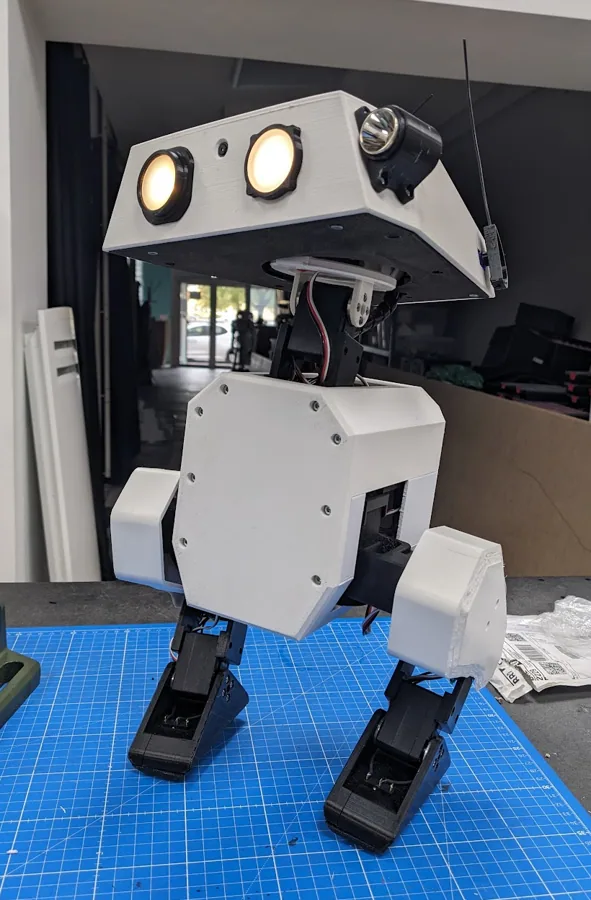
  3. Have Hermes generate and run a timed cue list for a home theater intro, haunted house or school play.
  4. Use OLA's protocol conversion so Hermes can monitor a venue's Art-Net traffic and log which universes are live.
  5. A Hermes cron job that runs fixture self-tests every morning and reports dead channels.

✦ Good to know

  • OLA is effectively the Linux plumbing layer for many hobbyist and open-source lighting consoles: they generate data, OLA handles the hardware.
  • With a USB-DMX widget attached, OLA turns any Linux box into a DMX-over-IP gateway.
  • OLA also implements RDM, the bidirectional extension to DMX that lets a controller discover and configure fixtures.

DMX/Art-Net

ENTTEC Open DMX USB✦Light & LEDTinker

ENTTEC Open DMX USB

~$70
The classic budget USB-to-DMX dongle for computer-run lighting

ENTTEC's Open DMX USB is a no-frills interface with a USB Type-B port and a 5-pin XLR DMX output, controlling one universe of 512 channels. It uses an FTDI chip with drivers for Windows, macOS and Linux, is built from folded aluminum, and carries a 3-year warranty. It has no onboard processor, firmware or standalone playback, so the host computer generates the DMX stream.

USB (FTDI)DMX512OLAPython
☤ HOW HERMES PLUGS INOn Linux, Hermes can drive it through OLA's FTDI DMX/Open DMX plugin and then set channels via ola_set_dmx or OLA's Python client, or talk to the FTDI chip directly with a Python library such as pyftdi. Wrapped in a Hermes skill, the dongle becomes a 'lights' tool Hermes can call from chat, cron, or in response to events.

⚒ Use cases we worked up 5 ideas

  1. Hermes runs stage lights for a band rehearsal, changing looks when you say 'chorus' in a Discord voice channel transcript.
  2. Turn two cheap DMX PAR cans into a meeting-room 'on air' sign that Hermes toggles from your calendar.
  3. Have Hermes write and loop a DMX chase for a Halloween yard display, triggered by a motion sensor.
  4. Use a DMX fog machine plus lights for a dramatic Hermes-announced 'deploy complete' moment.
  5. Let Hermes sync a DMX fixture's color to the current Hue or WLED scene so pro and smart-home lights match.

✦ Good to know

  • Because there is no microcontroller inside, DMX timing depends on the host OS, which is why ENTTEC positions the DMX USB Pro for jobs that need rock-solid output.
  • It is manufactured in ENTTEC's Melbourne, Australia factory with the same QC as their pro gear.
  • ENTTEC still publishes legacy C++, C#, VB6 and Java examples built on the FTDI D2XX API.

Hermes runs stage lights

⌁
11 / 30 · 9 devices

More Lights, Plugs & Sensors

A deeper bench of local-first IoT that fits the rule — real API, open firmware, or Matter/Zigbee: smart plugs and bulbs you can flash or drive locally, and sensors Hermes reads directly.

Nanoleaf (lines/shapes)⌁More IoTTinker

Nanoleaf (lines/shapes)

$$
Modular light panels with a local REST OpenAPI and Matter

Nanoleaf Lines, Shapes, Canvas and Elements are modular Wi-Fi LED panels controlled by a local HTTP REST API (the OpenAPI) on TCP port 16021, with newer models also supporting Matter over Wi-Fi or Thread. A one-time pairing (hold the controller button 5-7 seconds, then POST to /api/v1/new) returns a permanent auth token; there is no cloud round trip for control.

RESTLANMatterThreadUDP
☤ HOW HERMES PLUGS INHermes drives panels directly over the LAN with the OpenAPI, e.g. PUT http://<ip>:16021/api/v1/<token>/state with {"on":{"value":true}} for power and similar calls for brightness, hue and effects. For low-latency animation it can request the UDP external-control stream and push per-panel colors, or go through Matter via Home Assistant.

⚒ Use cases we worked up 6 ideas

  1. Hermes turns a Shapes wall into an ambient status board: green when CI passes, amber on warnings, red on a failed deploy.
  2. Map natural-language scenes ('focus', 'movie night') to Nanoleaf effects and let Hermes recall them from a skill.
  3. Hermes ramps the panels from dim red to bright white over your wake-up window read from your calendar.
  4. Drive a slow color wash across panels that tracks real-time data like outdoor AQI or a build queue depth.
  5. Hermes flashes a specific panel pattern as a silent notification when a named person messages you.
  6. Use the UDP stream to visualize live audio or a long-running job's progress across the panel layout.

✦ Good to know

  • The controller publishes its IP and port over SSDP/mDNS, so the port should be discovered dynamically rather than hard-coded.
  • The external-control UDP stream lets you address every panel individually for real-time, frame-by-frame animation.
  • Auth is gated on physical access: you must hold the button to open a 30-second pairing window before a token is issued.

Light panels with a local OpenAPI + Matter; Hermes sets scenes/colors over LAN

Govee (LAN API)⌁More IoTTinker

Govee (LAN API)

$
Budget RGB lights with an official local LAN UDP API

Many Govee light strips, bulbs and lamps expose an official LAN API: a UDP protocol where the device joins multicast 239.255.255.250 and listens on port 4001 for discovery, replies on 4002, and takes control commands on port 4003. It must be enabled per-device (Govee Home app, LAN Control toggle) and only some models support it; the LAN path covers power, brightness, color and color temperature, with the cloud API as fallback.

LANUDPREST
☤ HOW HERMES PLUGS INHermes discovers devices by sending the multicast scan request and listening on UDP 4002, then sends JSON control commands over UDP to each device's port 4003 (on/off, brightness, color, colorTemp) with no auth needed on the local network. For unsupported models it can fall back to the authenticated cloud API or go through Home Assistant's built-in Govee Lights Local integration.

⚒ Use cases we worked up 6 ideas

  1. Hermes sets accent strips to a warm scene automatically when it detects you've started an evening wind-down routine.
  2. Bias lighting behind a monitor that Hermes tints to match the dominant color of what's on screen.
  3. Hermes pulses a strip a specific color as a glanceable timer for pomodoro or meeting-end warnings.
  4. Tie strip color to live metrics: green/red for server health, or a gradient for home temperature.
  5. Party mode where Hermes cycles colors across every LAN-enabled Govee device in a room on a schedule.
  6. Hermes confirms each write by reading device state back over LAN and falls through to cloud only if it fails.

✦ Good to know

  • The LAN API is a lightweight UDP/JSON protocol with no authentication, scoped entirely to the local network.
  • The LAN switch sometimes only appears in the app ~30 minutes after a power cycle on supported firmware.
  • Because reads and writes both use LAN, you can verify every command landed by reading the device back.

Lights/strips with an official LAN + cloud API; Hermes controls locally

LIFX⌁More IoTTinker

LIFX

$$
Hub-free Wi-Fi bulbs with a documented binary LAN protocol

LIFX makes Wi-Fi RGBW bulbs, strips and panels that need no hub. They speak a fully documented binary LAN protocol over UDP port 56700 — little-endian packed messages for discovery, state queries and control — and also offer a REST-style HTTP cloud API. Discovery is by UDP broadcast (GetService), with mDNS (_lifx._udp) on newer firmware.

LANUDPRESTmDNS
☤ HOW HERMES PLUGS INHermes controls bulbs locally with the LAN protocol: broadcast GetService on UDP 56700 to discover, then send SetColor / SetPower packets directly to each bulb, optionally requesting an acknowledgement or state reply. It can use a library like aiolifx/lifxlan from a skill, or fall back to the HTTP API (api.lifx.com with a token) for control from off the LAN.

⚒ Use cases we worked up 6 ideas

  1. Hermes runs a sunrise alarm, smoothly shifting a bedroom bulb from deep amber to daylight over 30 minutes.
  2. Per-room scenes recalled by voice or chat: Hermes maps 'cozy' or 'bright' to exact HSBK values on each bulb.
  3. Notification lighting where Hermes briefly flashes a bulb a color coded to the alert's severity.
  4. Hermes syncs bulb color temperature to the time of day (circadian warming after sunset) with no cloud.
  5. Away-simulation: Hermes replays realistic evening lighting patterns while you're traveling.
  6. Tie a bulb's color to an external signal like electricity price, nudging you toward off-peak usage.

✦ Good to know

  • The LAN protocol is binary and little-endian; LIFX publishes the full packet spec for third-party clients.
  • Devices are rate-limited to roughly 20 messages per second each to stay responsive.
  • A Get message replies with state even when res_required is 0, which makes polling simple.

Wi-Fi bulbs with a documented LAN UDP protocol + HTTP API; no hub, Hermes drives direct

Sonoff / ITEAD (flashable)⌁More IoTTinker

Sonoff / ITEAD (flashable)

$
Cheap ESP switches you can flash for pure local control

Sonoff (by ITEAD) sells inexpensive ESP8266/ESP32-based Wi-Fi switches, relays and plugs. Stock firmware uses the eWeLink cloud, but because they run Espressif chips, most Wi-Fi models (Basic, Mini, S31, POW, TH and the newer R4 line) can be flashed with ESPHome or Tasmota for fully local control via MQTT, a web UI or the native ESPHome API. Newer R4 models offer OTA flashing through DIY mode; older ones need a USB-serial flash.

ESPHomeTasmotaMQTTLANREST
☤ HOW HERMES PLUGS INOnce flashed to ESPHome, a device exposes a native local API that Hermes reaches through Home Assistant (HA MCP) or over the LAN; on Tasmota, Hermes toggles it via MQTT topics or the HTTP command endpoint (http://<ip>/cm?cmnd=Power%20On). Hermes can even generate the ESPHome YAML for a given board and relay pin.

⚒ Use cases we worked up 6 ideas

  1. Hermes power-cycles a frozen modem or server via a flashed Sonoff relay when a health check fails.
  2. Energy-aware automations: a POW model reports watts over MQTT and Hermes alerts on abnormal draw.
  3. Hermes schedules an aquarium or grow-light relay around local sunrise/sunset with no cloud dependency.
  4. Turn a Sonoff into a physical 'do not disturb' switch whose state gates Hermes notifications.
  5. Hermes audits every flashed device's firmware version and flags ones due for an OTA update.
  6. Boiler/heater control where Hermes enforces a safe duty cycle and logs runtime locally.

✦ Good to know

  • Any Espressif ESP8266/ESP8285/ESP32 chip can run Tasmota, which is why these are a flashing favorite.
  • Newer Sonoff R4 devices support OTA flashing via DIY mode, so you avoid opening the case and soldering.
  • Flashed devices cut the cloud entirely: control works even with the internet unplugged.

ESP-based switches flashable to ESPHome/Tasmota; local control

Aqara FP2 presence⌁More IoTTinker

Aqara FP2 presence

$$
mmWave zone presence sensor that runs local over HomeKit

The Aqara FP2 is a 2.4GHz Wi-Fi mmWave presence sensor that tracks multiple people across up to 30 configurable zones in a ~40 m2 room, with a built-in light sensor and fall detection. It pairs natively as a HomeKit accessory, so Home Assistant can add it over the LAN via the HomeKit Controller integration with no Aqara hub. Since firmware 1.1.6 day-to-day presence and zone reporting run fully locally; only the initial zone drawing needs the Aqara app (cloud login).

HomeKitLANMatter
☤ HOW HERMES PLUGS INHermes reads per-zone presence and illuminance entities through Home Assistant's HomeKit Controller integration (via the HA MCP server) over the LAN. It treats each zone as an independent trigger — 'someone entered the desk zone' — to drive automations, without any cloud or Aqara hub in the loop once zones are configured.

⚒ Use cases we worked up 6 ideas

  1. Hermes turns on only the desk lamp when the office 'desk' zone is occupied, and off when you leave it.
  2. Occupancy-aware focus mode: Hermes mutes notifications in rooms where it detects someone is present.
  3. Hermes logs room-level occupancy over the day so you can see how space actually gets used.
  4. Fall-detection alerting where Hermes messages a caregiver if the sensor flags a fall in a monitored zone.
  5. Zone-based HVAC/lighting: Hermes only conditions the half of an open-plan room that's in use.
  6. Presence-gated security: Hermes arms a camera or alert when all zones report empty for N minutes.

✦ Good to know

  • A single radar covers up to 30 zones, so one FP2 can replace several PIR sensors in an open room.
  • The catch: zones must be drawn in the Aqara app (a cloud login), even though runtime detection is local.
  • Before firmware 1.1.6 it needed internet to function at all; the update made local-only operation possible.

mmWave presence sensor; HomeKit/Matter + HA, Hermes reads zones

Ruuvi Tag⌁More IoTTinker

Ruuvi Tag

$$
Open BLE environmental beacon you just listen to

The RuuviTag is a battery BLE sensor beacon (temperature, humidity, pressure, acceleration, battery) that broadcasts its readings in the clear as manufacturer-specific advertisement data — no pairing or connection required. The data formats are openly documented (RAWv2 / format 5 under manufacturer ID 0x0499), so any BLE-capable host can decode them passively, and one receiver can listen to many tags at once.

BLEBroadcast
☤ HOW HERMES PLUGS INHermes runs a BLE scanner (e.g. a bleak-based script in a skill, or Home Assistant's native Ruuvi integration) to passively receive advertisements and decode format-5 payloads into temperature, humidity and motion values. No connection or key is needed; it just parses the broadcast, so polling dozens of tags is cheap.

⚒ Use cases we worked up 6 ideas

  1. Hermes watches fridge/freezer tags and alerts you the moment temperature drifts out of a safe band.
  2. Humidity guard: Hermes warns about damp conditions in a basement or server closet before mold risk.
  3. Hermes correlates per-room temperature tags with HVAC runtime to find rooms that heat or cool unevenly.
  4. Movement alerts from the accelerometer — Hermes pings you if a tagged door, gate or package moves.
  5. Hermes logs long-term climate data per room into a local database for trend charts.
  6. Battery-health tracker: Hermes flags any tag whose broadcast battery voltage is getting low.

✦ Good to know

  • Because data is broadcast, not connected, a single listener can monitor an unlimited number of tags.
  • Ruuvi lets third parties use its Bluetooth SIG manufacturer ID 0x0499 under published conditions.
  • Long-life firmware broadcasts only every ~9 seconds to stretch battery life for years.

BLE environmental sensor broadcasting open data; Hermes reads temp/humidity/motion

⌁
⌁More IoTTinker

Aranet4

$$$
CO2 monitor with a local BLE API and years of battery

The Aranet4 is a low-power BLE CO2, temperature, humidity and pressure monitor with an e-ink display. It exposes a documented GATT interface: connect over Bluetooth LE and read the current-readings characteristic (UUID f0cd3001-95da-4f4b-9ac8-aa55d312af0c) for CO2, temp, pressure, humidity, battery and interval, or pull stored history. With 'Smart Home integrations' enabled it also broadcasts current readings in BLE advertisements. All reads are local; no cloud account is required.

BLEGATTBroadcast
☤ HOW HERMES PLUGS INHermes reads the device locally with the open-source aranet4/pyaranet4 Python library or a bleak script in a skill — either connecting to the GATT current-readings characteristic or passively decoding the advertisement broadcast. It can pull the on-device history log too, and Home Assistant has a native Aranet integration as an alternative path.

⚒ Use cases we worked up 6 ideas

  1. Hermes nudges you to open a window or step out when room CO2 climbs past ~1000 ppm during long work sessions.
  2. Meeting-room air check: Hermes posts current CO2 to a channel before a packed meeting.
  3. Hermes logs CO2, temperature and humidity to a local database and charts ventilation effectiveness over weeks.
  4. Automate a fan or ERV via another local device when Hermes sees CO2 cross a threshold.
  5. Correlate afternoon focus dips with measured CO2 so you can prove the stuffy-room effect.
  6. Hermes warns when the sensor battery is low so a critical monitor never goes dark unnoticed.

✦ Good to know

  • Mature open-source clients (Aranet4-Python, pyaranet4) already map every GATT characteristic for you.
  • With Smart Home integrations on and firmware v1.2.0+, you can read live values from the advertisement without connecting.
  • The e-ink display and low-power BLE give it a battery life measured in years on a couple of AA/AAA cells.

CO2/temp/humidity monitor with a BLE API; Hermes logs air quality

ThirdReality (Zigbee/Matter)⌁More IoTTinker

ThirdReality (Zigbee/Matter)

$
Cheap Zigbee/Matter plugs and sensors that go fully local

ThirdReality (3reality) makes low-cost Zigbee 3.0 and Matter smart plugs (with real-time energy monitoring), motion/contact/vibration sensors and switches. They're an official Works-with-Home-Assistant partner: the Zigbee models pair directly to any Zigbee coordinator via ZHA or Zigbee2MQTT for fully local control (no vendor cloud), and the plugs double as Zigbee mesh repeaters. A Zigbee coordinator/stick is required.

ZigbeeMatterZ2MMQTT
☤ HOW HERMES PLUGS INHermes controls these through Home Assistant (via the HA MCP server) once they're paired to a Zigbee coordinator with ZHA or Zigbee2MQTT; with Z2M it can also publish/subscribe MQTT topics directly for on/off and read live power entities. Everything stays on the local network — no ThirdReality account or hub needed.

⚒ Use cases we worked up 6 ideas

  1. Hermes tracks a plug's real-time watts and cuts power to an idle 3D printer or charger after a job finishes.
  2. Vibration/contact sensors become triggers: Hermes reacts when the laundry finishes or a drawer opens.
  3. Hermes builds a per-appliance energy report from the plugs' metering and flags the biggest phantom loads.
  4. Use the plugs as mesh repeaters and let Hermes map/monitor Zigbee network health through Z2M.
  5. Motion-sensor-driven lighting where Hermes layers in conditions (time of day, occupancy) the stock gear can't.
  6. Hermes power-cycles a flaky device on a schedule or on a failed health check via its Zigbee plug.

✦ Good to know

  • The plugs act as Zigbee routers, extending mesh range for your battery sensors while they meter.
  • Being a Works-with-Home-Assistant partner means devices are tested against ZHA and Zigbee2MQTT.
  • Paired to your own coordinator, they need no vendor cloud or account for normal control.

Cheap Zigbee/Matter plugs & sensors; local via Z2M/HA, Hermes controls

SwitchBot Hub/sensors⌁More IoTTinker

SwitchBot Hub/sensors

$$
Bots and sensors with a documented local BLE protocol

SwitchBot makes bots (physical button pushers), curtains, locks, meters and motion/contact sensors. There are two interfaces: an open local BLE protocol (the published SwitchBotAPI-BLE / node-switchbot) that controls and reads BLE devices directly with no cloud, and the cloud OpenAPI (api.switch-bot.com, HMAC-SHA256 auth) which requires a SwitchBot Hub plus Cloud Service enabled for BLE devices. The cloud API is cloud-only; true local control comes from the BLE protocol or Home Assistant's local Bluetooth integration.
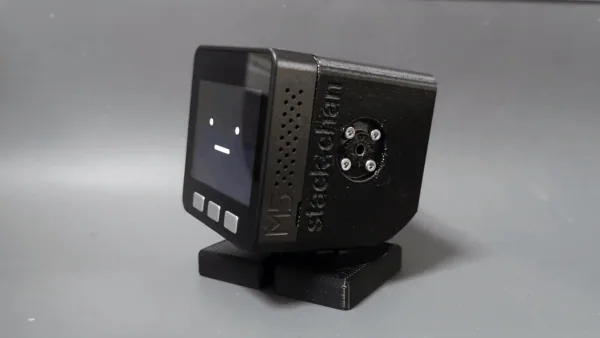
BLEMatterREST
☤ HOW HERMES PLUGS INHermes controls SwitchBot BLE devices locally with the documented BLE protocol — e.g. via node-switchbot or Home Assistant's SwitchBot Bluetooth integration — to press bots, move curtains and read meter temperature/humidity with no cloud. For remote access or IR 'virtual' devices it can use the cloud OpenAPI (token + HMAC signature), which needs a Hub.

⚒ Use cases we worked up 6 ideas

  1. Hermes presses a 'dumb' appliance's power button with a Bot on a schedule or on an event, no rewiring.
  2. Local meter reads: Hermes tracks a room's temp/humidity over BLE and triggers a fan or dehumidifier.
  3. Curtain automation where Hermes opens blinds at local sunrise and closes them against afternoon heat.
  4. Motion/contact sensors become Hermes triggers for lighting or presence-based notifications over BLE.
  5. Hermes uses a Bot to reboot a device with only a physical power button when a health check fails.
  6. Coffee-on-wake: a Bot press fires from a Hermes morning routine the moment your alarm dismisses.

✦ Good to know

  • SwitchBot publishes an open BLE API (SwitchBotAPI-BLE), so you can skip the hub and cloud entirely for control.
  • The cloud OpenAPI needs a Hub and Cloud Service for BLE devices, and is capped at 10,000 calls per day.
  • Hub 2 / Hub Mini (Matter) can bridge some sensors to Matter, giving a second local path into HomeKit/HA.

Devices with cloud + local BLE API; Hermes automates

▤
12 / 30 · 8 devices

Displays Hermes Paints

E-paper and pixel screens with self-hostable servers. Hermes renders the frame on a cron job and the device just pulls an image.


▤
▤DisplaysTinker

TRMNL BYOS (Terminus)

Free (OSS)
Self-hosted TRMNL server: your e-ink fleet, your data

Terminus is TRMNL's flagship open-source Build Your Own Server (BYOS), a Ruby/Hanami web app (PostgreSQL, Sidekiq, Valkey) that replaces the TRMNL cloud for devices on your own network. It manages devices, screens, playlists, extensions, models and firmware, and turns HTML/CSS (or an image URL) into correctly sized, greyscaled bitmaps for the panel. It ships with a Docker quick-start, Raspberry Pi and Kubernetes docs, and supports virtual devices if you have no hardware yet.

RESTJWT authHTML renderDocker
☤ HOW HERMES PLUGS INHermes logs in once (POST /login returns a JWT; refresh via /api/jwt) and then drives the JSON API with curl from the terminal tool: POST /api/screens with an HTML content field to have Terminus render a new screen, PATCH it to update, and attach it to a playlist via playlist_id. A cron job can regenerate screens on a schedule, and a small skill can wrap the auth and render calls so any chat can say 'put this on the kitchen TRMNL'. Device telemetry (battery voltage, RSSI, firmware version) arrives with every device poll and is readable through /api/devices for monitoring.

⚒ Use cases we worked up 6 ideas

  1. A morning brief screen Hermes rebuilds at 6am from your calendar, weather and overnight email triage, pushed as HTML to /api/screens.
  2. A 'what Hermes is doing' board that shows running cron jobs, the last completed task and anything waiting on your approval.
  3. A household chores and grocery list that Hermes edits from Telegram messages and re-renders on the fridge display.
  4. A low-battery watchdog: Hermes polls /api/devices and pings you when a panel's battery voltage drops.
  5. A rotating playlist of Hermes-written haiku or daily research paper summaries for the office.
  6. A homelab status panel showing disk, GPU temps and failed services that Hermes collects over SSH.

✦ Good to know

  • Terminus follows TRMNL's 'Unbrickable Pledge': the latest Terminus always supports the latest TRMNL firmware, so devices are never stranded if the company goes away.
  • The device-facing /api/display call is a GET for firmware reasons, but every request smuggles device telemetry (battery, Wi-Fi signal, firmware version) in its headers, so each poll doubles as a status report.
  • It is MIT licensed and can import plugins from TRMNL's hosted Core service as Terminus extensions.

self-host the TRMNL server; Hermes renders the screens

▤
▤DisplaysDeep hack

TRMNL firmware

Free (OSS)
Open ESP32 firmware behind TRMNL's battery-sipping e-ink panels

The open-source (GPL-3.0) PlatformIO/Arduino firmware for TRMNL e-paper displays, starting with the ESP32-C3-based TRMNL OG and extending to the ESP32-S3 TRMNL X. The device wakes on a timer, polls a server for an image URL and refresh rate, draws the bitmap, and deep-sleeps; it also handles Wi-Fi captive-portal setup, OTA firmware updates and log upload. The build targets go well beyond TRMNL's own hardware, including Seeed XIAO DIY kits, reTerminal E1003, LilyGo T5 Pro, M5 PaperS3 and Xteink e-readers.

RESTWi-FiPlatformIOUSB serialOTA
☤ HOW HERMES PLUGS INThe protocol is tiny: the device calls GET /api/setup with its MAC to obtain an API key, then GET /api/display (with Access-Token, Battery-Voltage and RSSI headers) and gets back JSON containing image_url, refresh_rate and firmware update flags. Hermes can point the firmware at Terminus, or stand up a minimal Python server implementing those two endpoints that serves PNG/BMP frames Hermes renders. Hermes can also build and flash it from the terminal with pio run -e <env> -t upload and read the serial log via pio device monitor.

⚒ Use cases we worked up 5 ideas

  1. Write a 50-line Flask server that answers /api/display with whatever image Hermes rendered last, skipping any external server.
  2. Have Hermes set refresh_rate dynamically: every 5 minutes while you are home, every few hours at night to save battery.
  3. Port the firmware to a spare ESP32 plus Waveshare panel and let Hermes handle the PlatformIO build and flash loop.
  4. Log the Battery-Voltage header from every poll and have Hermes chart battery discharge and predict the next charge date.
  5. Push an OTA firmware update across all your panels from one Hermes command by setting update_firmware in the display response.

✦ Good to know

  • The README publishes a measured power profile: one full wake-fetch-draw cycle takes about 10.5 seconds and roughly 0.19 mAh, which works out to around 120 days real-world on 2500 mAh at 15-minute refreshes.
  • TRMNL OG uses a buck converter rather than a cheaper linear regulator, which the firmware docs say avoids wasting up to 20% of the battery as heat.
  • Long-pressing the reset button for more than 5 seconds wipes Wi-Fi credentials, and the server can remotely trigger a soft reset via a reset_firmware flag.
▤
▤DisplaysTinker

Tronbyt server

Free (OSS)
Keeps Tidbyt pixel displays alive after the cloud went quiet

Tronbyt Server is a Go app that replaces Tidbyt's cloud backend: it runs Pixlet (Starlark) apps locally, renders them into small animated WebPs, and serves them to devices on your LAN. It supports Tidbyt Gen1 and Gen2 (after flashing Tronbyt firmware generated from its web UI), Tronbyt S3, Adafruit MatrixPortal S3 boards, and Raspberry Pi-driven HUB75 LED matrices. It runs via Docker, Homebrew, or a Home Assistant add-on, and exposes Prometheus metrics at /metrics.

RESTWebPPixlet/StarlarkPrometheusDocker
☤ HOW HERMES PLUGS INTronbyt has a bearer-token REST API: Hermes can list devices with GET /v0/devices, push any base64 WebP frame straight to a display with POST /v0/devices/{id}/push, trigger an installed app with /push_app, and change brightness or reboot. Hermes can render a 64x32 image with Pillow (or write a Pixlet .star app and upload it to your custom app repo), then push it from the terminal or a cron job. Clients themselves just pull /{id}/next, so a custom build can follow the dwell time and brightness response headers.

⚒ Use cases we worked up 5 ideas

  1. Have Hermes push a scrolling 64x32 alert the moment a long training run finishes or a CI job fails.
  2. A Pixlet app Hermes writes itself that shows tokens/sec and GPU temp from your local inference box.
  3. Ambient 'agent heartbeat': a tiny animation that changes color when Hermes is busy, idle, or waiting on approval.
  4. Doorbell or package-delivery flashes pushed from Home Assistant through Hermes to every matrix in the house.
  5. Build a Raspberry Pi plus HUB75 panel display from scratch and let Hermes manage its playlist and night mode.

✦ Good to know

  • Tidbyt was acquired by Modal in late 2024 and development stalled; Tronbyt grew out of the community's effort to keep the devices useful without Tidbyt's servers.
  • Running locally re-enables some apps that Tidbyt's servers had blocked, such as Surfline surf reports.
  • Writing a new client is trivial: fetch WebP from /next and loop it for the number of seconds in the Tronbyt-Dwell-Secs response header.

local server for flashed Tidbyts

InkyPi▤DisplaysPlug & play

InkyPi

Free (OSS)
Raspberry Pi e-ink frame with a web UI and plugins

InkyPi is an open-source (GPL-3.0) Raspberry Pi project that turns a Pi 4, 3 or Zero 2 W plus a Pimoroni Inky or Waveshare e-paper panel into a glare-free, configurable display. A Flask web interface lets you schedule playlists of plugins: clock, weather, calendar (Google, Outlook, Apple), newspaper front pages, comics, RSS, image albums, AI image and text, and a screenshot plugin that renders any URL. Plugins are plain Python classes that return a PIL image, so adding your own is simple.

PythonHTTPFlask web UISPI
☤ HOW HERMES PLUGS INHermes can write a custom plugin directly into src/plugins (a BasePlugin subclass whose generate_image returns a PIL image) and restart the service over SSH. With no code at all, Hermes can host an HTML dashboard and point InkyPi's screenshot plugin at it, or force an immediate redraw by POSTing to the web UI's /update_now or /display_plugin_instance endpoints from a cron job. The current frame is available at /api/current_image, so Hermes can verify what is actually on the glass.

⚒ Use cases we worked up 5 ideas

  1. An 'ask Hermes' plugin that shows the answer to one question you set each morning, regenerated daily.
  2. A family calendar plus weather view where Hermes adds events from chat messages and InkyPi picks them up.
  3. A Spectra 6 color art frame that shows a new image Hermes generates from the day's news or your mood.
  4. A research wall: Hermes screenshots a page summarizing the top new arXiv papers in your field every evening.
  5. A dev dashboard showing open PRs, failing CI and on-call status, rendered as HTML and captured by the screenshot plugin.

✦ Good to know

  • It supports Pimoroni Inky Impression panels all the way up to 13.3 inches, plus most Waveshare panels via a -W install flag (IT8951-based panels excluded).
  • Inky boards auto-configure from an EEPROM on the panel, while Waveshare panels need a model-specific driver that the installer fetches for you.
  • The community maintains a wiki of third-party plugins and 3D-printable frames and stands.
▤
▤DisplaysPlug & play

Pimoroni Inky library

Free (OSS)
Three Python calls from PIL image to e-paper

The official Python library (pip install inky, MIT licensed) for Pimoroni's Inky pHAT (250x122), Inky wHAT (400x300) and the full-color Inky Impression range from 4.0 to 13.3 inches on Raspberry Pi. inky.auto reads the board's EEPROM to detect model, resolution and color palette automatically. The API is minimal: set_image() with a PIL image, optional set_border(), then show().

PythonSPII2CPIL
☤ HOW HERMES PLUGS INHermes can write and run Python on the Pi over SSH: render a frame with Pillow (text, charts, generated art), then call auto().set_image(img) and show(). Wrapped as a small script or skill, any Hermes cron job can repaint the display, and a gateway message can trigger an on-demand update. There is no network API built in, so Hermes either runs on the Pi itself or SSHes in to push frames.

⚒ Use cases we worked up 5 ideas

  1. A desk nameplate on an Inky pHAT that Hermes updates with your current focus task and do-not-disturb status.
  2. A wHAT bus or train timetable that Hermes refreshes from a transit API every few minutes during commute hours.
  3. A 13.3-inch Impression gallery wall showing Hermes-generated art based on the weather and season.
  4. A plant-care board where Hermes reads soil sensors and writes watering reminders onto a red/black/white panel.
  5. An Immich-backed photo frame that Hermes curates by picking 'on this day' photos each morning.

✦ Good to know

  • Newer Inky boards carry an EEPROM, so one line of code (from inky.auto import auto) figures out exactly which display you have.
  • The library deliberately dropped its own drawing functions when it replaced the old inkyphat library; all drawing is done in PIL and handed over as an image.
  • Raspberry Pi OS Bookworm sometimes needs dtoverlay=spi0-0cs in config.txt because the kernel otherwise claims the chip-select pin the display needs.
Inkplate Arduino library▤DisplaysTinker

Inkplate Arduino library

Free (OSS)
Arduino library for Soldered's ESP32 all-in-one e-paper boards

The Arduino library for the Inkplate family of open-hardware, ESP32-based e-paper displays from Soldered (formerly e-radionica): Inkplate 2, 4 TEMPERA, 5, 6, 6PLUS, 6COLOR, 6FLICK and 10, depending on model with touch, front light, RTC, SD card and Li-ion charging. It handles BW and greyscale modes, text, graphics, HTTP/HTTPS fetches, deep sleep and touchpads, with example projects like a Google Calendar, weather station and crypto tracker. MicroPython and LVGL libraries are also available.

ArduinoMicroPythonUSB serialWi-FiBLE
☤ HOW HERMES PLUGS INHermes can write sketches, compile and flash them from the terminal with arduino-cli and the Inkplate board definitions, then iterate on serial output. At runtime the simplest pattern is a sketch that wakes, fetches a PNG/BMP Hermes rendered from a URL on your LAN, draws it and deep-sleeps. Alternatively, new boards ship in Peripheral mode, so a Pi running Hermes can drive the screen over USB serial at 115200 baud with text commands, no custom firmware needed.

⚒ Use cases we worked up 5 ideas

  1. A recycled-Kindle-screen dashboard on an Inkplate 6 that shows Hermes' daily brief and sleeps for weeks on battery.
  2. Use Peripheral mode over USB so a headless Pi running Hermes writes text and images to the screen with plain serial commands.
  3. A touch-enabled Inkplate 6PLUS where tapping an item marks a Hermes todo done via an HTTP call.
  4. A front-lit bedside Inkplate that shows tomorrow's first meeting and the alarm Hermes set for you.
  5. An Inkplate 10 conference-room sign that Hermes updates from the shared calendar every 15 minutes.

✦ Good to know

  • The original Inkplate 6 reused e-paper panels recycled from Kindle e-readers.
  • The Inkplate line was crowdfunded on Crowd Supply and Kickstarter, and its hardware designs are open source with OSHWA certifications.
  • A diagnostics folder includes tools for low-level panel tuning such as VCOM programming and waveform selection.
Seeed reTerminal E1001▤DisplaysPlug & play

Seeed reTerminal E1001

~$69
7.5-inch ESP32-S3 e-paper dashboard in a finished case

The reTerminal E1001 is a ready-made 7.5-inch, 800x480 monochrome e-paper display built on an ESP32-S3 with 8MB PSRAM and 32MB flash, Wi-Fi and Bluetooth 5.0. It packs temperature and humidity sensors, a buzzer, a microphone reserved for future voice features, a microSD slot, three buttons, an 8-pin expansion header (UART, I2C, GPIO) and a 2000 mAh battery Seeed rates for up to about three months. It ships with Seeed's SenseCraft no-code dashboard platform and also supports Home Assistant (via ESPHome), TRMNL, Arduino and ESP-IDF.

ESPHomeHome AssistantTRMNLArduinoESP-IDF
☤ HOW HERMES PLUGS INThe most direct path is reflashing it with ESPHome YAML that Hermes writes and pushes via OTA, so the screen shows Home Assistant entities and its buttons and sensors become HA entities Hermes can read and react to. Alternatively, run TRMNL firmware against a Terminus server and let Hermes render screens through Terminus's REST API. For full control Hermes can write an Arduino or ESP-IDF sketch that pulls a rendered image from a local URL on a timer.

⚒ Use cases we worked up 5 ideas

  1. A Hermes-curated kitchen dashboard with weather, calendar and grocery list that pages left and right with the hardware buttons.
  2. Map the refresh button to 'ask Hermes for a fresh summary' via a Home Assistant automation.
  3. A room climate logger that uses the onboard temperature and humidity sensors and lets Hermes flag mold-risk humidity.
  4. Swap in TRMNL firmware and run it as another panel in a Terminus fleet that Hermes manages.
  5. A desk 'inbox zero' board showing the three emails Hermes thinks you must answer today.

✦ Good to know

  • It comes with a 3D-printed stand that screws into embedded nuts on the back, and the stand angle is fixed by design.
  • The microphone is populated but reserved for future voice interaction, and Seeed documents a planned long-press voice mode on the refresh button.
  • Seeed sells it as part of a larger reTerminal E family, alongside full-color Spectra 6 models.
Pimoroni Presto▤DisplaysTinker

Pimoroni Presto

~$78
RP2350 desk companion with 4-inch touchscreen and RGB glow

Presto is a ready-built desktop display from Pimoroni: a 4-inch 480x480 IPS capacitive touchscreen driven by an RP2350B (dual Cortex-M33 at 150MHz, 520KB SRAM) with 16MB flash and 8MB PSRAM, in a black anodized aluminium stand. A Raspberry Pi RM2 module adds 2.4GHz Wi-Fi and Bluetooth, and seven SK6812 RGB LEDs on the back cast ambient light; there is also a piezo speaker, microSD slot, Qw/ST (Qwiic/STEMMA QT) port and a 3-5.5V battery connector. It ships with MicroPython, a launcher and examples, and can also be programmed in C/C++.

MicroPythonC/C++Wi-FiQw/ST I2CUSB serial
☤ HOW HERMES PLUGS INHermes can write MicroPython for it and deploy over USB serial with mpremote, then iterate by reading the REPL output. At runtime the Presto joins Wi-Fi and polls a small JSON or image endpoint that Hermes keeps updated, drawing cards on the touchscreen and setting the RGB LEDs to reflect agent state. Touch input can call back to a Hermes-side webhook, turning taps into approvals or quick commands.

⚒ Use cases we worked up 5 ideas

  1. An agent status orb: the rear LEDs glow blue when Hermes is working, amber when it needs approval, green when done.
  2. Touch-to-approve: show pending Hermes tool approvals as cards and tap yes or no to answer them.
  3. Add a Qw/ST air quality sensor and have Hermes nag you to open a window when CO2 climbs.
  4. A daily stand-up card that Hermes fills with your top three tasks and calendar gaps.
  5. A rotating photo and generated-art frame that Hermes refreshes from your phone shares.

✦ Good to know

  • It has no onboard charging circuit on purpose, so it can safely run from either a LiPo or a pack of 3 AA alkalines.
  • Pimoroni reports real-world MicroPython code running up to 2x faster on RP2350 than RP2040, with C/C++ floating point up to 20x faster.
  • The RP2350B chip exposes 48 GPIO and can optionally run RISC-V cores instead of its Arm M33 cores.

4" touch, RP2350

♪
13 / 30 · 6 devices

Audio & Media

Multiroom audio and media servers with local APIs, for announcements, music and the occasional dramatic entrance.

Music Assistant♪Audio & mediaPlug & play

Music Assistant

Free (OSS)
Open-source music server linking every streaming service to every speaker

Music Assistant is a free, self-hosted music server from the Open Home Foundation. It merges streaming services (Spotify, TIDAL, Qobuz, Apple Music, YouTube Music, Plex, Jellyfin, Subsonic and more), local files, radio and podcasts into one library. It plays to almost any speaker, including AirPlay, Chromecast, Sonos, Snapcast, Squeezelite, DLNA, HEOS and MusicCast, keeps queues on the server and supports synced groups. It runs as a Home Assistant add-on or a Docker container, and plugins add Party mode, a Music Quiz, lyrics and an alpha AI Radio DJ.

MCPWebSocket/HTTP APIHome AssistantDockerAirPlay/Cast/Sonos
☤ HOW HERMES PLUGS INMusic Assistant has a built-in FastMCP Server plugin, served on its own webserver at /mcp/v1, whose Connect Wizard produces a ready-to-paste ~/.hermes/config.yaml block for Hermes. Each client gets its own revocable token and per-permission toggles. For scripting, Hermes can also call the JSON command API at http://<host>:8095/api with a bearer token, or go through Home Assistant's music_assistant.play_media action.

⚒ Use cases we worked up 5 ideas

  1. Ask Hermes on Telegram to 'play something mellow in the kitchen and move it to the bedroom at 10', using the MCP tools for search, play and queue transfer.
  2. Have a morning cron where Hermes builds a playlist from your calendar and the weather, then starts it on the bathroom speaker group.
  3. Let Hermes run your party: it watches Party mode requests, removes duplicates and adds its own picks to keep the energy up.
  4. Have Hermes write the AI Radio host's script with news from your own feeds, so the between-song DJ actually knows your life.
  5. Have Hermes copy and sync playlists between Spotify and TIDAL whenever you change one.

✦ Good to know

  • Its docs list Hermes by name as a supported MCP client and generate the Hermes config block for you.
  • It can group AirPlay speakers with Sendspin, the Open Home Foundation's own synced-audio protocol, so brands that normally ignore each other play in sync.
  • The queue lives on the server, so closing your phone app or browser does not stop the music.
♪
♪Audio & mediaTinker

Snapcast (multiroom)

Free (OSS)
Sub-millisecond synced multiroom audio for any Linux player

Snapcast is an open-source client-server system that turns any audio source into Sonos-style synced multiroom playback. Snapserver reads PCM from pipes, ALSA, PipeWire, TCP, librespot (Spotify), AirPlay or any process's stdout. It sends FLAC/Opus/Vorbis/PCM chunks to snapclients, which continuously sync their clocks and correct drift by adding or dropping single samples. Typical deviation is under 0.2ms, and it runs on Linux, macOS, Android, OpenWrt and even Raspberry Pi Zeros.

JSON-RPCTCP 1705HTTP/WebSocket 1780ALSA/PipeWire
☤ HOW HERMES PLUGS INSnapserver has a JSON-RPC 2.0 control API on raw TCP port 1705 and on HTTP/WebSocket port 1780. Hermes can call Server.GetStatus, Client.SetVolume, Group.SetStream and similar methods with curl or a small Python script, or wrap them as a skill or MCP tool. Since a stream source can be any process's stdout, Hermes can also pipe its own TTS output into the whole house.

⚒ Use cases we worked up 5 ideas

  1. Add a 'Hermes' stream fed by a pipe so the agent's TTS announcements play in sync across every room, then switch groups back to music afterward.
  2. Have Hermes manage zones by voice or chat, for example 'move the patio to the radio stream and set it to 40%', through Group.SetStream and Client.SetVolume.
  3. Put Pi Zero 2 W snapclients in every room and have Hermes check them over JSON-RPC each night, then re-provision any that dropped out.
  4. Pipe a Mopidy or MPD instance into Snapcast and let Hermes DJ by editing the MPD queue.
  5. Have Hermes keep per-room latency offsets (Client.SetLatency) in memory and re-apply them after speaker changes.

✦ Good to know

  • The name comes from 'SyNchronous Audio Player'.
  • Clock drift is fixed by inserting or dropping single samples, each about 0.02ms at 48kHz, so you never hear a correction.
  • Music Assistant can use Snapcast as a player provider, so the two often get combined into an open-source Sonos replacement.
♪
♪Audio & mediaPlug & play

Volumio

Free (MyVolumio tiers optional)
Audiophile music-player OS for Raspberry Pi, PCs and hi-fi streamers

Volumio is a music player distribution from Florence, Italy. It turns a Raspberry Pi, Tinker Board or PC into a network streamer with a web UI that combines local files, NAS shares, web radio and services like TIDAL, Qobuz and Spotify. It is aimed at bit-perfect playback through USB or I2S DACs, has Node.js plugins, and also ships in Volumio's own hardware streamers (Primo, Rivo, Integro). The base software is free, and MyVolumio subscription tiers add premium features.

REST APISocket.IOSSHNode.js pluginsI2S/USB DAC
☤ HOW HERMES PLUGS INVolumio has a simple REST API that Hermes can call with curl: http://volumio.local/api/v1/commands/?cmd=play|pause|next|volume&volume=40 for control and /api/v1/getState for now-playing. It also has a Socket.IO API for push events. Hermes can wrap these in a skill, poll state from cron, or SSH in to install and configure plugins.

⚒ Use cases we worked up 5 ideas

  1. Have Hermes check /api/v1/getState at the end of each album and suggest (or queue) a follow-up based on what you've been playing this week.
  2. Turn an old amp, a Pi and a HiFiBerry DAC into a Volumio streamer, and have Hermes pause it whenever the doorbell or a call comes in.
  3. Run a 'liner notes' bot: when the track changes, Hermes looks up the album's history and posts it to your Discord.
  4. Write a custom Volumio plugin in Node.js with Hermes that adds a 'play my Hermes-made playlist' button to the UI.
  5. Set up a bedtime cron where Hermes slowly fades the volume to zero and stops playback.

✦ Good to know

  • Volumio grew out of RaspyFi, one of the first audiophile music distros for the original Raspberry Pi.
  • It boots straight into a headless player you control from any browser on the LAN at volumio.local.
  • The same software runs on its own commercial hi-fi streamers and is licensed to other audio brands as an OEM platform.
Jellyfin♪Audio & mediaPlug & play

Jellyfin

Free (OSS)
Free, self-hosted media server for movies, TV, music and live TV

Jellyfin is a volunteer-built, GPL-licensed media server that organizes and streams your own movies, shows, music, books, photos and live TV/DVR to web, desktop, Android, Apple, Roku, Kodi and other clients. It handles hardware transcoding (VAAPI, Intel QSV, NVENC and others), multiple users, and SyncPlay for watching together remotely. There are no fees, no tracking and no central servers.

REST APIWebhooksAPI keyDockerDLNA
☤ HOW HERMES PLUGS INHermes talks to Jellyfin's REST API (port 8096 by default) with an API key from the admin dashboard. It can search libraries, start library scans, check active sessions and send remote-control commands or messages to playing clients. With the webhook plugin, Jellyfin can call Hermes on playback or library events, and Hermes can manage the server host and transcoding settings over SSH.

⚒ Use cases we worked up 5 ideas

  1. Ask Hermes 'what's new this week that I'd like?' and have it compare recently added items to your watch history, then reply with a short list.
  2. Have Hermes keep watch: when a remote session buffers or falls back to software transcoding, it diagnoses the cause and adjusts settings or tells you.
  3. Run a 'movie night' skill where Hermes picks a film, dims the lights through Home Assistant, and starts playback on the living-room client.
  4. Have Hermes run a nightly cron that cleans up metadata, finds mismatched or duplicate files, and posts a fix-it list.
  5. Use the webhook plugin so Hermes logs everything you finish watching to memory and builds a running 'year in review'.

✦ Good to know

  • Jellyfin started in late 2018 as a community fork of Emby after Emby moved toward a closed-source model.
  • SyncPlay lets friends in different cities watch the same video in lockstep from their own Jellyfin clients.
  • The project says it runs no servers for users at all. Every Jellyfin install is self-hosted.
Kodi / LibreELEC♪Audio & mediaPlug & play

Kodi / LibreELEC

Free (OSS)
Classic open-source 10-foot media center, plus a just-enough OS to run it

Kodi is a GPL media center with a 10-foot UI for TVs and remotes. It plays almost any video or music format, runs on Linux, Windows, macOS, Android, iOS and tvOS, and supports PVR backends like Tvheadend, emulators, skins and a large Python add-on ecosystem. LibreELEC is a minimal Linux distro that boots straight into Kodi on Raspberry Pi, x86 and other boards. The current release is LibreELEC 12.2.1 with Kodi 21.3 Omega.

JSON-RPCHTTPTCP 9090Python add-onsHDMI-CEC
☤ HOW HERMES PLUGS INKodi has a JSON-RPC API over HTTP (http://<host>:8080/jsonrpc once web control is enabled) and over raw TCP on port 9090. Hermes can call Player.Open, Input.ExecuteAction, VideoLibrary.Scan, GUI.ShowNotification and so on with curl or Python. On LibreELEC, Hermes can also SSH in to install add-ons, edit advancedsettings.xml or read logs.

⚒ Use cases we worked up 5 ideas

  1. Have Hermes pop a GUI.ShowNotification on the TV when a package arrives, the laundry finishes or a long agent job completes.
  2. Ask Hermes on chat to 'put on the next unwatched episode of that show on the bedroom TV', and have it look up the library and call Player.Open.
  3. Write a custom Kodi Python add-on with Hermes that shows a live dashboard of your agent's running tasks and cron results.
  4. Set up a nightly cron where Hermes starts VideoLibrary.Scan and Clean and reports anything that failed to scrape.
  5. Use a Pi 5 running LibreELEC as a TV-side status display that Hermes controls entirely over JSON-RPC.

✦ Good to know

  • Kodi started in 2002 as XBMC, the Xbox Media Center for the original modded Xbox, and was renamed Kodi in 2014.
  • LibreELEC ('Just enough OS for Kodi') began in 2016 as a fork of OpenELEC and became the default way to build a Kodi box.
  • Kodi can control the TV itself over HDMI-CEC, so a JSON-RPC call can turn on the TV and switch it to the right input.
Sonos (SoCo)♪Audio & mediaTinker

Sonos (SoCo)

Free (OSS)
Python library for scripting Sonos speakers on your LAN

SoCo (Sonos Controller) is an open-source Python library that discovers and controls Sonos speakers over the local network without the Sonos cloud. It covers play/pause/volume, playing a URI, queue management, grouping and party mode, alarms, sleep timers, EQ, night and dialog mode, the status light, event subscriptions, and low-level access to Sonos UPnP services. Install it with pip install soco (Python 3.8+). Note that Sonos's auth changes have broken some streaming services through SoCo, including Spotify and Apple Music.

PythonUPnP/SOAPLANEvents
☤ HOW HERMES PLUGS INHermes can pip install soco and write short Python scripts that run in its terminal tool: soco.discover(), then play_uri, volume, join, add_to_queue and similar calls. These can be packaged as a skill or a small custom MCP server. SoCo's event subscriptions let a long-running Hermes process react to state changes, and the socos CLI covers quick one-liners.

⚒ Use cases we worked up 5 ideas

  1. Have Hermes play its TTS announcements on the nearest Sonos with play_uri, then restore whatever was playing before.
  2. Use a 'goodnight' skill where Hermes ungroups every speaker, sets a 30-minute sleep timer in the bedroom and turns off status lights.
  3. Have Hermes set Sonos alarms from your calendar each evening, earlier on gym days and later on weekends.
  4. Let Hermes switch the soundbar to TV input and turn on night mode and speech enhancement when the TV comes on after 10pm.
  5. Run a weekly cron that lists every speaker's software version, IP and group membership and flags anything that dropped off the network.

✦ Good to know

  • SoCo was first written at Music Hack Day Sydney by Rahim Sonawalla and is now maintained by a community team.
  • It works entirely over the speakers' local UPnP/SOAP interfaces, so basic control keeps working even if Sonos's cloud or app is down.
  • Home Assistant's built-in Sonos integration is built on SoCo.
◎
14 / 30 · 6 devices

Voice in Every Room

Microphones and speakers so Hermes can be spoken to anywhere in the house, with local wake word, STT and TTS.

Home Assistant Voice PE◎VoicePlug & play

Home Assistant Voice PE

~$69
Nabu Casa's open, local-first voice speaker for Home Assistant.

Home Assistant Voice Preview Edition is a small speaker built on an ESP32-S3 (16 MB flash, 8 MB octal PSRAM) plus an XMOS XU316 audio processor for echo cancellation, noise removal and auto gain, with dual mics, a hardware mute switch, rotary volume dial, LED ring and a 3.5 mm stereo out through a TI AIC3204 DAC. It ships with ESPHome, and firmware for both the ESP32 and XMOS chip is open source.

ESPHomeHome AssistantWyomingOTA
☤ HOW HERMES PLUGS INIt plugs into Home Assistant's Assist pipeline, so Hermes can drive it through the official homeassistant plugin (ha_call_service, ha_get_state, cron deliver: homeassistant:<notify target>) to announce messages or play media, or you can route Assist to Hermes' OpenAI-compatible API server via a community conversation integration. Hackers can also reflash it with custom ESPHome YAML over OTA.

⚒ Use cases we worked up 4 ideas

  1. Make Hermes the conversation brain so 'Okay Nabu, what's on my agenda' hits your agent's memory and calendar tools.
  2. Have a Hermes cron job announce bin day, package arrivals or finished builds on the speaker.
  3. Use the mute switch state as a privacy signal Hermes respects before taking voice actions.
  4. Pipe Piper TTS through it so your agent has the same local voice in every room.

✦ Good to know

  • The mute switch physically cuts power to the microphones.
  • Nabu Casa, which builds it, contributes most of its profits to the Open Home Foundation that funds Home Assistant and ESPHome.
  • It is screws-only with exposed PCB pads, explicitly designed to be opened and modded.
◎
◎VoiceTinker

FutureProofHomes Satellite1

~$70 Dev Kit / ~$133 assembled
A modular open voice assistant, smart speaker and room sensor in one.

Satellite1 combines an ESP32-S3 (16 MB flash, 8 MB PSRAM) with an XMOS XU316 audio processor, a 4-mic far-field array, a TAS2780 amp (up to 25W) and line out, plus temperature/humidity (AHT20), light (LTR-303ALS) and optional LD2410/LD2450 mmWave presence sensors. It comes as a DIY Dev Kit (Core + HAT boards) or a pre-assembled Satellite1.1 speaker with a 2-way driver and Snapcast multi-room audio.

ESPHomeHome AssistantSnapcastOTA
☤ HOW HERMES PLUGS INFirmware is ESPHome-based with OTA updates, so it appears in Home Assistant and Hermes can control it through the homeassistant plugin or read its sensors via HA/MQTT. Its schematics, firmware and GPIOs are open, and the HAT can also attach to a Raspberry Pi (experimental) if you want Hermes running right on the device.

⚒ Use cases we worked up 4 ideas

  1. Let Hermes use mmWave presence to follow you room to room and speak only where you are.
  2. Have Hermes announce when room temperature or humidity drifts and suggest a fix.
  3. Build a morning routine where Hermes ducks Snapcast music to read your briefing.
  4. Mount a Satellite1 HAT on a Pi and run a local Hermes profile with the speaker as its voice.

✦ Good to know

  • The team openly notes 4-mic beamforming is still being worked on.
  • It supports Snapcast for synchronized whole-home audio across multiple Satellite1 units.
  • The boards accept USB-C Power Delivery up to 20V at 5A to feed the amplifier.
reSpeaker XVF3800 (4-mic)◎VoicePlug & play

reSpeaker XVF3800 (4-mic)

~$61
A pro 4-mic circular array with XMOS far-field voice DSP.

Seeed's reSpeaker built on the XMOS XVF3800: a circular 4-mic array with 360-degree pickup up to about 5 m and onboard AEC, AGC, direction of arrival, VAD, dereverberation, beamforming and noise suppression. It works as a plug-and-play USB audio device or over I2S, optionally with a XIAO ESP32-S3 attached.

USB audioI2SI2CPython
☤ HOW HERMES PLUGS INPlug it into the Hermes host over USB and it becomes a clean far-field mic for Hermes voice mode or any STT pipeline, with no drivers on Linux. Its parameters and DoA can be read or tuned with Seeed's xvf_host tool or over I2C from a XIAO, which Hermes can wrap in a skill.

⚒ Use cases we worked up 4 ideas

  1. Use direction of arrival so Hermes knows which side of the room you are speaking from and turns a camera or light toward you.
  2. Make it the ears of a conference-room Hermes that takes meeting notes and action items.
  3. Pair it with a XIAO ESP32-S3 as a Wi-Fi satellite mic for a Hermes gateway plugin.
  4. Mount it on a robot so Hermes can localize who is calling it.

✦ Good to know

  • There is a 6-channel firmware option that exposes more raw channels for custom DSP.
  • Its firmware is updated over USB with dfu-util.
  • The same board doubles as a XIAO ESP32-S3 carrier, controllable over I2C, so one array can serve USB hosts or Wi-Fi satellites.
reSpeaker Lite◎VoiceTinker

reSpeaker Lite

~$27
A cheap XMOS-powered 2-mic board for DIY voice assistants.

Seeed's reSpeaker Lite has two digital mics and an XMOS XU316 running interference cancellation, echo cancellation, noise suppression and AGC for far-field capture up to about 3 m. It connects to a PC or Raspberry Pi as a USB Audio Class 2.0 device, or over I2S to a XIAO ESP32-S3 or QT Py; it has no MCU of its own.

USB audioI2SESPHomeHome Assistant
☤ HOW HERMES PLUGS INAs a USB mic it gives Hermes voice mode on a Pi or desktop much cleaner input than a webcam mic. Paired with a XIAO ESP32-S3 it runs Seeed's ESPHome voice-assistant firmware for Home Assistant, which Hermes reaches through the homeassistant plugin, or custom firmware that streams audio to a Hermes gateway plugin.

⚒ Use cases we worked up 4 ideas

  1. Build a sub-$40 Hermes voice satellite with a XIAO ESP32-S3 and a small speaker.
  2. Plug it into a Pi running Hermes for a hands-free workshop assistant.
  3. Use it as the mic for a Hermes Gadget SDK breadboard-style port.
  4. Make a Wyoming satellite feeding local Whisper, with Hermes handling the intent.

✦ Good to know

  • It uses the same XMOS XU316 family as the Home Assistant Voice PE and Satellite1.
  • Seeed sells it bare or as a kit with the XIAO ESP32-S3 and an enclosure.
  • USB mode is driverless UAC2, so it works on Linux, macOS and Windows out of the box.
◎
◎VoiceTinker

Wyoming protocol

Free (OSS)
The tiny JSONL-plus-PCM protocol that wires local voice services together.

Wyoming is a peer-to-peer TCP protocol for voice assistants: each event is a one-line JSON header followed by optional extra data and a binary payload, usually PCM audio. It covers audio, wake word, STT, TTS, intent and satellite events, and Home Assistant uses it (since 2023.5) to talk to Whisper, Piper, openWakeWord and remote satellites.

TCPJSONLPythonHome Assistant
☤ HOW HERMES PLUGS INHermes can use the wyoming Python library from a skill or plugin to call any Wyoming STT or TTS server on your LAN, for example wiring a remote faster-whisper box into Hermes via a type: command STT provider. A gateway plugin could also speak Wyoming natively so existing satellites become Hermes voice channels.

⚒ Use cases we worked up 4 ideas

  1. Write a Hermes skill that sends text to a Wyoming Piper server and plays the result on any speaker.
  2. Offload STT to a GPU machine running wyoming-faster-whisper and point Hermes at it.
  3. Build a Wyoming-to-Hermes bridge so a Raspberry Pi satellite talks to your agent instead of Assist.
  4. Use the describe/info events to let Hermes auto-discover voice services on the network.

✦ Good to know

  • It has no authentication or encryption by design and should only be used on a trusted network.
  • The whole format is basically JSON Lines with byte counts, so you can debug it with netcat.
  • It grew out of the Rhasspy project and is now an Open Home Foundation open standard.
◎
◎VoicePlug & play

Piper TTS

Free (OSS)
Fast, fully local neural text-to-speech that runs on a Pi.

Piper is a local neural TTS engine that runs VITS-based voices exported to ONNX and embeds espeak-ng for phonemization. It installs with pip install piper-tts and offers a CLI, a web server, a Python API and a C/C++ library, with many voices across dozens of languages and tools for training your own.

PythonCLIHTTPONNX
☤ HOW HERMES PLUGS INPiper is a native Hermes TTS provider: set tts.provider: piper and Hermes downloads voices on first use (default en_US-lessac-medium) into a per-profile cache, then speaks replies on Telegram, Discord, voice mode and gadgets with no API key. A custom .onnx voice can be set via tts.piper.voice or wired in as a type: command provider.

⚒ Use cases we worked up 4 ideas

  1. Give your Hermes a fully offline voice on a Raspberry Pi with zero cloud spend.
  2. Train a custom Piper voice for your agent's persona and use it everywhere Hermes speaks.
  3. Have a cron job read your morning briefing aloud through Piper on a smart speaker.
  4. Use Piper on a Hermes Gadget so replies still speak when cloud TTS is down.

✦ Good to know

  • This repo is the GPL successor maintained under OHF-Voice; it embeds espeak-ng, which is GPL.
  • Users include Home Assistant, the NVDA screen reader and LocalAI.
  • The Open Home Foundation is currently looking for new maintainers for Piper.
⌂
15 / 30 · 27 devices

Local-First Smart Home

Devices that work without a cloud and speak a real local API. Everything here can be driven by Hermes directly or through Home Assistant.

Shelly (relays, meters)⌂Smart homePlug & play

Shelly (relays, meters)

Tiny in-wall relays and meters with a real local API

Shelly makes in-wall relays, dimmers, plugs and energy meters that sit behind existing switches and expose everything on the LAN. Gen2+ devices (Plus, Pro, Gen3, Gen4) speak a JSON-RPC API over HTTP, WebSocket and MQTT, and can run JavaScript scripts on the device itself; Gen1 uses a simpler HTTP REST API. Gen3 adds Matter on many models and Gen4 adds multi-protocol radios including Zigbee.

RESTJSON-RPCMQTTWebSocketMatter
☤ HOW HERMES PLUGS INHermes can hit the Gen2+ RPC endpoints directly from the terminal (e.g. curl http://<ip>/rpc/Switch.Set?id=0&on=true or Switch.GetStatus for watts) or subscribe to each device's MQTT topics for live events. A skill can wrap the RPC calls, cron jobs can audit power draw, and Hermes can even write and upload on-device mJS scripts via Script.PutCode so logic keeps running when the agent is offline.

⚒ Use cases we worked up 5 ideas

  1. Have Hermes notice a space heater left on for hours via Switch.GetStatus power readings and turn it off, then message you why.
  2. Wire a Shelly 1PM to the washing machine and let Hermes ping you on Telegram when wattage drops to idle (laundry done).
  3. Ask Hermes in chat to generate, upload and start an on-device Shelly script that implements a staircase timer or failsafe.
  4. Nightly cron where Hermes pulls per-circuit energy from every Shelly and writes a plain-English 'what used power today' report.
  5. Use Shelly relays as the actuator layer for a Hermes 'house mode' skill (away, sleep, movie) that flips dozens of circuits at once.

✦ Good to know

  • Gen2+ firmware runs JavaScript on the relay itself, using a modified mJS (from Mongoose OS) / Espruino-style runtime, so automations survive Wi-Fi and server outages.
  • Cloud is optional: the same RPC API is available locally over HTTP, WebSocket and MQTT, and Shelly publishes full API docs at shelly-api-docs.shelly.cloud.
  • Shelly devices are small enough to fit inside a standard wall box behind an existing switch, so the dumb switch keeps working as an input.
Shelly Pro 3EM⌂Smart homeTinker

Shelly Pro 3EM

~$129 (120A version, US store)
DIN-rail three-phase meter for whole-panel energy data

The Shelly Pro 3EM is a DIN-rail energy meter with three clamp-on current transformers (63A, 120A or 400A variants) for single- or three-phase panels, reporting voltage, current, power factor and imported/returned energy in real time. It is ESP32-based with Ethernet, Wi-Fi and Bluetooth (for provisioning) and stores at least 60 days of 1-minute data locally for export.

RESTJSON-RPCMQTTEthernetWebSocket
☤ HOW HERMES PLUGS INHermes polls the Gen2 RPC API (EM.GetStatus for live per-phase watts, EMData.GetStatus for energy totals) over HTTP, or subscribes to its MQTT status topics for push updates. Wrap it in a skill and Hermes can answer 'what is the house drawing right now', correlate spikes with other devices, and run cron-based daily or monthly energy summaries.

⚒ Use cases we worked up 5 ideas

  1. Hermes watches grid export from solar and starts the dishwasher, EV charger or water heater only when you are exporting surplus.
  2. Have Hermes learn your baseline load and alert you when overnight standby jumps, then help hunt down the culprit circuit.
  3. Monthly cron where Hermes pulls the stored 1-minute CSV data and produces a bill estimate using your utility's time-of-use rates.
  4. Load-shedding guard: if total current approaches your main breaker rating, Hermes pauses big loads via Shelly relays or the EV charger.
  5. Combine Pro 3EM data with a weather API so Hermes can explain HVAC energy use against outdoor temperature.

✦ Good to know

  • It meters both directions, so it can track solar export as well as consumption without a separate meter.
  • Wired Ethernet means it keeps reporting even inside a metal breaker panel where Wi-Fi is often unreliable.
  • Data is buffered on the device (at least 60 days of 1-minute resolution), so a Hermes host outage does not leave holes in your history.

whole-panel energy

⌂
⌂Smart homePlug & play

Athom (pre-flashed ESPHome/Tasmota/WLED plugs, bulbs, switches)

~$10-20 per plug
Smart plugs and switches shipped pre-flashed with open firmware

Athom sells smart plugs, wall switches, bulbs, LED controllers and sensors that ship pre-flashed with ESPHome, Tasmota, WLED or HomeKit firmware, so there is no soldering or cloud account. The range includes ESP8285 plugs with power monitoring, ESP32-C3 and dual-band ESP32-C5 plugs, mmWave presence sensors, ESP32 RF433/IR remotes with BLE proxy, BTHome buttons, and Ethernet WLED controllers.

ESPHomeTasmotaMQTTRESTWLED JSON API
☤ HOW HERMES PLUGS INWith the ESPHome builds Hermes can drive devices through Home Assistant (e.g. via the Home Assistant MCP server added with hermes mcp add), or through ESPHome's built-in web server REST endpoints like /switch/relay/turn_on. With Tasmota builds Hermes publishes to cmnd/<topic>/POWER over MQTT or calls http://<ip>/cm?cmnd=Power%20On, and it can edit ESPHome YAML and push OTA updates from the terminal.

⚒ Use cases we worked up 5 ideas

  1. Hermes rewrites a plug's ESPHome YAML to add a power-based 'appliance finished' sensor and flashes it OTA with esphome run.
  2. Coffee-maker guard: Hermes turns off the Athom plug if it has drawn heating power for more than 45 minutes.
  3. Turn a WLED controller into a status light where Hermes sets colors for CI failures, unread mail or server alerts via the WLED JSON API.
  4. Use the ESP32 IR/RF433 remote as a Hermes-controlled universal remote for fans, blinds and TVs.
  5. Have Hermes run a weekly cron that compares each plug's energy readings and flags devices that never fully power down.

✦ Good to know

  • Because firmware is open, you can reflash an Athom device between ESPHome and Tasmota over the air without opening it.
  • Athom ships plugs in EU, US, UK and AU formats, which makes it one of the easiest ways to get local-only metering plugs outside the US.
  • Its catalog now includes ESP32-C5 plugs with 5 GHz Wi-Fi, which is unusual for cheap smart plugs.
⌂
⌂Smart homeTinker

Sonoff

Cheap ESP-based relays, sensors and Zigbee gear from ITEAD

Sonoff (by ITEAD) makes low-cost Wi-Fi relays, wall switches, plugs, Zigbee sensors and the popular Zigbee 3.0 USB dongles used with Zigbee2MQTT and Home Assistant ZHA. Stock devices use the eWeLink cloud app, but many support an official DIY Mode with a local HTTP API discovered via mDNS, and most ESP-based models can be reflashed with Tasmota or ESPHome.

MQTTRESTTasmotaESPHomeZigbee
☤ HOW HERMES PLUGS INReflashed with Tasmota, Hermes controls Sonoff relays over MQTT (cmnd/<topic>/POWER) or HTTP; in DIY Mode it can POST JSON to the device's local /zeroconf/switch endpoint. Sonoff Zigbee dongles plug into Zigbee2MQTT, so Hermes can read and command every Zigbee sensor through MQTT topics like zigbee2mqtt/<device>/set.

⚒ Use cases we worked up 5 ideas

  1. Pair a Sonoff Zigbee dongle with Zigbee2MQTT and let Hermes subscribe to every door, leak and motion sensor in the house over MQTT.
  2. Have Hermes flash a Sonoff Basic with ESPHome and turn it into a remotely controlled reboot switch for your modem.
  3. Leak sensor plus Sonoff relay on a valve: Hermes shuts off water and pages you when a Zigbee leak sensor trips.
  4. Hermes cron job that checks Zigbee device battery levels nightly and adds low ones to your shopping list.
  5. Use a Sonoff TH-series relay as a Hermes-managed thermostat for a reptile tank, fermentation chamber or server closet.

✦ Good to know

  • Tasmota itself began on 25 January 2016 as 'Sonoff-MQTT-OTA', Theo Arends' replacement firmware for ITEAD Sonoff devices.
  • Sonoff's DIY Mode is an officially documented local HTTP protocol, so some models can be controlled locally without reflashing.
  • The Sonoff ZBDongle-E is one of the most common Zigbee coordinators in the Home Assistant community, at roughly $25.
⌂
⌂Smart homePlug & play

Apollo Automation

~$38 (MSR-2), ~$110+ (AIR-1)
ESPHome sensors built for Home Assistant, no cloud required

Apollo Automation makes ESP32-C3 based, ESPHome-powered sensors that work fully locally. The MSR-2 combines an HLK-LD2410B 24GHz mmWave radar, LTR-390 lux/UV sensor, DPS310 temperature/pressure, RGB LEDs, a buzzer and an optional SCD40 CO2 module; the AIR-1 pairs a Sensirion SEN55 (PM1/2.5/4/10, VOC, NOx, temp, humidity) with optional SCD40 CO2 and MiCS-4514 gas sensing.

ESPHomeHome AssistantRESTBLE
☤ HOW HERMES PLUGS INThe devices expose the ESPHome native API to Home Assistant, which Hermes can query and control via the Home Assistant MCP server (hermes mcp add) or HA REST API. Because the firmware is open ESPHome YAML on GitHub, Hermes can also fork the config, add sensors or logic, and flash it OTA from the terminal.

⚒ Use cases we worked up 5 ideas

  1. Hermes reads CO2 from an MSR-2 in your office and nudges you to open a window when it crosses 1000 ppm.
  2. Use the MSR-2's RGB LED as a Hermes notification light: green for trash night, red for a failed backup, blue for a package.
  3. AIR-1 cooking detector: Hermes spots PM2.5 and VOC spikes and turns on the range hood or air purifier.
  4. Presence-aware Hermes: only read out spoken reminders in the room where the mmWave radar sees someone.
  5. Have Hermes log a week of AIR-1 data and write a short report on when indoor air is worst and why.

✦ Good to know

  • The LD2410B radar detects stationary people (sitting, sleeping), which normal PIR motion sensors miss.
  • The MSR-2 includes a buzzer and RGB LEDs, so it can act as an output device for alerts, not just a sensor.
  • Apollo publishes its ESPHome configs and supports Works with Home Assistant style local integration with no account or subscription.

ESPHome sensors; MSR-2 https://apolloautomation.com/products/msr-2 , AIR-1 https://apolloautomation.com/products/air-1

Everything Presence One⌂Smart homePlug & play

Everything Presence One

~$65
mmWave plus PIR presence sensor running open ESPHome firmware

Everything Presence One (EP1) from Everything Smart Technology is an ESP32-WROOM-32E sensor combining a DFRobot SEN0395/SEN0609 24GHz mmWave radar (up to ~9 m) with a Panasonic PIR (up to ~12 m). It also carries an SHTC3 temperature/humidity sensor, a BH1750 light sensor and Bluetooth for BLE tracking or proxying, and runs ESPHome.

ESPHomeHome AssistantBLEREST
☤ HOW HERMES PLUGS INEP1 entities flow into Home Assistant over the ESPHome native API, where Hermes reads occupancy, lux and climate via the HA MCP server (hermes mcp add) or REST API. Hermes can also edit the open ESPHome YAML (zones, sensitivity, distance gates) and push OTA updates to tune detection.

⚒ Use cases we worked up 5 ideas

  1. Hermes turns off lights and HVAC in rooms the EP1 reports empty for 15 minutes, and explains its reasoning in a daily log.
  2. Desk focus timer: Hermes tracks how long you have been seated (mmWave stationary presence) and reminds you to stand up.
  3. Use the EP1's BLE to proxy room-level phone or watch tracking so Hermes knows which room to deliver notifications to.
  4. Have Hermes A/B test radar sensitivity settings via OTA and pick the config with the fewest false 'empty' events.
  5. Combine presence, lux and temperature so Hermes adjusts blinds and lights only when someone is actually in the room.

✦ Good to know

  • Pairing fast PIR (for instant motion) with mmWave (for still occupancy) gives quick lights-on without lights-off-while-reading.
  • The device's firmware is fully open ESPHome YAML, so you can change radar zones and logic yourself.
  • Everything Smart Technology grew out of Lewis Barclay's Everything Smart Home YouTube channel.

mmWave, ESPHome

⌂
⌂Smart homeTinker

ESPresense

Free (OSS) + ~$5-10 ESP32 per room
Room-level BLE tracking from cheap ESP32 nodes

ESPresense is open-source firmware that turns inexpensive ESP32 boards into Bluetooth Low Energy presence nodes, one per room, which estimate distance to phones, watches and BLE tags and publish it to MQTT. It supports Home Assistant MQTT discovery, fingerprint-based IDs, and IRK enrollment so Apple devices can be tracked despite random private addresses; the optional ESPresense-companion service trilaterates X/Y positions on a floor plan.

MQTTBLERESTHome Assistant
☤ HOW HERMES PLUGS INHermes subscribes to the espresense/devices/<id>/<room> and espresense/rooms/... MQTT topics to know which room each person or tag is in, and can change node settings by publishing to their MQTT config topics. It can also use the Home Assistant mqtt_room sensors via the HA MCP server.

⚒ Use cases we worked up 5 ideas

  1. Hermes delivers spoken or on-screen reminders only on the speaker in the room where your phone or watch currently is.
  2. Tag your keys, bag and dog collar with BLE beacons and ask Hermes 'where are my keys' in chat.
  3. Hermes logs time spent per room and gives you a weekly 'where your day went' summary.
  4. Auto-follow music or lights: Hermes moves playback between rooms as ESPresense reports you moving.
  5. Have Hermes detect when the last tracked person leaves the house and run an away routine.

✦ Good to know

  • Each node is just a commodity ESP32 dev board, often a few dollars, far cheaper than Raspberry Pi based BLE scanners.
  • IRK enrollment lets it passively identify iPhones and Apple Watches even though they rotate random BLE MAC addresses.
  • Distance readings pass through a median pre-filter and a 1-Euro filter to cut jitter.

room-level BLE tracking from cheap ESP32 nodes

ratgdo⌂Smart homeTinker

ratgdo

~$62 (ratgdo32), ~$94 (disco)
Open hardware that frees Chamberlain garage doors from myQ

ratgdo is a small Wi-Fi control board that wires into the wall-button terminals of Chamberlain/LiftMaster openers and speaks their Security+ 1.0/2.0 serial protocol directly, with dry-contact support for other brands. It reports true door state (open, closing, closed, opening), position, obstruction, light, lockout and motion, and runs open firmware for ESPHome, MQTT or native HomeKit. The ratgdo32 disco adds a laser vehicle-presence sensor and a beeper.

ESPHomeMQTTHomeKitHome Assistant
☤ HOW HERMES PLUGS INWith the ESPHome firmware (github.com/ratgdo/esphome-ratgdo), Hermes controls the door through Home Assistant's cover entity via the HA MCP server or the ESPHome web server's REST endpoints; with MQTT firmware it publishes commands to the board's topics and listens for status. Cron jobs can check that the door is closed at night and close it with a confirmation message.

⚒ Use cases we worked up 5 ideas

  1. Nightly 10pm Hermes cron: if the garage is open, message you, wait for a reply, and close it if you do not object.
  2. Use ratgdo32 disco's vehicle sensor so Hermes logs when cars leave and arrive and notices if one has not come home.
  3. Hermes opens the door for a delivery only after verifying a courier's tracking number and a camera snapshot.
  4. Have Hermes close the garage automatically when everyone's phones leave the geofence.
  5. Hermes watches obstruction events and warns you when the safety sensors start flapping (a sign of misalignment).

✦ Good to know

  • The name is short for 'Rage Against the Garage Door Opener', created by Paul Wieland after reverse-engineering the Security+ 2.0 wireline protocol.
  • Security+ 2.0 uses an obfuscated serial signal, which is why simple dry-contact relays like a Shelly 1 cannot control these openers.
  • Demand spiked after Chamberlain cut off third-party and Home Assistant access to myQ in late 2023.

local garage door control, kills MyQ

Konnected blaQ⌂Smart homePlug & play

Konnected blaQ

~$89
Polished, plug-in myQ replacement for Chamberlain garage openers

Konnected's GDO blaQ is a commercial smart garage controller for Chamberlain, LiftMaster, Craftsman and Merlin openers using Security+ 1.0 or 2.0 (red, purple, yellow learn buttons), with local, cloud-optional control. It is built on ESPHome and works with Home Assistant, SmartThings, Alexa, Hubitat and HomeSeer; Security+ 3.0 openers (white learn button) are not supported.

ESPHomeHome AssistantRESTWi-Fi
☤ HOW HERMES PLUGS INIn Home Assistant the blaQ appears as an ESPHome cover with light, lock and obstruction entities, which Hermes can read and control through the HA MCP server (hermes mcp add) or HA REST API. Konnected's ESPHome firmware is open, so Hermes can also customize and flash it.

⚒ Use cases we worked up 5 ideas

  1. Hermes closes the garage when it sees the door open past sunset and nobody's phone is in the garage zone.
  2. Ask Hermes 'is the garage closed?' from Telegram and get the state plus a camera snapshot.
  3. Hermes locks out the wireless remotes (Security+ lockout) when you go on vacation and re-enables them on return.
  4. Track door open durations and have Hermes warn when the garage has been open more than 20 minutes in winter.
  5. Use the opener light as a Hermes visual alert in the garage workshop.

✦ Good to know

  • Konnected says it re-wrote the ratgdo approach for its own product, building on Paul Wieland's reverse-engineered Security+ protocol work.
  • It plugs into the opener's wall-button terminals, so the original wall control keeps working.
  • A Control4 driver is available from Chowmain, making it one of the few open-firmware devices with pro-integrator support.
Konnected (alarm panels)⌂Smart homeTinker

Konnected (alarm panels)

~$229 (Pro 12-zone kit)
Turn a wired legacy alarm into a local smart security system

Konnected replaces the control board of a traditional wired alarm so existing door/window contacts, motion detectors, smoke detectors and sirens become smart home sensors. The Alarm Panel Pro is an ESP32-based 12-zone board with Ethernet, Wi-Fi, PoE and two alarm outputs for sirens or strobes; Konnected publishes ESPHome firmware for all products and also documents a local REST API with server-sent events.

ESPHomeRESTSSEEthernetHome Assistant
☤ HOW HERMES PLUGS INWith ESPHome firmware every zone becomes a binary sensor in Home Assistant, which Hermes reads through the HA MCP server or REST API; with Konnected's own firmware Hermes can use the local REST API and subscribe to its server-sent event stream. Hermes can then act as a reasoning layer on top: correlating zones, arming states and cameras before alerting.

⚒ Use cases we worked up 5 ideas

  1. Hermes reviews the night's zone events each morning and tells you which door was opened at 2am and by whom (camera cross-check).
  2. Smart arming: Hermes arms the system when presence sensors and phones show the house empty and asks before overriding.
  3. If a smoke zone trips, Hermes sounds the siren output, flashes all lights and sends messages to every household member.
  4. Have Hermes spot flaky sensors by counting rapid open/close chatter and add a repair task to your list.
  5. Use window contacts so Hermes pauses the HVAC when windows are left open.

✦ Good to know

  • Most homes built with a wired alarm already have contacts in every door and window, and Konnected reuses that hardware with no monthly monitoring fee.
  • The Pro board supports PoE, so a single Ethernet run can power and network the whole alarm panel.
  • Konnected officially ships ESPHome builds, unusual for a commercial security product.
Valetudo⌂Smart homeDeep hack

Valetudo

Free (OSS)
Cloud-free replacement brain for rooted robot vacuums

Valetudo is Apache-2.0 software installed on rooted robot vacuums (supported Dreame, Roborock, Xiaomi and Midea models) that replaces the vendor cloud with a local web UI. It exposes a REST API with built-in Swagger documentation plus MQTT with Home Assistant autodiscovery, covering maps, segments/rooms, zones, consumables and settings.

RESTMQTTHome AssistantSwagger/OpenAPI
☤ HOW HERMES PLUGS INHermes calls Valetudo's REST API (e.g. under /api/v2/robot/capabilities/...) to start, stop, or clean specific map segments, or publishes to its MQTT command topics. It can fetch the map and segment list, so you can say 'vacuum the kitchen and hallway' and Hermes maps that to segment IDs.

⚒ Use cases we worked up 5 ideas

  1. Natural-language cleaning: 'clean under the dining table' becomes a Valetudo zone or segment cleaning call from Hermes.
  2. Hermes schedules vacuuming only when presence sensors show the house empty, and reschedules if someone comes home.
  3. After a party, Hermes runs a two-pass clean of the living room and kitchen and reports consumable wear afterward.
  4. Have Hermes check filter and brush hours weekly and add replacement parts to your shopping list.
  5. Pair with a camera: Hermes spots a spill in a Frigate snapshot and dispatches the robot to that room.

✦ Good to know

  • Valetudo is the Roman goddess of health and hygiene, which fits a cleaning robot.
  • Started in 2018 by Soren Beye (Hypfer), it depends on rooting research by Dennis Giese, who has presented vacuum-robot hacking at DEF CON.
  • The project describes itself as 'a garden': a hobby with no telemetry, no commercialization, and an explicit supported-robots list.

root your robot vacuum, local-only API

OpenMower⌂Smart homeDeep hack

OpenMower

Open-source RTK GPS brain transplant for robot mowers

OpenMower replaces the control electronics of cheap robot mowers (documented builds for YardForce Classic 500/500B, SABO MOWit 500F and John Deere Tango E5) with open hardware and a GPL ROS-based stack. RTK GPS gives centimetre-level positioning, so it follows recorded lawn boundaries and paths without a perimeter wire; it uses a Raspberry Pi for ROS and xESC motor controllers.

ROSMQTTSSHRTK GPS
☤ HOW HERMES PLUGS INOpenMower's ROS stack ships alongside a web app and an MQTT broker, so Hermes can monitor state and send high-level commands (start, pause, return home) over MQTT, or run ROS commands on the mower over SSH from its terminal. Hermes can combine that with weather forecasts and cron jobs to decide when to mow.

⚒ Use cases we worked up 5 ideas

  1. Hermes checks rain forecasts and soil wetness and skips or reschedules mowing automatically.
  2. Have Hermes pause the mower when a Frigate camera sees kids or pets on the lawn.
  3. Weekly Hermes report with mowing time, coverage and battery health pulled from MQTT telemetry.
  4. Ask Hermes in chat to 'mow only the front yard' and map that to the right mowing area.
  5. Hermes watches RTK fix quality and alerts you when GPS reception degrades near trees.

✦ Good to know

  • Creator Clemens Elflein's original build paired a Raspberry Pi 4 with a Raspberry Pi Pico for real-time control, as covered by Hackaday in 2022.
  • RTK needs correction data from your own base station or an NTRIP service, so many builders run a small RTK base on their roof.
  • Much of the hardware is open and designed in KiCad, so you can fab your own boards.

open-source RTK GPS robot mower

⌂
⌂Smart homeTinker

Thingino

Free (OSS)
Open-source Linux firmware for cheap Ingenic IP cameras

Thingino (pronounced 'thin-jee-no') is a Buildroot-based open firmware for IP cameras built on Ingenic SoCs (T20, T23, T31 and more), with its site listing well over 150 supported camera models including Wyze Cam v2/v3, Eufy and many cheap brands. It replaces cloud firmware with RTSP and ONVIF streaming, a web UI, SSH access, and motion events that can publish to MQTT.

RTSPONVIFMQTTSSHHTTP
☤ HOW HERMES PLUGS INHermes can SSH into a Thingino camera to read logs and tweak config, pull snapshots over HTTP, and consume the RTSP stream through go2rtc or Frigate. It can subscribe to the camera's motion MQTT messages, grab a snapshot, and run it through a vision model to decide whether to alert you.

⚒ Use cases we worked up 5 ideas

  1. Flash old Wyze Cam v3s with Thingino and let Hermes summarize motion events with a vision model instead of raw alerts.
  2. Hermes takes a timelapse snapshot every 10 minutes from a garden camera and stitches a weekly plant-growth video.
  3. Pet cam: Hermes checks a snapshot every hour and tells you if the dog is on the couch.
  4. Have Hermes audit every camera's firmware version via SSH and roll out updates on a schedule.
  5. Use the camera's speaker so Hermes can talk to whoever is at the door after recognizing a package.

✦ Good to know

  • Many supported cameras can be flashed from an SD card with no soldering, and Thingino offers a web flasher and image builder.
  • Its site has a camera filter covering SoC, image sensor and Wi-Fi module, because the same retail model often ships with different internals.
  • Thingino gives you root SSH on a sub-$30 camera, turning it into a tiny Linux box with a lens.

open firmware for cheap IP cameras

Frigate NVR⌂Smart homeTinker

Frigate NVR

Free (OSS)
Local NVR with real-time AI object detection

Frigate is an open-source network video recorder that does real-time object detection (people, cars, animals, etc.) locally, using cheap motion detection to decide where to run models on accelerators such as Google Coral, OpenVINO, TensorRT/NVIDIA and Hailo. Recent releases add semantic search with embeddings, GenAI-generated descriptions, face recognition and license plate recognition, with zones for precise alerts.

MQTTRESTRTSPWebRTCHome Assistant
☤ HOW HERMES PLUGS INHermes subscribes to Frigate's MQTT topics (frigate/events, frigate/reviews, per-camera object counts) to react to detections, and uses the HTTP API to pull snapshots, clips and event lists. The Frigate Home Assistant integration (frigate-hass-integration) also exposes cameras and sensors that Hermes can reach through the HA MCP server.

⚒ Use cases we worked up 5 ideas

  1. Hermes receives a 'person in driveway' event, looks at the snapshot with a vision model, and messages you a one-line description.
  2. Ask Hermes 'when did the mail come today?' and have it search Frigate events and return the clip.
  3. Daily digest: Hermes summarizes all review items into a short timeline of who and what came by.
  4. Hermes adjusts zones or detection settings in Frigate's config when it notices repeated false positives.
  5. Car-aware automation: on a recognized license plate, Hermes opens the garage via ratgdo.

✦ Good to know

  • Created by Blake Blackshear in early 2019, it became the go-to NVR in the Home Assistant community.
  • Frigate bundles go2rtc for low-latency WebRTC live view and restreaming.
  • Frigate+ is an optional paid service that trains custom detection models on images users submit from their own cameras.
go2rtc⌂Smart homeTinker

go2rtc

Free (OSS)
Universal camera stream router with near-zero latency

go2rtc by AlexxIT is a zero-dependency Go binary that ingests camera streams in dozens of formats (RTSP, RTMP, HTTP-FLV, HomeKit, ONVIF, FFmpeg sources and more) and re-serves them as WebRTC, RTSP, MSE, HLS, MP4 or MJPEG. It supports two-way audio, on-the-fly FFmpeg transcoding only when needed, and publishing to services like YouTube and Telegram.

RESTRTSPWebRTCHLSHomeKit
☤ HOW HERMES PLUGS INHermes talks to go2rtc's HTTP API on port 1984 (/api/streams, /api/frame.jpeg?src=<cam> for snapshots) to list streams, grab frames for vision analysis, or add sources at runtime. RTSP restreams on port 8554 can feed Frigate or ffmpeg jobs Hermes runs from the terminal.

⚒ Use cases we worked up 5 ideas

  1. Hermes grabs /api/frame.jpeg from every camera on a schedule and asks a vision model if anything looks off.
  2. Use go2rtc's two-way audio so Hermes can speak through a doorbell camera speaker with TTS.
  3. Hermes stitches snapshots into a daily timelapse with ffmpeg pulling from the go2rtc RTSP restream.
  4. Expose a single WebRTC dashboard link that Hermes sends to you when an alert fires.
  5. Have Hermes add a new Thingino camera to go2rtc's config and verify the stream is healthy.

✦ Good to know

  • Default ports are memorable: 1984 for the web UI/API, 8554 for RTSP and 8555 for WebRTC.
  • It is embedded in Frigate and is used by Home Assistant for low-latency camera streaming.
  • A single small binary runs on Windows, macOS, Linux and FreeBSD with no dependencies.
AirGradient⌂Smart homePlug & play

AirGradient

~$230 assembled, ~$138 kit
Open-hardware air quality monitor with a local JSON API

The AirGradient ONE (model I-9PSL) is an open-source indoor monitor built on an ESP32-C3, measuring CO2 (SenseAir S8 NDIR), PM1/2.5/10 (Plantower PMS5003), TVOC and NOx (Sensirion SGP41), and temperature/humidity (Sensirion SHT40). Code, schematics and 3D files are published under CC-BY-SA 4.0, and it supports Home Assistant auto-discovery and an optional cloud dashboard.

RESTmDNSHome AssistantESP32Arduino
☤ HOW HERMES PLUGS INHermes polls the local API at http://airgradient_<serial>.local/measures/current for JSON readings (rco2, pm02, tvoc, nox, temp, humidity) from its terminal or a cron job. It can also read the Home Assistant entities via the HA MCP server, or reflash the open firmware with custom behavior.

⚒ Use cases we worked up 5 ideas

  1. Hermes turns on ventilation or an air purifier when CO2 or PM2.5 crosses a threshold and logs how fast it recovers.
  2. Sleep report: Hermes correlates bedroom CO2 overnight with your sleep data and suggests window or fan changes.
  3. Wildfire mode: Hermes watches outdoor AQI news and indoor PM2.5 and tells you when to seal up the house.
  4. Have Hermes graph a week of readings and write a plain-English summary of your worst air hours.
  5. Meeting-room monitor: Hermes posts in Slack when a room's CO2 says it is time for a break.

✦ Good to know

  • It includes a TI TPL5010 hardware watchdog that reboots the unit if firmware hangs, for long uptime.
  • A DIY kit version is sold alongside the assembled unit, with slightly looser PM2.5 accuracy specs.
  • There is an optional cellular model (I-9PSL-CE) for sites without Wi-Fi.

open-source air quality

⌂
⌂Smart homePlug & play

Ecowitt

Varies (GW2000 gateway ~$50)
Affordable weather stations that push data to your own server

Ecowitt sells weather stations and sensors (temperature, rain, wind, soil moisture, lightning, air quality, leak) that report over sub-GHz radio to a Wi-Fi/Ethernet gateway like the GW1100 or GW2000. The gateway can push readings to a custom server ('Customized' upload in Ecowitt or Wunderground format) and exposes local HTTP data such as /get_livedata_info; Home Assistant has an official Ecowitt local-push integration.

RESTHTTP pushHome AssistantWunderground protocol
☤ HOW HERMES PLUGS INPoint the gateway's Customized upload at a small HTTP endpoint Hermes runs, or have Hermes poll http://<gateway>/get_livedata_info for JSON. Hermes can then combine hyperlocal readings with forecasts, cron jobs and other devices like irrigation and mowers.

⚒ Use cases we worked up 5 ideas

  1. Hermes skips the sprinklers when the rain gauge or soil moisture sensor says the yard is already wet.
  2. Lightning sensor alert: Hermes warns you to unplug gear or bring the dog in when strikes approach.
  3. Hermes writes a daily weather journal from your own backyard data and compares it to the forecast.
  4. Freeze protection: Hermes turns on pipe heaters or texts you when outdoor temps approach freezing.
  5. Use wind speed so Hermes retracts an awning or pauses the OpenMower in gusty conditions.

✦ Good to know

  • Ecowitt is the brand of Fine Offset, which also manufactures stations sold under other names.
  • The WS90 array is ultrasonic and haptic with no moving parts: no cups, vane or tipping bucket.
  • The GW2000 gateway adds Ethernet and has built-in indoor temperature, humidity and pressure sensors.

weather station, local push

OpenEVSE⌂Smart homeTinker

OpenEVSE

Varies (controller ~$130, Wi-Fi kit ~$40)
Open-source EV charger with MQTT, HTTP and solar divert

OpenEVSE makes open-source J1772 EV charging station controllers, kits and complete stations. Its ESP32 Wi-Fi gateway talks to the charge controller over the serial RAPI protocol and adds a local web UI, HTTP and MQTT APIs, solar PV divert (Eco mode), load shaping, OCPP, RFID and vehicle data integrations.

RESTMQTTOCPPRAPI serialHome Assistant
☤ HOW HERMES PLUGS INHermes controls charging through the local HTTP API (status endpoints and the claims API for setting current or pausing) or by publishing to the <base>/claim/set and related MQTT topics. Home Assistant's OpenEVSE integration and evcc support are also available, so Hermes can orchestrate charging around solar, rates and calendars.

⚒ Use cases we worked up 5 ideas

  1. Hermes reads your calendar and charges only enough for tomorrow's trips, timed to the cheapest off-peak hours.
  2. Solar-only charging: Hermes feeds Shelly Pro 3EM export readings to OpenEVSE's divert so the car soaks up surplus.
  3. Hermes caps charge current when the whole-house load gets high to avoid tripping the main breaker.
  4. Monthly Hermes report on kWh charged, cost, and miles of driving equivalent.
  5. Ask Hermes 'have the car at 80% by 7am' and let it plan the session.

✦ Good to know

  • OpenEVSE kits assemble in about an hour with just screwdrivers, no soldering or crimping.
  • Commercial manufacturers build products on OpenEVSE controllers, and the company says many designs have passed UL and CE testing.
  • The claims API lets multiple controllers (you, evcc, Hermes) request charge states with priorities instead of fighting each other.

open EV charger

IoTaWatt⌂Smart homeTinker

IoTaWatt

~$300-$430 depending on kit
Open hardware 14-circuit energy monitor with local storage

IoTaWatt is an ESP8266-based, open-hardware energy monitor with 15 inputs: one for a voltage reference and 14 for current transformers or voltage, enough to meter mains, solar and individual circuits. It stores history locally on an SD card, serves a web UI for setup and graphs, and can upload to InfluxDB, Emoncms and PVOutput, with no cloud required.

RESTInfluxDBEmoncmsHome AssistantWi-Fi
☤ HOW HERMES PLUGS INHermes uses IoTaWatt's local query API (/query?select=...) to pull current or historical watts per channel into its terminal, or reads data already pushed to InfluxDB. Cron jobs can turn that into daily energy reports or trigger actions when a circuit misbehaves.

⚒ Use cases we worked up 5 ideas

  1. Hermes notices the fridge circuit's duty cycle creeping up and warns you the compressor or seals may be failing.
  2. Sump pump watchdog: Hermes alerts if the pump circuit runs too often or not at all during heavy rain.
  3. Hermes produces a weekly breakdown of energy per circuit with costs and one concrete saving tip.
  4. Combine IoTaWatt solar and grid channels so Hermes schedules heavy loads during peak production.
  5. Ask Hermes 'what did the house use while we were on vacation?' and get a per-circuit answer.

✦ Good to know

  • IoTaWatt does no advertising and sells mainly through its own store, relying on word of mouth.
  • Commercial units are certified to UL and CE safety standards even though the hardware design is open.
  • Because data lives on a local SD card, you keep years of history without any subscription.

open energy monitor

⌂
⌂Smart homeDeep hack

Emporia Vue on ESPHome

Varies (Vue hardware) + Free (OSS) firmware
Reflash a cheap Emporia Vue into a fully local 16-circuit monitor

emporia-vue-local is an unofficial ESPHome firmware for the ESP32-based Emporia Vue Gen 2 and Gen 3 energy monitors, replacing the cloud firmware so data stays on your network. It reports mains and per-circuit power (up to 16 branch CTs) roughly every five seconds straight into Home Assistant, and keeps working with no internet.

ESPHomeHome AssistantUSB serialOTA
☤ HOW HERMES PLUGS INOnce flashed, the Vue's sensors appear in Home Assistant via the ESPHome native API, so Hermes can read per-circuit power through the HA MCP server or REST API. Hermes can also maintain the ESPHome YAML (circuit names, CT calibration) and push OTA updates.

⚒ Use cases we worked up 5 ideas

  1. Hermes labels unknown circuits by switching appliances on and off and watching which channel jumps.
  2. Real-time alert when the oven circuit has been drawing power with nobody home.
  3. Hermes builds a monthly energy-by-circuit report and estimates savings from shifting loads off-peak.
  4. Detect HVAC short-cycling from the compressor circuit's on/off pattern and flag a maintenance visit.
  5. Use the five-second data so Hermes can catch brief surges and correlate them with breaker trips.

✦ Good to know

  • Flashing requires opening the unit and connecting a serial adapter to the ESP32's TX/RX/IO0 pins.
  • The Vue is one of the cheapest per-circuit monitors on the market, which made it a popular target for local firmware.
  • Updates every five seconds locally, faster than typical cloud polling.
⌂
⌂Smart homeTinker

Victron Venus OS

Free (OSS); GX hardware varies
Open Linux OS running Victron solar, battery and inverter systems

Venus OS is Victron Energy's open-source Linux-based OS for GX devices (Cerbo GX, Ekrano GX and others), and can also run on a Raspberry Pi. It aggregates data from Victron inverters, MPPT solar chargers, battery monitors and third-party BMSes over VE.Direct, VE.Can and VE.Bus, and exposes it via an internal D-Bus, Modbus TCP, MQTT (FlashMQ broker with dbus-flashmq) and the VRM portal.

MQTTModbus TCPD-BusSSHNode-RED
☤ HOW HERMES PLUGS INHermes subscribes to Venus OS's local MQTT broker (topics under N/<portal id>/..., with R/ keepalive/read requests and W/ writes) to read battery SOC, PV yield and loads, and to change settings like ESS mode or inverter state. It can also use Modbus TCP via pymodbus, or SSH in to inspect D-Bus with dbus-spy.

⚒ Use cases we worked up 5 ideas

  1. Hermes checks the forecast each evening and sets the ESS minimum SOC so the battery covers tomorrow's cloudy day.
  2. Off-grid cabin watchdog: Hermes texts you if battery SOC drops below 30% or a charger faults.
  3. Hermes shifts the EV charger and water heater to run only when PV production exceeds house load.
  4. Daily energy report from MQTT: PV kWh, battery cycles, grid import, written in plain English.
  5. Boat or van mode: Hermes monitors tank levels and shore power through the GX device and alerts on anomalies.

✦ Good to know

  • Venus OS 'Large' images add Node-RED and Signal K directly on the GX device.
  • Victron publishes the Venus OS source and a Raspberry Pi image, so you can build a GX-like controller yourself.
  • Its MQTT bridge, dbus-flashmq, is a FlashMQ plugin that mirrors the D-Bus tree to MQTT and accepts writes.

solar/battery, MQTT/Modbus

⌂
⌂Smart homePlug & play

Nuki (developer API)

Retrofit smart lock with local HTTP, MQTT and Matter APIs

Nuki makes retrofit smart locks and door openers that fit over existing cylinders, with several developer interfaces: a Bridge HTTP API for local control, an MQTT API that connects newer locks directly to a LAN broker, Matter for local smart home control, and a cloud Web API. The Bridge HTTP API lists locks, reads states and performs lock actions on port 8080 using a token obtained by pressing the bridge button.

RESTMQTTMatterBLE
☤ HOW HERMES PLUGS INHermes can call the Bridge HTTP API (/list, /lockState, /lockAction?nukiId=...&action=... with the token) from its terminal, or subscribe and publish to the lock's MQTT topics for push state and commands. The token belongs in Hermes' credential store, not in chat.

⚒ Use cases we worked up 5 ideas

  1. Hermes locks the door when everyone's phones leave and messages you a confirmation with the door sensor state.
  2. Guest arrival: Hermes unlocks for a visitor only after you approve a doorbell snapshot in chat.
  3. Nightly check that the door is locked, with Hermes retrying and escalating if it fails.
  4. Hermes logs every lock and unlock and summarizes unusual access times weekly.
  5. Low-battery cron where Hermes reminds you to swap the lock's batteries before they die.

✦ Good to know

  • Nuki is an Austrian company, and its locks retrofit over the existing key cylinder, popular in European rentals.
  • Recent Nuki locks support Matter over Thread, giving local control without the bridge.
  • The MQTT API lets the lock talk directly to your own broker, no cloud or bridge involved.
⌂
⌂Smart homePlug & play

SwitchBot API

Free API; devices vary
Cloud API for SwitchBot bots, curtains, locks and sensors

SwitchBot's OpenAPI v1.1 (api.switch-bot.com) lets you list and control SwitchBot devices (Bot button pushers, curtain and blind motors, locks, plugs, sensors, robot vacuums) and IR virtual devices learned by a SwitchBot hub. Requests are signed with a token and secret using HMAC-SHA256, webhooks deliver events, and personal use is capped at 10,000 calls per day.

RESTWebhookBLEPython
☤ HOW HERMES PLUGS INHermes can call the REST API with a small signing helper (or the official switchbot-openapi-cli) to send commands like turnOn, press or setPosition, and register a webhook endpoint to receive events. For cloud-free control, the pySwitchbot library lets Hermes drive many devices directly over BLE from a nearby host.

⚒ Use cases we worked up 5 ideas

  1. Use a SwitchBot Bot so Hermes can physically press the button on a dumb coffee maker or PC power switch.
  2. Hermes opens the curtains gradually at sunrise on weekdays and keeps them shut on weekends.
  3. Hermes uses SwitchBot meter readings and the hub's IR remote to run an old air conditioner like a smart thermostat.
  4. Webhook alert: Hermes gets contact-sensor events and reasons about whether a door left open matters.
  5. Budget guard: Hermes caches state and batches calls to stay under the 10,000 daily API limit.

✦ Good to know

  • The SwitchBot Bot is a tiny robotic finger that presses physical buttons, making almost any appliance automatable.
  • The API also controls IR appliances you have taught to a SwitchBot hub.
  • SwitchBot officially publishes the API spec on GitHub under OpenWonderLabs.
⌂
⌂Smart homePlug & play

Philips Hue API

The original smart lighting platform with a local bridge API

The Philips Hue Bridge exposes a local API for controlling Zigbee Hue lights, sensors and switches. CLIP API v2 runs over HTTPS with an application key from pressing the bridge's link button, and streams live state changes as server-sent events at /eventstream/clip/v2; the Entertainment API streams colors over encrypted DTLS UDP for real-time effects.

RESTSSEZigbeeDTLSPython
☤ HOW HERMES PLUGS INHermes calls the bridge's CLIP v2 REST endpoints (e.g. PUT /clip/v2/resource/light/<id> with the hue-application-key header) from its terminal or via a Python library such as aiohue, and can tail the event stream to react to motion sensors and switch presses. A skill can map natural-language scenes ('dim reading light') to resource IDs.

⚒ Use cases we worked up 5 ideas

  1. Hermes sets lights to a warm dim scene when your calendar shows an evening video call ending.
  2. Use a Hue dimmer switch press, picked up from the event stream, as a trigger for any Hermes workflow.
  3. Status lighting: Hermes turns an office lamp red when a deployment fails and green when it recovers.
  4. Wake-up routine where Hermes ramps bedroom lights over 30 minutes based on your first meeting.
  5. Have Hermes generate scenes from a description ('sunset over the ocean') and push the colors to a room.

✦ Good to know

  • Hue launched in 2012 and was initially sold exclusively through Apple Stores.
  • The Entertainment API streams to lights at up to about 25 updates per second over DTLS, versus roughly 10 commands per second over REST.
  • Hue bulbs are Zigbee devices, so they also work with Zigbee2MQTT or ZHA without the bridge.
⚙
16 / 30 · 15 devices

The Control Spine

Install these first. Home Assistant's MCP server gives Hermes a single tool surface for every entity in the house, and ESPHome, Zigbee2MQTT, Z-Wave JS and Matter bring the radios and devices into it.

⚙
⚙Control spinePlug & play

Home Assistant MCP Server

Free (OSS)
Your whole house as an MCP server, gated by exposed entities

A built-in Home Assistant integration that serves the Assist API over MCP's Streamable HTTP transport at /api/mcp (or /api/mcp/<api_id> for a specific LLM API). Clients get tools to control exposed entities, prompts describing how to use them, and a GetLiveContext resource with a real-time snapshot of home state. Auth is OAuth (IndieAuth, no pre-registered client ID) or a long-lived access token.

MCP (Streamable HTTP)OAuth / IndieAuthRESTWebSocket API
☤ HOW HERMES PLUGS INRegister it once with hermes mcp add homeassistant --url http://homeassistant.local:8123/api/mcp --auth header using a long-lived access token as a Bearer header, and every exposed light, lock, sensor and script becomes a native Hermes tool. You decide the blast radius on HA's Exposed Entities page, so Hermes can read the garage sensor but never touch the alarm unless you allow it. Pair it with Hermes cron jobs for scheduled checks and with memory so it learns which rooms you mean by 'the office'.

⚒ Use cases we worked up 5 ideas

  1. A 7am cron job where Hermes reads GetLiveContext, notices windows left open overnight, and messages you on Telegram before closing the blinds.
  2. A 'leaving the house' skill that checks every exposed door and lock, turns off forgotten devices, and reports what it changed.
  3. Natural-language energy audits: Hermes pulls power sensor states hourly, writes a CSV in its workspace, and flags anything drawing more than usual.
  4. A guest mode where a second HA user with a narrower set of exposed entities backs a separate Hermes gateway bot for visitors.
  5. Hermes as an incident responder: a leak sensor trips, Hermes shuts the smart valve, snapshots the camera, and opens a todo with the timeline.

✦ Good to know

  • Home Assistant implements the OAuth Client ID Metadata Document approach rather than RFC 7591 dynamic registration, so the client ID is just the client's base URL (for example https://claude.ai).
  • The MCP server only exposes what the Assist API exposes, so the same per-entity exposure toggles that protect voice assistants also sandbox any AI agent.
  • Sampling and notifications are not supported yet; tools, prompts and (for Assist) resources are.

point Hermes at /api/mcp; you choose which entities are exposed

Home Assistant Green⚙Control spinePlug & play

Home Assistant Green

~$199
The official plug-in-and-go Home Assistant hub

Nabu Casa's turnkey Home Assistant box, engineered by Seeed Studio: Rockchip RK3566 (quad Cortex-A55 at 1.8 GHz), 4 GB LPDDR4X, 32 GB eMMC, Gigabit Ethernet and two USB 2.0 ports for radios like the Connect ZBT-2 or ZWA-2. It sips about 1.7 W idle, is passively cooled by a big aluminum heatsink, and ships with Home Assistant OS preinstalled.

RESTWebSocket APIMCPSSH
☤ HOW HERMES PLUGS INHermes talks to it through Home Assistant's MCP server at /api/mcp, the REST API (/api/states, /api/services) or the WebSocket API with a long-lived token. Over SSH (via the Terminal and SSH add-on) Hermes can edit YAML packages, run ha core check and restart services, and a cron job can pull nightly backups off the box.

⚒ Use cases we worked up 4 ideas

  1. Let Hermes author and validate new automations as YAML packages, run a config check, and only reload if it passes.
  2. A weekly cron where Hermes reviews the HA logbook, summarises flaky integrations, and proposes fixes.
  3. Give a non-technical relative a Green plus a Hermes gateway bot so they can say 'turn the porch light on at sunset' in plain chat.
  4. Hermes-driven backup rotation: download the latest HA backup over the API and push it to your NAS with a checksum.

✦ Good to know

  • It launched in 2023 at $99 MSRP; component costs pushed the list price to $199 / 179 EUR by 2026.
  • The HDMI port and microSD slot are for diagnostics and recovery only; the system runs from eMMC.
  • Nabu Casa sends most of its profits to the Open Home Foundation, which stewards Home Assistant and ESPHome.
Home Assistant Yellow⚙Control spineTinker

Home Assistant Yellow

Open-hardware CM4 carrier with a Zigbee/Thread radio built in

A Home Assistant hub built as a carrier board for any of the 32 Raspberry Pi Compute Module 4 variants, with an onboard Silicon Labs MGM210P radio (Zigbee 3.0, OpenThread, Matter, +20 dBm), an M.2 M-key slot for NVMe, Gigabit Ethernet, a stereo DAC line-out and an RTC. It was sold as PoE+ or barrel-power kits; it is no longer in production but still receives software updates.

ZigbeeThreadRESTMCP
☤ HOW HERMES PLUGS INSame control surface as any HA install (MCP at /api/mcp, REST, WebSocket), but because it's a full CM4 with NVMe you can also run heavier add-ons Hermes leans on, like Zigbee2MQTT, Mosquitto and Node-RED on the same box. The built-in radio means Hermes can manage a Zigbee or Thread mesh without a USB dongle.

⚒ Use cases we worked up 4 ideas

  1. Turn the 3.5 mm line-out into a house PA: Hermes generates TTS announcements and plays them through HA media services.
  2. Run Zigbee2MQTT on the internal radio and have Hermes subscribe to zigbee2mqtt/# to build a live device-health dashboard.
  3. Swap in a bigger CM4 and NVMe, then let Hermes host a local vector store of your home's sensor history for long-range questions.
  4. Use the PoE+ kit to mount it centrally in the house and have Hermes alert you if its system-health LED state changes.

✦ Good to know

  • Nabu Casa released the Yellow's schematics as open source.
  • The Google Coral M.2 accelerator does not work in its expansion slot, a common gotcha.
  • The pre-assembled 'Standard' model was dropped after the cheaper Green launched in 2023; only DIY kits remained.

CM-based, has a built-in radio

HA Connect ZBT-2⚙Control spinePlug & play

HA Connect ZBT-2

~$49
Official Zigbee or Thread USB radio, now 4x faster

Nabu Casa's second-generation 2.4 GHz adapter pairs a Silicon Labs MG24 radio with an ESP32-S3 acting as the USB bridge, running at 460800 baud versus 115200 on the ZBT-1. You dedicate it to either Zigbee 3.0 or Thread (multiprotocol is deliberately unsupported), and it works with ZHA, Zigbee2MQTT and Home Assistant's OpenThread Border Router.

ZigbeeThreadUSB serialMatter
☤ HOW HERMES PLUGS INHermes never talks to the stick directly; it drives what sits on top: ZHA entities through Home Assistant's MCP server, or Zigbee2MQTT topics like zigbee2mqtt/<device>/set over MQTT. For Thread, Hermes can query the OTBR REST API to check network health and commissioning.

⚒ Use cases we worked up 4 ideas

  1. Have Hermes run a nightly Zigbee mesh audit via Zigbee2MQTT's networkmap request and message you weak links.
  2. Flash a second ZBT-2 with the experimental repeater firmware and let Hermes decide where it should go based on link-quality data.
  3. Build a battery-tracker skill that reads every Zigbee sensor's battery level weekly and puts replacements on your todo list.
  4. Dedicate one ZBT-2 to Thread and have Hermes onboard new Matter-over-Thread devices and name them by room.

✦ Good to know

  • The case has no clips or glue and exposes pins and pads, explicitly designed for modding and reflashing.
  • Nabu Casa tested multiprotocol (Zigbee and Thread at once) on the ZBT-1 and concluded it was too unstable for homes, so the ZBT-2 does one or the other.
  • Experimental firmware turns it into a standalone Zigbee repeater powered from any 5 V USB supply.

Zigbee or Thread/Matter radio

HA Connect ZWA-2⚙Control spinePlug & play

HA Connect ZWA-2

~$69
Tall, tuned Z-Wave 800 and Long Range antenna stick

An official Z-Wave adapter built on the Silicon Labs ZG23 (800 series) with an ESP32-S3 as the USB bridge, supporting classic Z-Wave mesh and Z-Wave Long Range simultaneously in the sub-GHz band (860-930 MHz). One SKU covers every region; Home Assistant sets the frequency automatically from your location, and an internal accelerometer warns you if it isn't standing upright.

Z-WaveZ-Wave LRUSB serialZ-Wave JS
☤ HOW HERMES PLUGS INHermes controls Z-Wave devices through whatever drives the stick: Home Assistant's Z-Wave integration (exposed via the MCP server) or Z-Wave JS UI's MQTT gateway and WebSocket server. That lets Hermes include nodes, push device firmware updates and read per-node health without touching the radio itself.

⚒ Use cases we worked up 4 ideas

  1. Put Z-Wave Long Range sensors on a detached shed or gate and have Hermes alert you when the gate opens after dark.
  2. A monthly Hermes job that runs Z-Wave JS node health checks and writes a report of slow or dead nodes.
  3. Run Z-Wave JS on a small box near the stick and let Hermes manage the remote setup over the network.
  4. Have Hermes manage firmware updates for Z-Wave locks and thermostats, one device at a time, with a rollback note per device.

✦ Good to know

  • In Nabu Casa's line-of-sight testing it reached about 1.5 km; indoors they saw 50-100 m horizontally.
  • It contains an ESP32 with a Wi-Fi/Bluetooth antenna, but the radio is inactive; the ESP32 is just the USB controller, and its firmware is open source.
  • Experimental firmware lets it run over PoE or as a 'portable Z-Wave' adapter away from the HA host.

Z-Wave radio

SMLIGHT SLZB-06⚙Control spineTinker

SMLIGHT SLZB-06

PoE Zigbee coordinator you can mount anywhere on your LAN

A Ukrainian-designed network Zigbee 3.0 adapter combining a TI CC2652P radio (with +20 dB amplifier and +5 dBi antenna), an ESP32 for control, a LAN8720 Ethernet PHY and a CP2102 USB bridge. It runs over Ethernet, Wi-Fi or USB, takes 802.3af PoE or USB-C power, can be flashed as coordinator or router from its web UI, and exposes the radio on TCP port 6638.

ZigbeeEthernet / PoETCP serial (6638)ESPHome
☤ HOW HERMES PLUGS INPoint Zigbee2MQTT at tcp://<ip>:6638 (adapter: zstack) or ZHA at socket://<ip>:6638, then Hermes drives devices through MQTT topics or the Home Assistant MCP server. Home Assistant's SMLIGHT integration surfaces firmware updates and diagnostic sensors, so Hermes can watch coordinator uptime and push updates.

⚒ Use cases we worked up 4 ideas

  1. Mount the coordinator in the center of the house on PoE and have Hermes compare Zigbee link quality before and after.
  2. A Hermes watchdog that pings the SLZB-06, checks its diagnostic sensors in HA, and restarts it when the coordinator stops responding.
  3. Run two coordinators for two buildings and let Hermes route automations across both Zigbee2MQTT instances.
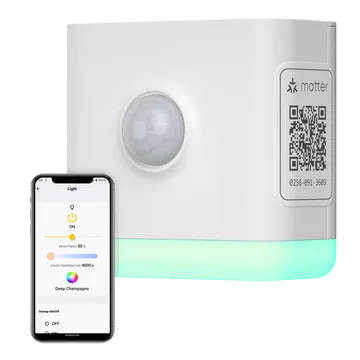
  4. Firewall it to only accept TCP 6638 from your HA host and have Hermes audit that rule monthly.

✦ Good to know

  • Mode switching between LAN and USB is done in firmware, not with a physical switch, and Ethernet and USB are opto-isolated so both can be connected at once.
  • SMLIGHT claims it was the first coordinator where you can update the Zigbee chip from the web UI with one click.
  • SMLIGHT publishes an open-source ESPHome-based firmware option for the ESP32 side.

PoE Zigbee coordinator, put it anywhere in the house

⚙
⚙Control spineTinker

ESPHome

Free (OSS)
Describe a device in YAML, get firmware, flash it over Wi-Fi

Open-source firmware generator: you write a YAML config listing a board (ESP32 family, ESP8266, RP2040 and more), sensors, outputs and automations, and ESPHome compiles and flashes it, with later updates over the air. Hundreds of components cover I2C/SPI/UART sensors, displays, LEDs, IR and Bluetooth proxies, and devices talk to Home Assistant over a native protobuf API.

ESPHome YAMLOTANative API (protobuf)MQTTPython
☤ HOW HERMES PLUGS INThis is the part Hermes writes the most: Hermes drafts the YAML, runs esphome config to validate, esphome compile, then esphome run --device <ip> to OTA-flash, all from the terminal tool, and reads logs with esphome logs. A skill can hold your house conventions (naming, secrets.yaml, Wi-Fi fallback) so every new board comes out consistent, and devices appear in HA instantly via the native API (aioesphomeapi in Python).

⚒ Use cases we worked up 5 ideas

  1. Tell Hermes 'add a BME280 and a PIR to the garage board' and have it edit the YAML, validate, compile and flash OTA in one go.
  2. A Hermes fleet updater that recompiles every device when ESPHome releases, flashes them in batches, and rolls back any that fail to reconnect.
  3. Generate e-paper dashboard firmware where Hermes writes the display lambda and pushes new layouts on request.
  4. Turn spare ESP32s into Bluetooth proxies and have Hermes place them based on where BLE sensors drop out.
  5. A plant-watering node whose thresholds Hermes tunes weekly based on soil readings and weather forecasts.

✦ Good to know

  • ESPHome was created by Otto Winter and acquired by Nabu Casa in March 2021; it's now part of the Open Home Foundation.
  • The native API is a custom TCP protocol using Protocol Buffers, not MQTT, though MQTT is available as an option.
  • There's now an official ESPHome Starter Kit aimed at building devices without soldering.

YAML to firmware; the thing Hermes will be writing the most

⚙
⚙Control spineTinker

Tasmota

Free (OSS)
Battle-tested open firmware that frees ESP smart plugs

Open-source firmware for ESP8266 and the ESP32 family that replaces cloud-tied vendor firmware on plugs, switches, bulbs and sensors. It is configured at runtime (web UI, templates, console commands) instead of compiled per device, speaks MQTT and HTTP, and adds rules, Berry scripting on ESP32, Zigbee bridging, energy monitoring and native Matter.

MQTTHTTPBerryMatterWeb installer
☤ HOW HERMES PLUGS INHermes controls devices with MQTT topics like cmnd/<topic>/POWER and reads stat/ and tele/ telemetry, or uses plain HTTP: http://<ip>/cm?cmnd=Power%20Toggle. Because config is command-driven, Hermes can reconfigure GPIO templates, timers and rules live without reflashing.

⚒ Use cases we worked up 4 ideas

  1. Have Hermes read power telemetry from Tasmota plugs and tell you when the washer finishes or the freezer compressor stops cycling.
  2. A Hermes skill that applies a device template from the Tasmota template repository after you flash a new plug.
  3. Write Berry scripts on an ESP32 for local logic and let Hermes push updated scripts when you describe the behavior you want.
  4. Use Tasmota's IR bridge so Hermes can control the old TV and AC units with no smart features.

✦ Good to know

  • The name stands for Theo-Arends-Sonoff-MQTT-OTA; it began in January 2016 as Sonoff-MQTT-OTA to free ITEAD Sonoff devices from the cloud.
  • Tasmota can run Matter natively on an ESP32 and pair straight into Apple Home, Google Home, Alexa or Home Assistant with no hub.
  • Its protocol bridges include Modbus, DALI, OpenTherm, HDMI CEC, LoRa and even a WireGuard VPN client.
⚙
⚙Control spineTinker

Zigbee2MQTT

Free (OSS)
Every Zigbee device as plain MQTT topics, no vendor bridges

A GPL-3.0 bridge that runs a Zigbee coordinator and publishes each device as JSON on MQTT, supporting 5,798 devices from 608 vendors at last count. It includes a web frontend, OTA updates for supported devices, network maps, groups and bindings, and lets you add unsupported devices with JavaScript external converters.

MQTTZigbeeWebSocket frontendJavaScript converters
☤ HOW HERMES PLUGS INHermes can be a pure MQTT client: publish to zigbee2mqtt/<friendly_name>/set, subscribe to zigbee2mqtt/<friendly_name> for state, and use zigbee2mqtt/bridge/request/... to permit joins, rename devices or request a network map. It can also write external converters for oddball Tuya devices and drop them into the data directory.

⚒ Use cases we worked up 4 ideas

  1. Hermes as the pairing assistant: it opens permit_join, watches the bridge event topic, and names the new device from your description.
  2. A Zigbee button that triggers Hermes directly over MQTT to run a skill, like reading out the day's calendar.
  3. Have Hermes write and test an external converter for an unsupported Tuya sensor by reading its data points.
  4. A weekly network-map job where Hermes renders the mesh and flags routers with poor link quality.

✦ Good to know

  • Maintained by Koen Kanters (Koenkk), whose device-definition library zigbee-herdsman-converters is also used by other projects.
  • It works with network coordinators like the SLZB-06 through a simple tcp:// serial port setting.
  • Because everything is MQTT, it works with Home Assistant, openHAB, Node-RED or a ten-line Python script equally well.
⚙
⚙Control spineTinker

Z-Wave JS UI

Free (OSS)
Full Z-Wave control panel plus an MQTT gateway

A Node.js and Vue web app built on the zwave-js driver that manages a Z-Wave network directly: include and exclude nodes, configure parameters, update device firmware, run health checks and view a network graph. It can publish nodes to MQTT and also hosts the Z-Wave JS WebSocket server that Home Assistant's Z-Wave integration connects to.

MQTTZ-WaveWebSocketsocket.io
☤ HOW HERMES PLUGS INHermes can drive Z-Wave over MQTT (publishing to value topics or the gateway's API topics) or let Home Assistant own the network and reach it via the HA MCP server. For admin work, Hermes can script node health checks and backups through the gateway's MQTT API on a cron.

⚒ Use cases we worked up 4 ideas

  1. A Hermes cron that backs up the Z-Wave controller NVM weekly and keeps the last few copies with notes on what changed.
  2. Let Hermes tune Z-Wave device configuration parameters, like motion sensor timeouts, from a plain-English request.
  3. Hermes reads per-node statistics over MQTT and alerts you when a battery device stops checking in.
  4. Use it as a standalone Z-Wave stack with no Home Assistant, with Hermes plus MQTT as the only automation brain.

✦ Good to know

  • It was originally named zwavejs2mqtt and was renamed because MQTT is optional.
  • Inside Home Assistant OS, the newer official Z-Wave JS app is positioned as the successor to the Z-Wave JS UI app, but Z-Wave JS UI remains the go-to for standalone and Docker setups.
  • It can push manufacturer firmware files straight to devices over the air.
⚙
⚙Control spineDeep hack

python-matter-server

Free (OSS)
The original Matter controller server behind Home Assistant

The Open Home Foundation's officially certified Matter controller, implemented as a WebSocket server (default port 5580) on top of the official Matter SDK, with a matching Python client. It handled commissioning, device interviews and attribute subscriptions for Home Assistant's Matter integration. Version 8.1.2 is the final release; the project was archived and replaced by matterjs-server, which keeps a compatible WebSocket interface.

WebSocketPythonMatterDocker
☤ HOW HERMES PLUGS INHermes can speak the WebSocket API directly (send commands like commission_with_code, read attributes, subscribe to events) with a short Python script, or go through Home Assistant's MCP server once devices are added. For new builds, point Hermes at matterjs-server since it keeps the same WebSocket interface.

⚒ Use cases we worked up 4 ideas

  1. Have Hermes commission a new Matter device from a pairing code you paste into chat, then name it and assign a room.
  2. A Hermes script that subscribes to the server's event stream and logs every attribute change for debugging a flaky device.
  3. Run a standalone Matter controller in Docker with Hermes as the only automation layer, no Home Assistant at all.
  4. Have Hermes plan and verify the migration to matterjs-server, checking every node still responds afterward.

✦ Good to know

  • It was funded by Nabu Casa, a Connectivity Standards Alliance member, and donated to the Open Home Foundation.
  • Home Assistant 2026.2 began moving users to the matter.js-based server, with the add-on auto-migrating.
  • The repo was archived in June 2026 and is now read-only.
⚙
⚙Control spineDeep hack

OpenThread

Free (OSS)
Google's open-source Thread stack powering Matter meshes

An open-source implementation of the Thread low-power IPv6 mesh protocol, released by Google to bring the networking used in Nest products to everyone. It is small and highly portable across 802.15.4 radios, and includes the OpenThread Border Router (OTBR) for bridging Thread to Wi-Fi/Ethernet, a commissioner and the Pyspinel tool.

ThreadREST (OTBR)ot-ctl CLISpinel
☤ HOW HERMES PLUGS INHermes can manage a border router through OTBR's REST API (served by otbr-agent on port 8081 when built with OTBR_REST), reading node info, network datasets and neighbors, or via ot-ctl commands over SSH. In Home Assistant, the OTBR add-on plus a Thread radio like the ZBT-2 gives Hermes a Thread network it can inspect and commission devices onto.

⚒ Use cases we worked up 4 ideas

  1. A Hermes health check that queries the OTBR REST API nightly and alerts if the Thread network partitions or loses its leader.
  2. Have Hermes inventory every Thread border router on your network (Apple, Google, HA) and help consolidate them into one fabric.
  3. Build a custom Thread sensor on an nRF52840 or ESP32-H2 and let Hermes write the firmware and test it against your OTBR.
  4. Use ot-ctl through Hermes to explain why a battery device keeps reattaching, using child table data.

✦ Good to know

  • Thread is IPv6 all the way down, so every Thread device has its own routable address.
  • OpenThread is used as the Thread certification reference in the Thread Test Harness.
  • The REST API is off by default; you have to compile otbr-agent with the OTBR_REST flag.
⚙
⚙Control spineTinker

Mosquitto (MQTT broker)

Free (OSS)
The lightweight MQTT broker at the center of everything

Eclipse Mosquitto is an EPL/EDL-licensed broker implementing MQTT 5.0, 3.1.1 and 3.1, light enough for a Raspberry Pi and solid enough for servers. It ships the mosquitto_pub and mosquitto_sub CLI clients, a C client library, TLS, password files and a dynamic security plugin for runtime user and ACL management.

MQTTTLSCLIPython (paho-mqtt)
☤ HOW HERMES PLUGS INIt's Hermes' event bus: Hermes can publish commands with mosquitto_pub from the terminal or with paho-mqtt in Python, and a small subscriber can wake Hermes when specific topics fire. Hermes can also manage users and ACLs with mosquitto_ctrl dynsec so each device or bot gets least-privilege access.

⚒ Use cases we worked up 4 ideas

  1. A hermes/inbox topic any ESP32 button or Node-RED flow can publish to, which hands the payload to Hermes as a task.
  2. Hermes audits retained messages and stale topics monthly and cleans up dead devices.
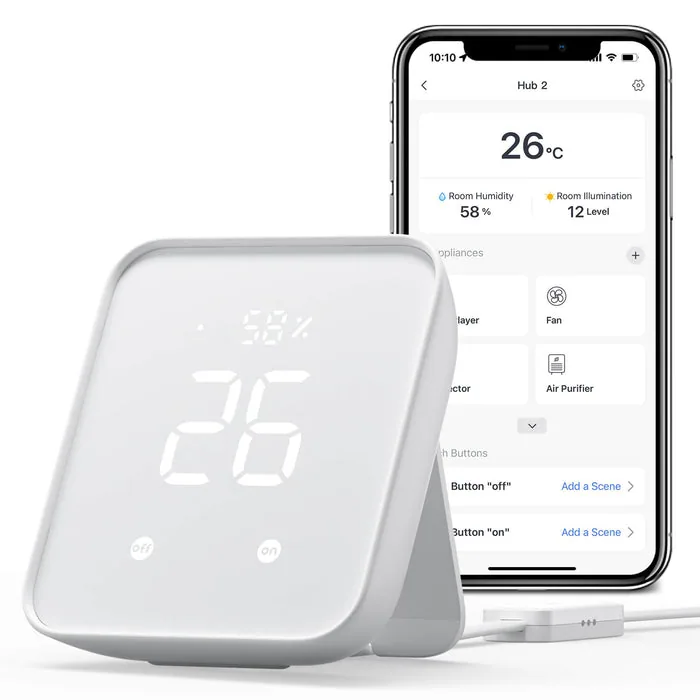
  3. Per-device ACLs generated by Hermes so a compromised smart plug can only publish to its own topic.
  4. Bridge your home broker to a remote one so Hermes running elsewhere can reach home sensors without opening ports.

✦ Good to know

  • Roger Light started Mosquitto as a hobby project in 2009 after seeing an MQTT talk by co-inventor Andy Stanford-Clark, when no open-source broker existed.
  • The project runs a public test broker at test.mosquitto.org for quick experiments.
  • Development is now driven by Cedalo, which Roger Light co-founded.
⚙
⚙Control spineTinker

Node-RED

Free (OSS)
Wire up event flows visually in a browser

A flow-based programming tool on Node.js where you drag nodes onto a canvas, wire them together and deploy in one click. Flows are stored as JSON, JavaScript function nodes handle custom logic, and over 5,000 community nodes cover MQTT, HTTP, Home Assistant, Modbus, serial and more.

Admin HTTP APIMQTTWebSocketJavaScript
☤ HOW HERMES PLUGS INHermes can generate flow JSON and deploy it through Node-RED's Admin HTTP API (GET/POST /flows), so you describe the automation and it appears on the canvas for review. Node-RED can also call Hermes the other way, via an MQTT topic or webhook that kicks off a Hermes task.

⚒ Use cases we worked up 4 ideas

  1. Describe an automation in chat and have Hermes generate the flow JSON, deploy it, and leave you a link to inspect it.
  2. Use Node-RED for the fast reflexes (button to light) and send anything ambiguous to Hermes over MQTT for reasoning.
  3. A nightly Hermes job that exports all flows, diffs them against yesterday, and commits them to git.
  4. Have Hermes build a Modbus flow that polls a solar inverter and feeds daily summaries into its memory.

✦ Good to know

  • It started in early 2013 as a side project by Nick O'Leary and Dave Conway-Jones at IBM, originally to visualise MQTT topic mappings.
  • Open-sourced in September 2013, it is now an OpenJS Foundation project.
  • Because flows are plain JSON, they can be shared, diffed and generated programmatically.
⚙
⚙Control spineTinker

openHAB (alternative hub)

Free (OSS)
Vendor-neutral Java home automation hub, 400+ integrations

A pure-Java, OSGi-based home automation platform that integrates more than 400 technologies through bindings, modelling devices as Things, Channels and Items. It runs locally on Linux, macOS, Windows, Docker or the openHABian Raspberry Pi image, with rules in a UI, DSL or JSR223 scripting languages.

RESTMQTTJSR223 scriptingJava/OSGi
☤ HOW HERMES PLUGS INHermes can control and read items through openHAB's REST API (for example sending commands to /rest/items/<name>), or connect via the MQTT binding through a shared broker. It can also write rule files and Things definitions as text and reload them over SSH.

⚒ Use cases we worked up 4 ideas

  1. Run openHAB as the hub and have Hermes manage it entirely through REST: queries, commands and rule creation from chat.
  2. Have Hermes migrate a set of openHAB items and rules into Home Assistant YAML, or the reverse.
  3. Use openHAB's KNX or Modbus bindings for building-grade hardware and let Hermes produce daily summaries.
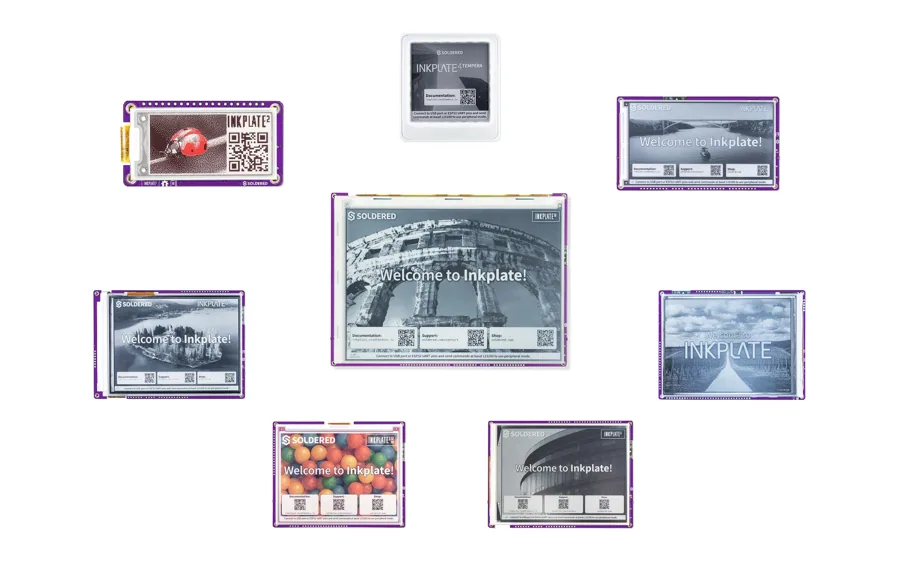
  4. Hermes writes JSR223 JavaScript rules from your descriptions and tests them against item state.
✦ Good to know

  • It's licensed under EPL-2.0 and was designed from the start to be protocol- and vendor-agnostic.
  • openHABian is a ready-made Raspberry Pi image that sets up a full openHAB system from an SD card.
  • Cloud is optional; the myopenHAB service adds remote access while devices stay local.
⚿
17 / 30 · 17 devices

Network

Hermes as the network admin. OpenWrt, MikroTik and OPNsense all expose real APIs, so the agent can watch clients, carve VLANs for the gadget swarm, block things and report what changed.

OpenWrt One⚿NetworkTinker

OpenWrt One

~$89
The OpenWrt project's own unbrickable, open-hardware Wi-Fi 6 router.

The OpenWrt One is the first router designed by the OpenWrt community itself, built and sold by Banana Pi around a MediaTek MT7981B (Filogic 820, dual Cortex-A53 @ 1.3 GHz) with MT7976C dual-band Wi-Fi 6, 1 GB DDR4, one 2.5GbE WAN and one 1GbE LAN. Dual SPI NAND plus write-protected SPI NOR flash with a boot-select switch makes it effectively unbrickable, and it adds an M.2 2230/2242 NVMe slot, USB 2.0, a mikroBUS socket, battery-backed RTC, hardware watchdog, optional PoE and a USB-C serial console.

SSHubus JSON-RPCUSB serialmikroBUSUCI
☤ HOW HERMES PLUGS INIt runs stock OpenWrt, so Hermes can drive it over SSH from the terminal tool (uci, apk, logread, iw) or over HTTP via ubus JSON-RPC at /ubus through uhttpd/rpcd. The USB-C console means Hermes can even recover it over a serial line, and the mikroBUS port lets it read sensors that a skill exposes to cron jobs.

⚒ Use cases we worked up 5 ideas

  1. Have Hermes run a nightly cron that diffs uci show against a git repo and messages you on Telegram when the router config drifts.
  2. Plug a mikroBUS environmental sensor click board in and let Hermes log closet temperature and humidity next to Wi-Fi client counts.
  3. Mount an NVMe SSD and have Hermes host a tiny local package mirror and pcap ring buffer it can analyze when something on the LAN misbehaves.
  4. Wire the USB-C console to another box so Hermes can reflash the NAND from the NOR recovery image and re-provision the router hands-free.
  5. Build a guest-network concierge where Hermes rotates the guest Wi-Fi password weekly and posts a fresh QR code to your household chat.

✦ Good to know

  • It celebrates 20 years of OpenWrt, and for each unit sold US$10 goes to the OpenWrt fund at the Software Freedom Conservancy.
  • Full KiCad schematics and MediaTek's MT7981B datasheet and register docs are published openly at one.openwrt.org/hardware.
  • The NOR recovery bootloader is write-protected by default and only reflashable after setting a jumper, and a boot switch selects NAND or NOR, so a bad flash can't kill it.

the first router designed by the OpenWrt project itself

Banana Pi BPI-R4⚿NetworkDeep hack

Banana Pi BPI-R4

Quad-core Filogic 880 router board with dual 10G SFP+.

The BPI-R4 is an open router development board on the MediaTek MT7988A (Filogic 880, quad Cortex-A73 @ 1.8 GHz) with 4 or 8 GB DDR4, 8 GB eMMC, 128 MB SPI-NAND and microSD. It has two 10GbE SFP+ cages, four 1GbE ports, USB 3.2, an M.2 Key-B slot for 4G/5G modems, an M.2 Key-M slot for NVMe, two miniPCIe slots for a Wi-Fi 7 NIC, a 26-pin GPIO header and optional PoE.

SSHubus JSON-RPCGPIOUSB serialOpenWrt
☤ HOW HERMES PLUGS INWith upstream OpenWrt (or Debian) images, Hermes manages it over SSH and ubus JSON-RPC just like any OpenWrt box, and enough RAM remains to run Hermes' own MCP servers or helper containers on the router itself. The 26-pin header (UART, I2C, SPI, PWM) lets a Hermes skill read sensors or flip relays at the network edge.

⚒ Use cases we worked up 5 ideas

  1. Make it a 10G core router where Hermes watches per-port counters and tells you which device is saturating the NAS link.
  2. Add a 5G M.2 modem and have Hermes fail over to cellular, then text you the data usage when the fiber comes back.
  3. Run a WireGuard hub plus a Hermes gateway on the 8 GB model so the router itself answers 'who is on my network right now?'.
  4. Use the GPIO header for a relay board so Hermes can power-cycle a hung modem or switch when health checks fail.
  5. Let Hermes run iperf3 sweeps across both SFP+ ports nightly and chart throughput regressions after each firmware update.

✦ Good to know

  • The MT7988A includes MediaTek's Tunnel Offload Processor System (TOPS) for accelerating tunneling protocols.
  • It is officially supported in mainline OpenWrt 24.10 with both standard and PoE sysupgrade images.
  • The board keeps the same 100.5 x 148 mm footprint as the older BPI-R64 and BPI-R2, so some cases carry over.

10G SFP, OpenWrt

Turris Omnia NG⚿NetworkTinker

Turris Omnia NG

~$550-650 (EUR 538 incl. VAT)
CZ.NIC's open-source Wi-Fi 7, dual-10G security router.

The Turris Omnia NG from CZ.NIC (the .cz domain registry) runs OpenWrt-based Turris OS on a Qualcomm IPQ9574 (quad Cortex-A73 @ 2.2 GHz) with 2 GB RAM and 8 GB eMMC. It has two 10G SFP+ cages, four 2.5GbE ports, Wi-Fi 7 on 5/6 GHz plus on-board 2.4 GHz Wi-Fi 6, M.2 slots for NVMe and a 4G/5G modem with dual SIM, a 240x240 color display with D-pad, programmable RGB LEDs and passive cooling. A Wi-Fi-less Omnia NG Wired variant shipped in 2026 for rack and lab use.

SSHUCILXCOpenWrtNetdata
☤ HOW HERMES PLUGS INHermes can manage it over SSH (Turris OS is OpenWrt underneath, so uci and LuCI/ubus work) and spin up LXC containers on it for helper services. Sentinel threat data, Netdata metrics and package updates can all be polled by Hermes cron jobs and summarized to your chat platform.

⚒ Use cases we worked up 5 ideas

  1. Have Hermes summarize Sentinel firewall hits each morning and explain which attacks were blocked in plain English.
  2. Run a small LXC on the router that hosts an MCP server, so Hermes can query DHCP leases and firewall state directly.
  3. Drive the RGB LEDs from Hermes: green when backups succeed, amber when a disk is filling, red when WAN is down.
  4. Use the dual-SIM 5G slot for failover and let Hermes decide when to switch carriers based on live latency.
  5. Have Hermes take a Schnapps system snapshot before it changes any config, then roll back if connectivity checks fail.

✦ Good to know

  • Turris started as a CZ.NIC research project in 2013 where routers act as distributed sensors; the Sentinel dynamic firewall pushes blocklists learned across thousands of devices.
  • It arrived ten years after the original Turris Omnia launched on Indiegogo, and Turris promises automatic updates for the device's life.
  • Schematics are published, and it ships with a 90 W power supply even though typical draw is under 20 W.

open-source router, OpenWrt-based; a new wired 10G model just shipped

GL.iNet Flint 2 (MT6000)⚿NetworkPlug & play

GL.iNet Flint 2 (MT6000)

~$170
Popular Wi-Fi 6 home router running OpenWrt underneath.

The Flint 2 (GL-MT6000) uses a MediaTek MT7986 (Filogic 830, quad Cortex-A53 @ 2.0 GHz) with 1 GB DDR4 and 8 GB eMMC, AX6000 dual-band Wi-Fi 6 (1148 + 4804 Mbps), two 2.5GbE ports, four 1GbE LAN ports and USB 3.0. GL.iNet's firmware is an OpenWrt fork with WireGuard (up to ~900 Mbps), OpenVPN, AdGuard Home and multi-WAN built in, and the device is also supported by mainline OpenWrt since 23.05.3.

JSON-RPCSSHOpenWrtRESTPython
☤ HOW HERMES PLUGS INOn GL.iNet firmware 4.x Hermes can call the JSON-RPC endpoint at /rpc (the python-glinet library wraps it), or simply SSH in and use uci, opkg/apk and logread like any OpenWrt box. Flashing vanilla OpenWrt adds ubus JSON-RPC, and the built-in AdGuard Home exposes its own REST API for DNS stats.

⚒ Use cases we worked up 5 ideas

  1. Have Hermes toggle WireGuard policy routing per device when you say 'send the TV through the VPN tonight'.
  2. Pull AdGuard Home query stats into a weekly digest where Hermes flags chatty IoT devices.
  3. Write a cron that checks the router for new firmware and stages an upgrade only after Hermes confirms backups are current.
  4. Plug a USB 3.0 SSD in and let Hermes manage a Samba share plus a rotating config backup archive.
  5. Build a 'homework mode' skill that pauses the kids' devices via parental controls on a schedule Hermes can adjust by chat.

✦ Good to know

  • The 8 GB eMMC gives far more room for packages than typical consumer routers, which is why it became a community favorite for SQM and bufferbloat tuning.
  • Mainline OpenWrt added it in 23.05.3, so you can choose between GL.iNet's UI and pure upstream firmware.
  • GL.iNet also sells it as the 'Fortify' variant with ExpressVPN built in, same GL-MT6000 hardware.

stock firmware is OpenWrt underneath

GL.iNet Slate 7 (BE3600)⚿NetworkPlug & play

GL.iNet Slate 7 (BE3600)

~$160
Pocketable Wi-Fi 7 travel router with a touchscreen.

The Slate 7 (GL-BE3600) is GL.iNet's first dual-band Wi-Fi 7 travel router: a Qualcomm quad-core @ 1.1 GHz with 1 GB DDR4 and 512 MB NAND, up to 688 + 2882 Mbps Wi-Fi with MLO and 4K-QAM, two 2.5GbE ports, USB 3.0 and USB-C PD power. It runs GL.iNet's OpenWrt 23.05-based firmware with WireGuard (~490 Mbps), OpenVPN, AdGuard Home, multi-WAN failover, and a touchscreen for status, VPN toggling and Wi-Fi QR codes.

JSON-RPCSSHWireGuardTailscaleOpenWrt
☤ HOW HERMES PLUGS INHermes can reach it through GL.iNet's 4.x JSON-RPC API at /rpc or over SSH (uci, logread), and pair it with Tailscale so the router stays reachable from your home gateway while you travel. That lets a Hermes cron watch hotel uplink quality and VPN state from anywhere.

⚒ Use cases we worked up 5 ideas

  1. Have Hermes auto-connect the Slate to hotel Wi-Fi, verify the WireGuard tunnel home, and ping you if captive-portal login is needed.
  2. Log every network you join on a trip and let Hermes produce a trip report with speeds, latency and outages.
  3. Tether a phone over USB as backup WAN and let Hermes switch uplinks when packet loss crosses a threshold.
  4. Make a 'conference mode' skill that spins up a private SSID and posts its QR code to your team chat.
  5. Run Tailscale on it as a subnet router so Hermes at home can reach a Raspberry Pi demo rig you carried to a hackathon.

✦ Good to know

  • The touchscreen can display a QR code so guests join Wi-Fi without you reading out a password.
  • It is GL.iNet's first dual-band Wi-Fi 7 travel router and weighs about 295 g.
  • Community members report GL.iNet pulled its public 4.x API docs, and have rebuilt the JSON-RPC map from files on the router itself.
⚿
⚿NetworkTinker

OpenWrt

Free (OSS)
The Linux distribution that turns routers into real computers.

OpenWrt is an open-source embedded Linux distribution for routers and network devices, with a writable filesystem, a package manager, the UCI configuration system and the LuCI web UI. It supports thousands of devices across many SoC families and adds SQM/cake for bufferbloat, WireGuard, VLANs, mesh, DNS/DHCP via dnsmasq and much more; since 25.12 it uses Alpine's apk as its package manager instead of opkg.

SSHubus JSON-RPCUCILuCIapk
☤ HOW HERMES PLUGS INHermes controls OpenWrt over SSH (uci get/set/commit, apk, logread, iw) or over HTTP via ubus JSON-RPC at /ubus served by uhttpd and rpcd, with ACLs for scoped access. A Hermes skill can wrap common recipes (add a static lease, open a port, rotate Wi-Fi keys) and a cron job can audit config and package updates.

⚒ Use cases we worked up 5 ideas

  1. Give Hermes a read-only rpcd user so it can answer 'which devices joined the network today?' from DHCP leases.
  2. Have Hermes tune SQM bandwidth limits by running speed tests at different times of day and adjusting cake settings.
  3. Version-control /etc/config with a Hermes cron and get a human-readable diff of every change.
  4. Use the attended sysupgrade service so Hermes can rebuild and apply a custom firmware image with your package list.
  5. Build a 'kick unknown device' flow where Hermes asks you in chat before blocking a new MAC address.

✦ Good to know

  • The project started in January 2004 from Linksys' GPL source release for the WRT54G, which Linksys was obligated to publish.
  • OpenWrt 25.12 switched to apk because the OpenWrt opkg fork was no longer maintained.
  • LEDE forked from OpenWrt in 2016 and the two projects re-merged in 2018 under the OpenWrt name.
MikroTik + REST API⚿NetworkTinker

MikroTik + REST API

RouterOS v7's JSON REST wrapper around every console command.

MikroTik's RouterOS 7 exposes a REST API (since v7.1beta4) that wraps the console API: GET/PUT/PATCH/DELETE map to print/add/set/remove on any menu path, and POST can call arbitrary commands. It runs at https://<router>/rest over the www-ssl service with HTTP Basic auth, alongside the older binary API on TCP 8728/8729, and covers MikroTik's routers and switches from cheap hAPs to CCR core routers.

RESTRouterOS APISSHPython
☤ HOW HERMES PLUGS INHermes can manage RouterOS with plain curl or Python requests against /rest (e.g. /rest/ip/firewall/filter, /rest/interface), or via libraries like librouteros/RouterOS-api on port 8728/8729. Wrapping a handful of endpoints in a skill or MCP server gives Hermes safe verbs like 'list DHCP leases' or 'add an address-list entry'.

⚒ Use cases we worked up 5 ideas

  1. Let Hermes add an IP to a firewall address-list when it spots brute-force attempts in your server logs.
  2. Pull /rest/interface counters every five minutes and have Hermes explain bandwidth spikes in plain language.
  3. Build a chat command where Hermes creates a time-limited guest VLAN lease and removes it when it expires.
  4. Have Hermes export config with /export via SSH nightly and diff it to catch unauthorized changes.
  5. Use RouterOS containers to run a lightweight agent helper directly on a capable MikroTik device.

✦ Good to know

  • In REST replies, all JSON values come back as strings even when they are numbers or booleans.
  • Plain HTTP access via the www service is supported since v7.9 but MikroTik explicitly warns against it outside testing.
  • RouterOS v7 also includes a container package that runs OCI images from Docker Hub or GHCR on supported devices.
OPNsense + API⚿NetworkTinker

OPNsense + API

Free (OSS)
FreeBSD firewall whose web UI is built on its own API.

OPNsense is an open-source FreeBSD-based firewall and router from Deciso, with stateful filtering, multi-WAN, IDS/IPS (Suricata), WireGuard/OpenVPN/IPsec, Unbound DNS and a large plugin catalog. Its API follows https://host/api/<module>/<controller>/<command>, uses GET and POST with JSON bodies and key/secret credentials over Basic auth, and because the GUI uses the same endpoints almost everything you can click you can script.

RESTJSONSSHPython
☤ HOW HERMES PLUGS INHermes can call the OPNsense API with per-user key/secret pairs scoped by ACL, for example toggling firewall rules, reading Unbound or WireGuard status, or running diagnostics. Packaging a few endpoints as a skill or MCP server lets Hermes act as a conversational firewall operator with change confirmations.

⚒ Use cases we worked up 5 ideas

  1. Have Hermes summarize Suricata alerts each morning and propose rules you can approve from chat.
  2. Create a 'game night' command where Hermes temporarily opens a port forward and closes it at midnight.
  3. Let Hermes block a device's internet access via an alias when you ask, and restore it on a timer.
  4. Pull WireGuard peer handshake times via the API so Hermes notices when a remote site's tunnel goes stale.
  5. Use the NUT plugin with OPNsense so Hermes can report UPS state alongside firewall health.

✦ Good to know

  • OPNsense forked from pfSense (itself from m0n0wall) with its first release in January 2015; m0n0wall's creator later pointed his community to it.
  • The docs suggest discovering endpoint parameters by opening your browser's inspect pane, since ~99% of endpoints are used by the GUI.
  • There are official plugin APIs for Tailscale, NetBird, ZeroTier, CrowdSec and Nut, among many others.
Protectli⚿NetworkPlug & play

Protectli

Fanless x86 mini-PCs purpose-built for open-source firewalls.

Protectli Vaults are small fanless Intel boxes with 2, 4 or 6 Intel NIC ports (1GbE, 2.5GbE or 10G SFP+ depending on model) and CPUs ranging from Celeron J-series up to the Intel N150, with AES-NI for fast VPN. They are OS-agnostic and widely used for OPNsense, pfSense, Proxmox or plain Linux, and support open-source coreboot firmware (Dasharo, developed with 3mdeb).

x86corebootSSHREST
☤ HOW HERMES PLUGS INA Vault is just an x86 host, so Hermes manages whatever runs on it: the OPNsense REST API, the Proxmox API, or SSH on a Linux install. Hermes can also run directly on a Vault as an always-on network brain next to the firewall, with cron jobs monitoring NIC health and firmware.

⚒ Use cases we worked up 5 ideas

  1. Run OPNsense in Proxmox on a Vault and let Hermes orchestrate both through their REST APIs.
  2. Put Hermes itself on a small Vault as the always-on home gateway agent behind Tailscale.
  3. Have Hermes check the Dasharo/coreboot release notes and tell you when a firmware update is available for your model.
  4. Build a remote-office kit where Hermes provisions a Vault with your standard firewall config from git.
  5. Pair a Vault with a NUT-monitored UPS so Hermes can shut it down gracefully during long outages.

✦ Good to know

  • Vaults ship with a choice of AMI BIOS or coreboot, and Protectli maintains coreboot builds in collaboration with 3mdeb.
  • The 4-port models draw roughly 10 W and have no fans, so they can live in a closet or cabinet silently.
  • Protectli sells recertified Vaults at a discount, a cheap way into a coreboot-capable firewall.

fanless boxes for OPNsense

UniFi⚿NetworkPlug & play

UniFi

Ubiquiti's polished, centrally managed network ecosystem.

UniFi is Ubiquiti's line of gateways, switches, access points and cameras managed from the UniFi Network application on a console (Dream Machine, Cloud Gateway, Cloud Key) or the self-hosted UniFi OS Server. It offers VLANs, Wi-Fi management, IDS/IPS, traffic insights and multi-site management via unifi.ui.com.

RESTAPI keySSHPython
☤ HOW HERMES PLUGS INHermes can use the official UniFi Network Integration API on the console at /proxy/network/integration/v1 with an X-API-KEY header to list sites, devices and clients, or the cloud Site Manager API for multi-site health. Wrapped as a skill or MCP server, Hermes can answer questions about clients, restart APs, or manage guest access.

⚒ Use cases we worked up 5 ideas

  1. Have Hermes notice when a new client joins the IoT VLAN and ask you whether to trust it.
  2. Pull AP client counts and signal stats nightly so Hermes recommends where a new access point would help.
  3. Let Hermes generate and post guest hotspot vouchers to your chat when visitors arrive.
  4. Use the Site Manager API so Hermes gives you a one-line health report across home, office and family sites.
  5. Build a presence skill that tells Hermes who is home based on which phones are associated to UniFi APs.

✦ Good to know

  • UniFi OS Server, announced in 2025, lets you self-host the UniFi Network control plane on your own hardware without a Dream Machine or Cloud Key.
  • Ubiquiti publishes its API reference including an llms.txt and OpenAPI JSON on developer.ui.com.
  • The official API uses stateless API-key auth, an alternative to the older unofficial cookie-based controller endpoints most community tools relied on.
⚿
⚿NetworkPlug & play

Pi-hole

Free (OSS)
Network-wide ad blocking DNS sinkhole for your whole LAN.

Pi-hole is a DNS sinkhole (and optional DHCP server) that blocks ads and trackers for every device on a network by answering DNS queries for blocked domains locally. It runs on almost any Linux box, including a Raspberry Pi, and v6 (February 2025) folded a REST API and embedded web server into the pihole-FTL binary, removing the need for lighttpd and PHP.

RESTDNSSSHDocker
☤ HOW HERMES PLUGS INHermes can use the v6 REST API: POST /api/auth for a session ID (or an app password), then read query stats, toggle blocking, and manage lists and groups. Interactive docs are self-hosted at http://pi.hole/api/docs, so Hermes can learn the exact API version running on your box, and the pihole CLI works over SSH too.

⚒ Use cases we worked up 5 ideas

  1. Ask Hermes 'pause ad blocking for 5 minutes' when a checkout page breaks, via the blocking endpoint.
  2. Have Hermes produce a weekly report of the most-blocked domains per device and spot telemetry-heavy gadgets.
  3. Let Hermes add a domain to a per-group denylist when you say 'block TikTok on the kids' tablets after 9 PM'.
  4. Correlate Pi-hole query spikes with UniFi or OpenWrt client data so Hermes can identify a compromised device.
  5. Run Unbound as Pi-hole's recursive resolver and have Hermes verify DNSSEC is still validating each night.

✦ Good to know

  • Jacob Salmela created Pi-hole in 2015; the name plays on 'Raspberry Pi' and 'black hole' (and 'shut your pie-hole').
  • v6 replaced static API tokens with session-based auth plus app passwords, so 2FA-protected installs still work with scripts.
  • It can run in Docker and has an official Home Assistant integration.
⚿
⚿NetworkPlug & play

AdGuard Home

Free (OSS)
Single-binary DNS ad blocker with encrypted DNS built in.

AdGuard Home is an open-source network-wide ad and tracker blocking DNS server written in Go, shipped as a single binary with a web UI. It supports encrypted upstreams and serving (DNS-over-HTTPS, DNS-over-TLS, DNS-over-QUIC, DNSCrypt), per-client settings, parental controls, safe search enforcement and an optional DHCP server, and runs on Linux, macOS, Windows, BSD, routers and Docker.

RESTDNS-over-HTTPSDockerPython
☤ HOW HERMES PLUGS INHermes can manage it through its documented REST API (OpenAPI spec in the repo) to read stats and query logs, toggle protection, edit filter lists and per-client rules. It also comes built into GL.iNet routers, so the same Hermes skill works on a Flint 2 or Slate 7.

⚒ Use cases we worked up 5 ideas

  1. Have Hermes block a category of services for a specific client on a schedule you describe in chat.
  2. Pull the query log hourly and let Hermes flag any device resolving known malware or C2 domains.
  3. Run AdGuard Home as a DoH endpoint behind Tailscale so your phone uses home filtering everywhere, with Hermes monitoring it.
  4. Let Hermes A/B two blocklists for a week and report which caught more trackers with fewer false positives.
  5. Build a 'why is this site broken?' skill where Hermes checks recent blocks for that client and offers a one-tap allow.

✦ Good to know

  • It can use h3:// upstreams to force DNS-over-HTTPS over HTTP/3 with no fallback.
  • Unlike Pi-hole, encrypted DNS serving is built in rather than added via separate tools.
  • The GitHub repo has over 37k stars and a community ecosystem including a Python client used by the Home Assistant integration.
⚿
⚿NetworkPlug & play

Tailscale

Free personal tier
WireGuard mesh VPN that makes every gadget reachable anywhere.

Tailscale builds a private WireGuard-based mesh network (a tailnet) between your devices with NAT traversal, identity-based ACLs, MagicDNS, subnet routers, exit nodes, Tailscale SSH and Funnel/Serve for exposing services. Clients run on Linux, macOS, Windows, iOS, Android, OpenWrt, NAS boxes and more, and the free Personal plan covers unlimited user devices for up to 6 users.

WireGuardRESTCLISSHMCP
☤ HOW HERMES PLUGS INTailscale is how remote gadgets reach the Hermes gateway: put the gateway and every device on the tailnet and Hermes can SSH, hit REST APIs, or talk MQTT across sites without port forwarding. Hermes can also drive the tailscale CLI and the v2 control-plane REST API to list devices, check status or manage keys, or use a community MCP server for the same.

⚒ Use cases we worked up 5 ideas

  1. Run the Hermes gateway on a tailnet node so your phone, travel router and lab gear all reach it securely.
  2. Have Hermes watch device last-seen times and alert you when a remote sensor node drops off the tailnet.
  3. Use Tailscale Serve to expose a Hermes dashboard only to your tailnet, and Funnel for a temporary public demo link.
  4. Let Hermes rotate auth keys and tag new devices automatically when you provision a fresh Raspberry Pi.
  5. Make an OpenWrt router a subnet router so Hermes can manage non-Tailscale devices like printers at a relative's house.

✦ Good to know

  • Founded in 2019 by Avery Pennarun, David Crawshaw, David Carney and Brad Fitzpatrick, several of whom came from Google.
  • Headscale is an open-source, self-hosted implementation of the Tailscale control server.
  • The tsnet Go library lets a program join a tailnet as its own node without a system-wide VPN.

how remote gadgets reach the gateway

NetBox⚿NetworkTinker

NetBox

Free (OSS)
Source of truth for every IP, port, rack and cable.

NetBox is an open-source network source-of-truth and DCIM/IPAM platform for modeling devices, racks, cables, interfaces, IP prefixes, VLANs, circuits and more. It provides a full REST API (Django REST Framework), a read-only GraphQL API, webhooks via Event Rules, custom fields and a plugin system, and is stewarded by NetBox Labs.

RESTGraphQLMCPPythonWebhooks
☤ HOW HERMES PLUGS INNetBox Labs publishes netbox-mcp-server, a read-only MCP server Hermes can add with hermes mcp add to query objects, look up items by ID and read changelogs. For writes, Hermes can use the REST API or the pynetbox Python library, and NetBox webhooks can trigger Hermes when something changes.

⚒ Use cases we worked up 5 ideas

  1. Have Hermes answer 'what is plugged into switch port 12?' straight from NetBox cable records.
  2. Let Hermes reconcile DHCP leases from your router against NetBox IPAM and flag undocumented devices.
  3. Use NetBox webhooks so Hermes posts a summary to chat whenever someone changes a prefix or VLAN.
  4. Make Hermes the provisioning bot: allocate the next free IP in NetBox, then push the static lease to OpenWrt or OPNsense.
  5. Model your maker swarm of ESP32s and Pis in NetBox so Hermes always knows where each one lives.

✦ Good to know

  • Jeremy Stretch built NetBox at DigitalOcean in 2015 to automate network provisioning, and it was open-sourced in June 2016.
  • The official MCP server is deliberately read-only by default to be hard to misuse.
  • NetBox's GraphQL API lets a client fetch deeply nested related objects in a single query.

source of truth for the swarm's IPs, ports, cables

⚿
⚿NetworkTinker

Network UPS Tools

Free (OSS)
Universal UPS monitoring so Hermes knows when power's flaky.

Network UPS Tools (NUT) is a GPL suite that monitors and manages UPSes, PDUs, ATSes and other power devices through one common protocol, with over 1,400 known-compatible models from 200+ manufacturers. Drivers talk to hardware over USB, serial or SNMP; upsd serves data on TCP 3493; and upsmon triggers coordinated shutdowns across machines when batteries run low.

NUT protocolUSBSNMPCLIPython
☤ HOW HERMES PLUGS INHermes can read live UPS state with upsc ups@host over the terminal or speak the NUT network protocol on port 3493 from Python, and a cron job can watch battery charge, runtime and on-battery status. upsmon's NOTIFYCMD or upssched can call a Hermes webhook so the agent alerts you and shuts things down cleanly in order.

⚒ Use cases we worked up 5 ideas

  1. Have Hermes message you the moment the UPS goes on battery, with estimated runtime and what is drawing power.
  2. Build an ordered shutdown plan where Hermes stops Proxmox VMs, then TrueNAS, then the router as runtime drops.
  3. Log daily battery self-test results and let Hermes warn you when the battery's runtime is degrading.
  4. Correlate power blips with ISP outages so Hermes can tell whether it was the grid or the modem.
  5. Use a NUT-monitored PDU so Hermes can power-cycle a hung device on a specific outlet.

✦ Good to know

  • Russell Kroll released the original package, then called smartupstools, in 1998.
  • The community-authored NUT protocol was published as informational RFC 9271 in August 2022, and IANA lists port 3493 for it.
  • TrueNAS, OPNsense (via plugin) and Home Assistant all have built-in NUT integrations.

Hermes knows when power's flaky and shuts things down cleanly

⚿
⚿NetworkTinker

Proxmox

Free (OSS)
Open-source hypervisor for VMs and containers on Debian.

Proxmox Virtual Environment is an open-source virtualization platform combining KVM/QEMU virtual machines and LXC containers with a web UI, clustering, high availability, ZFS and Ceph storage, software-defined networking and backups. Version 9.0 (August 2025) is based on Debian 13 'Trixie'.

RESTAPI tokenSSHPythonMCP
☤ HOW HERMES PLUGS INHermes can manage Proxmox through its REST API at https://host:8006/api2/json using API tokens, via the pvesh CLI over SSH (which exposes the same API), or the proxmoxer Python library. Community MCP servers for Proxmox can also be added so Hermes gets tools to start, stop, clone and snapshot guests.

⚒ Use cases we worked up 5 ideas

  1. Ask Hermes to 'spin up a fresh Ubuntu container for testing' and have it clone a template, start it and hand you the IP.
  2. Have Hermes snapshot a VM before any risky upgrade and roll back automatically if health checks fail.
  3. Run a nightly cron where Hermes checks backup job status and storage usage and reports anomalies.
  4. Combine with NUT so Hermes gracefully shuts down guests in priority order during a power outage.
  5. Let Hermes spin up disposable sandboxes for its own risky terminal work and destroy them afterward.

✦ Good to know

  • The REST API and command-line tools share the same code, and the whole API is formally defined in JSON Schema.
  • Proxmox celebrated its 20th year in 2025 with the 9.0 release.
  • The software is free and open source; the paid subscription buys the enterprise repository and support, not features.
⚿
⚿NetworkTinker

TrueNAS

Free (OSS)
ZFS-based NAS OS with apps and VMs on top.

TrueNAS is iXsystems' open storage platform built on OpenZFS, offering snapshots, replication, SMB/NFS/iSCSI shares, apps (Docker-based) and virtual machines. Since 25.04 'Fangtooth' the Debian-based edition formerly called SCALE is known as TrueNAS Community Edition, and its API is a versioned JSON-RPC 2.0 over WebSocket interface (the old REST API was deprecated in 25.04 and is slated for removal in TrueNAS 26).

JSON-RPCWebSocketSSHZFS
☤ HOW HERMES PLUGS INHermes can talk to TrueNAS via the JSON-RPC 2.0 WebSocket API with an API key, or use the midclt call CLI over SSH to invoke the same middleware methods. A cron job can check pool health, scrub results, SMART tests and replication tasks and report problems to your chat.

⚒ Use cases we worked up 5 ideas

  1. Have Hermes check ZFS pool status and SMART data every morning and warn you before a disk fails.
  2. Let Hermes trigger a snapshot of a dataset before it runs any bulk file operation for you.
  3. Build a 'restore that file from last Tuesday' skill that browses snapshots and copies the file back.
  4. Use NUT so Hermes shuts TrueNAS down cleanly after Proxmox guests during a long outage.
  5. Have Hermes monitor replication to an offsite box over Tailscale and alert when it falls behind.

✦ Good to know

  • TrueNAS descends from FreeNAS; FreeNAS became TrueNAS CORE in 2020, and the Linux-based SCALE line later became the main edition.
  • From 25.10.1 the system raises alerts when deprecated REST endpoints are used, to help migrate integrations.
  • API versions are numbered to match TrueNAS releases, so integrations can pin to a specific version.
▣
18 / 30 · 4 devices

Remote Hands: IP-KVM

Keyboard, video and power for any machine in the shop, over the network. Hermes can rescue a box that won't boot, reinstall an OS from the BIOS up, or watch a POST screen with vision.

▣
▣IP-KVMTinker

PiKVM + HTTP API

~$270-$385
Open-source KVM-over-IP with a full HTTP API

PiKVM is an open-source IP-KVM: plug a machine's HDMI and USB into it and control it from a browser, BIOS included, at up to 1920x1200@60 with 35-50 ms latency. It emulates USB keyboard, mouse and bootable CD/flash media, controls ATX power, and the lineup includes the V4 Mini, V4 Plus (optional LTE modem, HDMI pass-through), V3 HAT and a Switch for up to 20 hosts.

RESTWebSocketRedfish / IPMIVNC
☤ HOW HERMES PLUGS INThe HTTP API is agent-friendly: authenticate with X-KVMD-User/X-KVMD-Passwd headers, POST /api/atx/power?action=on to power up, GET /api/streamer/snapshot (with built-in OCR) to read the screen, POST /api/hid/print to type text, and upload ISOs to the mass-storage drive. Hermes can loop snapshot, OCR or vision, keystrokes, and reinstall an OS or fix a stuck boot with no agent on the target.

⚒ Use cases we worked up 4 ideas

  1. Have Hermes reinstall an OS on a bare server: mount the ISO via the MSD API, power cycle, read installer screens with OCR, and type answers.
  2. A Hermes cron that snapshots every machine's console and alerts you if one is stuck at a kernel panic or BIOS prompt.
  3. Let Hermes change BIOS settings across a rack, one machine at a time, verifying each screen before pressing keys.
  4. Use the Switch to give Hermes out-of-band access to a whole homelab from a single PiKVM.

✦ Good to know

  • It can capture HDMI audio and emulate a USB microphone and webcam, so a remote machine can join video calls.
  • PiKVM supports IPMI and Redfish integration plus Prometheus metrics.
  • GL.iNet's Comet KVMs run a GPL-licensed derivative of PiKVM's kvmd daemon.
JetKVM▣IP-KVMTinker

JetKVM

~$100
Tiny, cheap open-source KVM with a touchscreen

A palm-sized KVM-over-IP built on a Rockchip RV1106G3 (Cortex-A7, 256 MB) streaming 1080p60 H.264 over WebRTC at 30-60 ms latency, with a 1.69-inch touchscreen and an extension port for ATX power, DC power and serial console add-ons. The device runtime (Go backend, React UI) and the JetKVM Cloud API are both open source under GPL-2.0, and cloud access is optional and self-hostable.

WebRTCJSON-RPCSSHGo
☤ HOW HERMES PLUGS INControl runs as JSON-RPC over a WebRTC data channel (methods like keyboardReport), which community clients already wrap; Hermes can drive it with one of those or over SSH in developer mode. Hermes can type, click and read the screen, and self-hosting the cloud piece keeps an agent's out-of-band access off third-party servers.

⚒ Use cases we worked up 4 ideas

  1. Give Hermes BIOS-level access to a headless mini PC so it can recover it after a bad kernel update.
  2. Self-host the JetKVM cloud API and let Hermes reach machines behind NAT without exposing them.
  3. Hermes as a remote IT helper for a family member's PC: you chat, it handles keyboard and mouse.
  4. Build a serial-console extension workflow where Hermes reads boot logs from a router or SBC.

✦ Good to know

  • Its Kickstarter raised about $4.37 million from 31,598 backers against a $50,000 goal, at $69 per unit.
  • It runs a minimal Buildroot Linux, and you can deploy modified software to the device over SSH.
  • The extension port is the hackable part: ATX, DC power and serial boards plug into it.

open source, including the cloud side

Sipeed NanoKVM▣IP-KVMTinker

Sipeed NanoKVM

~$35-$70 (Cube; Pro costs more)
RISC-V IP-KVM family at a fraction of usual prices

An open-source (GPL-3.0) IP-KVM family built on the LicheeRV Nano (Sophgo SG2002 RISC-V): 1080p60 capture, emulated USB keyboard, mouse and ISO drive, 100 Mbps Ethernet, Wake-on-LAN, a web terminal and ATX power control on the Full kit. Variants include Cube Lite/Full, a PCIe-bracket version, and the NanoKVM-Pro (AX630C, up to 4K30, gigabit, PoE, Wi-Fi 6).

RESTWebSocketSSHWake-on-LAN
☤ HOW HERMES PLUGS INThe Go backend exposes a REST API (JWT token in a cookie after /api/auth/login) plus a WebSocket for HID events, and community MCP wrappers already exist, so Hermes can power-cycle, type and grab the screen. It also supports custom scripts on-device that Hermes can deploy over SSH.

⚒ Use cases we worked up 4 ideas

  1. Put a PCIe NanoKVM inside each homelab box so Hermes has out-of-band access with no external dongles.
  2. Hermes deploys a custom on-device script that power-cycles a host when its HDMI output freezes.
  3. Pair NanoKVM with an MCP wrapper so Hermes can reinstall or rescue a node from chat.
  4. Use the Pro's LED strip sync and assistant features as a playground for Hermes-driven status lighting.

✦ Good to know

  • A February 2025 security review found early units shipped with default credentials, open SSH and a shared hardcoded key; many issues were fixed in later firmware.
  • The Cube inherited an undocumented microphone from the LicheeRV Nano dev board; newer firmware removes the audio drivers and later batches drop the parts.
  • Sipeed says the project has been fully open source since February 2025.
GL.iNet Comet (GL-RM1)▣IP-KVMPlug & play

GL.iNet Comet (GL-RM1)

~$100
$100 4K remote KVM with Tailscale built in

GL.iNet's entry IP-KVM: quad-core Cortex-A7, 1 GB DDR3 and 8 GB eMMC, 4K@30fps capture with H.264 hardware encoding and 30-60 ms latency, Gigabit Ethernet, two-way audio and BIOS access. Remote access works via GL's cloud, a desktop app, Tailscale or ZeroTier, and an ATX board or Fingerbot accessory handles power control.

REST (kvmd)TailscaleWebRTC/browserWake-on-LAN
☤ HOW HERMES PLUGS INIts firmware is built on GLKVM, a GPL-3.0 derivative of PiKVM's kvmd daemon, so Hermes can largely use the same HTTP API patterns (snapshot, HID input, ATX power) that work on PiKVM; community MCP servers like kvm-pilot list GL-RM1 support. With Tailscale enabled, Hermes on your tailnet reaches it without port forwarding.

⚒ Use cases we worked up 4 ideas

  1. Put Hermes and the Comet on the same tailnet so Hermes can rescue a remote machine from anywhere.
  2. Use the Fingerbot accessory so Hermes can physically press the power button on a machine with no ATX header access.
  3. A Hermes script that wakes a sleeping PC over WoL, logs in through the KVM, and kicks off a backup.
  4. Hermes reads the screen through the KVM to walk a relative's PC through an OS repair.

✦ Good to know

  • GL.iNet says it was created after one of its engineers lost remote access during a critical business trip.
  • ZeroTier support and an updatable Tailscale client were added in later firmware.
  • The GLKVM source is on GitHub with a script to sync kvmd changes to the device.
⚒
19 / 30 · 16 devices

3D Printing

An API-driven print farm. Klipper's Moonraker, PrusaLink and Bambu's LAN MQTT let Hermes queue jobs, watch the camera, track filament and call it when something spaghettis.

⚒
⚒3D printingTinker

Klipper

Free (OSS)
3D printer firmware that offloads the math to a real computer

Klipper is open-source 3D printer firmware that splits work between a host computer (usually a Raspberry Pi or similar SBC) running Python, and one or more microcontrollers that execute precisely timed step commands. That architecture enables high step rates, input shaping to cancel ringing, pressure advance, multi-MCU setups, and printer configuration in a plain text printer.cfg instead of recompiling firmware. G-code macros use Jinja2 templating, so behavior can be scripted without touching C.

Moonraker APIG-codeSSHUSB/CAN serial
☤ HOW HERMES PLUGS INHermes does not talk to Klipper directly; it goes through Moonraker's REST and WebSocket API, sending G-code via /printer/gcode/script and reading printer objects. Hermes can also edit printer.cfg and macros over SSH or Moonraker's file API, restart Klipper, and run calibration routines like resonance testing as scripted jobs.

⚒ Use cases we worked up 5 ideas

  1. Have Hermes run input-shaper and pressure-advance calibrations, read the results, and update printer.cfg for you.
  2. Ask Hermes to write a Jinja2 macro (e.g., smart purge or filament change) and test it on the printer.
  3. Hermes reviews klippy.log after a failed print and explains the likely cause in plain English.
  4. A Hermes cron job that checks Klipper's update manager and applies updates only when the printer is idle.
  5. Use Klipper's multi-MCU support to drive extra steppers for a camera slider, scripted by Hermes.

✦ Good to know

  • Klipper was created by Kevin O'Connor, who is also the lead developer of SeaBIOS, the open-source x86 BIOS used by QEMU.
  • Because kinematics are computed on the host, a cheap 8-bit board can run a fast CoreXY printer that would choke on traditional firmware.
  • It became so dominant in enthusiast printers that commercial brands (Sovol, Creality, Elegoo, QIDI and others) ship Klipper-based machines.
⚒
⚒3D printingTinker

Moonraker (Klipper's API)

Free (OSS)
The Python API server that makes Klipper scriptable

Moonraker is a Python 3, Tornado-based web server that exposes Klipper over HTTP REST and a JSON-RPC WebSocket API, talking to the Klippy host over a Unix domain socket. It handles file management, job queues, print history, webcam config, update management, authentication, and pushes realtime status notifications. Optional components add MQTT, power devices, Home Assistant, WLED, Spoolman, notifications, sensors and an OctoPrint-compatible API.

RESTWebSocket JSON-RPCMQTTPython
☤ HOW HERMES PLUGS INThis is Hermes' main interface to any Klipper printer: query /printer/objects/query for temps and progress, upload G-code to /server/files/upload, start jobs with /printer/print/start, and send commands via /printer/gcode/script. A Hermes skill wrapping these endpoints (or the WebSocket for live updates) lets Hermes monitor prints from cron and report to Telegram or Discord, and Moonraker's [mqtt] component lets Hermes subscribe to status topics instead.

⚒ Use cases we worked up 5 ideas

  1. Message Hermes a model link; it slices it, uploads the G-code to Moonraker, and starts the print.
  2. Hermes watches the print via the WebSocket and pings you with a webcam snapshot at 50% and on completion.
  3. Run a print farm queue where Hermes balances jobs across several Moonraker instances by bed size and loaded filament.
  4. Use Moonraker's [power] component so Hermes powers the printer on, prints, then shuts down after cooldown.
  5. Have Hermes keep a nightly digest of print history, failures and filament used across all printers.

✦ Good to know

  • Mainsail, Fluidd, KlipperScreen and Mobileraker are all just Moonraker clients, so anything they can do Hermes can do through the same API.
  • Moonraker ships native config sections for Spoolman, WLED, MQTT and SimplyPrint, plus Home Assistant-backed power devices, so many integrations are a few lines of config.
  • It also exposes an OctoPrint-compatible API so slicers can upload to a Klipper printer as if it were OctoPrint.

this is the API Hermes will use

Mainsail / Fluidd⚒3D printingPlug & play

Mainsail / Fluidd

Free (OSS)
The two dominant open-source web dashboards for Klipper

Mainsail and Fluidd are free web interfaces for Klipper printers, both running in the browser and talking to the printer through Moonraker. They provide temperature graphs, a G-code file manager and previewer, webcam views, macro buttons, console, bed mesh visualization and config editing. Fluidd emphasizes customizable layouts and managing multiple printers from one install; Mainsail also ships MainsailOS, a ready-to-flash Raspberry Pi image.

Web UIMoonraker APIDocker
☤ HOW HERMES PLUGS INHermes uses the same Moonraker API these UIs use, so the UIs stay the human dashboard while Hermes automates in the background. Hermes can install or update either UI via KIAUH or Moonraker's update manager, and edit configs that show up instantly in the UI's config editor.

⚒ Use cases we worked up 5 ideas

  1. Hermes adds well-named macro buttons (purge, park, load filament) to your Mainsail dashboard by writing the macros.
  2. Use Fluidd's multi-printer view as the human console while Hermes runs the farm queue behind it.
  3. Have Hermes generate a bed-mesh report comparing today's mesh to last month's and flag drift.
  4. Hermes keeps both UIs and Klipper on matched versions and rolls back if a release breaks your setup.
  5. Embed the Mainsail webcam in a Hermes-generated status page for friends watching a long print.

✦ Good to know

  • Both are pure static web apps; all printer logic lives in Moonraker and Klipper.
  • Fluidd has an official Docker image, including an unprivileged variant.
  • Most commercial Klipper printers (Sovol SV08, many Creality and QIDI machines) expose one of these two UIs out of the box.
Moonraker HA integration⚒3D printingPlug & play

Moonraker HA integration

Free (OSS)
Brings Klipper printers into Home Assistant as entities

moonraker-home-assistant is a HACS custom integration that connects Home Assistant to a Moonraker/Klipper printer. It exposes printer sensors, the camera feed, a thumbnail of the current print, an emergency stop button and buttons to trigger macros. The README currently notes the project is unmaintained and looking for a new maintainer.

Home AssistantHACSMoonraker API
☤ HOW HERMES PLUGS INWith printers in Home Assistant, Hermes can control them alongside the rest of the house via HA's REST API or its built-in MCP server integration, using Moonraker entities in automations. For anything the integration does not cover, Hermes can fall back to calling Moonraker directly.

⚒ Use cases we worked up 5 ideas

  1. Hermes turns off the enclosure fan, lights and smart plug once HA reports the print finished and the bed cooled.
  2. Show print progress and thumbnail on a wall tablet dashboard that Hermes builds and maintains.
  3. Have Hermes trigger an emergency stop through HA if a smoke sensor near the printer trips.
  4. Combine with a smart plug so Hermes power-cycles a hung printer host and reports back.
  5. Weekly Hermes report from HA history: hours printed, average bed temp, failed jobs.

✦ Good to know

  • The project is marked unmaintained in its README, so check compatibility after major Home Assistant updates.
  • Moonraker's [power] component can also switch Home Assistant entities, letting the printer side control HA devices (for example a smart plug) in the opposite direction.
  • The README lists FLSUN Speeder Pad and Sonic Pad as unsupported.
⚒
⚒3D printingDeep hack

Voron

The legendary build-it-yourself open-source CoreXY printer family

VORON Design is an open-source project, started in 2015, publishing complete CAD, BOMs and manuals for high-performance enclosed printers you assemble yourself. The lineup includes the tiny V0, the Trident, the flying-gantry V2.4 with quad gantry leveling, and the Switchwire, plus the Stealthburner toolhead. Every current Voron is designed around Klipper, and builders source parts themselves or buy kits from third-party vendors.

KlipperMoonraker APISSH
☤ HOW HERMES PLUGS INA Voron is a Klipper machine, so Hermes controls it through Moonraker's REST/WebSocket API and edits printer.cfg and macros over SSH. During the build, Hermes can also help with the BOM, sourcing spreadsheets, config generation for your specific MCU board, and stepping through calibrations like quad gantry leveling and input shaping.

⚒ Use cases we worked up 5 ideas

  1. Have Hermes turn the official BOM into a priced shopping list across vendors and track what has arrived.
  2. Hermes walks you through first-boot checks: endstops, motor directions, PID tuning, QGL, with live Moonraker readings.
  3. Add a chamber temperature sensor and have Hermes delay ABS prints until the chamber is heat-soaked.
  4. Hermes logs every mod you install and the before/after calibration numbers in a build journal.
  5. Have Hermes submit nightly print-farm jobs to a Voron and post timelapses to Discord.

✦ Good to know

  • The project's motto: 'We build space shuttles with gardening tools so anyone can have a space shuttle of their own.'
  • Builders can request an official serial number by showing a completed machine, and serials are a point of pride in the community.
  • Sovol's SV08 is an openly Voron 2.4-inspired commercial machine, a sign of how influential the design became.

build-it-yourself CoreXY, Klipper native

Sovol SV08⚒3D printingTinker

Sovol SV08

~$500-600
Prebuilt Voron 2.4-style CoreXY running stock Klipper

The Sovol SV08 is a Voron 2.4-inspired CoreXY printer with a 350 x 350 x 345 mm build volume, four independent Z motors on a flying gantry, and rated speeds up to 700 mm/s with 40,000 mm/s^2 acceleration. It ships about 90% pre-assembled, runs open-source Klipper with a Mainsail web UI, and offers Wi-Fi and Ethernet. The hotend reaches 300 C and the bed 100 C, and it is an open frame unless you add an enclosure.

Moonraker APIKlipperEthernet/Wi-FiSSH
☤ HOW HERMES PLUGS INThe SV08 exposes Moonraker on the LAN, so Hermes uploads files, starts prints and polls status via Moonraker's REST/WebSocket API with no cloud involved. Because it is plain Klipper, Hermes can also SSH in to tune printer.cfg, add macros, or install add-ons like Spoolman and Obico.

⚒ Use cases we worked up 5 ideas

  1. Hermes queues big cosplay or furniture-sized parts to the SV08 and smaller jobs to a second printer automatically.
  2. Have Hermes install Spoolman integration and warn you before a 20-hour job if the loaded spool is too light.
  3. Hermes runs a weekly QGL and bed-mesh health check and flags gantry drift.
  4. Add a camera and Obico, then let Hermes decide whether to pause or cancel when a failure is flagged.
  5. Hermes applies community firmware mods one at a time and keeps a rollback snapshot of the config.

✦ Good to know

  • Sovol openly calls it a Voron tribute and publishes its source on GitHub.
  • The host board is based on the Allwinner H616, the same SoC family as BigTreeTech's CB1.
  • A larger SV08 Max with a 500 x 500 x 500 mm build volume followed.

Voron 2.4-style, ships with Klipper

Rat Rig⚒3D printingDeep hack

Rat Rig

Portuguese maker of big, upgradeable DIY CoreXY printer kits

Rat Rig sells DIY printer kits, most notably the V-Core 4.1, a CoreXY machine available in 300, 400 and 500 mm cubed build volumes. The platform has a progressive upgrade path from standard CoreXY to Hybrid kinematics (higher Y acceleration) to IDEX dual independent extruders with copy and mirror modes, without rebuilding the frame. Machines run Klipper via RatOS, Rat Rig's Klipper distribution, and the company also sells a CNC mill and parts.

Klipper/RatOSMoonraker APISSH
☤ HOW HERMES PLUGS INRatOS is Klipper plus Moonraker, so Hermes controls a V-Core through Moonraker's REST/WebSocket API, including IDEX-specific macros for copy and mirror modes. Hermes can also help during assembly by following the online build guides and generating config for your chosen variant.

⚒ Use cases we worked up 5 ideas

  1. Have Hermes pick IDEX copy or mirror mode automatically when a job has two identical or mirrored parts.
  2. Hermes plans an upgrade path from standard to Hybrid to IDEX, pricing kits and tracking which parts you have printed.
  3. Use a 500 mm V-Core for full-size helmets with Hermes splitting and scheduling long jobs overnight.
  4. Hermes runs IDEX toolhead offset calibration and logs the values after every nozzle change.
  5. Pair with Spoolman so Hermes knows which filament is in each IDEX toolhead before slicing.

✦ Good to know

  • The V-Core 4.1 offers three motion modes on one frame: CoreXY, Hybrid and IDEX.
  • In IDEX mirror mode on the 500 mm model each toolhead gets a 195 x 195 x 500 mm area.
  • Rat Rig also makes the Rat Rig Mill, a CNC machine, alongside its printers.
⚒
⚒3D printingTinker

BigTreeTech CB1

Cheap Raspberry Pi CM4-compatible module built for Klipper hosts

The BigTreeTech CB1 is a system-on-module with an Allwinner H616 quad-core Cortex-A53 at 1.5 GHz, Mali-G31 MP2 GPU, 512MB or 1GB DDR3L, HDMI 2.0, 100M Ethernet and 2.4 GHz Wi-Fi. It uses the same board-to-board connectors as the Raspberry Pi CM4, so it plugs into BTT motherboards like the Manta series, the Pi4B adapter, and the BTT Pad 7. BTT supplies Armbian-based images preconfigured for Klipper, with Wi-Fi and hostname set from a system.cfg file on the SD card's boot partition.

SSH/LinuxMoonraker APIGPIOI2C/SPI
☤ HOW HERMES PLUGS INHermes treats a CB1 like any small Linux box: it can SSH in, install Klipper/Moonraker/Mainsail via KIAUH, and manage services with systemd. Once Moonraker is up, Hermes drives the printer through its REST/WebSocket API, and it can even run a lightweight Hermes gateway or cron worker on the CB1 itself.

⚒ Use cases we worked up 5 ideas

  1. Have Hermes flash and preconfigure a CB1 image (Wi-Fi, hostname, KIAUH install) for a new printer in one session.
  2. Use a CB1 on a Manta board as an all-in-one printer brain that Hermes monitors over Moonraker.
  3. Repurpose a spare CB1 on the Pi4B adapter as a headless MQTT or Spoolman server that Hermes manages.
  4. Have Hermes benchmark CB1 vs CM4 for Klipper with input shaping and webcam streaming and report CPU headroom.
  5. Turn a BTT Pad 7 (CB1 inside) into a printer-side touchscreen showing Hermes status messages.

✦ Good to know

  • BTT designed the CB1 specifically in response to the Raspberry Pi CM4 shortage.
  • Unlike the CM4 it has no PCIe, CSI or DSI, so carrier boards that need PCIe will not work fully.
  • It cannot run Raspberry Pi OS, so it is a pin-compatible alternative rather than a drop-in software replacement.

Klipper host boards

Prusa CORE One⚒3D printingPlug & play

Prusa CORE One

~$925 kit / ~$1,200 assembled (CORE One+)
Prusa's enclosed CoreXY with active chamber heating and local API

The Prusa CORE One is a fully enclosed CoreXY printer with a 250 x 220 x 270 mm build volume and active chamber temperature control up to 55 C, built around the Nextruder with loadcell-based bed probing and input shaping. It comes as an assembly kit or factory assembled, and supports Wi-Fi and Ethernet. PrusaLink runs on the printer for local monitoring, uploads and control, and Prusa Connect provides cloud and print-farm management.

PrusaLink RESTPrusa ConnectEthernet/Wi-FiG-code
☤ HOW HERMES PLUGS INHermes uses PrusaLink's local HTTP API (API-key or digest auth) to upload G-code, start and stop jobs, and poll status without touching the cloud. For multi-printer setups Hermes can also use Prusa Connect, and since the firmware is open source Hermes can inspect it to understand behavior.

⚒ Use cases we worked up 5 ideas

  1. Hermes slices with PrusaSlicer CLI, uploads to PrusaLink, and starts the job from a chat message.
  2. Have Hermes preheat the chamber for ASA overnight jobs and only start when the chamber reaches target.
  3. Hermes posts a daily summary of printer hours, failures and material use from PrusaLink polling.
  4. Combine with an INDX toolchanger setup and have Hermes plan material assignments per tool.
  5. Hermes checks Prusa's firmware releases and schedules updates when no prints are queued.

✦ Good to know

  • Prusa says it has been shipping open-source printers since 2012.
  • Prusa claims 50% less desk space than an MK4S in an enclosure with about 30% more build volume.
  • MK4S owners can convert to a CORE One with an upgrade kit, reusing much of the hardware.
⚒
⚒3D printingTinker

Bambu Developer Mode

Free (firmware feature)
The switch that opens Bambu printers' local MQTT, video and FTP

Developer Mode is an optional setting on Bambu Lab's X, P, A and H2 series printers, enabled on the printer after first switching to LAN Only mode. Enabling it opens the local MQTT channel, the live camera stream and FTP, giving third-party software full local control of the printer. Bambu frames it as an advanced-user option that requires accepting a risk notice, since it bypasses the company's authorization layer.

MQTT (TLS)FTPSCamera streamPython
☤ HOW HERMES PLUGS INWith Developer Mode on, Hermes can connect to the printer's local MQTT broker over TLS using the LAN access code, subscribe to device/<serial>/report for live status and publish commands to device/<serial>/request. It can upload files over FTPS and grab camera frames, all from Python (for example the bambulabs_api library) inside a Hermes skill, entirely offline.

⚒ Use cases we worked up 5 ideas

  1. Hermes sends a 3MF over FTPS and starts it via MQTT from a Telegram message, no Bambu cloud required.
  2. Stream AMS slot data into a Hermes memory so it knows which colors are loaded before suggesting a print.
  3. Have Hermes watch MQTT for error codes and translate them into plain-English fixes.
  4. Hermes snapshots the camera every 10 minutes and builds a timelapse of long prints.
  5. Bridge Bambu MQTT into Home Assistant and Spoolman so all printers share one dashboard and filament inventory.

✦ Good to know

  • Developer Mode arrived after Bambu's early-2025 'Authorization Control' firmware change sparked a big community backlash over third-party access.
  • Bambu requires LAN Only mode first, so Developer Mode and cloud features are mutually exclusive.
  • Third-party tools like ha-bambulab, OrcaSlicer and various Python libraries rely on this local MQTT interface.

opens MQTT, live stream and FTP on LAN-only printers

⚒
⚒3D printingPlug & play

ha-bambulab

Free (OSS)
Home Assistant integration that exposes Bambu printers in full detail

ha-bambulab is an MIT-licensed HACS custom integration that brings Bambu Lab printers into Home Assistant. It exposes print progress, temperatures, fans, AMS slots and filament info, camera images and errors as entities, and adds controls and services for things like pausing, resuming and lights. It can connect through Bambu's cloud or directly over the local network.

Home AssistantHACSMQTTMCP via HA
☤ HOW HERMES PLUGS INOnce printers are in Home Assistant, Hermes can read their entities and call services through HA's REST API or its built-in MCP server, which Hermes can add with hermes mcp add. That lets Hermes reason over printer state alongside every other device in the house without implementing Bambu's MQTT protocol itself.

⚒ Use cases we worked up 5 ideas

  1. Hermes turns on the room air purifier when HA shows an ABS print running and turns it off an hour after it ends.
  2. Ask Hermes 'what's in the AMS?' and get a color and material list from the integration's entities.
  3. Hermes posts the finished-print camera image to Discord with print time and filament used.
  4. Pause prints automatically if a door sensor shows the garage has dropped below a set temperature.
  5. Hermes builds a monthly printer-utilization report from HA history.

✦ Good to know

  • The repo lives under Greg Hesp's account, while the README's support link goes to maintainer Adrian Garside.
  • It has its own Discord community and publishes full docs at docs.page/greghesp/ha-bambulab.
  • Under the hood it speaks the same MQTT protocol that Developer Mode exposes for LAN-only setups.
Bambu Lab H2D⚒3D printingPlug & play

Bambu Lab H2D

From ~$1,899
Dual-nozzle printer that also lasers, cuts and plots

The Bambu Lab H2D is a dual-nozzle enclosed printer with up to 350 x 320 x 320 mm of build volume, a 350 C hotend and 65 C active chamber heating. Laser configurations add a 10W or 40W 455nm diode laser for engraving and cutting (up to 15 mm plywood with the 40W), plus a blade cutting module and pen plotting. A vision-encoder plate gives a claimed 50 micron motion accuracy, and four cameras plus dozens of sensors handle calibration and failure detection.

MQTT (Developer Mode)FTPSHome AssistantCamera stream
☤ HOW HERMES PLUGS INHermes can control the H2D locally after enabling LAN Only and Developer Mode, using its MQTT broker for status and commands, FTPS for file upload and the camera stream for monitoring. Alternatively, ha-bambulab exposes it in Home Assistant, which Hermes reaches via HA's REST API or MCP server.

⚒ Use cases we worked up 5 ideas

  1. Hermes designs a nameplate, prints it in two colors, then queues a laser engraving pass on a wood backing.
  2. Have Hermes watch the laser job over MQTT and trigger an air purifier and window fan through Home Assistant.
  3. Hermes generates SVG line art and sends it to the pen plotter as a handwritten-style card.
  4. Run a small product shop where Hermes takes orders, prints parts, and cuts packaging inserts on the same machine.
  5. Hermes monitors AMS humidity and kicks off drying cycles before long engineering-material prints.

✦ Good to know

  • Launch MSRPs ranged from $1,899 for the base printer to $3,499 for the 40W Laser Full Combo.
  • Bambu claims its vision encoder gives 50 micron motion accuracy across the bed, about 10x better than its predecessor.
  • The BirdsEye camera aligns laser and cutter paths to material on the bed to within about 0.3 mm.

printer + laser + plotter

Elegoo Centauri Carbon⚒3D printingPlug & play

Elegoo Centauri Carbon

~$300
Budget enclosed CoreXY printer with a community Home Assistant hook

The Elegoo Centauri Carbon is a fully enclosed CoreXY printer with a 256 x 256 x 256 mm build volume, rated to 500 mm/s and 20,000 mm/s^2, with a 320 C hardened-steel nozzle, a 110 C bed and a chamber camera. It connects over Wi-Fi and LAN and launched at about $300, making it one of the cheapest enclosed CoreXY machines. The community elegoo-homeassistant integration supports it over Elegoo's SDCP protocol via WebSocket, with sensors, camera, thumbnails and print controls.

SDCP over WebSocketHome AssistantWi-Fi/LAN
☤ HOW HERMES PLUGS INHermes can monitor and control it through the elegoo-homeassistant integration (via HA's REST API or MCP server), or speak SDCP over WebSocket directly from a Python skill on the LAN. That covers status, temperatures, pause/stop and camera snapshots without the Elegoo cloud.

⚒ Use cases we worked up 5 ideas

  1. Hermes pings you with a camera snapshot when the first layer finishes so you can catch adhesion problems.
  2. Use the integration's local proxy so Hermes, HA and the camera stream all share one connection.
  3. Hermes pauses the print if a sensor near the printer detects high VOCs during ABS jobs.
  4. Build a cheap two-printer farm with a Klipper machine, with Hermes routing jobs to whichever is free.
  5. Have Hermes log every print with time, material and outcome into a spreadsheet.

✦ Good to know

  • Elegoo printers limit simultaneous connections (often 4), and the video stream takes one, which is why the HA integration added a proxy.
  • The same SDCP protocol is used across Elegoo's Mars and Saturn resin printers, so the integration covers both FDM and resin.
  • Its 256 mm build volume matches the Bambu P1S at well under half the price.
OctoPrint⚒3D printingPlug & play

OctoPrint

Free (OSS)
The original open-source web host for 3D printers

OctoPrint is a free, Python-based web interface that connects to a printer over USB serial, providing remote control, monitoring, webcam streaming, G-code visualization and file management. It has a mature REST API with API keys, push updates over a socket, and a huge plugin ecosystem. It usually runs on a Raspberry Pi via the OctoPi image and works with almost any Marlin-style printer.

RESTWebSocketUSB serialMQTT pluginPython
☤ HOW HERMES PLUGS INHermes talks to OctoPrint's REST API with an X-Api-Key header: upload files to /api/files/local, start jobs via /api/job, read temps from /api/printer, and send G-code via /api/printer/command. Plugins like OctoPrint-MQTT let Hermes subscribe to events instead of polling, and Hermes can SSH into OctoPi to manage plugins.

⚒ Use cases we worked up 5 ideas

  1. Give an old Marlin printer a brain: Hermes queues, starts and monitors jobs through OctoPrint from chat.
  2. Hermes uses OctoPrint's event hooks to post timelapses to Discord when prints finish.
  3. Have Hermes write a small custom OctoPrint plugin that sends a print's start and end to your Hermes memory.
  4. Hermes shuts off a smart plug after the hotend cools below 50 C.
  5. Install Obico or Spoolman plugins and let Hermes combine failure alerts and filament tracking.

✦ Good to know

  • OctoPrint was started by Gina Haussge in 2012 and is largely funded by community donations.
  • Its API is so widely adopted that Moonraker and others offer OctoPrint-compatible endpoints so slicers can upload to them.
  • The plugin repository has hundreds of community plugins, from themes to failure detection.
Obico (AI failure detect)⚒3D printingTinker

Obico (AI failure detect)

Free self-hosted / paid cloud tiers
Open-source AI spaghetti detection and remote access for printers

Obico, formerly The Spaghetti Detective, analyzes webcam frames during printing to detect failures like spaghetti, detachment, layer shifts and nozzle blobs, and can pause the print automatically. It works with Klipper, OctoPrint and Duet3D printers, adds remote access, webcam streaming and mobile apps, and offers a cloud service or a fully open-source self-hosted server. The cloud has a free tier with limited AI detection hours and a paid plan for more.

RESTDockerMoonraker/OctoPrint pluginsNotifications
☤ HOW HERMES PLUGS INHermes can deploy the self-hosted Obico server with Docker Compose, then react to its failure alerts via Obico's notification channels (for example Telegram or Discord, which a Hermes gateway can also read). It can combine that with direct Moonraker or OctoPrint API calls to inspect the printer, cancel, or resume before you even see the alert.

⚒ Use cases we worked up 5 ideas

  1. Self-host Obico on a GPU box and have Hermes review flagged frames before deciding to cancel or let it continue.
  2. Hermes logs each detection with the camera frame into a failure journal and looks for patterns by filament and temperature.
  3. Hermes sends an AI alert to Telegram with a one-tap 'cancel' or 'resume' reply.
  4. Run a small print farm where Hermes reschedules failed jobs on another printer automatically.
  5. Hermes compares Obico's model against a VLM's verdict on the same frames to tune false positives.

✦ Good to know

  • The Spaghetti Detective launched as one of the first AI failure detectors for 3D printing and rebranded to Obico in 2022.
  • The server is open source and self-hostable, so no camera footage has to leave your network.
  • BigTreeTech's Pi 2 ships with Obico support.
Spoolman⚒3D printingPlug & play

Spoolman

Free (OSS)
Self-hosted filament inventory that tracks spool weight automatically

Spoolman is a self-hosted web service that tracks filament manufacturers, filament types and individual spools, updating remaining weight automatically as printers consume material. It has a REST API, live WebSocket updates, a web client with QR-code label printing, Prometheus metrics, and a community filament database. It integrates with Moonraker and most Klipper front-ends, OctoPrint, OctoEverywhere and Home Assistant.

RESTWebSocketMCPHome AssistantMoonraker
☤ HOW HERMES PLUGS INHermes can query and update Spoolman through its REST API, or add the community spoolman-mcp server with hermes mcp add to manage inventory in natural language. Combined with Moonraker's [spoolman] component, Hermes knows exactly which spool is loaded and how much is left before starting a job.

⚒ Use cases we worked up 5 ideas

  1. Before starting a print, Hermes checks the job's filament estimate against the loaded spool and warns if it will run out.
  2. Hermes adds a restock item to your shopping list when total PLA in a color drops below 1 kg.
  3. Scan a spool's QR label with your phone and tell Hermes 'load this on the Voron'; it updates Moonraker's active spool.
  4. Hermes builds a monthly report of filament spend per printer and per project.
  5. Have Hermes match a model's color requirements to spools you already own before ordering anything.

✦ Good to know

  • Spoolman supports SQLite, PostgreSQL, MySQL and CockroachDB backends.
  • There is a community MCP server (Disane87/spoolman-mcp) for managing inventory through AI assistants.
  • The HA integration's Klipper client is being deprecated because Spoolman has had native Moonraker integration since 2023.

filament inventory; HA: https://github.com/Disane87/spoolman-homeassistant

⚒
20 / 30 · 11 devices

CNC, Laser, Plotter, Pick-and-Place

Motion machines that take G-code over a socket. Hermes can generate the toolpath, stream it, and watch the job.

Makera Carvera / Carvera Air⚒CNC & laserTinker

Makera Carvera / Carvera Air

~$5,300-5,800 (Carvera); ~$2,300-2,700 (Air)
Enclosed desktop CNC mills that swap their own tools

Makera's Carvera is an enclosed desktop CNC with a 6-slot automatic tool changer, auto-leveling probe, built-in laser module and a 360 x 240 x 140 mm work area (200 W spindle up to 15,000 RPM). The cheaper Carvera Air shrinks to 300 x 200 x 130 mm with a quick (manual-assisted) tool changer and optional laser; both cut wood, plastics, aluminum and brass, do 4th-axis work, and are popular for milling double-sided PCBs. They connect over USB or Wi-Fi and run a Smoothieware-based firmware on an LPC1768.

G-codeWi-FiUSB serialSmoothieware
☤ HOW HERMES PLUGS INHermes can generate and sanity-check G-code (from FlatCAM/Makera CAM output or its own scripts), then stream it over the same Wi-Fi/USB G-code console the Carvera Controller uses; the open-source Carvera Community Controller and Community Firmware (Smoothieware, GPLv3) show exactly how. A cron job or skill can queue jobs, poll machine state, and ping you on Telegram/Discord via the gateway when a tool change, probe or job finishes.

⚒ Use cases we worked up 5 ideas

  1. Have Hermes take a KiCad board, export Gerbers with kicad-cli, run FlatCAM, and mill a double-sided prototype PCB overnight on the Carvera.
  2. Build a 'job concierge' skill that checks bit inventory against the 6-slot ATC before every run and tells you which tool to load.
  3. Let Hermes turn a text prompt into an SVG relief, generate toolpaths, and carve personalized coasters or signs.
  4. Have Hermes watch a webcam on the enclosure and pause the job (feed hold) if it spots smoke or a broken bit.
  5. Use the laser module plus Hermes to engrave silkscreen labels on freshly milled PCBs from the same board file.

✦ Good to know

  • The original Carvera launched on Kickstarter and brought a true automatic tool changer to an enclosed desktop-sized mill.
  • The firmware is a fork of Smoothieware, and a community group maintains its own firmware and controller builds for Linux and macOS.
  • Makera markets PCB milling with auto-leveling as a headline feature: probe the copper, compensate for warp, then isolation-mill.

auto tool changer

⚒
⚒CNC & laserDeep hack

grblHAL

Free (OSS)
High-performance 32-bit successor to Grbl for serious CNCs

grblHAL is a rewrite of the classic Arduino Grbl CNC firmware for 32-bit MCUs, with a hardware abstraction layer and drivers for 15+ processor families (STM32, RP2040, ESP32, Teensy 4.1/iMXRT and more). It generates up to 300 kHz of jitter-free step pulses, supports extra rotary/linear axes (ABC, UVW), and has a plugin system for tool changers, spindles over Modbus, SD cards, keypads and networking.

USB serialGrbl protocolTelnetWebSocketG-code
☤ HOW HERMES PLUGS INBecause grblHAL speaks the standard Grbl serial protocol (status via '?', $ settings, ok/error replies), Hermes can drive it from the terminal with a small Python sender over USB serial, or over Telnet/WebSocket on boards that build in the networking plugin. A Hermes skill can read and diff $$ settings, back them up, and validate G-code before streaming.

⚒ Use cases we worked up 5 ideas

  1. Have Hermes back up every controller's $$ settings nightly via cron and alert you if anything drifted.
  2. Write a grblHAL plugin with Hermes's help that adds a custom M-code to trigger a webhook when a job finishes.
  3. Build a voice-driven jog pendant: talk to Hermes on your phone and it sends jog commands to the machine over Telnet.
  4. Let Hermes parse the alarm/error codes from a failed job and explain the fix in plain English.
  5. Use Hermes to auto-tune acceleration settings by running test patterns and reading back stalls.

✦ Good to know

  • grblHAL was created by Terje Io, who also wrote ioSender, a Windows sender built to exploit grblHAL's extensions.
  • User plugins can be added without modifying a single core source file, including new M-codes and settings.
  • It defaults to normally-closed switch inputs, so a fresh board with nothing wired often boots straight into alarm mode.
⚒
⚒CNC & laserTinker

FluidNC

Free (OSS)
ESP32 CNC firmware configured by YAML, controlled over Wi-Fi

FluidNC is the successor to Grbl_ESP32 from Bart Dring: CNC motion firmware for the ESP32 where the whole machine is described in a config.yaml file, so you never recompile. It handles mills, lasers, plotters, multiple tools and tool changers, and ships a built-in browser WebUI. It stays compatible with the Grbl G-code send/response protocol.

WebSocketHTTPTelnetMCPYAML config
☤ HOW HERMES PLUGS INHermes can control FluidNC over its network interfaces: Telnet on port 23, a WebSocket on port 81 that behaves like serial, and HTTP GET /command?plain=... plus WebDAV for files. The repo's tools/ folder even includes a JSON Schema, validator and an MCP server for checking config files, which Hermes can register with hermes mcp add so it can write and verify its own machine configs.

⚒ Use cases we worked up 5 ideas

  1. Ask Hermes to write a config.yaml for a new pen plotter, validate it with the FluidNC config MCP server, and upload it over WebDAV.
  2. Have Hermes stream a nightly laser-engraving queue over the WebSocket and post progress to Discord.
  3. Build a Wi-Fi drawing robot where Hermes turns your chat messages into G-code doodles.
  4. Let Hermes monitor '?' status over Telnet and auto-pause if spindle load or position looks wrong.
  5. Convert an old 3D printer frame into a FluidNC-driven light-painting rig choreographed by Hermes.

✦ Good to know

  • No compiling: the same firmware binary runs everything from a 2-axis plotter to a multi-tool mill, because the machine definition lives in a YAML file on flash.
  • The project ships AI config helpers, including an MCP server, so an assistant can check its own config edits.
  • It can accept commands over several interfaces at once, including multiple simultaneous Telnet clients.

ESP32 motion firmware, Wi-Fi + web API

gSender⚒CNC & laserPlug & play

gSender

Free (OSS)
Free, friendly G-code sender for any grbl/grblHAL CNC

gSender is Sienci Labs' GPLv3 CNC control dashboard for grbl and grblHAL machines, connecting over USB or Ethernet. It covers jogging, zeroing with a touch plate, probing, 3D toolpath preview, surfacing and calibration wizards, tool changes, firmware settings, and a lightweight mode for huge files. It runs on Windows, macOS, Linux and Raspberry Pi, and other devices can control it through a browser.

USB serialEthernetGrbl protocolG-code
☤ HOW HERMES PLUGS INgSender is a human-facing GUI with no official automation API, so the clean pattern is for Hermes to be the CAM and QA layer: generate or lint G-code, write it into gSender's watch folder or a shared directory, and run headless checks on the code before a human hits Start. For full automation, Hermes can speak the Grbl serial protocol directly when gSender is disconnected, and gSender's browser remote mode works for watching from a phone.

⚒ Use cases we worked up 5 ideas

  1. Have Hermes lint every G-code file for unsafe Z moves, missing spindle-on and out-of-bounds coordinates before you load it in gSender.
  2. Let Hermes generate surfacing and flattening programs sized to your spoilboard on request.
  3. Build a Hermes skill that explains each gSender alarm or error and walks you through recovery.
  4. Use Hermes to keep a job log: which file, which bit, runtime, and notes, saved to memory after each cut.
  5. Have Hermes produce a 'first cut' checklist tailored to the material you tell it you're machining.

✦ Good to know

  • gSender started as a fork of CNCjs; Sienci says the first push to beta took 8 months and about $100,000.
  • It is maintained by a full-time team even though it is free and works with competitors' machines.
  • It runs on a Raspberry Pi, making it a common choice for a dedicated shop-floor CNC computer.
⚒
⚒CNC & laserPlug & play

LightBurn

$99 (Core) / $199 (Pro)
The de facto design-and-control suite for hobby and pro lasers

LightBurn is layout, editing and machine-control software for laser cutters and engravers, supporting hundreds of GRBL, Ruida, Trocen, galvo and other controllers. It handles vector cutting, raster image engraving with dithering, camera alignment, material libraries and per-layer power/speed control. Licenses are perpetual with one year of updates; its sibling MillMage targets CNC routers.

SVG/DXFXML (.lbrn2)USB serialEthernet
☤ HOW HERMES PLUGS INLightBurn has no public automation API, so Hermes works upstream of it: generating SVG/DXF artwork or LightBurn's XML-based .lbrn2 project files with layers, power and speed already set, then opening them for a human to review and send. Hermes can also maintain your material-test library and explain settings per material.

⚒ Use cases we worked up 5 ideas

  1. Have Hermes generate a parametric box-joint enclosure as SVG, sized from a part's datasheet, ready to cut in LightBurn.
  2. Ask Hermes to create a power/speed test grid .lbrn2 for a new material and log the winning settings to memory.
  3. Let Hermes turn a chat message into engraved, personalized gift tags in a batch layout.
  4. Build a Hermes skill that converts KiCad board outlines into laser-cut stencils or enclosure panels.
  5. Have Hermes vectorize a sketch and set cut versus engrave layers automatically.

✦ Good to know

  • LightBurn is sold as a perpetual license, not a subscription; updates beyond the first year are optional.
  • Core ($99) covers GCode/GRBL lasers; Pro ($199) adds DSP controllers like Ruida and galvo support.
  • It offers a no-limits, no-watermark 30-day free trial.
LaserGRBL⚒CNC & laserPlug & play

LaserGRBL

Free (OSS)
Free, open-source Windows laser engraving sender for GRBL

LaserGRBL is a free GPLv3 Windows app for GRBL v0.9/v1.1 laser engravers, focused on getting images onto wood fast. It does grayscale image engraving with dithering, vectorization, G-code preview with job time estimates, power/speed overrides and user-defined G-code buttons. It connects over USB serial or Wi-Fi to ESP-based controllers.

USB serialWi-FiGrbl protocolG-code
☤ HOW HERMES PLUGS INHermes can feed LaserGRBL clean, pre-processed images and G-code, or skip the GUI and talk to the same GRBL controller directly over USB serial with M3/M4 S-power commands. LaserGRBL's custom buttons can hold Hermes-generated macros for framing, focus tests, and homing.

⚒ Use cases we worked up 5 ideas

  1. Have Hermes dither a photo optimally for your laser and wood type, then hand LaserGRBL the ready-to-burn image.
  2. Let Hermes generate a focus/power test ladder G-code you run from a LaserGRBL custom button.
  3. Build a 'name tag factory' where Hermes takes a CSV of names and outputs batch G-code with auto-layout.
  4. Have Hermes translate GRBL alarm codes LaserGRBL reports into fixes.
  5. Use Hermes to log every burn's settings and results so it can recommend parameters next time.

✦ Good to know

  • It was written by its author, arkypita, for his own engraver and then shared; the source is on GitHub.
  • It includes color schemes tuned for use while wearing different colored laser safety glasses.
  • Many cheap diode lasers ship with LaserGRBL recommended as the free alternative to LightBurn.
⚒
⚒CNC & laserTinker

Sculpfun

Budget diode, fiber and UV lasers that speak GRBL

Sculpfun makes affordable laser engravers and cutters, best known for open-frame GRBL diode machines (S9, S30 series, up to the 70 W-class S70 MAX) plus newer enclosed dual-laser, galvo fiber (G20) and UV models. Most work with LightBurn or LaserGRBL and cut or engrave wood, leather, acrylic, fabric and coated metals depending on the module.

USB serialGrbl protocolG-code
☤ HOW HERMES PLUGS INThe GRBL-based diode machines enumerate as a USB serial port, so Hermes can send G-code directly from Python (pyserial) with M4 dynamic power and S values, or generate files for LightBurn/LaserGRBL. Hermes can manage materials, safety interlocks via a smart plug, and job notifications through its gateway.

⚒ Use cases we worked up 5 ideas

  1. Have Hermes run a smart-plug-controlled exhaust fan and air assist that only power on while a job is streaming.
  2. Let Hermes batch-engrave QR codes for every device in your lab inventory.
  3. Build a 'laser photobooth' where Hermes dithers a webcam shot and burns it onto a wood tile.
  4. Have Hermes generate living-hinge and kerf-bent designs, calibrated to your measured kerf.
  5. Use a webcam plus Hermes vision to detect flame-ups and send a feed hold.

✦ Good to know

  • Sculpfun's lineup has grown from basic diode engravers to galvo fiber and 355 nm UV lasers for glass and crystal.
  • The open-frame models can sit on top of large workpieces, so the work area isn't limited by an enclosure.
  • Diode lasers are Class 4 devices; proper OD-rated goggles matched to the wavelength are non-negotiable.

cheap GRBL diode lasers

AxiDraw + Python API⚒CNC & laserPlug & play

AxiDraw + Python API

~$475+
Pen plotter with a real Python API: robot handwriting

AxiDraw from Evil Mad Scientist is a precision pen plotter (V3: about 300 x 218 mm travel, 80 steps/mm, around 0.1 mm repeatability) that holds fountain pens, markers, pencils, brushes and more. Its Python API (pyaxidraw) has two modes: plot an SVG file, or interactive XY control with moveto/lineto/penup/pendown and vertex lists. An A3 version and a command-line tool are also available.

Python (pyaxidraw)USB serialSVGCLI
☤ HOW HERMES PLUGS INHermes can import pyaxidraw directly: ad = axidraw.AxiDraw(); ad.plot_setup(svg); ad.plot_run() for SVGs it generates, or ad.interactive() with lineto calls for live drawing. Wrap it as a skill or tiny MCP server and Hermes can write letters in single-stroke Hershey fonts, sign cards and draw generative art on command.

⚒ Use cases we worked up 5 ideas

  1. Have Hermes write and address real handwritten thank-you notes, in single-stroke fonts, from your gateway chat.
  2. Run a daily cron job where Hermes plots a generative artwork from the day's weather or GitHub activity.
  3. Let Hermes draw live sketches during a Discord conversation using interactive moveto/lineto mode.
  4. Use the AxiDraw as a cheap XY stage: Hermes moves a camera or probe across a grid and stitches the results.
  5. Have Hermes plot PCB silkscreen-style assembly guides or wiring diagrams for your build.

✦ Good to know

  • Evil Mad Scientist designs and builds AxiDraws in Sunnyvale, California, and offers lifetime technical support.
  • Politicians and celebrities use AxiDraws as signature machines, and real-estate agents use them for 'handwritten' envelopes.
  • The pen head overhangs the body, so you can set it on top of a box, poster or whiteboard to draw on objects bigger than the machine.

Hermes draws and writes letters by hand

Opulo LumenPnP⚒CNC & laserDeep hack

Opulo LumenPnP

~$1,995
Open-source desktop pick-and-place for in-house PCB assembly

LumenPnP v4 from Opulo is a fully open-source desktop pick-and-place that places 0402 passives, 0.4 mm-pitch ICs and 0.35 mm-pitch BGAs at up to about 1,580 components per hour. It has 50 feeder slots for up to 80 unique parts and uses Photon smart feeders on an RS-485 bus. It runs Marlin firmware on its motherboard and is driven by OpenPnP.

OpenPnPMarlin G-codeUSB serialRS-485 (Photon)
☤ HOW HERMES PLUGS INHermes can produce placement files from KiCad with kicad-cli pcb export pos, map BOM lines to feeder slots, and generate the OpenPnP job; OpenPnP's scripting hooks and the Marlin G-code serial interface give it lower-level control. A cron or gateway workflow can then report placement progress, mispicks and feeder refills.

⚒ Use cases we worked up 5 ideas

  1. Close the loop: Hermes designs a board in KiCad, orders bare PCBs, and preps the LumenPnP job so the machine builds it the day they arrive.
  2. Have Hermes keep a feeder inventory in memory and tell you which reels to load before each job.
  3. Let Hermes compare the BOM against parts on hand and order only the missing ones from LCSC.
  4. Build a vision QA step where Hermes checks the top camera images after placement and flags tombstoned parts.
  5. Run small production batches of your own ESP32 sensor boards entirely in-house.

✦ Good to know

  • Opulo was founded by Stephen Hawes in April 2021; the machine was originally called Index PnP.
  • Every bit of source, including PCBs, FreeCAD models and wire harnesses, lives on GitHub, with CI that auto-exports BOMs and Gerbers.
  • Opulo developed its own Photon feeder protocol and integrated it into both Marlin and OpenPnP.

open-source pick-and-place: Hermes assembles its own PCBs

OpenFlexure Microscope⚒CNC & laserDeep hack

OpenFlexure Microscope

3D-printed motorized lab microscope you can script over HTTP

The OpenFlexure Microscope is an open-source, 3D-printed digital microscope built around a flexure stage with motorized positioning at sub-100 nm steps, a Raspberry Pi and a Pi camera. It does brightfield, fluorescence and phase-contrast imaging, autofocus and automated tiled scans, and is used in labs and field sites in over 60 countries.

HTTP APIPythonRaspberry PiMATLAB
☤ HOW HERMES PLUGS INThe microscope runs a web API server (LabThings, FastAPI-based) on the Pi, and the Python client (pip install openflexure-microscope-client) lets Hermes move the stage, autofocus and capture images over the network. Wrap it as a skill or MCP server and Hermes can run scripted experiments, scan slides on a schedule and analyze images with vision models.

⚒ Use cases we worked up 5 ideas

  1. Have Hermes run an overnight tiled scan of a blood smear and count cells with a vision model.
  2. Time-lapse a growing mold or yeast culture every 10 minutes via cron, then have Hermes write up the growth curve.
  3. Let Hermes inspect your freshly assembled PCBs for solder bridges under the microscope.
  4. Build a classroom bot: students ask in Discord, Hermes moves the stage and posts the image.
  5. Have Hermes autofocus and photograph pond-water samples and try to identify the organisms.

✦ Good to know

  • The stage is a single 3D-printed flexure mechanism, so precision comes from bending plastic rather than bearings.
  • There is a Blockly drag-and-drop interface so non-programmers can script experiments.
  • The project is developed for medical use in low-resource settings, including work toward regulated diagnostic use.

3D-printed motorized microscope with an API

⚒
⚒CNC & laserDeep hack

Opentrons Flex

From ~$26,400
Python-scripted liquid-handling robot for real lab automation

Opentrons Flex is a benchtop liquid-handling robot with swappable 1-, 8- and 96-channel pipettes, a labware gripper, 12 deck slots plus 4 staging slots, and on-deck modules like thermocyclers, heater-shakers and magnetic blocks. Software and firmware are open source, and protocols are written in Python.

PythonREST APIJupyter
☤ HOW HERMES PLUGS INHermes can write protocols against the Opentrons Python Protocol API (a run(protocol) function with requirements = {'robotType': 'Flex', ...}), simulate them locally with the opentrons package, then upload and start runs through the robot's HTTP API on port 31950. It can also use the Jupyter server on port 48888 for interactive control, or drive it through PyLabRobot.

⚒ Use cases we worked up 5 ideas

  1. Have Hermes translate a plain-English assay description into a simulated, then executed, Flex protocol.
  2. Run serial dilutions overnight and have Hermes post a run summary and any errors to Slack.
  3. Let Hermes plan plate layouts and generate the protocol plus a printable bench sheet.
  4. Build a closed-loop experiment where Hermes reads plate-reader results and decides the next round of conditions.
  5. Use the gripper and thermocycler for automated PCR setup triggered from a chat message.

✦ Good to know

  • The OpenAPI spec for the robot's HTTP API can be fetched from the robot itself at /openapi on port 31950.
  • Opentrons started with the open-source OT-One and OT-2, making liquid handlers affordable for academic labs.
  • PyLabRobot, an open-source hardware-agnostic lab automation library, can drive the Flex over its HTTP API.

Python-scripted lab robot, if you go full bio

⌁
21 / 30 · 5 devices

PCB & Silicon Pipeline

Design to fab. KiCad is scriptable, fabs take Gerbers by upload, and Tiny Tapeout puts your own logic on a real chip.

KiCad⌁PCB & siliconTinker

KiCad

Free (OSS)
The open-source EDA suite: schematics to Gerbers, fully scriptable

KiCad is the leading free, open-source electronics design suite: schematic capture, PCB layout with interactive routing, SPICE simulation, a 3D viewer, Gerber viewer and large community libraries. The current 10.x series runs on Windows, macOS and Linux. It is used for everything from hobby boards to professional and open-hardware products.

kicad-cliPython (kicad-python)IPC APIMCP
☤ HOW HERMES PLUGS INHermes can drive KiCad headlessly with kicad-cli (DRC/ERC, Gerber/drill/position/BOM export, renders) and the IPC API through the official kicad-python package, which works with a running KiCad instance and, in newer builds, a headless kicad-cli api-server. Community KiCad MCP servers can also be added with hermes mcp add so Hermes can read schematics, place parts and run checks itself.

⚒ Use cases we worked up 5 ideas

  1. Have Hermes run DRC/ERC on every commit via a cron or CI job and comment on the issues it finds.
  2. Let Hermes generate a fab-ready ZIP (Gerbers, drill, BOM, CPL) in JLCPCB's format with one command.
  3. Ask Hermes to design a simple ESP32 sensor breakout end to end and render a 3D preview.
  4. Have Hermes cross-check every BOM part against LCSC stock and suggest Basic-library substitutes.
  5. Use Hermes to auto-generate assembly drawings and a test-point map for bring-up.

✦ Good to know

  • KiCad was started by Jean-Pierre Charras in 1992; CERN later became a major contributor.
  • The IPC API uses Protocol Buffers over nng sockets and is meant as a stable replacement for the old SWIG Python bindings.
  • Annual KiCon conferences now run in both Europe/US and Asia; KiCon Asia 2026 is in Shenzhen's Huaqiangbei district.
⌁
⌁PCB & siliconPlug & play

JLCPCB

Varies (PCBs from ~$2)
Cheap, fast PCB fab and assembly with an API

JLCPCB is a Shenzhen PCB manufacturer known for very low-cost prototype boards, quick turnaround and turnkey SMT assembly from a library of 740,000+ in-stock parts (sourced via sister company LCSC). It also offers stencils, flex PCBs, CNC machining and 3D printing. 'Basic' library parts assemble without the per-part loading fee charged for 'Extended' parts.

REST APIGerber/BOM/CPLKiCad pluginMCP
☤ HOW HERMES PLUGS INHermes can prepare orders automatically: export Gerbers, BOM and CPL with kicad-cli in JLCPCB's format, then use the JLC API Platform (PCB, stencil, 3D-printing and components APIs, access granted on application) for quotes, ordering and order tracking. Community MCP servers and the kicad-jlcpcb-tools plugin give Hermes part search with Basic/Extended awareness.

⚒ Use cases we worked up 5 ideas

  1. Have Hermes pick Basic-library parts for every passive in your schematic to cut assembly fees.
  2. Let Hermes watch your order status via the API and message you when boards ship.
  3. Build a 'design to doorstep' skill: KiCad project in, quote and fab package out, human confirms payment.
  4. Have Hermes compare quotes for different layer counts, thicknesses and colors before you order.
  5. Use Hermes to keep a parts-cost history across board revisions.

✦ Good to know

  • JLCPCB's $2 prototype board deal helped make custom PCBs a routine hobby purchase.
  • Basic parts are kept loaded on the assembly machines, which is why they skip the setup fee.
  • JLCPCB, LCSC and the EasyEDA design tool are part of the same corporate family, so parts data flows between them.
⌁
⌁PCB & siliconPlug & play

PCBWay

PCB fab, assembly, CNC and 3D printing with one-click KiCad ordering

PCBWay is a Shenzhen manufacturer offering prototype and production PCBs (rigid, flex, aluminum, advanced stack-ups), turnkey assembly, stencils, CNC machining, sheet metal and 3D printing. Its official KiCad plugin exports Gerbers, IPC netlist, BOM and pick-and-place files and uploads them to your cart in one click.

KiCad pluginGerber/BOM/CPLPartner API
☤ HOW HERMES PLUGS INHermes can generate PCBWay-ready fabrication packages with kicad-cli (or call the PCBWay plugin's export logic) and make sure the BOM includes MPNs for assembly quoting. PCBWay's ordering API is available to approved partners, so for most people Hermes prepares and validates files while a human confirms the order.

⚒ Use cases we worked up 5 ideas

  1. Have Hermes check your board against PCBWay's capability limits (trace/space, drill sizes) before upload.
  2. Let Hermes fill in missing MPN fields across your schematic so assembly quotes come back fast.
  3. Have Hermes design a matching CNC-machined aluminum enclosure and prepare both orders together.
  4. Build a revision tracker where Hermes diffs board versions and summarizes what changed for each order.
  5. Use Hermes to draft a PCBWay shared-project page for your open-hardware board.

✦ Good to know

  • PCBWay runs a sponsorship program that funds PCBs for many open-source hardware projects and YouTubers.
  • Beyond PCBs it does CNC, injection molding and sheet metal, so a full product can come from one vendor.
  • Its KiCad plugin is installable directly from KiCad's Plugin and Content Manager.
⌁
⌁PCB & siliconPlug & play

LCSC

Huge electronic-component distributor tied to JLCPCB assembly

LCSC is a Shenzhen-based electronic-component distributor with a large catalog of ICs, passives, connectors and modules at low unit prices, and it supplies JLCPCB's assembly service. Every part has an LCSC 'C' number that is used in BOMs for JLCPCB assembly, and many parts come with EasyEDA symbols and footprints.

REST APIPythonKiCad (easyeda2kicad)
☤ HOW HERMES PLUGS INHermes can search parts with LCSC's Open API (keyword search by SKU/MPN/category, API key plus signed nonce) and use the easyeda2kicad Python tool to pull symbols, footprints and 3D models straight into a KiCad library. That lets Hermes go from 'I need a 3.3 V LDO' to a stocked, priced part placed in your schematic.

⚒ Use cases we worked up 5 ideas

  1. Have Hermes pick the cheapest in-stock part matching your specs and import its footprint into KiCad.
  2. Run a weekly cron where Hermes checks stock on your critical parts and warns you before they run out.
  3. Let Hermes build a whole BOM with LCSC C numbers ready for JLCPCB assembly.
  4. Have Hermes suggest pin-compatible alternates when a part goes out of stock.
  5. Keep a running 'parts drawer' inventory in Hermes memory and reorder when low.

✦ Good to know

  • LCSC part numbers have become a de facto BOM field because JLCPCB assembly keys off them.
  • The community easyeda2kicad tool converts LCSC/EasyEDA parts into native KiCad libraries.
  • Ordering parts from LCSC and boards from JLCPCB together can combine shipping.
Tiny Tapeout⌁PCB & siliconDeep hack

Tiny Tapeout

Put your own design on a real silicon chip, cheaply

Tiny Tapeout pools many small designs onto shared ASIC shuttles so individuals can get custom silicon. You design in the browser with Wokwi logic gates or in Verilog/HDL, a GitHub Action hardens it into GDS with the open-source flow, and your tile (about 160 x 100 um, roughly 1,000 standard cells on SKY130) is fabbed alongside hundreds of others. Shuttles now run on SkyWater 130 nm, IHP and GlobalFoundries 180 nm open PDKs.

VerilogGitHub ActionsWokwiUSB serial
☤ HOW HERMES PLUGS INThe whole flow is Git-based, so Hermes can write Verilog, run cocotb simulations and local hardening in the terminal, push to the submission template repo, and fix GitHub Action failures. After the chip arrives, Hermes can talk to the demo board's onboard microcontroller (MicroPython over USB serial) to select your design and run tests.

⚒ Use cases we worked up 5 ideas

  1. Have Hermes write, simulate and submit a tiny 8-bit CPU or UART to the next shuttle.
  2. Let Hermes design a hardware random-number or LFSR art generator that drives a VGA display.
  3. Have Hermes write cocotb testbenches and explain every failing waveform.
  4. Build a Hermes-designed chip that blinks out 'NOUS' in Morse code on its GPIO.
  5. Once fabbed, have Hermes run an automated test sweep on the demo board and post the results.

✦ Good to know

  • Tiny Tapeout was created by Matt Venn and Uri Shaked; Uri also created the Wokwi simulator used for gate-level designs.
  • When Efabless shut down in 2025, shuttles were delayed and one cancelled; the project moved to other fab paths including wafer.space and IHP.
  • Each chip contains every design on that shuttle, selectable through an on-chip mux, so you also get hundreds of strangers' projects.
⚖
22 / 30 · 17 devices

Bench Instruments

SCPI, USB and Python everywhere. Hermes can run the bench: sweep a supply, capture a scope trace, decode a bus, and write up the result.

⚖
⚖BenchTinker

PyVISA

Free (OSS)
One Python API to talk to almost any lab instrument

PyVISA is a Python package for controlling measurement instruments independent of the bus: GPIB, RS232, USB and Ethernet. It wraps the industry VISA standard, so a three-line script can list resources, open one and query *IDN?, and it runs on Windows, Linux and macOS with NI, Keysight or other vendor VISA libraries, or the pure-Python pyvisa-py backend.

SCPIPythonUSBTMCLANGPIB
☤ HOW HERMES PLUGS INHermes can drive any SCPI instrument by writing and running PyVISA scripts through its terminal tool, or you can wrap a small PyVISA-based MCP server and register it with hermes mcp add so the agent gets tools like set_voltage or grab_waveform. Pair it with skills that hold per-instrument SCPI cheat sheets and cron jobs for unattended logging runs.

⚒ Use cases we worked up 5 ideas

  1. Build a 'bench MCP server' on PyVISA that exposes your scope, PSU and DMM as typed tools Hermes can call by name.
  2. Have Hermes run an overnight cron that sweeps a PSU, logs current from a DMM and emails you a CSV plus a plotted efficiency curve.
  3. Ask Hermes to auto-discover everything on the LAN and USB with list_resources() and write a markdown inventory with *IDN? strings.
  4. Use pyvisa-sim to prototype an automated test script with fake instruments before the real gear arrives.
  5. Let Hermes characterize a voltage regulator by stepping load and input voltage, then summarize line and load regulation in plain English.

✦ Good to know

  • The VISA standard it wraps dates back to the mid-1990s, which is why the same code can talk to a 30-year-old GPIB meter and a new LAN scope.
  • pyvisa-py is a pure-Python backend, so you can control USBTMC and LAN instruments without installing any vendor VISA runtime.
  • The official docs show reading an instrument ID in three lines of code, and that really is the whole program.

one library for scopes, PSUs, meters

⚖
⚖BenchTinker

Rigol

Varies (DHO804 scope ~$400-460)
Budget-friendly scopes, PSUs and meters with full SCPI control

Rigol makes oscilloscopes, waveform generators, multimeters, DC power supplies, electronic loads, spectrum analyzers and VNAs. Its scopes are hobbyist favorites: the DS1054Z is a 4-channel, 1 GSa/s scope, and the newer DHO800 line offers 12-bit, 4-channel models like the 70 MHz DHO804. Most models accept SCPI commands over USBTMC and Ethernet (LXI).

SCPIUSBTMCLAN/LXIPython
☤ HOW HERMES PLUGS INHermes controls Rigol gear with SCPI over USBTMC or LAN using PyVISA (or sigrok's rigol-ds driver), running scripts from its terminal tool or via a custom MCP server added with hermes mcp add. A skill can store the model's SCPI quirks so the agent can set timebases, arm triggers, pull waveform data and screenshots on request.

⚒ Use cases we worked up 5 ideas

  1. Ask Hermes 'what's on channel 2?' and have it grab the waveform, measure frequency and rise time, and describe the signal.
  2. Run a cron job that captures scope screenshots on every trigger overnight to catch an intermittent glitch.
  3. Have Hermes pair a Rigol PSU and DMM to auto-generate an LED or diode I-V curve and plot it.
  4. Build a Bode plot rig where Hermes steps a Rigol function generator and reads amplitude and phase from the scope.
  5. Let Hermes run a power supply burn-in test and alert you on Telegram if the current drifts.

✦ Good to know

  • The DS1054Z became famous in the hobbyist community because the 50 MHz model could be software-unlocked to 100 MHz and extra options using license-key tools like Riglol.
  • Rigol's DHO800/900 scopes run Android under the hood, and EEVblog users connect to them over ADB on the network and even mirror the screen with scrcpy.
  • sigrok supports the DS1000Z series directly, so you can pull captures with sigrok-cli over a raw LAN socket on port 5555.
⚖
⚖BenchTinker

Siglent

Value test gear with SCPI over USB and LAN

Siglent makes oscilloscopes, function and arbitrary waveform generators, spectrum and vector network analyzers, DC power supplies, electronic loads and multimeters. Recent scopes like the 12-bit SDS800X HD include serial decoding, Bode plots and a built-in web server for browser-based remote control. Instruments are programmable over USBTMC and LAN (VXI-11, Telnet or raw socket).

SCPIUSBTMCLAN/VXI-11SocketPython
☤ HOW HERMES PLUGS INHermes can drive Siglent instruments by sending SCPI over a raw TCP socket (port 5025 on many models) with plain Python, or over VXI-11/USBTMC with PyVISA, all from its terminal tool. Wrap the commands in an MCP server via hermes mcp add and give the agent a skill with the model's programming guide notes.

⚒ Use cases we worked up 5 ideas

  1. Have Hermes use a Siglent scope plus a Siglent AWG to run an automated filter frequency response and explain the cutoff it finds.
  2. Script an SPD-series supply so Hermes can run a battery discharge or charge profile and log the curve.
  3. Ask Hermes to decode I2C traffic on the scope and cross-check the register writes against your firmware source.
  4. Build a nightly regression test where Hermes powers a board, captures boot waveforms and diffs them against a golden capture.
  5. Use the SSA spectrum analyzer with Hermes to sweep a DIY transmitter and flag harmonics above a limit line.

✦ Good to know

  • Many Siglent instruments accept raw SCPI on TCP port 5025, so you can control them with nothing but Python's built-in socket module.
  • Siglent scopes can take control of a Siglent generator over USB or LAN to produce Bode plots without a PC in the loop.
  • Siglent is a publicly listed company on the Shanghai STAR Market (stock code 688112).
⚖
⚖BenchTinker

RD6006 bench PSU (Python)

~$100-200 (module vs. complete unit)
Cheap 60 V / 6 A programmable PSU, scriptable from Python

The Riden RD6006 is a compact buck-converter bench supply with 0-60 V and 0-6 A output (360 W) fed from a 6-70 V DC input. It speaks Modbus over a USB serial link (the W variant adds Wi-Fi), and the Baldanos rd6006 Python module lets you set voltage, current, protection limits, backlight and output enable, and read back live status.

PythonModbusUSB SerialWi-Fi (W model)
☤ HOW HERMES PLUGS INHermes can import the rd6006 module (or talk Modbus RTU with minimalmodbus/pymodbus) over the serial port to set output and log measurements from its terminal tool. Exposing those calls as an MCP server with hermes mcp add lets you say 'ramp to 12 V and hold at 1 A' and let a cron job babysit long tests.

⚒ Use cases we worked up 5 ideas

  1. Have Hermes run a CC/CV Li-ion charge profile and stop charging and message you when current tapers off.
  2. Build a 'brown-out tester' where Hermes slowly drops the supply voltage and records exactly when your MCU resets.
  3. Let Hermes sweep input voltage into a DC-DC converter while logging current to plot efficiency versus input.
  4. Create a soak-test cron that power-cycles a dev board a thousand times and logs any boot failures.
  5. Combine with a scope via PyVISA so Hermes can correlate supply droop with glitches on the rail.

✦ Good to know

  • It uses Modbus registers similar to Riden's older DPS modules, but with a different register map documented in the repo's registers.md.
  • UniSoft wrote popular alternative firmware for the RD60xx family that adds features and UI tweaks over stock.
  • It is a DC-DC supply, so you pair it with your own AC adapter or a large battery, which makes it handy for portable or off-grid benches.
⚖
⚖BenchTinker

sigrok

Free (OSS)
Open-source signal analysis suite for logic analyzers, scopes, meters

sigrok is a GPL-licensed, cross-platform signal analysis suite built on the libsigrok and libsigrokdecode libraries. It supports a wide range of logic analyzers, oscilloscopes, multimeters, power supplies and data loggers, with frontends including PulseView, SmuView and sigrok-cli. Its stackable protocol decoders are written in Python 3, and the wiki lists 131 of them.

CLIPythonUSBSerialLAN
☤ HOW HERMES PLUGS INHermes can call sigrok-cli from its terminal tool to scan devices, capture samples, run protocol decoders and export CSV or VCD, then reason over the decoded output. A skill with common sigrok-cli recipes, or a thin MCP wrapper added with hermes mcp add, turns 'capture 1 second of SPI and tell me what the flash chip said' into one request.

⚒ Use cases we worked up 5 ideas

  1. Hook a $10 FX2-based logic analyzer to a gadget and have Hermes capture, decode I2C and identify the sensor from its address and registers.
  2. Ask Hermes to write a custom Python protocol decoder for a weird proprietary bus, test it on a capture and iterate until it decodes cleanly.
  3. Run a cron job that logs a sigrok-supported multimeter every minute and charts the data in a daily report.
  4. Have Hermes compare UART boot logs captured before and after a firmware change and summarize what changed.
  5. Use sigrok-cli with a Rigol scope over LAN so Hermes can grab captures without vendor software.

✦ Good to know

  • Protocol decoders stack, so an I2C decoder can feed a higher-level decoder for something like an EEPROM or EDID on top.
  • sigrok's open fx2lafw firmware is what turns cheap Cypress FX2 clone logic analyzers into useful tools.
  • It runs on Linux, macOS, Windows, the BSDs and even Android, on x86, ARM and other architectures.
Saleae⚖BenchPlug & play

Saleae

From ~$499 (Logic 8)
Polished USB logic analyzers with a Python automation API

Saleae makes USB logic analyzers and, more recently, the Logic MSO mixed-signal scope. The Logic 8 samples 8 digital channels at 100 MS/s with 10 MS/s analog, while the Logic Pro 16 does 500 MS/s digital and 50 MS/s 12-bit analog over USB 3.0. The Logic 2 software runs on Windows, Mac and Linux, includes 25+ protocol decoders and exposes a gRPC automation API with an official Python wrapper.

PythongRPCUSBCLI
☤ HOW HERMES PLUGS INHermes can use the logic2-automation Python package (gRPC under the hood) to start Logic 2, configure channels and triggers, capture, and export decoded data tables, all from its terminal tool. That makes Saleae a natural MCP tool server via hermes mcp add, letting the agent capture a bus and read the decoded results back as text.

⚒ Use cases we worked up 5 ideas

  1. Ask Hermes to capture SPI traffic during boot, export the decoded table and tell you which flash commands your bootloader sends.
  2. Build a CI hardware-in-the-loop job where Hermes triggers a capture on every firmware build and fails the build if I2C timing drifts.
  3. Have Hermes write a Logic 2 High Level Analyzer in Python for your custom protocol, then validate it on real captures.
  4. Run a long, triggered capture overnight with a cron job to catch a rare UART corruption event.
  5. Let Hermes reverse-engineer a cheap gadget's display bus by capturing and pattern-matching the command stream.

✦ Good to know

  • Saleae analyzers stream continuously to the PC, so captures can last minutes rather than being limited to a small on-board buffer.
  • The automation API is plain gRPC, so any language with gRPC support can drive Logic 2, not just Python.
  • Logic 2 extensions (High Level Analyzers) are written in Python, letting you layer custom decoders on top of built-in ones.

logic analyzer with an automation API

Digilent Analog Discovery 3⚖BenchPlug & play

Digilent Analog Discovery 3

~$379
Pocket USB lab: scope, AWG, logic analyzer and supplies

The Analog Discovery 3 is a USB-C powered multi-instrument with two 14-bit, 125 MS/s differential scope channels (±25 V), two 14-bit AWG channels (±5 V), 16 digital I/O at up to 125 MS/s for logic analysis and pattern generation, and ±0.5-5 V programmable supplies. The WaveForms software adds spectrum, network and impedance analyzers, protocol tools and a curve tracer, and the WaveForms SDK exposes it all to Python and C.

PythonC SDKUSB-CMATLAB/LabVIEW
☤ HOW HERMES PLUGS INHermes can drive the AD3 through the WaveForms SDK Python bindings (dwf), running capture and stimulus scripts from its terminal tool. Wrap common operations like run_bode or capture_scope in an MCP server via hermes mcp add, and the agent can stimulate a circuit, measure the response and explain it.

⚒ Use cases we worked up 5 ideas

  1. Have Hermes run a network analyzer sweep on a filter you just built and compare the measured cutoff to your calculations.
  2. Turn the AD3 into an automated component tester where Hermes measures impedance across frequency and identifies the part.
  3. Let Hermes generate arbitrary test waveforms from a text description, apply them to an amp and report the distortion.
  4. Build a student lab assistant where Hermes walks through an experiment, takes measurements and grades the results.
  5. Use the 16 digital lines plus the scope so Hermes can bit-bang a protocol and watch the analog edges at the same time.

✦ Good to know

  • Digilent says the AD3 is built using Texas Instruments components, and it is small enough to fit in a pocket.
  • It supports LabVIEW and the MATLAB Data Acquisition Toolbox in addition to the C/C++/Python SDK.
  • The supplies can deliver up to 800 mA per channel when you add an auxiliary power source.
Joulescope⚖BenchPlug & play

Joulescope

~$999 (JS320)
Precision energy analyzer from nanoamps to amps

Joulescope measures current and voltage and computes power, energy and charge, acting like a multimeter and oscilloscope for energy. It covers about 10 orders of magnitude, from nanoamps to amps, with a total voltage drop of 25 mV at 1 A, and samples 2 million times per second with 200 kHz bandwidth. The current JS320 is the third generation, and the host software is open source.

PythonCUSB
☤ HOW HERMES PLUGS INHermes can use the open-source pyjoulescope_driver Python bindings (or the user-space C library) to start streams, read statistics and capture energy data from its terminal tool. A Joulescope MCP server added with hermes mcp add would let the agent measure the energy of each firmware change and iterate on power optimization in a hardware-in-the-loop loop.

⚒ Use cases we worked up 5 ideas

  1. Let Hermes tweak firmware sleep settings, flash the board and measure the energy per wake cycle until battery-life targets are met.
  2. Run a cron job that checks a sensor node's average current every hour and flags regressions.
  3. Have Hermes estimate real battery life from a 24-hour capture and write a report with the biggest energy consumers.
  4. Integrate into CI so every pull request posts a 'microjoules per transmission' number.
  5. Ask Hermes to correlate current spikes with log timestamps to find which interrupt handler is wasting power.

✦ Good to know

  • A testimonial on the Joulescope site credits an AI coding agent with hardware-in-the-loop for cutting power consumption by about 30% in a few hours.
  • Front panels are swappable and open source, so you can choose banana jacks, USB or BNC connectors.
  • The driver supports the JS110, JS220 and JS320 models from one API, and the second-generation driver moved from pure Python to a portable C core.
⚖
⚖BenchTinker

Nordic PPK2

~$100
Affordable current profiler for battery-powered embedded boards

Nordic's Power Profiler Kit II measures current from sub-microamp levels up to 1 A, either as an ammeter or as a source meter with a programmable 0.8-5 V supply. It samples at 100 ksps and has 8 digital inputs for a basic logic view alongside the current trace. It works with any external board, not just Nordic dev kits, and is used with the Power Profiler app in nRF Connect for Desktop.

PythonUSB SerialGUI app
☤ HOW HERMES PLUGS INThe PPK2 talks over USB serial, so Hermes can use the community ppk2-api-python library to set source voltage, toggle DUT power and stream samples from its terminal tool. Exposed through an MCP server via hermes mcp add, the agent can power a board, measure average current and compare firmware builds automatically.

⚒ Use cases we worked up 5 ideas

  1. Have Hermes flash a BLE firmware variant, measure average current with the PPK2 and keep the build with the lowest draw.
  2. Build an automated 'sleep current' test that fails if a board draws more than a set number of microamps after boot.
  3. Use the 8 digital inputs so Hermes can line up GPIO markers from firmware with current spikes.
  4. Run an overnight cron capture and have Hermes estimate coin-cell battery life with a summary chart.
  5. Let Hermes sweep supply voltage from 1.8 to 3.6 V and plot how current consumption changes.

✦ Good to know

  • Nordic advertises a 100 ksps sample rate, ten times the original Power Profiler Kit.
  • The official app saves .ppk2 files, which are zip archives containing raw session data and metadata JSON.
  • It is powered over USB and can source up to 1 A to the target in source meter mode.
Glasgow Interface Explorer⚖BenchDeep hack

Glasgow Interface Explorer

~$179 (revC, limited stock)
FPGA-powered multitool for almost any digital interface

Glasgow is an open hardware tool for exploring digital interfaces, aimed at embedded developers, reverse engineers and digital archivists. It uses an FPGA that is reconfigured on the fly for each task, with applets for UART, SPI, I2C, JTAG and SWD probing, programming FPGAs and MCUs, reading sensors and memories, and even reading raw floppy-disk flux. It is written entirely in Python, with FPGA logic described in Amaranth.

PythonCLIUSBFPGA
☤ HOW HERMES PLUGS INGlasgow is a CLI (glasgow run <applet> ...) plus a Python scripting and REPL mode, so Hermes can invoke applets from its terminal tool, parse the output and chain steps, such as finding JTAG pins and then dumping flash. A skill with applet recipes, or an MCP server wrapping the CLI added via hermes mcp add, makes it an agent-controllable reverse-engineering bench.

⚒ Use cases we worked up 5 ideas

  1. Have Hermes run the jtag-pinout applet on an unknown board, then use the identified pins to probe the chip.
  2. Ask Hermes to dump an SPI flash with memory-25q and analyze the firmware image for strings and filesystems.
  3. Build a digital archiving pipeline where Hermes reads old floppy disks and catalogs the recovered files.
  4. Let Hermes write a new custom applet in Python and Amaranth for an obscure bus, then test it on real hardware.
  5. Use sensor applets so Hermes logs air-quality or temperature sensors without writing firmware.

✦ Good to know

  • Applets can play sound in real time on a webpage by driving a Yamaha OPL or OPM synth chip.
  • It includes a built-in cycle-accurate logic analyzer to debug the applets themselves.
  • The revD hardware adds accurate analog measurement of slow (500 kHz) signals and is in pre-launch on Crowd Supply.
Black Magic Probe⚖BenchTinker

Black Magic Probe

~$77 (V2.3)
Plug-and-play JTAG/SWD debugger with a built-in GDB server

Black Magic Probe is open-source hardware and firmware that runs a GDB server on the probe itself, so no OpenOCD is needed. It auto-detects targets, supports ARM Cortex-M and Cortex-A plus RISC-V targets, and offers breakpoints, watchpoints, flash programming, semihosting and SWO. It appears as a standard USB CDC ACM serial device that needs no special drivers on Linux or macOS.

GDBUSB SerialSWD/JTAGUART
☤ HOW HERMES PLUGS INHermes can drive it entirely with GDB from its terminal tool, for example arm-none-eabi-gdb -batch -ex 'target extended-remote /dev/ttyACM0' -ex 'monitor swdp_scan' ... to flash, halt and read memory. A skill with GDB batch recipes lets the agent flash builds, catch faults and read registers, and the probe's second serial port gives Hermes the target's UART log.

⚒ Use cases we worked up 5 ideas

  1. Have Hermes reproduce a HardFault, dump the stack and registers via GDB, and point to the offending line in your source.
  2. Build an agent-driven flash-and-test loop that compiles, flashes over BMP, reads UART output and fixes failing tests.
  3. Let Hermes watch a variable with a GDB watchpoint and report every time it changes unexpectedly.
  4. Use SWO trace so Hermes can profile which functions dominate CPU time.
  5. Create a cron job that reflashes and smoke-tests a fleet of dev boards every night.

✦ Good to know

  • It was created by Gareth McMullin, and maintenance passed to Piotr Esden-Tempski of 1BitSquared, which sells the hardware.
  • The firmware also runs on ST-Link adapters and other boards, and the project moved its code hosting to Codeberg.
  • Because all target control happens through GDB monitor commands, it is easy to script with GDB's own scripting.
⚖
⚖BenchPlug & play

Raspberry Pi Debug Probe

~$12
$12 SWD debugger and USB-UART adapter in one

The Raspberry Pi Debug Probe is an RP2040-based USB-to-SWD bridge and USB serial adapter that works with any Arm microcontroller that has 3.3 V SWD. It follows the CMSIS-DAP standard, so it works with OpenOCD and other tools out of the box, and exposes SWD and UART on 3-pin JST connectors with adapter cables included. Its open-source debugprobe firmware can also run on a Pico or Pico 2.

CMSIS-DAPSWDUARTOpenOCDUSB
☤ HOW HERMES PLUGS INHermes can flash and debug targets by running OpenOCD or probe-rs plus GDB from its terminal tool, and read the target's console from the UART side with pyserial. A skill with the exact OpenOCD command lines for your chip lets the agent build, flash, run and read logs in one loop.

⚒ Use cases we worked up 5 ideas

  1. Have Hermes build a Pico project, flash it through the probe and read the UART output to confirm tests pass.
  2. Use it as the hands of a self-healing firmware loop where Hermes edits code until the serial log is clean.
  3. Let Hermes debug a crash on an RP2040 board via GDB and explain the backtrace.
  4. Build a cheap multi-board test rack with one probe per board, coordinated by a Hermes cron job.
  5. Use the UART side alone as a cheap serial console Hermes monitors for boot errors on a Raspberry Pi.

✦ Good to know

  • Raspberry Pi launched it in February 2023 at $12, inspired by people using one Pico to debug another.
  • The connectors follow Raspberry Pi's own Debug Connector Specification, matching the debug header on Pico H and WH.
  • The same debugprobe firmware can be flashed onto a regular Pico or Pico 2 to make a DIY probe.
Bus Pirate 6⚖BenchTinker

Bus Pirate 6

~$83
Talk to any chip from a terminal, with live logic capture

Bus Pirate 6 is the latest version of the universal serial interface tool that dates back to 2008, built on the Raspberry Pi RP2350B. You type commands in a VT100 terminal to talk to chips over I2C, SPI, UART, 1-Wire and more, with 8 buffered IO pins (1.65-5 V), a programmable 1-5 V supply with 0-500 mA current limit, a 320x240 IPS screen showing live pin voltages, and a 'follow along' logic analyzer that captures every command.

USB SerialCLIBinary APII2C/SPI/UART
☤ HOW HERMES PLUGS INHermes can open the Bus Pirate's USB serial port with pyserial and send the same text commands a human would, or use the BPIO2 FlatBuffers binary interface for programmatic control. A skill with command recipes lets the agent identify an unknown I2C chip, read its registers and explain what they mean.

⚒ Use cases we worked up 5 ideas

  1. Have Hermes scan an I2C bus, look up each address and read registers to identify unknown sensors on a salvaged board.
  2. Ask Hermes to dump and back up an SPI flash or EEPROM, then diff it against a previous dump.
  3. Let Hermes prototype a driver by talking to a new sensor interactively before writing firmware.
  4. Use the programmable supply's current sense so Hermes can detect shorted or damaged chips safely.
  5. Build an automated board bring-up checklist where Hermes probes each bus and reports what responded.

✦ Good to know

  • The original Bus Pirate came from Ian Lesnet's Dangerous Prototypes, and the v5/v6 redesign took about five years.
  • It has 18 RGB LEDs, including a 'party mode', and a 1 Gbit NAND that shows up as a USB drive.
  • It works with flashrom, AVRDUDE and PulseView through dedicated binary modes.
Pinecil + IronOS⚖BenchTinker

Pinecil + IronOS

~$26-36
RISC-V smart soldering iron with open-source IronOS firmware

The Pinecil V2 is a pocket-sized soldering iron with a BL706 RISC-V chip that heats up in about 6 seconds and adjusts from 100 to 400 C. It runs from USB-C PD/QC (12-20 V) or a DC5525 barrel jack (12-24 V). It ships with Ralim's IronOS, an open-source firmware for soldering hardware that supports 31 languages, custom boot logos and, on Pinecil V2, Bluetooth Low Energy.

BLEUSB-C PDOpen firmware
☤ HOW HERMES PLUGS INIronOS doesn't accept settings changes over USB while running, but on Pinecil V2 it exposes BLE, so Hermes can read tip temperature and change settings with a Python BLE script (for example using bleak) or through tools like PineSAM. That makes the iron an agent-readable sensor for logging and smart-bench automations.

⚒ Use cases we worked up 5 ideas

  1. Have Hermes log tip temperature over BLE during a soldering session and suggest better settings for your joints.
  2. Build a 'forgot the iron on' guard where Hermes notices the iron sitting hot and idle and pings you.
  3. Let Hermes switch temperature presets for leaded vs. lead-free solder when you say which job you're doing.
  4. Have Hermes design and flash a custom IronOS boot logo from a text prompt.
  5. Combine with a thermal camera so Hermes compares the reported tip temperature to the measured one.

✦ Good to know

  • IronOS started as alternative firmware for the Miniware TS100, and the repo was formerly named TS100.
  • Bluetooth is off by default in IronOS 2.23+ due to security concerns, and you turn it on in the settings menu.
  • The Pinecil exposes GPIO through its USB-C port.
NanoVNA⚖BenchTinker

NanoVNA

~$60-130
Handheld vector network analyzer that democratized RF measurement

NanoVNA is a small, low-cost vector network analyzer with an LCD that measures S11 and S21 for antennas, filters, cables and RF circuits. The original design by edy555 covered 50 kHz-300 MHz, hugen's NanoVNA-H extended that to 900 MHz using harmonics, and the 4-inch NanoVNA-H4 reaches 1.5 GHz. It exposes a USB serial shell, and NanoVNA-Saver can export Touchstone files, stitch segmented sweeps and do TDR cable measurements.

USB SerialCLI shellPythonTouchstone
☤ HOW HERMES PLUGS INHermes can talk to the NanoVNA's USB CDC serial shell with pyserial (sweep, frequencies and data commands) or drive NanoVNA-Saver tooling from its terminal tool. Pair it with a skill that knows calibration and Touchstone formats, and the agent can sweep an antenna, find the resonance and tell you how much to trim.

⚒ Use cases we worked up 5 ideas

  1. Have Hermes sweep a DIY antenna, find the SWR minimum and tell you how many millimeters to cut.
  2. Let Hermes measure a cable with TDR and report its length and any impedance faults.
  3. Build a filter-tuning loop where Hermes sweeps after each adjustment and says when the passband is on target.
  4. Use a cron job to sweep a rooftop antenna daily and warn when SWR drifts, which can signal water ingress.
  5. Ask Hermes to export Touchstone data and fit a matching network for your antenna.

✦ Good to know

  • Released in 2019, it became the most popular VNA and antenna analyzer project in the hobby community.
  • After NXP discontinued the SA612 mixer in 2022, newer NanoVNA-H revisions moved to a ZeenKo NE602A.
  • NanoVNA-Saver can split a sweep into segments and has been used to reach more than 10,000 points.
⚖
⚖BenchTinker

tinySA

~$60-190 (Basic to Ultra+)
Pocket spectrum analyzer and signal generator

tinySA is a family of small spectrum analyzers that can also act as signal generators. The Basic covers 0.1-350 MHz with a high-quality input plus 240-960 MHz on a second input, while the Ultra (ZS405) covers 0.1-800 MHz natively, up to 5.3 GHz in Ultra mode, and can observe signals up to 12 GHz. Over USB it presents a serial interface with a large command set, including scans, raw binary scans and screen captures.

USB SerialCLI shellPython
☤ HOW HERMES PLUGS INHermes can open the tinySA's USB serial port with pyserial and issue commands like scan, scanraw and capture, then analyze the dBm data in Python from its terminal tool. Expose that as an MCP tool via hermes mcp add and the agent can survey a band, find peaks and identify likely transmitters.

⚒ Use cases we worked up 5 ideas

  1. Have Hermes run a band survey every hour via cron and report new or unusual signals.
  2. Let Hermes check your DIY transmitter's harmonics against a limit line and explain how to filter them.
  3. Build a 433 MHz device finder where Hermes watches for bursts and logs when your remotes or sensors transmit.
  4. Use the generator mode with Hermes to sweep a filter and measure its response with a second device.
  5. Ask Hermes to grab a screen capture and annotate the peaks for a lab notebook entry.

✦ Good to know

  • tinySA was designed by Erik Kaashoek (PD0EK) together with hugen, and its firmware is a fork of the NanoVNA codebase.
  • The official wiki warns about poor-quality copies, so buy from listed sellers.
  • NanoVNA-Saver can also read data from a tinySA.
Topdon TC001 thermal cam⚖BenchTinker

Topdon TC001 thermal cam

~$289
256x192 USB thermal camera that hackers can read raw

The Topdon TC001 is a thermal camera that plugs into an Android phone or Windows laptop, with a 256x192 sensor, 25 Hz frame rate, 56x42 degree field of view and a -20 to 550 C range at ±2 C or ±2%. It's handy for spotting hot components, shorts and thermal runaway on PCBs. On Linux it shows up as a standard video device, and community software extracts real temperature data from the raw feed.

USB UVCPythonOpenCVAndroid
☤ HOW HERMES PLUGS INHermes can read frames via V4L2/OpenCV on Linux and use the open-source PyThermalCamera approach to decode per-pixel temperatures, all from Python scripts run in its terminal tool. The agent can then find hotspots, log max temperature over time or snapshot a board when something gets too hot.

⚒ Use cases we worked up 5 ideas

  1. Have Hermes watch a board while it boots and flag any component that heats up faster than expected, which often finds a short.
  2. Build a thermal soak test where Hermes logs the hottest pixel every second during a load test and charts it.
  3. Let Hermes compare thermal images before and after a firmware change to see if power draw moved.
  4. Combine with a bench PSU so Hermes cuts power automatically if any spot crosses a temperature threshold.
  5. Mount it over a 3D printer or reflow oven and let Hermes alert you to uneven heating.

✦ Good to know

  • LeoDJ on the EEVblog forum reverse-engineered the raw image format (shared with the InfiRay P2 Pro), which unlocked real temperature data on Linux.
  • Les Wright's PyThermalCamera runs it on a Raspberry Pi with no commands sent to the camera, just the raw video feed plus OpenCV.
  • It covers the 8-14 um long-wave infrared band typical of uncooled microbolometer cameras.
≋
23 / 30 · 13 devices

Radio, SDR & Mesh

Listen to the spectrum and talk off-grid. Receive-only SDR decoding and license-free LoRa mesh, all scriptable.

HackRF One / HackRF Pro≋Radio & meshDeep hack

HackRF One / HackRF Pro

~$330 (One); ~$400 (Pro)
Open-source wideband SDR transceivers, 1 MHz to 6 GHz

HackRF One from Great Scott Gadgets is a half-duplex SDR transceiver covering 1 MHz to 6 GHz at up to 20 Msps with 8-bit I/Q samples. The newer HackRF Pro extends operation to 100 kHz to 6 GHz, adds a TCXO, an FPGA in place of the CPLD, USB-C, no DC spike, a 16-bit extended-precision mode at low sample rates, trigger I/O and a hardware transmit-disable option, while staying software compatible. Both are open hardware and work with GNU Radio, SDR++, GQRX and SDR#.

USBlibhackrf CLISoapySDRGNU RadioPython
☤ HOW HERMES PLUGS INHermes can drive a HackRF from the terminal with hackrf_transfer, hackrf_sweep and hackrf_info, or from Python through SoapySDR/GNU Radio, and then analyze captures with numpy. A cron job can run hackrf_sweep spectrum surveys and Hermes can summarize what changed; any transmitting must stay within your license or legal ISM limits.

⚒ Use cases we worked up 5 ideas

  1. Run a nightly hackrf_sweep from 1 MHz to 6 GHz and have Hermes diff the spectrum and report new signals.
  2. Have Hermes capture and decode receive-only signals like ADS-B, NOAA weather sats and pagers it is legal to monitor where you live.
  3. Build a lab test bench where Hermes uses the HackRF Pro's trigger I/O to synchronize captures with other instruments.
  4. Let Hermes identify unknown 433/915 MHz devices in your house by capturing and fingerprinting them.
  5. For licensed hams, have Hermes run a scripted beacon or WSPR-style experiment within band plans.

✦ Good to know

  • HackRF was designed by Michael Ossmann and crowdfunded on Kickstarter in 2013, becoming one of the most popular open-source SDRs.
  • The PortaPack add-on with Mayhem firmware turns a HackRF One into a handheld standalone radio.
  • HackRF Pro has a facility to hardware-disable transmit mode, useful for classrooms and receive-only deployments.
≋
≋Radio & meshPlug & play

RTL-SDR Blog V4

~$30-40
The ~$30 SDR dongle that hears 500 kHz to 1.766 GHz

The RTL-SDR Blog V4 is an improved RTL2832U + R828D receive-only SDR dongle with a built-in HF upconverter (no direct-sampling hacks), a triplexed front end, 1 PPM TCXO, SMA connector, software-switchable 4.5 V bias tee and an aluminum case. It covers about 500 kHz to 1.766 GHz with up to about 2.4 MHz of usable bandwidth.

USBrtl-sdr CLIPython (pyrtlsdr)rtl_tcp
☤ HOW HERMES PLUGS INHermes can run the standard tools (rtl_fm, rtl_power, rtl_tcp, rtl_433, readsb) from the terminal or use the pyrtlsdr Python library, then pipe decoded data into MQTT or files. Cron jobs make it a 24/7 listening post: Hermes schedules recordings, transcribes audio and reports what it heard.

⚒ Use cases we worked up 5 ideas

  1. Have Hermes record NOAA/Meteor weather-satellite passes on schedule and post the decoded images.
  2. Run rtl_power heatmaps every hour and let Hermes flag interference in your neighborhood.
  3. Let Hermes transcribe local public-service or air-band voice traffic where legal and summarize it daily.
  4. Use the V4 with rtl_433 to log every weather station and tire-pressure sensor nearby into Home Assistant.
  5. Have Hermes listen to shortwave broadcasts on HF and build a schedule of what's on the air.

✦ Good to know

  • Unlike the V3, the V4 receives HF by simply tuning below 28.8 MHz; activating direct sampling mode on a V4 does nothing.
  • In Windows SDR software the unused 'Offset Tuning' checkbox is repurposed as the bias-tee switch.
  • RTL-SDR dongles started as cheap DVB-T TV sticks before hackers discovered the RTL2832U's raw I/Q mode.
≋
≋Radio & meshDeep hack

KrakenSDR

~$775 (plus antennas)
Five-channel coherent SDR for radio direction finding

KrakenSDR is a phase-coherent receiver built from five RTL-SDR (R820T2) channels tuning 24-1,766 MHz, with built-in noise-source calibration so all channels stay synchronized automatically. Paired with five antennas and a Raspberry Pi or similar host, it computes bearings to transmitters and maps them; it is also used for passive radar and beamforming experiments. Control is through a Wi-Fi web interface, and the DAQ and DSP software is open source.

Web UIGNU RadioPythonRaspberry Pi
☤ HOW HERMES PLUGS INHermes can talk to the KrakenSDR DSP software's web interface and bearing output, log bearings over time, and fuse data from multiple stations to triangulate transmitters. For custom work, the open-source GNU Radio block delivers five coherent streams that Hermes can script against.

⚒ Use cases we worked up 5 ideas

  1. Have Hermes hunt down a noisy power-line or appliance RFI source by plotting bearings while you drive.
  2. Set up two fixed stations and let Hermes triangulate and map unknown transmitters in your area.
  3. Use KrakenSDR for a ham-radio fox hunt with Hermes calling out turn-by-turn directions.
  4. Experiment with passive radar using FM broadcast reflections and have Hermes plot aircraft detections.
  5. Let Hermes log how often and where a mystery signal appears and build a timeline.

✦ Good to know

  • The Crowd Supply campaign raised about $1.8 million, roughly 1,795% of its $100k goal.
  • It uses correlative interferometry, the same direction-finding method used in commercial systems costing six figures.
  • Five channels instead of four improves direction-finding accuracy and helps resolve ambiguities.

radio direction finding

rtl_433≋Radio & meshPlug & play

rtl_433

Free (OSS)
Decode every wireless sensor around you into JSON/MQTT

rtl_433 is a generic data receiver for ISM-band devices (433.92, 868, 315, 345 and 915 MHz) that decodes hundreds of devices, including weather stations, temperature/humidity sensors, tire-pressure monitors, doorbells, energy meters and remotes. It works with RTL-SDR and SoapySDR hardware and outputs JSON, CSV, MQTT, InfluxDB, syslog and HTTP.

MQTTJSONInfluxDBSoapySDR
☤ HOW HERMES PLUGS INRun rtl_433 -F json or -F mqtt://broker:1883 as a service and Hermes can subscribe to the topics, keep a running picture of every sensor in range, and trigger actions. Unknown devices can be analyzed with the built-in pulse analyzer and flex decoders (-X), which Hermes can help write.

⚒ Use cases we worked up 5 ideas

  1. Have Hermes inventory every sensor within range and tell you which neighbor's weather station reads the coldest.
  2. Turn cheap 433 MHz temperature sensors into a whole-house climate map Hermes reports on daily.
  3. Let Hermes alert you if your car's TPMS shows a slow leak before the dashboard does.
  4. Use Hermes to write a flex decoder (-X) for an undocumented 433 MHz gadget from captured pulses.
  5. Feed water-leak and door sensors into Hermes for a no-cloud security system.

✦ Good to know

  • The decoder list is numbered past 380 entries, and the project accepts new device decoders from the community.
  • MQTT credentials can be supplied via MQTT_USERNAME and MQTT_PASSWORD environment variables, which is handy for services.
  • It is receive-only, so it is legal to run anywhere you can legally own a receiver.

decode every 433 MHz weather station/sensor nearby into MQTT

≋
≋Radio & meshPlug & play

readsb + FlightAware stick

~$37-46 (stick); readsb Free (OSS)
Track every aircraft overhead from a $40 USB stick

readsb (wiedehopf's fork) is a Mode S/ADS-B decoder descended from dump1090 that receives 1090 MHz aircraft transponders and outputs Beast, SBS and aircraft.json, usually paired with the tar1090 web map. FlightAware's Pro Stick is an R820T2 RTL-SDR with a built-in low-noise amplifier tuned for ADS-B; the Pro Stick Plus adds a 1090 MHz filter. A well-sited antenna can see aircraft more than 250 nautical miles away.

JSON (aircraft.json)Beast/SBS TCPUSBRaspberry Pi
☤ HOW HERMES PLUGS INHermes can read readsb's aircraft.json (or a Beast/SBS network feed) to know exactly what is flying overhead, enrich it with registration data, and push alerts through the gateway. A cron job can summarize daily traffic, unusual squawks, or military and government flights within range.

⚒ Use cases we worked up 5 ideas

  1. Have Hermes ping you when an interesting aircraft (A380, vintage warbird, emergency squawk 7700) passes overhead.
  2. Build a window display where Hermes names the plane you can see and where it's headed.
  3. Let Hermes log daily traffic and chart your receiver's coverage range over time.
  4. Feed FlightAware/ADS-B Exchange and have Hermes monitor your feeder's health.
  5. Combine with a camera and have Hermes automatically photograph low passes.

✦ Good to know

  • The fork lineage runs dump1090 to dump1090-fa to Mictronics readsb to wiedehopf's readsb.
  • FlightAware gives feeders a free premium account in exchange for sharing data.
  • ADS-B is unencrypted by design, so anyone with a receiver can decode it legally in most places.
≋
≋Radio & meshDeep hack

GNU Radio

Free (OSS)
The open-source signal-processing toolkit behind most SDR hacking

GNU Radio is a free framework for building software radios from signal-processing blocks: filters, modulators, demodulators, FFTs, and hardware sources and sinks for RTL-SDR, HackRF, USRP and more. Flowgraphs are built visually in GNU Radio Companion or written in Python/C++. A restructured GNU Radio 4 is in development, and you can try flowgraphs in the browser.

PythonC++ZeroMQXML-RPC
☤ HOW HERMES PLUGS INGNU Radio Companion compiles flowgraphs to plain Python, so Hermes can write, edit and run them from the terminal, use the grcc compiler on .grc files, and expose parameters over XML-RPC or ZeroMQ blocks for live control. That lets Hermes build custom receivers, tune them while running, and pipe decoded data into the rest of your stack.

⚒ Use cases we worked up 5 ideas

  1. Have Hermes generate a GNU Radio flowgraph for a new signal from a plain-English description and iterate until it decodes.
  2. Build an FM/AM receiver whose frequency Hermes changes over XML-RPC based on a schedule.
  3. Let Hermes stream spectrum data over ZeroMQ and detect anomalies in real time.
  4. Use GNU Radio plus an RTL-SDR to decode amateur satellites and have Hermes post telemetry.
  5. Teach DSP: Hermes builds small flowgraphs that demonstrate filtering, aliasing and modulation.

✦ Good to know

  • GNU Radio was started in 2001 by Eric Blossom with funding from John Gilmore.
  • It is used in research, education, defense and amateur radio, and has its own annual GNU Radio Conference.
  • Flowgraphs from GNU Radio Companion are just generated Python scripts you can read and modify.
Universal Radio Hacker≋Radio & meshDeep hack

Universal Radio Hacker

Free (OSS)
Point-and-click reverse engineering of wireless protocols

Universal Radio Hacker (URH) is a Python/Qt suite for investigating wireless protocols with native support for many SDRs (RTL-SDR, HackRF, LimeSDR, USRP and others). It records signals, auto-detects modulation parameters, demodulates to bits, applies custom decodings (including CC1101 data whitening), infers protocol fields, and includes fuzzing and a simulation environment.

PythonCLI (urh_cli)SoapySDRUSB
☤ HOW HERMES PLUGS INURH installs with pip install urh and includes a command-line tool (urh_cli) as well as the GUI, so Hermes can script captures and demodulation, then analyze the resulting bitstreams in Python. Hermes is a good partner for the tedious part: lining up messages, spotting counters and checksums, and writing a decoder once the format is understood.

⚒ Use cases we worked up 5 ideas

  1. Have Hermes reverse engineer your 433 MHz remote-controlled outlets and write an rtl_433 decoder for them.
  2. Let Hermes compare many captures of a sensor and figure out which bytes are temperature, ID and checksum.
  3. Build a receive-only 'what is this signal' skill where Hermes captures, demodulates and guesses the protocol.
  4. Use URH to document a proprietary weather-station protocol and publish the spec.
  5. On your own devices and within ISM rules, test how a gadget handles malformed packets.

✦ Good to know

  • URH was developed by Johannes Pohl and presented at Black Hat Arsenal in 2017 and 2018.
  • Its automatic protocol field inference is described in academic papers at USENIX WOOT.
  • It can crack common encodings like CC1101 data whitening that make raw bits look like noise.
≋
≋Radio & meshPlug & play

Meshtastic Python CLI

Free (OSS)
Command-line and Python control for any Meshtastic radio

The Meshtastic Python package (pip install meshtastic) provides a CLI and library to configure and talk to Meshtastic LoRa mesh nodes over USB serial, TCP (Wi-Fi/Ethernet nodes) or BLE. It can read node info, set radio and channel settings, send and receive text, and stream position and telemetry. The companion Home Assistant integration (via HACS) adds nodes as gateways, records messages, tracks positions, and exposes send-message actions.

PythonUSB serialTCPBLEMQTT
☤ HOW HERMES PLUGS INHermes can run meshtastic --port /dev/ttyUSB0 --sendtext ... or --info/--nodes from the terminal, or use the Python API's SerialInterface/TCPInterface with pubsub callbacks for incoming packets. That makes an off-grid mesh into a Hermes chat channel: messages from the mesh come in, Hermes answers, and replies go back over LoRa.

⚒ Use cases we worked up 5 ideas

  1. Make Hermes a mesh bot: anyone on your Meshtastic channel can ask it questions with no internet on their side.
  2. Have Hermes relay weather alerts and daily briefings onto the mesh for hikers or a festival crew.
  3. Let Hermes monitor battery and telemetry from remote solar nodes and warn before they die.
  4. Bridge the mesh to Telegram or Discord through Hermes's gateway for a two-way off-grid link.
  5. Track a fleet of T1000-E trackers and have Hermes plot everyone's position on a map.

✦ Good to know

  • The same CLI can configure a node over serial, Wi-Fi/TCP or Bluetooth LE.
  • The Home Assistant integration works with ESPHome Bluetooth proxies, so nodes don't need to be near the HA server.
  • Meshtastic is not a license-required service; it uses unlicensed ISM bands, with a licensed-ham mode for higher power.
RAK Meshtastic kit≋Radio & meshPlug & play

RAK Meshtastic kit

~$25-61
Modular, ultra-low-power nRF52840 LoRa node for Meshtastic

RAKwireless's WisBlock Meshtastic Starter Kit pairs the RAK4631 core (Nordic nRF52840 MCU plus Semtech SX1262 LoRa) with a base board such as the RAK19007, an antenna and optional OLED. WisBlock's snap-in modular system lets you add GPS, environmental sensors, displays and IO without soldering. The nRF52840 makes it a favorite for battery and solar nodes.

MeshtasticUSB serialBLEArduino/PlatformIO
☤ HOW HERMES PLUGS INOnce flashed with Meshtastic, Hermes controls it with the meshtastic Python CLI/library over USB serial or BLE, reading telemetry from attached WisBlock sensors and sending messages. Developers can also write custom Arduino/PlatformIO firmware for the RAK4631 that Hermes builds and flashes over USB.

⚒ Use cases we worked up 5 ideas

  1. Build a solar-powered hilltop repeater that Hermes monitors for battery health and uptime.
  2. Add a WisBlock environment sensor and have Hermes chart remote temperature and humidity off-grid.
  3. Deploy a farm sensor node that reports soil and weather to Hermes over the mesh.
  4. Let Hermes push firmware configuration changes to a fleet of RAK nodes via the CLI.
  5. Make a mesh mailbox sensor that tells Hermes when the mail arrives at the end of a long driveway.

✦ Good to know

  • The nRF52840's low sleep current is why RAK nodes can run for long stretches on small solar panels.
  • WisBlock modules snap together with tiny board-to-board connectors, so building a node takes minutes.
  • The same RAK4631 hardware can run Meshtastic, MeshCore, or LoRaWAN firmware.
Heltec WiFi LoRa 32 V3≋Radio & meshTinker

Heltec WiFi LoRa 32 V3

~$18-20
Cheap ESP32-S3 LoRa board with OLED, the mesh workhorse

The Heltec WiFi LoRa 32 V3 combines an ESP32-S3FN8 (dual-core 240 MHz, 8 MB flash, Wi-Fi + BLE 5) with an SX1262 LoRa radio (up to about 21 dBm, -134 dBm sensitivity at SF12), a 0.96-inch 128x64 OLED, CP2102 USB-serial, USB-C and LiPo charging. Versions cover 433, 470-510 and 863-928 MHz. It is one of the most common boards for Meshtastic, MeshCore and RNode firmware.

USB serialWi-FiBLEArduino/PlatformIOMicroPython
☤ HOW HERMES PLUGS INHermes can flash it from the terminal (esptool, PlatformIO or the Meshtastic/MeshCore web flashers) and then control it via the Meshtastic or MeshCore Python libraries over USB serial, BLE or Wi-Fi TCP. For custom firmware, Hermes can write Arduino or MicroPython code that publishes LoRa sensor data and push updates over USB.

⚒ Use cases we worked up 5 ideas

  1. Flash a pile of Heltecs as Meshtastic nodes and have Hermes manage the whole neighborhood mesh.
  2. Use one as a Wi-Fi-connected LoRa gateway that forwards mesh traffic to Hermes over TCP.
  3. Have Hermes write custom firmware that shows its status messages on the OLED.
  4. Turn one into an RNode for Reticulum and give Hermes an encrypted off-grid link.
  5. Build a garden sensor that sends LoRa readings to a Heltec base station feeding Hermes.

✦ Good to know

  • Wi-Fi and Bluetooth can't run simultaneously on this board because it lacks PSRAM, per Heltec's FAQ.
  • V2 code is not compatible with V3 because the MCU changed from ESP32 to ESP32-S3.
  • If the Meshtastic screen looks garbled, forcing the OLED type to SSD1306 in settings fixes it.
SenseCAP T1000-E≋Radio & meshPlug & play

SenseCAP T1000-E

~$40
Credit-card-sized waterproof Meshtastic GPS tracker

Seeed's SenseCAP T1000-E is an 85 x 55 x 6.5 mm, IP65 tracker that runs Meshtastic out of the box, built on a Nordic nRF52840, Semtech LR1110 LoRa (863-928 MHz) and a MediaTek AG3335 GNSS receiver. It includes a temperature sensor, light sensor, accelerometer, buzzer, LED and button, plus a 700 mAh battery charged by a magnetic USB cable.

MeshtasticBLEUSB serialMQTT
☤ HOW HERMES PLUGS INPaired over BLE or USB (pogo pins) with a Meshtastic gateway node, Hermes can use the meshtastic Python library or MQTT to receive each tracker's position and telemetry. Hermes can then geofence, log trips, and send alerts or messages back to the tracker's buzzer.

⚒ Use cases we worked up 5 ideas

  1. Clip one to your dog's collar and have Hermes alert you if it leaves the yard geofence.
  2. Give one to each hiker in a group and let Hermes post everyone's position to a shared map.
  3. Track equipment or a car with no cellular plan and have Hermes log every trip.
  4. Have Hermes buzz the tracker to find your keys or bag.
  5. Use the temperature sensor to monitor a cooler or greenhouse and have Hermes warn you.

✦ Good to know

  • The LR1110 can also do Wi-Fi and GNSS scanning, a feature Semtech designed for low-power geolocation.
  • It charges via a magnetic cable so the enclosure has no open port, which helps its IP65 rating.
  • Seeed sells it as a Meshtastic-native device, so it needs no flashing to join a mesh.
MeshCore≋Radio & meshTinker

MeshCore

Free (OSS)
Lightweight LoRa mesh with fixed repeaters and smarter routing

MeshCore is an open-source C++ library and firmware for multi-hop LoRa mesh messaging that runs on 50+ devices (Heltec V3, LilyGo T-Deck, T-Beam, RAK and more). Unlike flood-routed meshes, companion nodes don't repeat; dedicated repeater and room-server nodes route traffic, which scales better. It has companion apps for Android, iOS, desktop and web, messages are AES-128 encrypted, and devices can be flashed from the browser.

Python (meshcore)CLIBLEUSB serialTCP
☤ HOW HERMES PLUGS INHermes can talk to a MeshCore companion radio with the official meshcore Python library or meshcore-cli over BLE, USB serial or TCP, sending messages, reading contacts and subscribing to incoming events. That lets Hermes run as a bot in a MeshCore room server or respond to direct messages off-grid.

⚒ Use cases we worked up 5 ideas

  1. Run Hermes as a MeshCore room-server bot that answers questions and posts local news.
  2. Have Hermes monitor repeater health and battery via meshcore-cli and alert you when one goes down.
  3. Build an off-grid emergency check-in system where Hermes tracks who has reported in.
  4. Let Hermes bridge a MeshCore room to a Discord channel through the gateway.
  5. Use MeshCore sensor nodes to send environmental data to Hermes from places with no cell coverage.

✦ Good to know

  • MeshCore uses fixed roles (companion, repeater, room server) to avoid the broadcast storms of pure flood routing.
  • The project reports 30,000+ users in 80+ countries.
  • There's now a dedicated MeshCore handset, the M9, with a full keyboard.
≋
≋Radio & meshDeep hack

Reticulum

Free (OSS)
Encrypted networking stack that runs over LoRa, packet radio, anything

Reticulum is a cryptography-based networking stack for building resilient local and wide-area networks over almost any medium: LoRa (via RNode), packet radio, serial links, Wi-Fi, Ethernet, TCP and I2P. Packets carry no source addresses, all traffic is encrypted with forward secrecy, and it works at extremely low bandwidth and high latency. LXMF adds delay-tolerant messaging, used by apps like Sideband and Nomad Network.

Python (rns, lxmf)LoRa (RNode)TCPSerial
☤ HOW HERMES PLUGS INInstall with pip install rns (plus lxmf) and Hermes can run rnsd, check rnstatus, and use the Python API to host its own LXMF address, so it becomes a message-reachable agent over any Reticulum transport. Flash a Heltec or RAK board as an RNode with rnodeconf --autoinstall and Hermes has an off-grid encrypted link.

⚒ Use cases we worked up 5 ideas

  1. Give Hermes its own LXMF address so you can message it from Sideband over LoRa with no internet.
  2. Host a Nomad Network page where Hermes publishes daily briefings on your off-grid network.
  3. Have Hermes run remote commands on a cabin computer over rnx across a LoRa link.
  4. Build a store-and-forward sensor network where Hermes collects readings over Reticulum.
  5. Bridge your local Reticulum network to a public hub over TCP and let Hermes monitor paths with rnpath.

✦ Good to know

  • Reticulum was created by Mark Qvist, and the Python reference implementation defines the protocol.
  • Addresses are self-generated and portable: move a node anywhere on the network and it stays reachable.
  • Unencrypted packets are impossible by design; destinations drop them as invalid.
⚔
24 / 30 · 10 devices

Security & Hacker Tools

For your own gear and authorized testing. Most of these expose a serial or RPC interface, so Hermes can drive them as lab instruments.

⚔
⚔Hacker toolsTinker

Flipper Zero RPC protobuf

Free (OSS)
The protobuf API that scripts a Flipper Zero over USB

Flipper Zero exposes a full RPC protocol over its USB serial link, defined as protobuf messages in this repo. A host can list and transfer files on the SD card, drive the UI, read GPIO, and launch apps on the device programmatically instead of thumbing through menus.

SerialPythonUSBProtobuf
☤ HOW HERMES PLUGS INHermes talks to a docked Flipper through the serial RPC using a Python client like pyflipper or flipperzero-protobuf over /dev/ttyACM0. That turns the Flipper into a managed lab peripheral: Hermes can sync your own IR, Sub-GHz and NFC dumps on and off the SD card, back them up to the shop server, and trigger saved signals on a schedule.

⚒ Use cases we worked up 5 ideas

  1. Hermes mirrors your Flipper's SD card to the shop NAS nightly and version-controls your own captured IR and NFC files.
  2. A hermes command that pushes a chosen saved IR remote to the Flipper and replays it, so the agent becomes a universal remote for your own AV gear.
  3. Inventory job that reads every .nfc file on the card and builds a searchable catalog of your own access cards and tags.
  4. Hermes drives the Flipper's GPIO over RPC to bit-bang a quick logic test on a board you just soldered.
  5. Desk dashboard that shows the Flipper's battery, free SD space and firmware version pulled over RPC.

✦ Good to know

  • The whole device is scriptable: the RPC protocol can even stream the Flipper's screen framebuffer to the host, which is how qFlipper mirrors the display.
  • Because the API is protobuf, there are clean client libraries in Python, Go, JS and Rust, so you are not parsing a text console.
  • The Flipper dolphin is a Tamagotchi-style mascot whose mood depends on how much you actually use the device.

how Hermes drives a Flipper over USB

Flipper firmware⚔Hacker toolsDeep hack

Flipper firmware

Free (OSS)
Open firmware for the Flipper Zero multi-tool

The official firmware source for the Flipper Zero, a pocket multi-tool built around an STM32WB55 with Sub-GHz radio, 125 kHz and 13.56 MHz RFID/NFC, infrared, iButton and GPIO. Momentum and other community forks add extra apps, more codecs and UI tweaks while staying buildable from source.

USBDFUSerialC
☤ HOW HERMES PLUGS INHermes can clone, patch and build the firmware with the repo's fbt build tool, then flash a tethered Flipper over USB DFU. It can also manage FAPs (Flipper apps) and keep a skill documenting your build flags, so re-flashing after an update is one command.

⚒ Use cases we worked up 5 ideas

  1. Hermes keeps your Flipper on a pinned firmware, rebuilds it when you bump a config, and flashes it over USB on request.
  2. Build-and-flash cron that tracks the Momentum fork and only updates when CI for your chosen app set is green.
  3. Hermes compiles a custom FAP you describe, loads it onto the SD card, and launches it over RPC to test.
  4. A nightly job that reads the changelog of a tracked fork and summarizes what changed before you decide to update.
  5. Catalog your own GPIO pinout cheatsheets as a skill so the agent can wire the Flipper to a board correctly.

✦ Good to know

  • The firmware runs on FreeRTOS and the whole app ecosystem (FAPs) can be side-loaded without reflashing the core.
  • Momentum is the merged successor of the old Xtreme and RogueMaster forks, so most community features now live in one place.
  • The Sub-GHz region lock is firmware-side, which is why custom firmware exists at all; stay within your local license-free ISM bands.
⚔
⚔Hacker toolsDeep hack

Proxmark3 (Iceman)

The reference RFID research tool, Iceman fork

The Proxmark3 is the standard open hardware for analyzing and auditing 125 kHz and 13.56 MHz RFID/NFC, and the Iceman fork is its most actively developed firmware and client. It reads, writes, emulates and analyzes a huge range of tag types, with a scriptable client and a Lua scripting layer.

SerialUSBCLILua
☤ HOW HERMES PLUGS INHermes drives the pm3 client over the device's USB serial port, or calls the client with a command string and parses the output. For your own access cards, that means Hermes can run an audit: read a tag, identify its type and known weaknesses, and log the result to an inventory so you know which of your own credentials use outdated, cloneable technology.

⚒ Use cases we worked up 5 ideas

  1. Hermes audits every badge in your own wallet and reports which ones still use insecure legacy tech you should replace.
  2. Clone your own office or gym fob to a blank so you keep a spare, with Hermes logging which blank holds which credential.
  3. A skill that walks the agent through the standard read/identify/dump sequence so results are consistent every time.
  4. Hermes watches the Iceman repo and flashes a new firmware release to your Proxmark after summarizing the changes.
  5. Build a catalog of your own tags with type, UID and notes, searchable from chat.

✦ Good to know

  • The Iceman fork is maintained by Christian Herrmann and has become the de facto standard; the original repo largely defers to it.
  • The client has a standalone mode so the Proxmark can run saved operations on battery with no computer attached.
  • It is used widely in professional red-team and physical-pentest work, which is why its tag support is so broad.
ChameleonUltra⚔Hacker toolsTinker

ChameleonUltra

Pocket NFC emulator and reader, NRF52-based

ChameleonUltra is a tiny open hardware NFC device built on an NRF52840 that can emulate and read 13.56 MHz and 125 kHz cards, holding multiple card slots at once. It talks to a host over USB and BLE and is aimed at NFC research and carrying your own credentials.

BLESerialPythonUSB
☤ HOW HERMES PLUGS INHermes controls it through the project's Python CLI or library over the USB serial or BLE link. It can load your own saved card data into a slot, switch the active slot, and read a tag to identify it, so the device becomes a Hermes-managed wallet of your own credentials.

⚒ Use cases we worked up 5 ideas

  1. Hermes loads the right one of your own access cards into the Chameleon's active slot based on your calendar (gym in the morning, office midday).
  2. Audit job: read one of your tags, report its type and whether it is cloneable, and store it in your credential inventory.
  3. A BLE workflow where Hermes switches card slots on command from your phone without plugging anything in.
  4. Back up all of the device's slots to the shop server and restore them after a firmware update.
  5. Hermes keeps the firmware current and documents which slot holds which of your own cards.

✦ Good to know

  • Unlike older Chameleon devices it uses a modern NRF52840, so it does BLE and USB and has room for many card slots.
  • The hardware and firmware are fully open, with first-party Python tooling rather than a closed app.
  • It is genuinely pocket-sized, closer to a keyfob than the Proxmark's board-and-antenna setup.
LilyGO T-Embed CC1101⚔Hacker toolsTinker

LilyGO T-Embed CC1101

ESP32-S3 handheld with a CC1101 Sub-GHz radio

A LilyGO handheld pairing an ESP32-S3 with a display, rotary encoder and a TI CC1101 Sub-GHz transceiver, designed to run the Bruce firmware. It covers Wi-Fi, BLE, IR and license-free Sub-GHz ISM bands in one pocket device you program yourself.

Wi-FiBLESerialESP-IDF
☤ HOW HERMES PLUGS INAs an ESP32-S3, Hermes flashes it over USB and can build custom firmware for it, or load Bruce. For your own gear it is a portable Hermes endpoint: a small screen the agent can push status to, plus radios the agent can script for IR control and Sub-GHz experiments within your local ISM allowance.

⚒ Use cases we worked up 5 ideas

  1. Flash it as a Hermes Gadget-style portable status screen that also carries an IR blaster for your own AV gear.
  2. Hermes builds a custom app that shows the shop's print-farm status on the T-Embed's display via Wi-Fi.
  3. Use the CC1101 to receive and log your own 433 MHz sensor traffic, with Hermes decoding it alongside rtl_433.
  4. A rotary-encoder menu that triggers Hermes automations, built as firmware Hermes compiles for you.
  5. Keep the device on pinned Bruce firmware that Hermes rebuilds and reflashes when you choose to update.

✦ Good to know

  • The CC1101 is the classic hobbyist Sub-GHz chip, so there is deep community code for it already.
  • It is one of the reference boards the Bruce firmware targets, so it works out of the box with that project.
  • The rotary encoder plus round display makes it feel like a purpose-built tool rather than a bare dev board.

runs Bruce

Bruce firmware⚔Hacker toolsDeep hack

Bruce firmware

Free (OSS)
Swiss-army ESP32 firmware for wireless experiments

Bruce is a feature-rich open firmware for ESP32 devices that bundles Wi-Fi, BLE, IR, RFID and Sub-GHz tools behind a menu UI, targeting boards like the T-Embed CC1101, M5Stack units and others. It is aimed at security research and learning on hardware you own.

ESP-IDFArduinoUSBSerial
☤ HOW HERMES PLUGS INHermes builds Bruce from source with the ESP-IDF/Arduino toolchain and flashes it to a supported board over USB. It can maintain a per-board build profile as a skill and keep the firmware updated, so your experiment devices stay consistent across the bench.

⚒ Use cases we worked up 5 ideas

  1. Hermes maintains a matrix of your ESP32 boards and flashes the right Bruce build to each on request.
  2. Use Bruce's IR features to capture your own remotes, then have Hermes store and organize the codes.
  3. A learning lab where Hermes sets up Bruce on a spare board and walks you through each tool on your own test network.
  4. Hermes watches the Bruce repo and summarizes new features before you decide to rebuild.
  5. Receive-only Sub-GHz logging of your own ISM-band devices, piped to Hermes for analysis.

✦ Good to know

  • Bruce consolidates a lot of scattered ESP32 wireless tools into one menu-driven firmware across many boards.
  • It is named and themed after a shark, and the project leans into the predatory-tool branding.
  • Because it is multi-board, the same firmware project runs on everything from a bare dev kit to a T-Embed handheld.
⚔
⚔Hacker toolsDeep hack

ESP32 Marauder

Free (OSS)
Wi-Fi/BLE analysis firmware for ESP32 boards

ESP32 Marauder is an open firmware suite for Wi-Fi and Bluetooth analysis and defense on ESP32 hardware, with both offensive-testing and monitoring features. It runs on many boards and is widely used for learning wireless security and auditing your own networks.

USBSerialArduinoSD
☤ HOW HERMES PLUGS INHermes compiles Marauder for your board and flashes it over USB, and it can read the capture files (like PCAPs) the firmware writes to SD for later analysis. The useful framing for a workshop is defensive: Hermes runs a scan of your own network, parses the device list, and alerts you if something unexpected appears.

⚒ Use cases we worked up 5 ideas

  1. Hermes runs a periodic scan of your own Wi-Fi and reports any new or unknown devices it sees near the shop.
  2. Pull Marauder's capture files off the SD card and have Hermes summarize your own network's airtime and channels.
  3. A detector node that watches for deauth activity against your own APs and pings you on Telegram.
  4. Hermes keeps the firmware current across all your Marauder-capable boards from one build profile.
  5. Build a baseline of devices normally present in the shop so Hermes can flag deviations.

✦ Good to know

  • Marauder includes defensive and monitoring modes, not just testing tools, which makes it a decent passive network sensor.
  • It runs on a huge range of ESP32 boards, from bare dev kits to purpose-built handhelds with screens.
  • Its skull patch logo has become a recognizable piece of maker-security iconography.
Hak5 WiFi Pineapple⚔Hacker toolsDeep hack

Hak5 WiFi Pineapple

Wi-Fi auditing platform with a full REST API

The WiFi Pineapple is Hak5's purpose-built wireless auditing appliance, running a web UI and a documented REST API on an OpenWrt-derived OS. It is designed for authorized penetration testing and network auditing of networks you are responsible for.

RESTHTTPSSHOpenWrt
☤ HOW HERMES PLUGS INThe Pineapple exposes a REST API, so Hermes can authenticate and script audits of your own networks: start a recon scan, pull the results, and write them into a report. Treat it exactly like any other tool Hermes drives over HTTP, scoped strictly to networks you own or are authorized to test.

⚒ Use cases we worked up 5 ideas

  1. Hermes runs a scheduled authorized audit of your own guest network and emails you a plain-English findings report.
  2. Parse the Pineapple's recon output and have Hermes diff it against last week's to spot changes.
  3. A compliance check that confirms your own APs are using the encryption and settings you expect.
  4. Hermes correlates the Pineapple's view of your network with Home Assistant's device list to find rogue or forgotten devices.
  5. Keep an audit log in InvenTree/HomeBox of every authorized test the agent has run and when.

✦ Good to know

  • It runs on an OpenWrt base, so under the hood it is a very hackable little Linux router.
  • The REST API and modular architecture are why it is a staple in professional red-team kits.
  • Hak5 built a whole product line and training ecosystem around it, aimed at legitimate pentest work.
Cynthion (USB analysis)⚔Hacker toolsDeep hack

Cynthion (USB analysis)

Open USB test, analysis and development platform

Cynthion from Great Scott Gadgets is an open hardware USB 2.0 test instrument built on an FPGA, able to capture and analyze USB traffic, emulate devices, and act as a man-in-the-middle for your own development and debugging. It pairs with the Python-based Facedancer and Packetry software.

USBPythonFPGA
☤ HOW HERMES PLUGS INHermes controls Cynthion through its Python tooling over USB, so it can capture a trace of a device you are developing, save the packet log, and help you read it. For building your own USB gadgets it is a bench instrument the agent can script: start a capture, run your test, and collect the result.

⚒ Use cases we worked up 5 ideas

  1. Hermes captures the USB enumeration of a device you built and checks the descriptors match what your firmware intends.
  2. Automated regression: Hermes runs a Packetry capture before and after a firmware change and diffs the traffic.
  3. Use Facedancer under Hermes to emulate a simple USB device for testing your own host software.
  4. Hermes archives USB captures per project so you can compare behavior across board revisions.
  5. A bring-up checklist skill that drives Cynthion through the standard USB compliance sniff for your own hardware.

✦ Good to know

  • It is FPGA-based, so the same hardware can be a sniffer, a device emulator or a man-in-the-middle depending on the gateware.
  • It grew out of the earlier LUNA project and is fully open hardware from Great Scott Gadgets, the HackRF makers.
  • Facedancer lets you write USB devices in Python, which is a remarkably friendly way to explore the USB stack.
⚔
⚔Hacker toolsDeep hack

rtl8812au monitor driver

Free (OSS)
Linux driver for RTL8812AU Wi-Fi with monitor mode

The aircrack-ng maintained driver for Realtek RTL8812AU/21AU/8814AU USB Wi-Fi adapters, adding monitor mode and packet injection on Linux. It is what makes cheap dual-band USB dongles usable for Wi-Fi analysis and auditing your own networks.

LinuxUSBDKMSCLI
☤ HOW HERMES PLUGS INHermes builds and installs the driver with DKMS on a Linux node over SSH, so a USB dongle gains monitor mode and survives kernel updates. From there the agent can run tcpdump or aircrack-ng tooling against your own networks and parse the output, turning a $20 dongle into a scriptable Wi-Fi sensor.

⚒ Use cases we worked up 5 ideas

  1. Hermes builds the driver via DKMS on a Pi so a cheap dongle becomes a permanent monitor-mode sensor for your own Wi-Fi.
  2. Capture airtime stats on your own network and have Hermes recommend a cleaner channel.
  3. A node that logs signal strength of your own devices over time so Hermes can map coverage dead zones.
  4. Hermes re-runs the DKMS build automatically after a kernel upgrade so monitor mode never silently breaks.
  5. Pipe captures into Wireshark/tshark and have Hermes summarize protocol distribution on your own LAN.

✦ Good to know

  • DKMS rebuilds the driver on every kernel update, which is the fix for the classic 'my adapter stopped working after apt upgrade' problem.
  • These Realtek chips are in many of the cheapest dual-band USB adapters, so this driver unlocks a lot of inexpensive hardware.
  • It is maintained under the aircrack-ng organization, the same project behind the long-standing Wi-Fi security toolkit.
⌘
25 / 30 · 13 devices

Home Security & Surveillance

A whole alarm and camera stack that stays on your own hardware. Panels, sensors, sirens, locks and local NVRs that speak MQTT, Z-Wave, Matter or a real HTTP API, so Hermes arms the house, watches the feeds and reasons over every event without a cloud.

Konnected Pro Alarm Panel⌘Home securityTinker

Konnected Pro Alarm Panel

~$229
Makes your old wired alarm smart and local

The Konnected Alarm Panel Pro is a 12-zone interface board that wires into your home's existing hardwired alarm (door/window sensors, PIRs, sirens) and brings every zone online over Ethernet with PoE. It exposes each zone's open/closed state and siren/relay outputs locally, no monitoring contract or cloud required.

MQTTHome AssistantHTTP API
☤ HOW HERMES PLUGS INHermes reads and controls it through Home Assistant or directly over MQTT, seeing every zone as a binary sensor and arming/disarming or firing the siren relay by publishing to topics. Because the board runs local firmware, Hermes can reason over raw zone state and build its own alarm logic instead of relying on a panel's fixed modes.

⚒ Use cases we worked up 6 ideas

  1. Arm the panel automatically when Hermes confirms everyone has left and all doors read closed.
  2. Have Hermes cross-check a tripped zone against a camera snapshot before sounding the siren.
  3. Build a graduated response: chime on a single zone, full siren only on multiple zones in sequence.
  4. Let Hermes send a 'which window is open' report before you arm at night.
  5. Auto-bypass a faulty zone and notify you instead of blocking arming.
  6. Log every arm/disarm with who or what triggered it for an audit trail.

✦ Good to know

  • It reuses the wiring already in millions of homes that were pre-wired for a 1990s-era alarm but never activated.
  • Hardwired contacts report state instantly, with none of the battery-report lag of wireless Zigbee or Wi-Fi sensors.
  • The Pro model added onboard Ethernet and PoE, so the whole panel runs off a single network cable.

Takes over a wired legacy alarm (sensors, sirens) and exposes every zone to HA/MQTT; Hermes arms, disarms and reasons over zone state.

⌘
⌘Home securityTinker

ESPHome Alarm Control Panel

Free (OSS)
A whole DIY alarm defined in ESPHome YAML

The ESPHome alarm_control_panel component turns an ESP32 into a real alarm panel entirely in YAML, with arm_home, arm_away, pending, triggered and disarmed states plus entry/exit delays and per-sensor bypass. You wire PIRs, contacts and a siren to the ESP32's GPIO and define the whole state machine declaratively.

ESPHomeOTAHome AssistantMQTT
☤ HOW HERMES PLUGS INHermes drives it through Home Assistant's alarm_control_panel entity or flashes new behavior over ESPHome's OTA updates by editing the YAML. It reads live state and sensor inputs over the native ESPHome API (or MQTT) and can trigger or disarm the panel programmatically.

⚒ Use cases we worked up 6 ideas

  1. Have Hermes generate and OTA-push a new ESPHome config when you add a sensor, no reflash cable needed.
  2. Build a silent 'duress' arm mode that looks disarmed but alerts Hermes.
  3. Let Hermes extend entry delay automatically when it recognizes your phone approaching.
  4. Chain multiple ESP32 panels into zones that Hermes arms independently per floor.
  5. Use an onboard sensor plus Hermes logic to distinguish a pet from an intruder before triggering.
  6. Have Hermes rotate the arming keypad PIN on a schedule by republishing config.

✦ Good to know

  • The entire alarm, including state machine and timers, is version-controlled text you can diff and roll back.
  • OTA flashing means you can rewrite the panel's behavior over Wi-Fi without ever touching the device again.
  • A $5 ESP32 becomes a fully local alarm panel with no subscription and no vendor cloud.

Build a DIY alarm on an ESP32 entirely in ESPHome YAML; arm_home/arm_away/pending/triggered states, OTA-flashed and driven by Hermes.

UniFi Protect⌘Home securityTinker

UniFi Protect

Local NVR with a scriptable event stream

UniFi Protect is Ubiquiti's self-hosted NVR running on a UDM/Cloud Key/NVR appliance, recording cameras locally with smart detections for person, vehicle, animal and package. The unofficial uiprotect Python library (and CLI) talks to its local REST API and WebSocket to read devices, detections and clips.

PythonRESTWebSocketRTSPHome Assistant
☤ HOW HERMES PLUGS INHermes uses uiprotect to subscribe to the Protect WebSocket for live smart-detection events and call the REST API to pull cameras, snapshots and recorded clips on demand. Everything runs against the local controller, so Hermes reacts to a person or package detection in real time without any Ubiquiti cloud round-trip.

⚒ Use cases we worked up 6 ideas

  1. Have Hermes clip and summarize every 'package detected' event at the front door.
  2. Escalate only when person detection appears on multiple cameras in sequence, implying someone walking the property.
  3. Auto-pull and archive the 30 seconds around any detection to your own storage.
  4. Let Hermes answer 'was anyone in the driveway last night' by querying detections.
  5. Mute vehicle alerts for recognized plates and alert on unknown ones.
  6. Trigger lights or a Protect siren through Hermes when after-hours motion is confirmed.

✦ Good to know

  • uiprotect is a community reverse-engineering of Protect's private API and is what powers Home Assistant's UniFi Protect integration.
  • The WebSocket pushes smart-detection events live, so there's no polling lag on person/vehicle/package alerts.
  • All recording stays on your own appliance; Protect can run entirely offline.

Full local NVR with a WebSocket + REST API (uiprotect); Hermes subscribes to smart-detection events (person/vehicle/package) and pulls clips on demand.

Amcrest / Dahua IP cams⌘Home securityTinker

Amcrest / Dahua IP cams

The classic scriptable CGI camera API

Amcrest and Dahua IP cameras and NVRs share a firmware with a long-standing CGI/HTTP API for PTZ, snapshots, motion events, privacy masks and config. The python-amcrest module wraps this SDK HTTP API; because the firmwares are shared, it drives Dahua cameras and NVRs too.

PythonHTTP APIRTSP
☤ HOW HERMES PLUGS INHermes calls the python-amcrest library (or the raw CGI/HTTP endpoints) to grab snapshots, move PTZ cameras, read motion and event state, and toggle privacy masks, all locally over HTTP. It can poll or listen for the camera's event stream to act the moment motion or an alarm input fires.

⚒ Use cases we worked up 6 ideas

  1. Have Hermes sweep a PTZ camera to a preset the instant a nearby door sensor opens.
  2. Flip privacy masks on automatically when Hermes detects you're home and off when you leave.
  3. Pull a snapshot into every alert so notifications arrive with a picture, not just text.
  4. Build a cheap patrol: Hermes cycles PTZ presets on a schedule and captures each view.
  5. Use the camera's motion event to arm a tighter rule set after dark.
  6. Have Hermes tune motion sensitivity by time of day via the config API.

✦ Good to know

  • Many budget 'house brand' cameras are rebadged Dahua, so this one API quietly controls a huge slice of the market.
  • The CGI API predates the modern cloud era and still works offline on current firmware.
  • python-amcrest ships a command-line tool, so you can script the camera straight from a shell.

The classic CGI/HTTP camera API (python-amcrest): PTZ, snapshots, motion and privacy-mask control, all local and scriptable.

docker-wyze-bridge⌘Home securityTinker

docker-wyze-bridge

Free (OSS)
Turns cheap Wyze cams into local RTSP

docker-wyze-bridge creates local WebRTC, RTSP, RTMP and HLS streams from most Wyze cameras, including the outdoor, doorbell and 2K models, with no firmware modifications or third-party flashing. It streams directly from the camera without extra bandwidth or a Wyze subscription.

RTSPWebSocketHome Assistant
☤ HOW HERMES PLUGS INHermes consumes the RTSP/HLS streams the bridge publishes and pairs them with Frigate or any local NVR for detection, keeping the cheap hardware off the Wyze cloud. Since May 2024 the bridge needs a Wyze API Key and API ID to authenticate, after which everything runs locally.

⚒ Use cases we worked up 6 ideas

  1. Convert a pile of $30 Wyze cams into a local, AI-detected camera wall Hermes watches.
  2. Feed the RTSP streams into Frigate and have Hermes act only on Frigate's object events.
  3. Let Hermes record locally during an event so footage survives even if Wyze's cloud is down.
  4. Build a motion-activated 'who's on the porch' snapshot pipeline from a Wyze doorbell.
  5. Use Hermes to restart or health-check the bridge container if a stream drops.
  6. Stitch several Wyze views into a single dashboard Hermes can reference by name.

✦ Good to know

  • It coaxes full local streams out of cameras Wyze designed to be cloud-first, with stock firmware.
  • It supports Low-Latency HLS and WebRTC, not just RTSP, so browser viewing is near real-time.
  • A single container can bridge most of Wyze's lineup at once, including the 2K and outdoor cams.

Reflashes cheap Wyze cams into local RTSP/HLS streams, pulling them out of the cloud so Hermes + Frigate can run them locally.

Aqara Camera Hub G5 Pro⌘Home securityPlug & play

Aqara Camera Hub G5 Pro

Outdoor AI cam that's also a Zigbee/Thread hub

The Aqara Camera Hub G5 Pro is an outdoor camera recording 2.6K Quad HD (2688x1520) with an f/1.0 lens and True Color Night Vision, available in Wi-Fi or PoE versions. It doubles as a Zigbee and Thread border-router hub with on-device AI for face, person, vehicle and pet detection, and works with HomeKit, Alexa and Matter.

RTSPMatterZigbeeHome Assistant
☤ HOW HERMES PLUGS INHermes typically reaches it through Home Assistant and Matter/HomeKit for events and the camera entity, and over local RTSP for the video stream where enabled. Because it's also a Zigbee/Thread hub, Hermes can route its on-device AI detections and any sensors paired to it into the same automation graph.

⚒ Use cases we worked up 6 ideas

  1. Have Hermes treat the G5 Pro's on-device person detection as a trigger with zero cloud latency.
  2. Use it as the Zigbee/Thread hub so Hermes controls door sensors and the camera from one device.
  3. Let Hermes arm stricter rules when the camera's AI recognizes an unfamiliar face.
  4. Route pet detections to 'ignore' and person detections to 'alert' automatically.
  5. Pull the RTSP feed into Frigate for a second opinion alongside the onboard AI.
  6. Trigger paired Zigbee lights the moment the camera sees motion after dark.

✦ Good to know

  • On-device AI means face/person/vehicle detection runs on the camera, so recognition works even if the internet is down.
  • The f/1.0 aperture is unusually wide for a security cam, pulling in far more light for color night vision.
  • One box serves as camera, Zigbee hub, and Thread border router, collapsing three devices into one.

Outdoor cam that doubles as a Zigbee/Thread/Matter hub with on-device AI detection; local RTSP + HA integration for Hermes to route events.

Shelly BLU Motion / Door-Window⌘Home securityPlug & play

Shelly BLU Motion / Door-Window

BLE battery sensors bridged to MQTT

Shelly BLU Motion and BLU Door/Window are battery-powered Bluetooth Low Energy sensors reporting motion, illuminance, vibration, tilt and open/close over BLE. A Shelly Wi-Fi gateway (or any Shelly device acting as a BLU gateway) relays their events to MQTT for a local automation system.

BLEMQTTHome Assistant
☤ HOW HERMES PLUGS INHermes subscribes to the MQTT topics the Shelly gateway publishes, getting near-instant motion and contact events without any Shelly cloud. It can also read them via Home Assistant's BTHome/Shelly integration, so a tripped BLU sensor can drive Hermes's alarm logic in real time.

⚒ Use cases we worked up 6 ideas

  1. Scatter cheap BLU Motion sensors and let Hermes build a room-by-room occupancy map.
  2. Use the BLU Door/Window's open event to start an entry-delay countdown in Hermes.
  3. Have Hermes correlate motion plus a door-open within seconds to distinguish entry from a passing shadow.
  4. Trigger lights on motion but only when the lux reading says it's dark.
  5. Watch the vibration sensor on a window for a break-in attempt before the contact even opens.
  6. Let Hermes report low-battery warnings across all BLU sensors in one digest.

✦ Good to know

  • BLU sensors use BLE and BTHome, so any nearby Shelly device can relay them, no dedicated hub SKU required.
  • Coin-cell powered, they routinely run for years between battery changes.
  • The same sensor reports motion, lux, tilt and vibration, giving richer signals than a plain PIR.

BLE battery sensors (PIR, lux, vibration, contact) that a Shelly gateway bridges to MQTT; Hermes gets instant motion/open events for an alarm graph.

frient (Develco) Z sensors⌘Home securityTinker

frient (Develco) Z sensors

Insurance-grade Zigbee security sensors

frient (the smart-home brand of Danish manufacturer Develco) makes a full line of Zigbee security devices: motion/PIR, smoke, water leak, entry/contact sensors, an intelligent keypad and sirens. They're built to professional and insurance-grade standards and join a standard Zigbee network.

ZigbeeMQTTHome Assistant
☤ HOW HERMES PLUGS INHermes pairs them into Zigbee2MQTT (or ZHA) and reads every sensor and sounds the sirens over MQTT, with no vendor cloud. Because they speak standard Zigbee, the keypad's PIN state and all sensor events land in the same MQTT graph Hermes already reasons over.

⚒ Use cases we worked up 6 ideas

  1. Build a complete Zigbee alarm, sensors, keypad and siren, that Hermes arms and monitors end to end.
  2. Have Hermes require a keypad PIN or a recognized phone before disarming.
  3. Combine the smoke and water sensors so Hermes handles safety alerts alongside intrusion.
  4. Let Hermes sound the frient siren the moment a contact trips while armed.
  5. Use the PIR plus entry sensor timing to tell a real entry from a draft.
  6. Have Hermes announce exactly which sensor is open when you try to arm.

✦ Good to know

  • Develco is an OEM behind many other brands' Zigbee security gear, so frient is the same hardware sold direct.
  • The sensors are certified to standards serious enough for insurance-grade installs, rare for DIY Zigbee kit.
  • Running them through Zigbee2MQTT frees them from any proprietary hub entirely.

Insurance-grade Zigbee security sensors — PIR, smoke, water, entry, keypad, siren — all join Zigbee2MQTT so Hermes sees and sounds them.

Zigbee sirens & keypads⌘Home securityTinker

Zigbee sirens & keypads

Zigbee sirens, strobes and arming keypads

A broad category of Zigbee2MQTT-supported indoor and outdoor sirens, strobes and arming keypads from many vendors. These expose siren/strobe control and, on keypads, arm/disarm commands and PIN state, all over standard Zigbee.

ZigbeeMQTTHome Assistant
☤ HOW HERMES PLUGS INHermes triggers the siren or strobe and reads keypad arm/disarm and PIN events through Zigbee2MQTT over MQTT, with no cloud involved. Any Hermes rule can sound the siren, and the keypad's state becomes just another MQTT topic Hermes can gate automations on.

⚒ Use cases we worked up 6 ideas

  1. Have Hermes escalate from a chime to a full siren if an intrusion isn't cleared within seconds.
  2. Use the keypad as the physical arm/disarm control while Hermes handles all the logic.
  3. Fire an outdoor strobe plus siren only when multiple sensors confirm a real event.
  4. Let Hermes play a different siren pattern for fire versus intrusion.
  5. Pulse the siren briefly as a 'system armed' confirmation when you leave.
  6. Have Hermes lock out the keypad after several wrong PINs and alert you.

✦ Good to know

  • Zigbee2MQTT supports hundreds of devices, so you can mix sirens and keypads from different brands on one network.
  • Because arming happens in Hermes, a cheap keypad becomes as smart as the automation behind it.
  • Local Zigbee means the siren still fires during an internet outage.

Zigbee2MQTT-supported indoor/outdoor sirens, strobes and arming keypads; Hermes triggers the siren from any rule and reads the keypad PIN state.

Smart deadbolts (Matter/Z-Wave)⌘Home securityPlug & play

Smart deadbolts (Matter/Z-Wave)

Smart deadbolts with codes over Z-Wave/Matter

Smart deadbolts from Schlage, Yale and Kwikset expose lock/unlock and per-user access codes over Z-Wave or Matter (and Wi-Fi on models like the Schlage Encode). They support customizable settings and auto-lock, letting you manage who has access and when.

Z-WaveMatterHome Assistant
☤ HOW HERMES PLUGS INHermes manages them through Z-Wave JS or Matter, locking/unlocking and programming or revoking per-user PIN codes directly on the lock. It can auto-lock on a schedule or when it detects everyone has left, and log every code entry to know who came and went.

⚒ Use cases we worked up 6 ideas

  1. Have Hermes issue a one-time guest code that it deletes automatically after the visit.
  2. Auto-lock the deadbolt when Hermes confirms the house is empty and all doors read closed.
  3. Tie a specific user's code to a 'they just got home' routine Hermes runs.
  4. Alert you if the lock is opened with a code at an unusual hour.
  5. Rotate the cleaner's code weekly without you ever touching the keypad.
  6. Have Hermes refuse to arm the alarm until the deadbolt reports locked.

✦ Good to know

  • Matter-over-Thread locks work across Apple, Google and Amazon ecosystems from one device, no bridge per platform.
  • Per-user codes mean the lock's own event log tells you which person unlocked the door, not just that it opened.
  • Z-Wave JS runs locally, so code management and auto-lock keep working with the internet down.

Z-Wave/Matter deadbolts (Schlage, Yale, Kwikset) expose lock/unlock + per-user codes to Z-Wave JS or Matter; Hermes manages guest codes and auto-lock.

2N IP Intercom (HTTP API)⌘Home securityTinker

2N IP Intercom (HTTP API)

Commercial door intercom with a full HTTP API

2N IP intercoms are commercial-grade door stations with a documented HTTP API covering switches/relays (door opening), I/O and doorbell events, call control and system functions. They stream video over RTSP/ONVIF and can push events to listening hosts.

HTTP APIRESTRTSP
☤ HOW HERMES PLUGS INHermes uses the 2N HTTP API to open the door relay, read doorbell and I/O events, and grab a snapshot or RTSP stream when someone rings. It can subscribe to the device's event feed so every ring reaches Hermes, which can then decide whether to answer, open, or log it with a photo.

⚒ Use cases we worked up 6 ideas

  1. Have Hermes photograph and log every door-release, who opened it and when.
  2. Let Hermes open the relay only after confirming a recognized face or a valid delivery.
  3. Route rings to your phone during the day and to a recorded message after hours.
  4. Build a visitor log with a snapshot attached to each 2N doorbell event.
  5. Have Hermes trigger lobby lights and start recording the instant the bell is pressed.
  6. Set a one-time 'let the plumber in at 2pm' rule that opens the relay once on a recognized trigger.

✦ Good to know

  • The HTTP API is fully documented by 2N, unusual openness for commercial access-control hardware.
  • It exposes the door relay directly, so Hermes can be the actual access-control brain, not just a notifier.
  • RTSP/ONVIF support means the intercom's camera drops into your existing NVR alongside the door events.

Commercial-grade door intercom with a documented HTTP API and events; Hermes answers the door, opens the relay and logs every ring with a snapshot.

Hikvision ISAPI⌘Home securityDeep hack

Hikvision ISAPI

Hikvision's open HTTP/XML REST interface

ISAPI is Hikvision's RESTful HTTP+XML/JSON interface on its cameras and NVRs, exposing smart events like line-crossing and intrusion-zone detection, alarm inputs/outputs, PTZ and configuration. It uses HTTP Digest authentication and can stream events over an alert channel.

ISAPIHTTP APIRESTRTSP
☤ HOW HERMES PLUGS INHermes talks ISAPI directly over HTTP to arm detection rules, read alarm I/O, and move PTZ, authenticating with Digest. For live events it opens the ISAPI alertStream (GET /ISAPI/Event/notification/alertStream) or registers an HTTP host so line-crossing and intrusion alerts push to Hermes in real time.

⚒ Use cases we worked up 6 ideas

  1. Have Hermes arm line-crossing detection on a perimeter camera only at night.
  2. Draw an intrusion zone around a restricted area and let Hermes alert the instant it's breached.
  3. Wire a Hikvision alarm output to a siren and have Hermes trigger it over ISAPI.
  4. Move a PTZ camera to track a line-crossing event automatically.
  5. Subscribe to the alertStream so Hermes reacts to events with no polling.
  6. Have Hermes snapshot and archive every intrusion-zone event to your own storage.

✦ Good to know

  • ISAPI is a documented RESTful spec Hikvision publishes for integrators, so third-party control is a supported path.
  • The smart events (line-crossing, intrusion, object detection) run on the camera's own processor, local and real-time.
  • The alertStream endpoint pushes events as they happen, no cloud and no polling loop needed.

The ISAPI HTTP interface on Hikvision NVRs/cams: line-crossing, intrusion zones and alarm I/O that Hermes can arm and subscribe to locally.

◉
26 / 30 · 12 devices

Spy & Covert Gadgets

Small, hidden and off-grid — for your own property and authorized testing only. Covert cameras, self-hosted trackers, far-field recorders and counter-surveillance sweep rigs, every one with open firmware or a real API so Hermes can place it, drive it and read it back.

Covert eyes
◉
◉Spy & covertTinker

ESP32-CAM covert node

~$6
A $6 Wi-Fi camera module tiny enough to tuck anywhere

The AI-Thinker ESP32-CAM pairs an ESP32 with an OV2640 sensor and microSD slot on a board small enough to hide in a planter or smoke-detector shell. The easytarget esp32-cam-webserver sketch turns it into a self-contained MJPEG webcam with a browser UI, settings save/restore, lamp control and over-the-air updates. Note: this particular sketch is now archived and only builds against the old ESP32 Arduino core 2.0.2, so expect to use a maintained fork for new builds.

HTTP APIRTSPWi-FiOTASD card
☤ HOW HERMES PLUGS INHermes reads the live feed by pulling the board's MJPEG/JPEG stream over HTTP (the /stream and /capture endpoints), so it can grab stills or watch motion on your own property without any cloud. It flashes and re-flashes firmware over the sketch's OTA endpoint, and tweaks resolution or framerate through the same HTTP control API. Everything stays on your LAN.

⚒ Use cases we worked up 6 ideas

  1. Place a disposable eye on your porch and have Hermes capture a still whenever your doorbell ESP fires.
  2. Have Hermes diff consecutive frames from a shed cam and alert you when something moves in your own yard.
  3. Build a cheap multi-cam grid where Hermes round-robins snapshots from several modules into one dashboard.
  4. Point one at your 3D printer and let Hermes watch for spaghetti failures on a long print.
  5. Use OTA so Hermes can push new firmware to a placed cam without you digging it back out.
  6. Log timelapse captures to a folder Hermes curates into a daily GIF of your garden.

✦ Good to know

  • The whole board costs about the price of a coffee yet runs a full TCP/IP webcam server on a 240 MHz dual-core chip.
  • The original Espressif example was built to show off on-device face recognition; this sketch strips that out because it only worked at low resolution and forgot the actual webcam part.
  • Because it is just HTTP and MJPEG, any browser, VLC, or script can view it with zero proprietary app.

A $6 camera module small enough to hide; open firmware streams MJPEG/RTSP over Wi-Fi so Hermes can place a disposable eye anywhere on your own property.

SenseCAP Watcher◉Spy & covertTinker

SenseCAP Watcher

Palm-size camera agent that watches for a thing you describe

The SenseCAP Watcher is a Seeed 'physical AI agent' built on an ESP32-S3 with a camera, touchscreen and on-device vision models, designed so you can tell it in plain language what to watch for. Its firmware is open and published as an ESP-IDF SDK (Apache 2.0) with worked examples, and the device runs a local TaskFlow of detect-then-notify steps. It can run detections on-device and push events out over the network.

HTTP APIMQTTWi-FiSerialOTA
☤ HOW HERMES PLUGS INHermes talks to the Watcher over its local HTTP API to push a watch-for task and receive event callbacks (it can also uplink through MQTT in the SenseCraft stack). For deeper changes Hermes rebuilds the open ESP-IDF firmware and flashes it over serial with idf.py. That means Hermes can own the detection rules instead of relying on a vendor cloud.

⚒ Use cases we worked up 6 ideas

  1. Tell the Watcher to flag when your own garage door is left open and have Hermes text you.
  2. Point it at a pet feeder and let Hermes log every time your dog visits.
  3. Have Hermes aggregate 'person detected' events from a Watcher at your front step into a daily summary.
  4. Use it as a package-arrival sensor that triggers a Hermes workflow when a box appears on your porch.
  5. Rebuild the firmware with Hermes to add a custom class your off-the-shelf model does not know.
  6. Chain a Watcher event into Hermes turning on your porch lights after dark.

✦ Good to know

  • It is marketed as a 'physical AI agent' and runs small vision models locally on the ESP32-S3 rather than streaming everything to the cloud.
  • The entire firmware SDK is Apache-2.0 open source, so nothing about its behavior is a black box.
  • It has its own touchscreen and speaker, so it can act as a standalone node even before you wire it to anything.

A palm-size 'physical AI agent' with camera + LLM; open firmware and an HTTP/MQTT API let Hermes give it a watch-for instruction and get events back.

XIAO ESP32S3 Sense◉Spy & covertTinker

XIAO ESP32S3 Sense

Thumbnail board with camera, mic and SD for wearable capture

The Seeed XIAO ESP32S3 Sense is a thumb-sized ESP32-S3 board (Xtensa LX7 dual-core up to 240 MHz, 8 MB PSRAM, 8 MB flash) carrying an OV3660 camera and a digital microphone, plus a microSD slot that takes up to 32 GB FAT. It has Wi-Fi 2.4 GHz and Bluetooth LE 5.0, and sips little enough power to run for a long time off a small LiPo. It is small enough to build into a wearable or drop as a placeable recorder.

HTTP APIWi-FiBLESD cardSerial
☤ HOW HERMES PLUGS INHermes flashes it over USB serial (Arduino or ESP-IDF) and then reads its camera as an HTTP/MJPEG stream or pulls recorded clips off the SD card. Captured audio and images can be logged to SD and synced, or streamed over Wi-Fi for Hermes to transcribe and index. BLE 5.0 lets Hermes also use it as a beacon or sensor node.

⚒ Use cases we worked up 6 ideas

  1. Build a wearable body-cam for your own hikes that Hermes auto-tags with GPS from your phone.
  2. Drop one in your workshop as a placeable recorder and have Hermes transcribe your spoken build notes.
  3. Use the mic plus SD as a cheap audio logger Hermes reviews for the sound of your sump pump failing.
  4. Have Hermes build a timelapse of your own bench work from periodic SD snapshots.
  5. Turn it into a BLE presence beacon so Hermes knows when you enter your own garage.
  6. Flash a wake-on-sound sketch so Hermes only pulls clips that contain speech.

✦ Good to know

  • Despite being the size of a thumbnail it carries camera, mic, SD and 8 MB of PSRAM on-board.
  • The Sense expansion snaps onto the base XIAO via a board-to-board connector, so the camera/mic module is detachable.
  • Seeed quietly swapped the discontinued OV2640 for an OV3660 sensor while keeping the old example code compatible.

Thumbnail board with camera + mic, days on a battery; Hermes flashes it as a wearable/placeable recorder streaming over Wi-Fi.

Tracking
OwnTracks◉Spy & covertTinker

OwnTracks

Free (OSS)
Self-hosted location tracking over MQTT, no third-party cloud

OwnTracks Recorder is a lightweight compiled daemon that stores and serves location data published by the OwnTracks phone apps (iOS/Android) via MQTT or HTTP POST. It needs no external database, writing plain files, and exposes a built-in REST/HTTP API plus a live map and the ocat command-line tool. Lua hooks let you run logic on each incoming fix.

MQTTRESTHTTP APICLI
☤ HOW HERMES PLUGS INHermes subscribes to the same MQTT broker (or queries the Recorder's REST API) to read the last position, tracks, and transitions for your own devices, and it shells out to ocat for ad-hoc history queries. It can act on the owntracks/+/+/event geofence messages the app publishes, and extend behavior via the Recorder's Lua hooks. No location ever leaves your own server.

⚒ Use cases we worked up 6 ideas

  1. Run OwnTracks on your phone and have Hermes mark you 'home' when you cross your own geofence, then arm nothing you do not own.
  2. Let Hermes log your own commute times and surface a weekly drive-time report.
  3. Put a tag in your own car and have Hermes alert you if it leaves a radius you set.
  4. Have Hermes reverse-geocode your fixes and keep a private, self-hosted travel diary.
  5. Trigger a Hermes workflow (lights, heat) when its geofence event says you are 5 minutes from home.
  6. Use ocat through Hermes to export a GPX of your own weekend ride.

✦ Good to know

  • The whole Recorder runs on low-end hardware with no database at all, just plain files plus an embedded LMDB cache.
  • It can ingest over pure MQTT or plain HTTP POST, so it works even on networks that block MQTT.
  • Because it is fully self-hosted, your location history is physically on your own disk, not a vendor's.

Self-hosted location tracking over MQTT from a phone or tag; Hermes runs the recorder, geofences and reasons over who/what is where — no third-party cloud.

◉
◉Spy & covertTinker

ESP32 BLE presence tracker

~$8
ESP32s as room-level BLE presence sensors via ESPHome

ESPHome's ble_presence binary sensor turns any ESP32 into a Bluetooth LE presence detector that reports whether a given tag or phone is nearby, matched by MAC address, Identity Resolving Key (IRK), service UUID, or iBeacon UUID. You set a min_rssi threshold and a timeout, and place several ESP32s to get room-by-room coverage. It is configured entirely in YAML and flashed over the air.

ESPHomeMQTTBLEOTASerial
☤ HOW HERMES PLUGS INHermes defines the tracker in an ESPHome YAML config, compiles it, and flashes the ESP32 over serial the first time, then pushes every later change via OTA. At runtime it reads presence state and RSSI through the ESPHome native API or MQTT, so it knows which room a tag is in. Adding a new tag is just another YAML block Hermes writes and re-pushes.

⚒ Use cases we worked up 6 ideas

  1. Tag your own keys and have Hermes tell you which room they were last seen in.
  2. Place one ESP32 per room so Hermes can infer where you are and set that room's scene.
  3. Use IRK matching so Hermes tracks your own iPhone even though it randomizes its MAC.
  4. Have Hermes mark the house 'occupied' only when a known family tag is present.
  5. Log RSSI over time so Hermes can estimate rough distance to a beacon on your own gear.
  6. Trigger Hermes to pause music when your phone tag leaves the office room.

✦ Good to know

  • It can follow a modern phone by its Identity Resolving Key, defeating the MAC-randomization that breaks naive trackers.
  • The entire BLE stack runs on a sub-$10 ESP32, no hub or subscription needed.
  • ESPHome warns that BLE eats a lot of RAM, so a presence node is best kept single-purpose, which is a nice forcing function for reliability.

ESPHome turns ESP32s into room-level BLE trackers for tags/phones; Hermes gets presence and RSSI to know which room a device is in.

LilyGO T-SIM7000G GPS tracker◉Spy & covertDeep hack

LilyGO T-SIM7000G GPS tracker

ESP32 + LTE + GPS board for a self-hosted cellular tracker

The LilyGO T-SIM7000G combines an ESP32 with a SIMCom SIM7000G modem (LTE Cat-M/NB-IoT with 2G fallback) and GPS, plus solar/LiPo charging (CN3065) and reverse/over-charge protection on the newer revision. Open Arduino firmware drives the modem over AT commands to get a fix and post it over the cellular link. The repo has since moved to LilyGO's Modem-Series project for current examples.

MQTTHTTP APISerialWi-Fi
☤ HOW HERMES PLUGS INHermes flashes the board over USB serial, then the firmware posts GPS fixes over the cellular link to Hermes via MQTT or HTTP so it works far from any Wi-Fi. Hermes can also issue SIM7000G AT commands over serial to query signal, battery, or GPS directly during bench testing. From there it geofences and reasons over your own vehicle or gear's position.

⚒ Use cases we worked up 6 ideas

  1. Hide one in your own car and have Hermes alert you if it moves while parked.
  2. Track your own RV or trailer across a trip with Hermes plotting the route.
  3. Put it on a solar-charged tracker for your boat so Hermes knows it is still on its mooring.
  4. Have Hermes watch the battery/solar telemetry and warn before the tracker dies.
  5. Geofence your own delivery van so Hermes logs arrival and departure times.
  6. Fall back to NB-IoT where Hermes flags that LTE-M coverage dropped out.

✦ Good to know

  • The newer revision added active GPS-antenna power control so the LDO draws almost nothing when GPS is idle, stretching battery life.
  • It speaks LTE-M and NB-IoT, the low-power cellular bands built specifically for IoT trackers, not just plain 4G.
  • With the CN3065 solar input it can run indefinitely off a small panel with no wall power.

ESP32 + LTE/GPS board; open firmware posts position over MQTT/HTTP so Hermes runs a cellular tracker for your own vehicle or gear.

Meshtastic tracker tag◉Spy & covertTinker

Meshtastic tracker tag

License-free LoRa position beacon with no cellular or cloud

Meshtastic is open-source LoRa mesh firmware; tracker nodes like the SenseCAP T1000-E are pocket GPS beacons that broadcast their position across the mesh over long range on license-free ISM bands. There is no SIM, no subscription, and no required cloud, nodes relay each other's packets. A device can run for days on its battery depending on how often it beacons.

LoRaPythonSerialBLEMQTT
☤ HOW HERMES PLUGS INHermes reads positions off the mesh through the official meshtastic Python library/CLI over serial or BLE to a gateway node, or by subscribing to the mesh's optional MQTT uplink topic. It can send commands and configuration to nodes the same way. So Hermes gets your own tracker's location with zero cellular cost.

⚒ Use cases we worked up 6 ideas

  1. Clip a T1000-E to your own backpack so Hermes shows your position on day hikes with no signal.
  2. Put beacons on your own ATVs and have Hermes map the whole group across your property.
  3. Use the mesh MQTT bridge so Hermes logs a tracker's track to your own database.
  4. Have Hermes alert you when your own kid's labeled beacon reaches the school node's range.
  5. Deploy relay nodes so Hermes extends coverage across a large private farm.
  6. Let Hermes watch battery telemetry and remind you to recharge a tag before a trip.

✦ Good to know

  • It runs on license-free LoRa, so there are no airtime fees and no carrier involved at all.
  • Nodes form a self-healing mesh, each one relays others, so range grows as you add devices.
  • The T1000-E is a sealed, card-thin tracker originally designed as a stand-alone GPS tag, yet runs fully open Meshtastic firmware.

License-free LoRa position beacon (SenseCAP T1000-E et al); Hermes reads location off the mesh with zero cellular cost or cloud.

Counter-surveillance
PortaPack + Mayhem◉Spy & covertDeep hack

PortaPack + Mayhem

Handheld HackRF with open firmware for wideband RF sweeps

The PortaPack is an add-on that turns a HackRF One (1 MHz to 6 GHz software-defined radio) into a self-contained handheld with a screen, and Mayhem is the community open-source firmware for it, descended from the PortaPack and Havoc firmwares. It gives you a wideband receiver with on-device spectrum, waterfall, and recording to microSD. It is a serious tool for finding and characterizing transmitters during an authorized sweep of your own space.

SerialSD cardPythonCLI
☤ HOW HERMES PLUGS INHermes drives the HackRF directly over USB from your computer using hackrf tools or Python (pyhackrf / SoapySDR) to script wideband sweeps, and it reads back captured IQ or logs. On the PortaPack itself, recordings land on the microSD card that Hermes can pull and analyze, and some builds expose a USB serial shell for commands. So Hermes can automate a baseline-and-compare bug hunt across your own rooms.

⚒ Use cases we worked up 6 ideas

  1. Have Hermes sweep your own hotel room's RF floor and flag any unexpected strong carrier.
  2. Baseline your home's spectrum with Hermes, then re-sweep monthly to catch new transmitters.
  3. Record a suspicious signal to SD and let Hermes classify its modulation and bandwidth.
  4. Use Hermes to log the frequencies your own smart-home gear uses so you know what is normal.
  5. Script a nightly wideband capture Hermes turns into a waterfall image for review.
  6. Have Hermes correlate RF activity spikes with motion events from your own cameras.

✦ Good to know

  • The HackRF covers 1 MHz to 6 GHz, spanning everything from HF up through Wi-Fi and most consumer wireless.
  • Mayhem is a fork of a fork (PortaPack to Havoc to Mayhem), a long open-source lineage of community reverse-engineering.
  • The project explicitly warns that anyone selling 'paid Mayhem' is scamming you, the firmware is free.

HackRF in a handheld with open Mayhem firmware: wideband RX to find/analyze transmitters. Hermes scripts sweeps over its serial/SD interface for a bug hunt.

RTL-SDR bug-sweep rig◉Spy & covertTinker

RTL-SDR bug-sweep rig

~$30
A $30 SDR plus rtl_power maps a room's RF noise floor

rtl_power is a command-line spectrum-scanning tool bundled with the rtl-sdr package (written by Kyle Keen), which turns a cheap RTL2832U TV dongle into a wideband power scanner covering roughly 24 MHz to 1.7 GHz. It sweeps a frequency range in steps and writes a CSV of power-per-bin over time, exactly the data you need to build a heatmap of the RF floor. It is the classic DIY starting point for an RF bug sweep.

CLIPythonSerial
☤ HOW HERMES PLUGS INHermes runs rtl_power from the CLI to capture a baseline CSV of your room's spectrum, then re-runs it later and diffs the two, flagging any new carrier that was not there before. It can also drive the dongle through pyrtlsdr for custom Python analysis. All of it is scriptable and free.

⚒ Use cases we worked up 6 ideas

  1. Have Hermes baseline your home office's spectrum, then alert if a new transmitter appears.
  2. Let Hermes render rtl_power CSVs into a waterfall heatmap you can eyeball each week.
  3. Sweep a vacation rental you are staying in and have Hermes compare against your home baseline.
  4. Have Hermes schedule a nightly scan and email you only when the floor changes.
  5. Identify which bands your own wireless gear occupies so Hermes knows the expected peaks.
  6. Narrow in on a suspect bin with Hermes driving a finer, slower rtl_power sweep.

✦ Good to know

  • A dongle originally sold for watching European digital TV becomes a wideband spectrum analyzer for about $30.
  • rtl_power's author, Kyle Keen, designed it specifically to run for hours and build long-term spectral heatmaps.
  • Its CSV output plugs straight into the popular heatmap.py script, giving you an analyzer-grade waterfall for free.

A cheap SDR + rtl_power scans the RF floor of a room; Hermes baselines the spectrum and flags any new carrier — a DIY RF bug detector.

Audio
reSpeaker long-range recorder◉Spy & covertTinker

reSpeaker long-range recorder

Far-field mic array with beamforming and direction-of-arrival

The reSpeaker Mic Array v2.0 is a USB far-field microphone array built on the XMOS XVF-3000, with four PDM microphones and on-board DSP doing beamforming, acoustic echo cancellation, automatic gain, noise suppression and direction-of-arrival (DOA) estimation. It enumerates as a standard USB Audio Class 1.0 device, so it works on Windows, macOS and Linux as a plain sound card. It captures clean speech across a room, not just up close.

PythonSerialWi-Fi
☤ HOW HERMES PLUGS INHermes reads the processed audio straight off the UAC 1.0 USB device for always-on transcription, and queries the array's control registers over USB (the usb_4_mic_array Python tool) to read the direction-of-arrival angle of whoever is talking. So it can log 'who spoke, from which direction' in your own space. No cloud, no proprietary driver.

⚒ Use cases we worked up 6 ideas

  1. Have Hermes transcribe your own meetings and tag each speaker by the DOA angle.
  2. Use DOA so Hermes knows which side of your workshop a sound came from.
  3. Run always-on transcription of your own podcast booth with Hermes indexing it searchable.
  4. Let Hermes trigger a recording only when voice-activity detection fires, saving disk.
  5. Have Hermes point a pan-tilt camera toward the current speaker using the DOA reading.
  6. Log ambient noise levels over a day so Hermes can report your room's quietest hours.

✦ Good to know

  • The XVF-3000 does its beamforming and echo cancellation in dedicated silicon, so your CPU just receives clean audio.
  • It can report the compass-like angle of the dominant speaker, not just the sound itself.
  • Because it is standard USB Audio Class, it needs no driver, any OS treats it as a microphone.

6-mic far-field array with beamforming + DOA; Hermes runs always-listening transcription of a room and logs who spoke from which direction (your space).

◉
◉Spy & covertTinker

Field mic + openWakeWord

Free (OSS)
Placed mic that only wakes and records on a keyword

openWakeWord is an open-source wake-word engine with pre-trained models for common phrases that run on ONNX or TFLite, installable with a single pip install. Paired with a cheap microphone on a Pi or ESP, it listens continuously but only triggers when it hears your chosen keyword, so instead of a constant stream you get an event. It even ships an example for streaming browser audio into the detector.

PythonCLI
☤ HOW HERMES PLUGS INHermes runs openWakeWord as a Python library in the audio pipeline: it loads a model, feeds the mic stream, and gets a callback the moment the keyword fires, then starts a recording or a workflow. Because it is pure Python with pre-trained models, Hermes can swap models or even train a custom wake word. The result is a privacy-respecting trigger, not an open mic.

⚒ Use cases we worked up 6 ideas

  1. Place a Pi mic in your own workshop that only records a note when you say your keyword.
  2. Have Hermes start logging a voice memo the instant your custom wake word fires.
  3. Use it as a hands-free trigger for a Hermes workflow while your hands are busy.
  4. Train a custom wake word with Hermes so your field recorder answers only to you.
  5. Run it on a battery mic so Hermes gets alerts without streaming audio all day.
  6. Chain a wake-word hit into Hermes capturing a short clip plus a timestamp.

✦ Good to know

  • The pre-trained models were built to work in real, noisy rooms, not just a quiet lab.
  • You can train a usable custom wake word in under an hour in a free Colab notebook.
  • On Linux it runs on both onnxruntime and tflite-runtime, so it fits tiny boards and big servers alike.

A placed ESP32/Pi mic that only wakes and records on a keyword; Hermes gets a privacy-respecting covert audio trigger instead of a constant stream.

◉
◉Spy & covertTinker

USB payload keystick

Keystroke-injection USB stick for authorized physical-access tests

The Hak5 USB Rubber Ducky is a USB device that masquerades as a keyboard and types a scripted payload at machine speed, written in Hak5's DuckyScript language and compiled with their PayloadStudio tool. The linked repository is Hak5's community payload library for it. It is a staple for red-teamers testing how their own machines respond to a rogue 'keyboard', and open DuckyScript-compatible boards exist too.

SD cardCLI
☤ HOW HERMES PLUGS INHermes generates DuckyScript for you and can compile it (via PayloadStudio's CLI/编译 flow or open compilers) into the inject.bin the Ducky runs off its microSD/storage. It keeps a library of your test payloads and logs which ones you ran against which of your own machines. It is purely for authorized testing on hardware you own or are permitted to test.

⚒ Use cases we worked up 6 ideas

  1. Have Hermes write a DuckyScript that opens a terminal on your own laptop and prints a benign marker, to prove keystroke injection works.
  2. Build a Hermes-managed library of payloads you use to test your own endpoint defenses.
  3. Let Hermes tailor a payload to your own OS and keyboard layout before you compile it.
  4. Test whether your own machine's USB-device policy blocks a new HID, with Hermes logging the result.
  5. Have Hermes diff two payload versions and explain what each keystroke does.
  6. Keep an authorized-test log where Hermes records consent, target, and outcome for each run.

✦ Good to know

  • To a computer it is indistinguishable from a normal keyboard, which is exactly why HID-based attacks are so effective and worth testing against.
  • DuckyScript grew from a handful of commands into a full scripting language with variables and conditionals in version 3.
  • A thriving open-source scene lets ordinary dev boards (like Pi Pico) speak DuckyScript, so the technique is not locked to one vendor.

A keystroke-injection USB stick (Hak5 Ducky / open DuckyScript boards); Hermes generates and compiles DuckyScript for authorized physical-access tests on your own machines.

⌨
27 / 30 · 6 devices

Pocket Linux & Cyberdecks

Tiny hackable Linux machines and decks Hermes can SSH into, provision and run as roaming satellites. Full userland, so the agent treats them like any other node.

ClockworkPi uConsole⌨CyberdecksTinker

ClockworkPi uConsole

~$139
Modular CM4 handheld Linux terminal in a cyberdeck shell

The ClockworkPi uConsole is a 95x77mm modular handheld running a swappable core: a Raspberry Pi CM4 (quad-core Cortex-A72, 4GB LPDDR4) via adapter, or ClockworkPi's own ARM/RISC-V modules. It has a 5-inch 1280x720 IPS screen, a 74-key backlit QWERTY, 802.11ac Wi-Fi, Bluetooth 5.0, and a Mini-PCIe EXT. bay for a 4G/LTE module.

SSHLinuxGPIOWi-FiLTE
☤ HOW HERMES PLUGS INHermes Agent treats the uConsole like any Debian/Raspberry Pi OS box: SSH in over Wi-Fi and run it as a portable satellite node that executes tasks in the field. It can drive the 40-pin GPIO header for sensors, and with the LTE EXT. module attached, Hermes keeps a cellular-connected agent running away from any network.

⚒ Use cases we worked up 6 ideas

  1. Run a Hermes satellite over SSH that collects field notes and syncs them home when Wi-Fi returns.
  2. Have Hermes read GPIO-attached sensors and summarize readings on the 5-inch display.
  3. Use the LTE EXT. module so Hermes stays reachable from anywhere over cellular.
  4. Let Hermes manage the swappable cores, flashing and benchmarking each ARM/RISC-V module.
  5. Script Hermes to launch retro emulators or a terminal dashboard on boot for a pocket console.
  6. Hermes tails local logs and pushes alerts to your main machine over SSH tunnels.

✦ Good to know

  • ClockworkPi pitches it as a 'fantasy console' that 'teleports' your Raspberry Pi work into a handheld.
  • The core slot is a 200-pin DDR2-SODIMM socket, so the compute module swaps like a RAM stick.
  • It runs on two user-supplied 18650 cells managed by an onboard PMU over USB-C charging.

CM4/CM5 handheld Linux terminal; SSH, GPIO, Hermes runs it as a portable node

Clockwork DevTerm⌨CyberdecksTinker

Clockwork DevTerm

~$219
Retro portable Linux deck with a built-in thermal printer

The Clockwork DevTerm is a modular portable terminal on the ClockworkPi v3.14 mainboard, taking swappable cores (Raspberry Pi CM3, Allwinner/Rockchip ARM, or Allwinner D1 RISC-V). It pairs a 6.8-inch 1280x480 ultra-wide IPS display, a 67-key keyboard with a mini trackball, and an optional 58mm thermal printer driven over CUPS.

SSHLinuxCUPSGPIOCamera
☤ HOW HERMES PLUGS INHermes Agent SSHes into the DevTerm's Linux environment and runs jobs on the go, then uses the CUPS-backed thermal printer to spit out results, logs, or to-do lists on 58mm receipt paper. It can also drive the MIPI-CSI camera and GPIO, turning the deck into a self-contained field agent that prints what it does.

⚒ Use cases we worked up 6 ideas

  1. Hermes prints a daily agenda or build report to the thermal printer each morning via CUPS.
  2. SSH in and have Hermes run long batch jobs, printing a receipt when each finishes.
  3. Let Hermes capture a frame from the MIPI-CSI camera and print a timestamped snapshot.
  4. Use Hermes to turn command output into formatted monochrome receipts on demand.
  5. Hermes runs a retro terminal dashboard on the ultra-wide screen as a status display.
  6. Script Hermes to log sensor data over GPIO and print hourly summary tickets.

✦ Good to know

  • The 1280x480 screen is a deliberate 16:6 retro ratio, exactly equal to dual VGA side by side.
  • The thermal printer is CUPS-standard, so you can even collage A4-size output across strips.
  • A 6000RPM mini booster fan on the EXT. board pushes airflow straight at the CPU.

Portable Linux deck with thermal printer; SSH + CUPS, Hermes prints & runs jobs

MNT Pocket Reform⌨CyberdecksTinker

MNT Pocket Reform

~$500
Fully open-hardware ARM mini laptop that runs mainline Linux

The MNT Pocket Reform is a 7-inch open-source-hardware mini laptop with a 1920x1200 display and a small 128x32 system-control OLED. Its socketed processor module is ARM: the top option is a Rockchip RK3588 (4x Cortex-A76 + 4x Cortex-A55, Mali-G610 MP4, 16 or 32GB LPDDR4), with a mechanical Kailh Choc keyboard and Wi-Fi 6E via an Intel AX210 M.2 card.

SSHLinuxNVMeUSB-CWi-Fi
☤ HOW HERMES PLUGS INBecause it runs standard mainline Linux, Hermes Agent SSHes into the Pocket Reform exactly like any other machine and provisions it as a full workstation node. With its NVMe M.2 slot, dual USB-C, and 16-32GB of RAM, it is capable enough for Hermes to run local builds, agents, and dev tasks rather than just relaying them.

⚒ Use cases we worked up 6 ideas

  1. Provision the Pocket Reform with Hermes over SSH as a portable, self-owned dev workstation.
  2. Run Hermes locally on the RK3588 to execute agent tasks fully offline.
  3. Have Hermes manage the M.2 NVMe and eMMC, automating backups and OS snapshots.
  4. Use Hermes to script the RP2040 system controller's OLED for live status readouts.
  5. Let Hermes drive the dual displays via USB-C DisplayPort Alt-Mode for a mobile multi-monitor rig.
  6. Hermes keeps the open firmware and distro packages patched on a repairable, long-lived machine.

✦ Good to know

  • Every part is open-source hardware with KiCAD schematics published under CERN OHL.
  • The CPU is socketed and the batteries and display are standardized, so it is built to be repaired and upgraded.
  • An RP2040-based system controller with a keyboard OLED lets you debug over USB-UART without opening the case.

Open-hardware ARM/RISC-V laptop; fully Linux, Hermes SSHes in like any machine

Beepy (SQFMI)⌨CyberdecksTinker

Beepy (SQFMI)

~$79
Pi Zero plus BlackBerry keyboard with a sunlight-readable display

The Beepy by SQFMI is a palm-sized board (74x104x15mm) that pairs a tactile BlackBerry-style keyboard with touchpad, an ultra-low-power 2.7-inch 400x240 Sharp Memory LCD, and a 2000mAh LiPo battery. You add a Raspberry Pi Zero W (optional) for the Linux brains; an onboard RP2040 MCU handles the keyboard, RGB LED, and side button.

SSHLinuxPythonGPIO
☤ HOW HERMES PLUGS INHermes Agent runs on the Pi Zero's Linux and is reachable over SSH or the usb0 gadget interface, with Python for scripting the hardware. It can drive the Sharp Memory LCD and RP2040-controlled keyboard, RGB notification LED, and side button, turning the Beepy into a pocket agent terminal with a custom e-ink-style UI.

⚒ Use cases we worked up 6 ideas

  1. Hermes renders a compact status UI (notifications, tasks, weather) on the Sharp Memory LCD.
  2. SSH or usb0 into the Pi Zero and let Hermes run scripted automations from your pocket.
  3. Map the programmable side button so one press triggers a Hermes action.
  4. Have Hermes pulse the RGB LED as an ambient alert for incoming messages or job completion.
  5. Use Python on-device so Hermes reads the keyboard and runs a chat or note-taking loop.
  6. Hermes batches work offline and syncs over Wi-Fi when the Pi Zero reconnects.

✦ Good to know

  • The Sharp Memory LCD is the same display family as the Playdate: e-ink-low power but no scroll ghosting.
  • It began life as the 'BeepBerry,' a collaboration between SQFMI and Beeper (founded by Pebble's Eric Migicovsky).
  • It is a board, not a finished computer, so you bring your own Pi Zero and choose the brains.

Pi Zero + BlackBerry keyboard + sharp display; SSH/Python, Hermes drives the e-ink UI

⌨
⌨CyberdecksPlug & play

Raspberry Pi 500+

~$200
Pi 5 computer built into a premium RGB mechanical keyboard

The Raspberry Pi 500+ packs a full Raspberry Pi 5 platform into a mechanical keyboard: a Broadcom BCM2712 with a quad-core Cortex-A76 at 2.4GHz, VideoCore VII GPU, 16GB LPDDR4X, and a pre-loaded 256GB NVMe SSD. It has Gateron KS-33 Blue low-profile switches with per-key RGB (RP2040/QMK), dual micro-HDMI, USB 3.0, Gigabit Ethernet, and a 40-pin GPIO header.

SSHLinuxGPIONVMeHDMI
☤ HOW HERMES PLUGS INThe Pi 500+ runs Raspberry Pi OS out of the box, so Hermes Agent SSHes in and runs it as a full desktop-class satellite node with real NVMe storage and 16GB of RAM. Hermes can exercise the 40-pin GPIO for hardware projects and drive the RP2040/QMK keyboard's RGB over its interface for status signaling.

⚒ Use cases we worked up 6 ideas

  1. Set up the Pi 500+ as an always-on Hermes satellite for home automation and jobs.
  2. Hermes drives GPIO-attached hardware for maker and robotics projects.
  3. Let Hermes program the QMK/RP2040 RGB backlight to signal build or alert states.
  4. Use the NVMe SSD so Hermes runs local containers, models, or databases on-device.
  5. Hermes manages dual 4K displays over the two micro-HDMI outputs for a kiosk or dashboard.
  6. SSH in and have Hermes keep the whole Pi OS install patched and backed up.

✦ Good to know

  • Each key sits on a Gateron KS-33 Blue switch with a custom RAL 7001 Silver Grey stem; keycaps and switches are replaceable.
  • The keyboard is driven by an RP2040 running QMK, the same open firmware used by custom mechanical keyboards.
  • Unlike the microSD-only Pi 400, the 500+ ships with a 256GB NVMe SSD pre-loaded with Raspberry Pi OS.

Keyboard-computer with Pi 5; SSH/GPIO, a full Hermes satellite

Pwnagotchi⌨CyberdecksDeep hack

Pwnagotchi

Pi handheld that learns to capture handshakes on your own Wi-Fi

Pwnagotchi is an A2C reinforcement-learning 'AI' that instruments bettercap on a Raspberry Pi Zero W to study a Wi-Fi environment and collect WPA handshake material (full/half handshakes and PMKIDs) as hashcat-compatible PCAP files. It typically shows an expressive face on a small e-ink display and is used strictly for learning and auditing networks you own.

SSHLinuxPythonAPI
☤ HOW HERMES PLUGS INHermes Agent SSHes into the Pi Zero's Linux and reads Pwnagotchi's state through its plugins/API and local files, summarizing what your own network audit captured. It can orchestrate the device as a learning satellite, pulling PCAPs, tracking the agent's progress, and reporting results, scoped only to networks you control.

⚒ Use cases we worked up 6 ideas

  1. Hermes polls the Pwnagotchi API and reports your home network's audit coverage over time.
  2. Have Hermes collect PCAPs from your own lab network and summarize weak spots you should fix.
  3. Use Hermes to write or tune Pwnagotchi plugins for your personal learning setup.
  4. Hermes tracks the A2C agent's reward trend to teach you how reinforcement learning behaves.
  5. SSH in and let Hermes manage updates, backups, and config for the device.
  6. Hermes renders a custom status summary of your sanctioned audit on a secondary display.

✦ Good to know

  • Unlike RL demos that play Super Mario or Atari, it tunes its own parameters to get better in the real world.
  • It is 'A2C-based' (Advantage Actor-Critic) and literally shows moods on its e-ink face reflecting the AI's state.
  • A model trained on a Pi Zero W's 2.4GHz channels will not transfer to a different antenna's channel set.

Pi-based handheld that learns Wi-Fi; plugins/API, Hermes reads its state (your own networks)

▦
28 / 30 · 4 devices

Workshop Operations

Hermes running the shop itself: knowing which bin holds what, printing labels, and dropping a paper brief on the bench.

InvenTree▦Shop opsTinker

InvenTree

Free (OSS)
Open-source parts inventory with a real API

A Django-based inventory system for parts, stock locations, suppliers, BOMs and builds, used by hobbyists and businesses. It supports barcodes natively (scans POSTed to /api/barcode/), label and report templates, a mobile app, and a plugin system for custom integrations.

RESTPythonBarcodesPlugins
☤ HOW HERMES PLUGS INHermes uses the REST API or the inventree Python package (pip install inventree) to look up parts, check stock by location and decrement quantities as you build. Combined with memory, Hermes knows which bin holds the 10k resistors and can reorder when stock dips.

⚒ Use cases we worked up 4 ideas

  1. Ask Hermes 'do I have enough parts to build three of this board?' and have it check a KiCad BOM against stock.
  2. Hermes prints a bin label via brother_ql whenever a new part is added to InvenTree.
  3. A weekly cron that lists parts below minimum stock and drafts a supplier order.
  4. Scan a barcode with your phone and let Hermes log where you put the part.

✦ Good to know

  • It was started in 2017 by Oliver Walters (SchrodingersGat), an Australian electrical engineer who still maintains it.
  • Core team member Francois maintains Ki-nTree, which links KiCad parts to InvenTree.
  • It has 3.7 million Docker pulls and community printer plugins for Zebra and other label printers.

parts inventory with API; Hermes knows what's in which bin

▦
▦Shop opsPlug & play

HomeBox

Free (OSS)
Lightweight home inventory for everything you own

A self-hosted inventory app for home users: items with photos, serial numbers, custom fields and warranties, organized by location and label, with QR codes and CSV import/export. It's written in Go, idles under 50 MB of RAM, uses SQLite or Postgres, and offers OIDC SSO, multi-user collections and a full REST API.

RESTQR codesOIDCDocker
☤ HOW HERMES PLUGS INHermes calls the REST API to add, find and move items, so 'where's the soldering station?' gets a real answer. It can also generate QR labels for locations and attach receipts and manuals.

⚒ Use cases we worked up 4 ideas

  1. Snap a photo of a new purchase and have Hermes create the item with model, serial and warranty date.
  2. A cron that flags warranties expiring in the next 30 days.
  3. Hermes prints QR labels for storage bins so scanning one shows its contents.
  4. Have Hermes export an insurance-ready list of high-value items with photos.

✦ Good to know

  • The original hay-kot/homebox repo was archived in June 2024; the sysadminsmedia community fork kept it alive and is now the main project.
  • It can export a bill of materials for your inventory.
  • It explicitly positions itself as the simpler alternative to Snipe-IT for home use.
▦
▦Shop opsTinker

brother_ql

Free (OSS)
Driverless Python printing for Brother QL label printers

A Python package and CLI that implements Brother's QL raster language directly, so you can print pixel-exact labels with no printer driver, including on a Raspberry Pi. It supports many models (QL-500 through QL-1115NWB), sends over USB (pyusb), the network or /dev/usb/lp0, and handles two-color black/red printing on QL-800 series.

PythonUSBNetwork (TCP)CLI
☤ HOW HERMES PLUGS INHermes renders a label image with Pillow (text, QR code, barcode) and prints it with brother_ql -b network -m QL-820NWB -p tcp://<ip> print -l 62 label.png or the Python API. It's how Hermes turns inventory updates into physical labels for bins, cables and filament spools.

⚒ Use cases we worked up 4 ideas

  1. Hermes prints a QR label linking to an InvenTree part every time stock is added.
  2. Cable labels: tell Hermes what each end connects to and it prints a matching pair.
  3. Filament spool labels with material, color, open date and remaining weight.
  4. Hermes prints a red-and-black 'DO NOT UNPLUG' label when it detects a critical device on a smart plug.

✦ Good to know

  • It bypasses the operating system's print stack entirely, which is why it works on Linux ARM where Brother offers no driver.
  • Printers with an 'Editor Lite' mode must have it switched off before USB printing works.
  • brother_ql_web wraps it in a simple browser-based label designer.

Hermes prints bin/cable/spool labels

▦
▦Shop opsPlug & play

python-escpos

Free (OSS)
Python control for ESC/POS thermal receipt printers

A Python library for printers that speak Epson's ESC/POS command set: text with alignment and font styles, images, barcodes, QR codes, paper cuts and cash drawer control. It connects over USB, serial or network (port 9100 by default), with per-model printer profiles from escpos-printer-db.

PythonUSBNetwork (9100)Serial
☤ HOW HERMES PLUGS INHermes formats a daily brief, todo slips or alerts and prints them with a few lines of Python using escpos.printer.Network or Usb. A cron job can print the morning summary before you wake up.

⚒ Use cases we worked up 4 ideas

  1. A 7am Hermes cron that prints weather, calendar and the top three tasks on a receipt.
  2. Every new todo assigned by Hermes prints as a tear-off ticket with a QR back to the task.
  3. Hermes prints a slip when a 3D print finishes, with duration and filament used.
  4. A 'kids' chore printer' where Hermes prints the day's chores with checkboxes.

✦ Good to know

  • Thermal receipt printers need no ink, so printing hundreds of slips costs only paper.
  • The same printer profiles power escpos-php, so capabilities are shared across languages.
  • It can print QR codes generated on the fly, perfect for linking paper back to digital tasks.

receipt printer for task slips and daily briefs

◌
29 / 30 · 7 devices

Where to Find More

Marketplaces and communities for open hardware. Point a Hermes cron job at these to scout new gear weekly.

Crowd Supply◌Find morePlug & play

Crowd Supply

Crowdfunding and store for original open hardware

A full-service platform where hardware creators run campaigns and then keep selling through Crowd Supply's store and fulfillment. It focuses on original, useful, often open-source hardware: debug tools, SBCs, FPGA boards, SDRs and niche protocol interfaces.

WebBrowser automationOpen firmware
☤ HOW HERMES PLUGS INNo official API is needed: Hermes can watch the site's browse pages and project update feeds and summarise new campaigns matching your interests. Many projects ship open firmware and Python libraries Hermes can drive once the hardware arrives.

⚒ Use cases we worked up 4 ideas

  1. A weekly Hermes digest of new Crowd Supply campaigns in Home Automation and Test Equipment.
  2. Track update posts for projects you backed and summarise shipping status.
  3. Have Hermes write Python drivers for an Excamera Labs I2CDriver to script sensor tests.
  4. Hermes compares a new campaign's specs against what you already own in InvenTree.

✦ Good to know

  • Mouser Electronics acquired Crowd Supply in October 2018, and the brand continued under its own name.
  • Excamera Labs' I2CDriver and SPIDriver raised roughly 19x and 26x their goals.
  • Campaigns include unusual things like wafer.space shuttle runs where you can fabricate your own chip design.
◌
◌Find morePlug & play

Tindie

Marketplace for small-batch maker hardware

An online marketplace where independent makers sell boards, kits, sensors and tools, often small-run designs you can't get elsewhere. It's a common place to find niche Zigbee devices, breakout boards and specialty adapters.

WebBrowser automation
☤ HOW HERMES PLUGS INHermes can search listings and track sellers or products you're interested in, then once the hardware arrives it drives it through whatever interface it exposes (ESPHome, MQTT, USB serial).

⚒ Use cases we worked up 4 ideas

  1. Hermes watches for a sold-out board to come back in stock and pings you.
  2. Find ESPHome-compatible sensor boards and have Hermes draft the YAML before the parts ship.
  3. Track small sellers you like and summarise new products monthly.
  4. Have Hermes check a listing's documentation and source links before you buy.

✦ Good to know

  • Supplyframe (owner of Hackaday) acquired Tindie in 2015, and Siemens acquired Supplyframe in 2021.
  • Tindie changed hands again on April 14, 2026, followed by roughly two weeks of downtime during a platform overhaul.
  • SMLIGHT sells its Zigbee coordinators there alongside thousands of independent makers.
◌
◌Find morePlug & play

Adafruit / SparkFun / Seeed / Pimoroni

The four big maker suppliers with real documentation

Adafruit (NYC), SparkFun (Colorado), Seeed Studio (Shenzhen) and Pimoroni (Sheffield) design and sell boards, sensors and kits with tutorials and open libraries. Their plug-together connector systems (STEMMA QT, Qwiic, Grove) make I2C sensors solderless, and most products have Python or CircuitPython drivers.

I2C (Qwiic/STEMMA/Grove)CircuitPythonArduinoMQTT (Adafruit IO)
☤ HOW HERMES PLUGS INHermes can read their guides and open libraries to wire up a sensor end to end: write the CircuitPython or MicroPython code, or ESPHome YAML when an ESPHome component exists. Adafruit IO also offers REST and MQTT APIs Hermes can publish to.

⚒ Use cases we worked up 4 ideas

  1. Hermes picks a sensor kit for a project from your requirements and generates working code for each part.
  2. Build a STEMMA QT/Qwiic sensor chain on an ESP32 and have Hermes write the ESPHome config.
  3. Use a Pimoroni e-ink display as a Hermes status board updated by cron.
  4. Seeed XIAO boards as tiny ESPHome nodes Hermes flashes over the air.

✦ Good to know

  • Adafruit's STEMMA QT and SparkFun's Qwiic use the same 4-pin JST SH connector, so they interoperate.
  • Pimoroni was founded in 2012 to sell the Pibow, a laser-cut Raspberry Pi case.
  • Seeed Studio engineered the Home Assistant Green for Nabu Casa.
◌
◌Find morePlug & play

Hackster

Free
Project-sharing community for hardware builders

A developer community with tens of thousands of open-source hardware projects, news coverage and sponsored design contests across platforms like Raspberry Pi, Arduino and ESP32. It's owned by distributor Avnet and has over 2.6 million members.

WebBrowser automation
☤ HOW HERMES PLUGS INHermes can search and summarise projects as starting points, then adapt a project's code and wiring to your parts (ESPHome YAML, Python, Arduino). It can also follow Hackster News for new boards worth integrating.

⚒ Use cases we worked up 4 ideas

  1. Ask Hermes to find three Hackster builds similar to your idea and merge the best parts into a plan.
  2. A weekly digest of new ESP32 and home automation projects.
  3. Have Hermes port an Arduino-based Hackster project to ESPHome.
  4. Publish your own Hermes-driven build, with Hermes drafting the write-up from your notes.

✦ Good to know

  • Avnet acquired a majority stake in Hackster in November 2016 and the rest in January 2017.
  • It claims 45,000+ open-source projects and 290+ company platforms.
  • Its contests have handed out more than $2.1 million in prizes.
◌
◌Find morePlug & play

OSHWA certified projects

Free
Directory of hardware certified as genuinely open source

The Open Source Hardware Association runs a certification program that verifies a project's hardware, software and documentation meet a uniform open-source definition. Its directory lists more than 3,400 certified projects searchable by type, license and country.

REST APIWeb
☤ HOW HERMES PLUGS INOSHWA offers a read/write REST certification API (certificationapi.oshwa.org), so Hermes can search certified projects programmatically, or help you submit your own project from where you already document it.

⚒ Use cases we worked up 4 ideas

  1. Have Hermes query the API for certified Zigbee or home automation hardware and summarise options.
  2. Before buying, Hermes checks whether a device is OSHWA-certified and links to its design files.
  3. Let Hermes draft and submit a certification application for your own open hardware project.
  4. A dataset project: Hermes pulls all certifications and charts licenses by country.

✦ Good to know

  • Certified projects can carry the OSHWA certification mark and a unique identifier.
  • The certification API supports both reading the directory and submitting new applications.
  • OSHWA also organizes the Open Hardware Summit.
◌
◌Find moreTinker

OpenHardware.io

Free
Community library of open hardware designs and PCBs

A site for sharing open hardware designs with build instructions, fabrication files and community discussion, with about 520 projects and over 11,000 PCBs ordered through it. It's popular for home automation sensor nodes and is closely tied to the MySensors community.

WebMySensors
☤ HOW HERMES PLUGS INHermes can browse designs and pull their files, then help adapt a board for your sensors and generate firmware (often ESPHome or MySensors Arduino code).

⚒ Use cases we worked up 4 ideas

  1. Find a battery sensor-node PCB here and have Hermes write ESPHome or MySensors firmware for it.
  2. Hermes compares several node designs by power draw and part availability.
  3. Have Hermes check a design's BOM against your InvenTree stock before ordering boards.
  4. Publish your own board with Hermes drafting the documentation.

✦ Good to know

  • In January 2025 it became part of Code Garage, which aims to preserve and grow the platform.
  • Designers can earn sales commission and donations when others order their PCBs.
  • Many projects are built around MySensors, a long-running DIY wireless sensor framework.
◌
◌Find morePlug & play

Thingiverse / Printables

Free
The two biggest libraries of free 3D-printable models

Thingiverse (MakerBot, now part of UltiMaker) is the oldest large 3D model repository, with over a million designs; Printables is Prusa Research's community, which started as PrusaPrinters in 2019 and was renamed in 2022. Both are where you find enclosures, mounts and brackets for every board on this page.

WebSTL / 3MFOpenSCAD
☤ HOW HERMES PLUGS INHermes can search both sites for enclosures that match a board's dimensions, download STLs, and hand them to your slicer or printer API. For parametric designs, Hermes can edit OpenSCAD files to fit your hardware.

⚒ Use cases we worked up 4 ideas

  1. Ask Hermes for an enclosure for an SLZB-06 or ESP32 board and have it shortlist models with matching dimensions.
  2. Hermes tweaks a parametric OpenSCAD case to fit your sensor and exports the STL.
  3. Queue prints to an OctoPrint or Klipper printer and have Hermes report when they finish.
  4. Track remixes of a model you published and summarise community feedback.

✦ Good to know

  • Thingiverse's Customizer lets you tweak OpenSCAD-based models in the browser before downloading.
  • Printables rewards uploads and makes with points that can be redeemed in Prusa's store.
  • Zigbee2MQTT's docs even link community 3D-printed cases for coordinator sticks.
⌁
30 / 30 · 8 devices

Firmware & Agent Projects

Not devices themselves — the open-source firmware and agent code that turns the boards above into a body for Hermes. The Hermes Gadget SDK is the headline: flash it and the board registers as a gateway platform with full memory, tools and approvals.

Hermes Gadget SDK⌁FirmwarePlug & play

Hermes Gadget SDK

Free (OSS)
Hold a button, ask Hermes, hear the answer on a tiny screen.

An independent, MIT-licensed SDK that turns ESP32-S3 display boards (and Raspberry Pi 4/5 via an experimental Linux client) into push-to-talk Hermes terminals. Firmware is an ESP-IDF app on a portable C++17 core shared with a desktop simulator; boards are flashed from a Chrome/Edge browser installer with no toolchain, then updated over the air with automatic rollback if a build cannot reach Hermes.

Gateway pluginWebSocketESP-IDFOTAMQTT
☤ HOW HERMES PLUGS INShips a kind: platform gateway plugin: each device is a DM chat (chat_id = device id) on a WebSocket hub (default :8765/gadget), so sessions, memory, /new, /stop, approvals, STT and streaming TTS all work unchanged. The agent gets gadget_devices, gadget_display and gadget_action tools (reached via tool search) to push cards and drive LEDs, sensors or custom actions, and hermes gadget update handles OTA.

⚒ Use cases we worked up 6 ideas

  1. A bedside round-AMOLED oracle where a morning cron job pushes the day's calendar and weather as a gadget_display card.
  2. Expose a relay as a gadget action so 'Hermes, turn on the 3D printer enclosure fan' flips real hardware.
  3. Put a gadget on the workbench that shows long-running build or training status and pings you by voice when it finishes.
  4. Design a custom face for your agent with the SDK's face system and give each household member's gadget its own personality.
  5. Use the Raspberry Pi Linux client with the bundled Home Assistant/MQTT example to make a lamp and temperature sensor agent-controllable.
  6. Approve dangerous terminal commands from a gadget on your desk instead of reaching for your phone.

✦ Good to know

  • The desktop simulator runs the exact same device core as the firmware, so you can try the whole flow with no hardware.
  • CI tests the plugin against a real Hermes gateway and builds every supported board on each change.
  • It needs zero changes to Hermes core: everything goes through the published platform-adapter plugin surface.

the one from Twitter: a gateway platform plugin, so each device is a DM chat with full memory, approvals and tools; also exposes gadget_display / gadget_action tools; OTA via hermes gadget update | Supported boards: Waveshare ESP32-S3-LCD-1.54, Waveshare ESP32-S3-Touch-AMOLED-1.75 / 1.75C, ESP32-S3-BOX-3, M5Stack CoreS3, Raspberry Pi 4/5 Linux client

⌁
⌁FirmwareTinker

Hermes Familiar

Free (OSS)
A green-phosphor desk familiar that shows, and approves, what Hermes is doing.

A physical companion for Hermes built on the Waveshare ESP32-S3-Touch-LCD-2.8: an animated portrait loaded from the SD card, touch pages for live status, recent messages, actions and diagnostics, plus cron and gateway health pages. It talks newline-JSON over USB serial, with TCP and WebSocket legs for untethered use and phone clients.

Hermes pluginUSB serialWebSocketTCPPlatformIO
☤ HOW HERMES PLUGS INInstalls as a native plugin (hermes plugins install webdevtodayjason/hermes/plugin --enable, plus pyserial) that hooks gateway events across every platform, so Telegram, Slack, cron and kanban activity all show up. Dangerous-command approvals pop up as ALLOW/DENY on the screen and a tap calls the same resolver as /approve and /deny; the agent also gets a familiar_notify tool to ping the desk with a banner and chirp.

⚒ Use cases we worked up 5 ideas

  1. Tell Hermes 'ping my desk when the build finishes' and let familiar_notify chirp when CI goes green.
  2. Map the Page 2 START button to a 'status brief' action so one tap gets a spoken rundown of active tasks and blockers.
  3. Draw new portrait frames for moods like thinking, error and celebrating and drop them on the SD card.
  4. Run the WebSocket leg so a phone on your LAN mirrors the familiar and can approve commands while you are away from the desk.
  5. Use the cron page as a wall-mounted dashboard showing your scheduled jobs' next run and last result.

✦ Good to know

  • Approval prompts re-chirp every 60 seconds until someone answers, so a blocked agent cannot be silently forgotten.
  • Wi-Fi can be provisioned by sending a JSON config message over the USB serial port, with no SD-card shuffling.
  • It is built entirely on the official plugin surface (plugin.yaml manifest, register(ctx), hooks and tools) with nothing patched or forked.

Waveshare ESP32-S3-Touch-LCD-2.8 desk companion; native plugin, taps on the device resolve real gateway approvals

⌁
⌁FirmwareDeep hack

ESP-Hermes channel

Free (OSS)
An M5Stack ESP32-S3 as a full Hermes voice and IO channel.

esp-hermes is a Hermes gateway platform plugin that treats an M5Stack ESP32-S3 as a thin physical client: push-to-talk and VAD voice, a petdex pet on the LCD that mirrors agent state, IMU gestures, and GPIO/I2C/SPI/ADC/PWM/UART access. The Python adapter and WebSocket hub are written and tested; the ESP-IDF firmware is a draft pending hardware.

Gateway pluginWebSocketESP-IDFGPIO/I2C
☤ HOW HERMES PLUGS INInstall the collection with hermes plugins install https://github.com/ohrbit/hermes_plugins; Hermes discovers esp-hermes/plugin.yaml and registers an esp_hermes platform adapter (a BasePlatformAdapter subclass) with a WebSocket hub. IO tools such as esp_gpio_set, esp_i2c_read and esp_imu_read let the agent poke hardware directly, and slash commands like /mode, /pet, /gpio and /notify work like they do on Telegram.

⚒ Use cases we worked up 5 ideas

  1. Shake the device to trigger a Hermes 'what did I miss' summary of your unread messages.
  2. Wire an I2C environmental sensor and let Hermes read it on a cron schedule, logging trends to memory.
  3. Make the LCD pet look sleepy when no session is active and excited while a tool call is running.
  4. Flip the device face-down as a physical do-not-disturb that tells Hermes to hold notifications.
  5. Use PWM tool calls to drive a small servo so Hermes can nod or shake its head.

✦ Good to know

  • It reuses the hardware layer of M5Stack's ESP-Claw project but strips out its LLM client, so Hermes stays the only brain.
  • Its README includes a TL;DR for agents: give Hermes the GitHub URL and it can install the plugin itself.
  • The same repo ships galaxy_brain, a 3D force-directed graph of your Obsidian vault rendered in the Hermes dashboard.

M5Stack ESP32-S3 as a Hermes voice channel with pet-state LCD

Caduceus robot⌁FirmwareTinker

Caduceus robot

Free (OSS)
A foam-board ESP32 servo robot that Hermes drives through MCP.

Built solo for the Nous Research Hermes Agent Creative Hackathon, Caduceus is a small walking, waving robot: an ESP32 WROOM-32D with a PCA9685 PWM driver, four MG90S servos, an SH1106 OLED face and a foam-board chassis. Speech goes through local Whisper, Hermes decides what to do, and Edge TTS speaks the reply.

MCPHTTPArduinoWi-Fi
☤ HOW HERMES PLUGS INA custom stdio MCP server (caduceus_mcp.py) exposes wave_hand, walk_forward and recite_anthem, which call the robot's HTTP server over Wi-Fi. Hermes is invoked one-shot with hermes -z "<prompt>" and picks tools from natural conversation, so there is no hand-written command parser.

⚒ Use cases we worked up 5 ideas

  1. Add turn_left, turn_right and look_at MCP tools and let Hermes play Simon Says with kids.
  2. Hook it to a cron job so the robot waves and announces your first meeting each morning.
  3. Give it a 'mood' tool that changes the OLED face based on how Hermes' last task went.
  4. Register the MCP server with hermes mcp add so any Hermes chat, including Telegram, can make it move.
  5. Finish the onboard INMP441 mic path so it hears commands without the host PC.

✦ Good to know

  • Its anthem was written by Hermes itself using the heartmula skill, and the robot recites it while waving.
  • Firmware ramps every servo through a smoothMove routine so the narrow-based biped does not tip over.
  • The author shipped host-side audio rather than a flaky on-device mic, calling it 'honest record over polished illusion'.

hackathon ESP32 servo robot driven by Hermes over MCP

⌁
⌁FirmwareTinker

hermes32

Free (OSS)
A pocket dictaphone and walkie-talkie for your Hermes, in progress.

Hermes32 aims to be a handheld voice recorder and walkie-talkie for Hermes Agent with its own mic, speaker, screen and talk button. Today it runs on a classic ESP32 DevKit: a one-command hermes32 CLI finds your Hermes host over Tailscale, installs a bridge and voice service, flashes and registers the board, and opens a private HTTPS web app where you can already talk to Hermes from a laptop mic.

RESTTailscaleUSB serialPython
☤ HOW HERMES PLUGS INA bridge on the Hermes host accepts POST /api/voice?device_id=... with a per-device bearer token and any common audio format, transcribes with Hermes' own stt provider, and hands the transcript to Hermes. The ESP32's BOOT button currently sends a fixed text message, and the board shows idle/listening/working/responding modes on its GPIO 2 LED.

⚒ Use cases we worked up 5 ideas

  1. Add an I2S MEMS mic to the DevKit and finish the walkie-talkie so voice notes go straight into Hermes memory.
  2. Point a Raspberry Pi with arecord at the same /api/voice endpoint to make a kitchen intercom that files grocery requests.
  3. Give each family member a device_id so Hermes knows who left which voice note and routes reminders accordingly.
  4. Swap the status LED adapter for an RGB ring so you can see at a glance when Hermes is thinking versus replying.
  5. Have a nightly cron job summarize the day's dictated notes into a journal entry.

✦ Good to know

  • The voice API is deliberately hardware-neutral: a Mac, an ESP32 I2S mic or any small computer can send the same request.
  • The bridge keeps raw audio only in memory for transcription; saved messages store the transcript and reply, not the recording.
  • hermes32 doctor diagnoses the board, config, bridge and Hermes connection in one shot.

ESP32 walkie-talkie for Hermes over Tailscale; early, voice path WIP

⌁
⌁FirmwareTinker

hermes-agent-iot

Free (OSS)
A lightweight Hermes Agent fork for Raspberry Pi 2 and edge IoT.

hermes-agent-iot is a community fork of NousResearch/hermes-agent published on PyPI, targeting 1 GB-class ARMv7 boards like the Raspberry Pi 2. It keeps the upstream runtime but adds install profiles (minimal, iot, rag, full, dev) so a tiny Pi can orchestrate while heavy inference stays remote; MQTT and Home Assistant integrations are listed as available, with GPIO, I2C, PWM and an ESP32 MQTT bridge on the roadmap.

PythonMQTTHome AssistantMCP
☤ HOW HERMES PLUGS INIt is Hermes itself, installed with pip install 'hermes-agent-iot[iot]' and configured with hermes-iot setup --profile iot, then the normal hermes setup model and hermes commands. Point it at a remote model provider, add MQTT or Home Assistant through the iot profile, and the Pi becomes an always-on agent node that runs cron jobs and skills next to your devices.

⚒ Use cases we worked up 5 ideas

  1. Revive a drawer-bound Pi 2 as an always-on home agent that watches MQTT topics and summarizes anomalies.
  2. Run it on a Pi beside a greenhouse to read sensors and text you when soil moisture drops.
  3. Use it as a cheap edge node that bridges a Zigbee2MQTT network to your main Hermes over the gateway.
  4. Build a robot brain on a Pi that plans with a remote model and drives motors once the PWM layer lands.
  5. Give each room a Pi 2 node with its own Hermes profile and shared memory.

✦ Good to know

  • Its README explicitly warns against system pip, sudo pip and --break-system-packages on the Pi.
  • Releases track upstream versions with .postN suffixes, so you can tell which upstream Hermes a build is based on.
  • It is a community project, not maintained by Nous Research.

community Hermes fork for Pi 2 / ARMv7, MQTT, HA

hermes-gadget (GitHub)⌁FirmwareDeep hack

hermes-gadget (GitHub)

Free (OSS)
Org behind SigurdOS, an off-grid LoRa mesh OS for the T-Deck.

The hermes-gadget GitHub org hosts SigurdOS, beta standalone LoRa mesh messaging firmware for the LilyGo T-Deck (ESP32-S3, SX1262 radio, 240x320 touchscreen, physical QWERTY keyboard) built on the MeshCore protocol. It also publishes a WebSerial browser flasher that verifies an Ed25519-signed firmware manifest, the sigurdos.dev site, Raven Agent (a Rust agent runtime) and Talaria, a native Android client for self-hosted Hermes.

LoRaMeshCoreUSB serialBLEWebSerial
☤ HOW HERMES PLUGS INSigurdOS interoperates with MeshCore repeaters, room servers and companion radios, so Hermes can join the mesh through a companion node over USB serial or BLE (for example with the meshcore Python library) wrapped as an MCP server or skill. Talaria talks to the Hermes web dashboard API (default :9119) for chat, cron, skills, MCP and approvals from a phone or Android Auto.

⚒ Use cases we worked up 5 ideas

  1. Build a mesh-to-Hermes gateway so a T-Deck far from cell coverage can text questions to your agent over LoRa.
  2. Have a Hermes cron job broadcast a daily weather and trail-condition summary to a MeshCore channel.
  3. Log mesh traffic and node GPS positions into Hermes memory and ask it which repeaters went quiet.
  4. Use Talaria's Android Auto app to approve agent actions by voice while driving.
  5. Let Hermes watch SigurdOS GitHub releases and remind you to reflash with the web flasher.

✦ Good to know

  • The naming is thoroughly Norse: SigurdOS, Raven Agent, and Raven's internal crates still named odin-*.
  • The SigurdOS author refuses donations and asks supporters to sponsor the upstream MeshCore developers instead.
  • Talaria is named after Hermes' winged sandals.

account run by a Hermes agent; SigurdOS LoRa mesh firmware for the T-Deck

⌁
⌁FirmwareTinker

ROHITCRAFTSYT/Hermes

Free (OSS)
Unrelated DIY ESP32 voice assistant that just shares the name.

A separate maker project (not Hermes Agent) that turns a classic ESP32 DevKit with an INMP441 mic and optional MAX98357A amp into a push-to-talk satellite. A Windows Python/FastAPI 'brain' does Groq Whisper STT, an LLM tool loop with NVIDIA fallback, and TTS, with tools for web search, PC and media control, Tuya, MQTT relays, Home Assistant and Chromecast, in English and Tamil.

HTTPMQTTHome AssistantArduino
☤ HOW HERMES PLUGS INIt has no Hermes Agent integration, but its firmware simply streams 16 kHz audio to a token-secured HTTP bridge, so the same hardware could be pointed at a Hermes voice bridge or gateway plugin instead. The wiring guide (INMP441 on D14/D27/D26, amp on D25/D33/D32) is a handy reference for any ESP32 voice build.

⚒ Use cases we worked up 4 ideas

  1. Reuse its parts list and wiring to build a cheap push-to-talk mic for a Hermes gateway plugin.
  2. Port its Tuya and Chromecast tool ideas into Hermes skills.
  3. Use its remote-PC agent pattern as inspiration for letting Hermes control a second machine on your LAN.
  4. Compare its Groq-to-NVIDIA failover with Hermes' own provider fallback when designing a resilient voice setup.

✦ Good to know

  • The whole satellite costs roughly 1,500-3,000 rupees in parts; the brain runs on a PC you already own.
  • It is bilingual out of the box, using Google TTS for Tamil replies.
  • Classic ESP32 has no PSRAM, so it is push-to-talk only with no on-device wake word.

unrelated name collision, separate ESP32 voice agent; Windows brain

Nothing matches. Try a protocol like “MQTT”, a chip like “ESP32”, or a verb like “print”.
Where to start

The first wave for the bench.

①
The spine

HA Green + ZBT-2, MCP server into Hermes, Mosquitto, ESPHome.

②
Intercom

Two Hermes Gadget boards (BOX-3 + AMOLED 1.75).

③
Network

OpenWrt One or BPI-R4, PiKVM/JetKVM, NUT on the UPS.

④
Print farm

Klipper (SV08 or Voron) + Spoolman + InvenTree + labels.

⑤
Bench

PyVISA scope + PSU, a Saleae, a Glasgow.

⑥
Bodies

Reachy Mini + SO-101 for LeRobot experiments.

⑦
Ears

RTL-SDR + rtl_433 and a pair of Meshtastic nodes.